Doctor Appointment Form Template
The more you know before a patient arrives, the better the visit goes. A pre-appointment form captures the context you need before the visit begins.



Walk-in or new patient appointments are harder to manage when you don't know why someone's coming in. You're reading a chart with minimal context, the appointment starts with basic information gathering, and the patient leaves feeling like they weren't really prepared. It's not a great experience for either side.
A pre-appointment form changes that. Typeform's doctor appointment template collects the reason for the visit, relevant symptoms, medication information, and insurance details before the patient arrives. The one-question-at-a-time format is easy to complete on a phone, and conditional logic adjusts based on what the patient shares — someone reporting chest pain gets different follow-up questions than someone coming in for a routine checkup. Your front desk staff and clinical team can review responses before the appointment starts.
Send the form in your appointment confirmation email and review responses before the patient arrives.
A doctor appointment form collects patient information, the reason for the visit, symptoms, and relevant medical history before a scheduled appointment. It helps medical staff prepare for each visit and reduces time spent on intake during the appointment itself.
Starting every appointment from scratch — gathering symptoms, medications, and history verbally — uses clinical time inefficiently. A pre-appointment form captures that context in advance so your team can focus on care rather than data collection.
Cover both administrative and clinical basics. Consider including:
- Patient name, date of birth, and contact information
- Insurance information
- Primary reason for the visit
- Current symptoms, duration, and severity
- Current medications and dosages
- Known allergies
- Recent relevant medical history
- Whether this is a new or returning patient visit
Yes. You can add a date and time preference question or include a dropdown with available appointment windows. For real-time availability, connect the form to a scheduling tool via integrations to show only open slots.
Responses can be accessed in your Typeform account before the appointment, exported to a PDF, or synced to your practice management system via integrations. Many practices review the form responses at the start of their prep workflow so they arrive in the room informed.
Get inspired by relevant templates and categories
3200+ Templates, 300+ Integrations
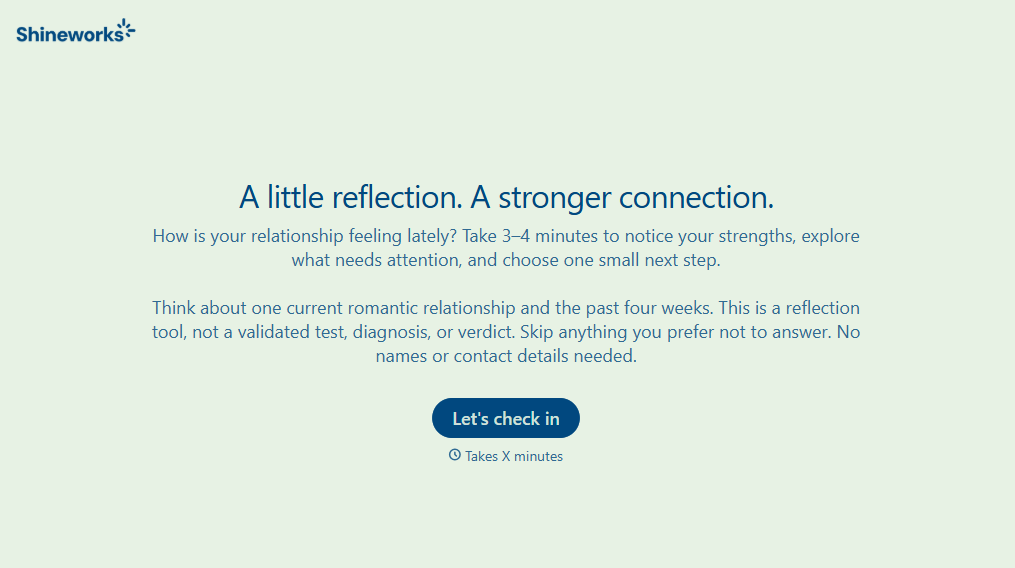
Relationship Quality Test Form
Give individuals and couples a simple way to evaluate their relationships with a form that explores communication, trust, and emotional connection. Keep responses organized so users can reflect on relationship strengths, identify challenges, and understand areas that need attention.
View template

Minor Surgery Permission Form
Give patients and authorized guardians an easy way to document consent for minor surgical procedures with a form that collects patient information, procedure details, and medical considerations. Keep consent records organized so healthcare providers can verify permissions, review relevant health information, and prepare for scheduled procedures.
View template

Screening Checklist for Visitors and Employees Form
Give organizations a straightforward way to screen visitors and employees with a form that collects identification details, visit information, and required safety acknowledgments. Keep screening records organized so teams can manage workplace access, identify potential concerns, and maintain a safe and secure environment.
View template

Patient Waiting List Form
Give patients an easy way to join an appointment waiting list with a form that collects contact information, scheduling preferences, and care needs. Keep all of the requests organized so your team can manage cancellations, fill available appointments, and reduce scheduling delays.
View template
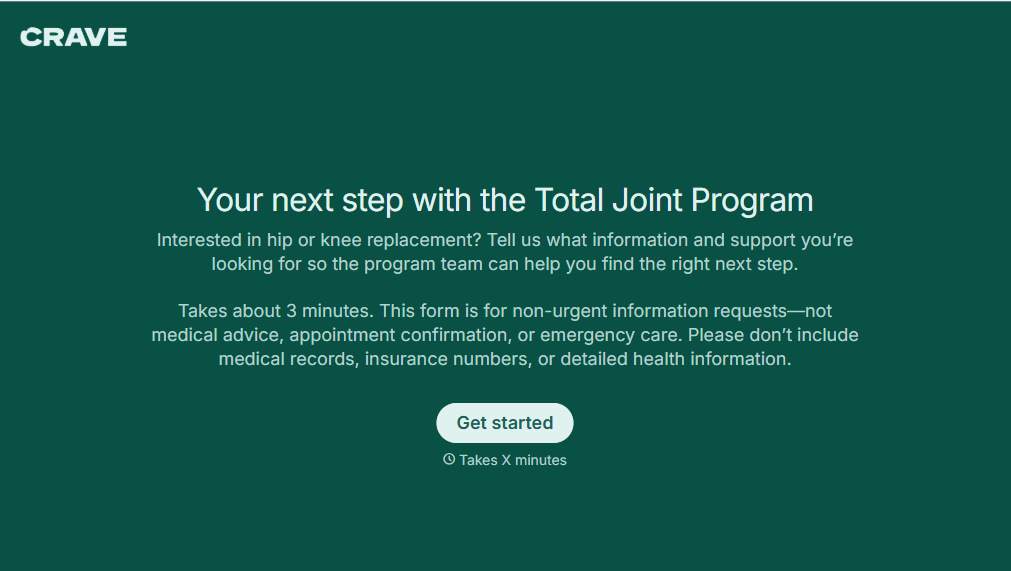
Total Joint Program Form
Give patients a straightforward way to prepare for joint replacement surgery with a form that collects medical information, procedure details, and recovery preferences. Keep patient records organized so healthcare teams can coordinate treatment, plan rehabilitation, and support a smoother surgical experience.
View template

Telemedicine Patient Evaluation Form
Give healthcare providers a convenient way to collect patient information before virtual appointments with a form that gathers medical history, current symptoms, and health concerns. Keep patient records organized so clinicians can prepare for consultations, assess care needs, and provide personalized telemedicine services.
View template
With Typeform, you can customize everything
Change text, colors, and even logos to match the look and feel of your brand. Then embed forms smoothly onto web and email.
Make forms feel effortless to fill out. Pace questions, call people by their name, and adapt the flow based on the data they share.
Stay efficient by connecting forms to your workflow. Typeform integrates with 300+ tools including Slack, Zapier, and HubSpot.