







Glossy Locks sign-up form offering 10% off your next order
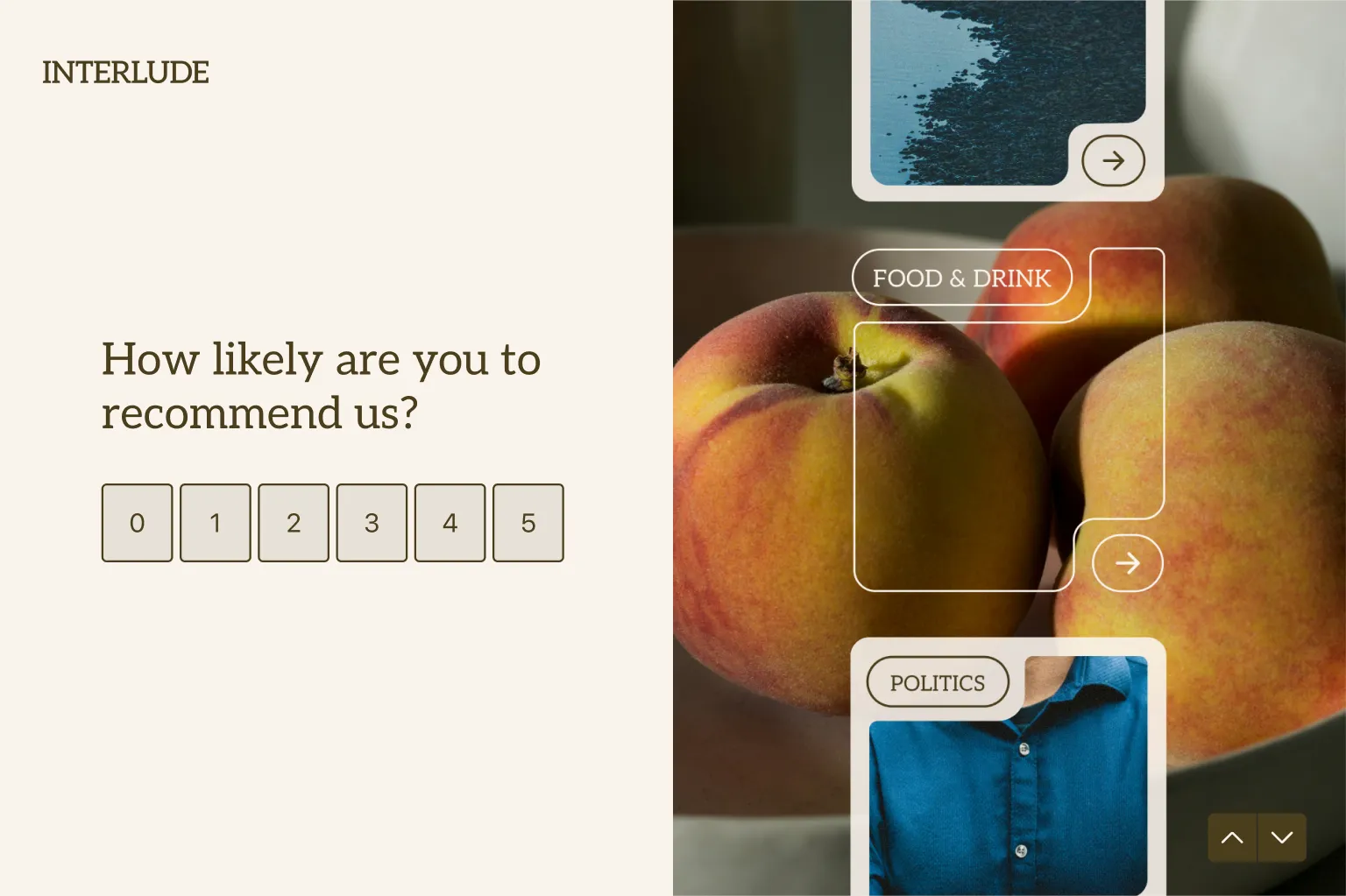
Interlude form asking how likely you are to recommend them, with a 0 to 5 scale
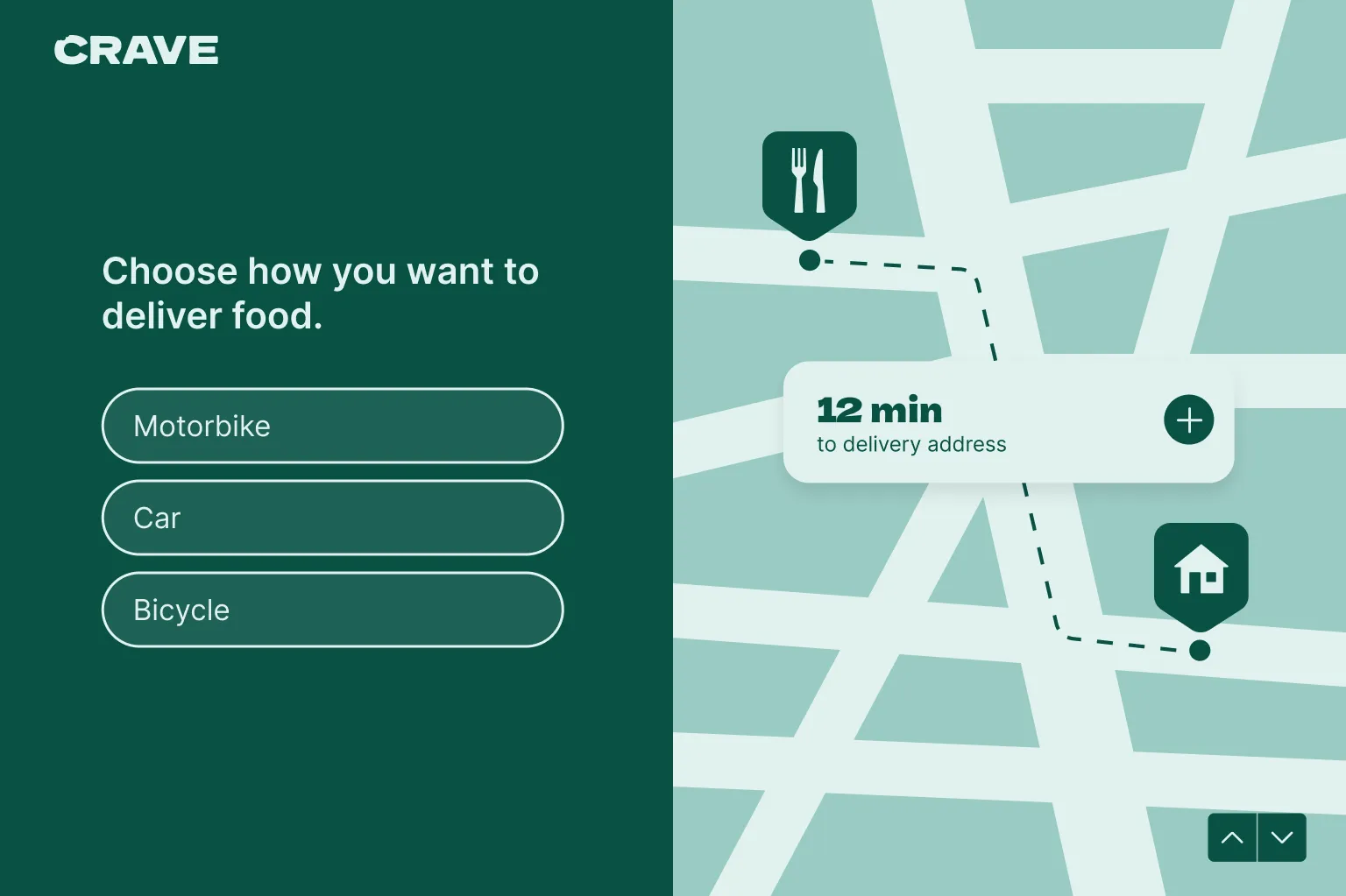
Crave form asking how you want to deliver food, with Motorbike, Car and Bicycle options
Zylo quiz form asking you to find your perfect frames
Trackbook form asking if you are enjoying TrackBook, with a Give feedback button
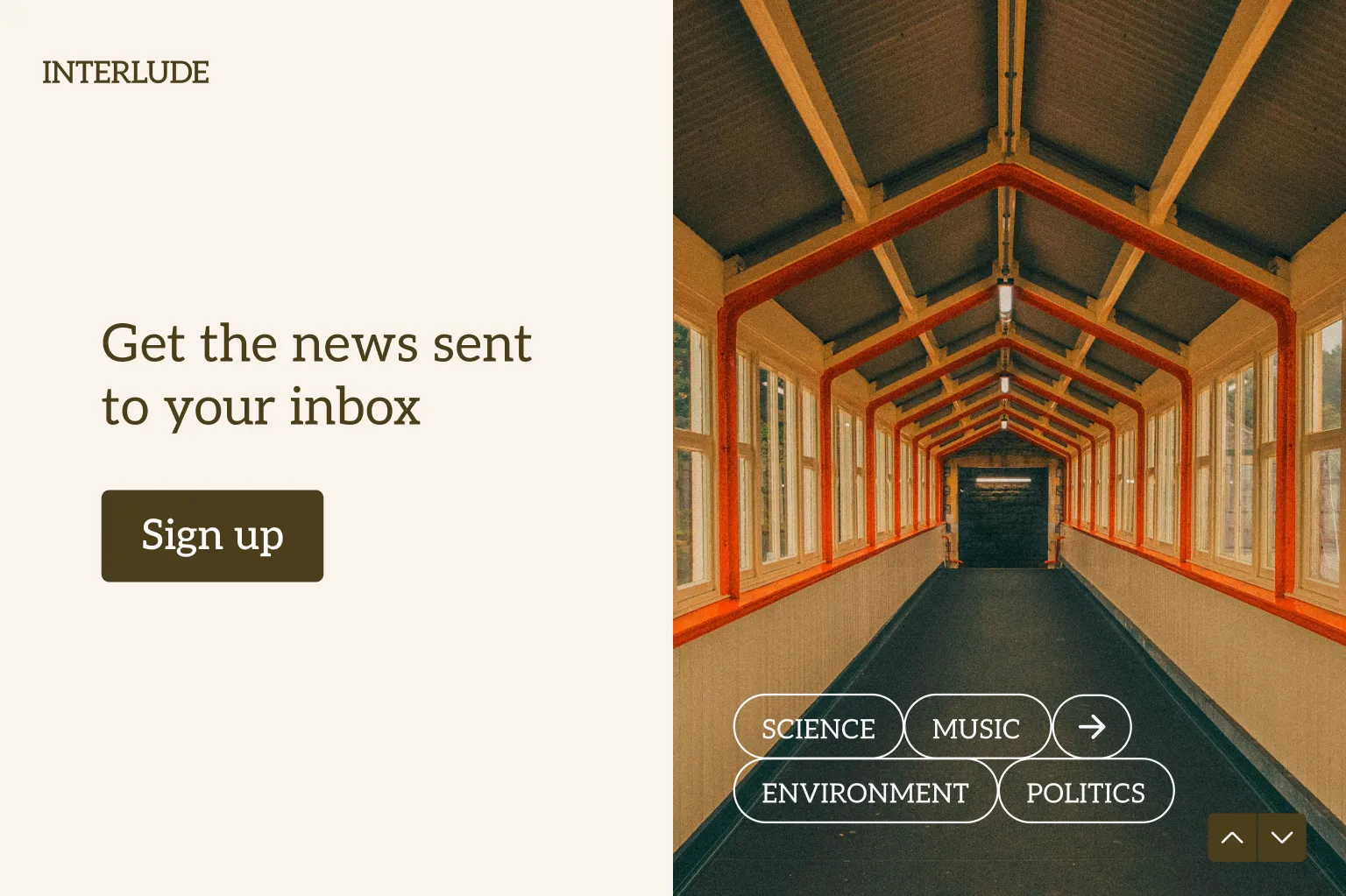
Interlude form inviting you to get the news sent to your inbox
FitCo form asking for your email in exchange for a free virtual class
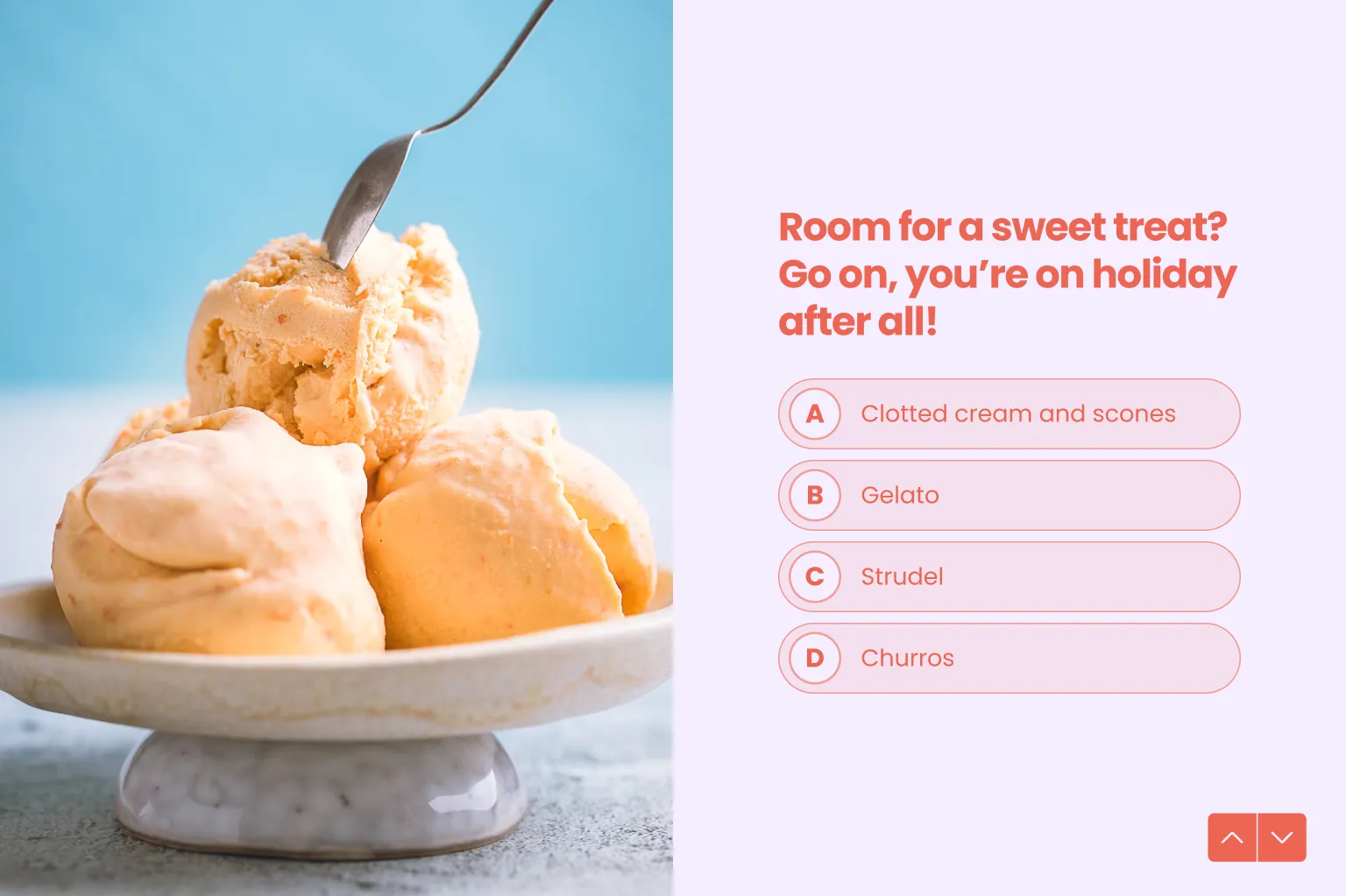
Dessert survey form asking if there is room for a sweet treat, with four options
Bloomed form asking for your email address, with a Subscribe button
Roast and Grind form asking for your name
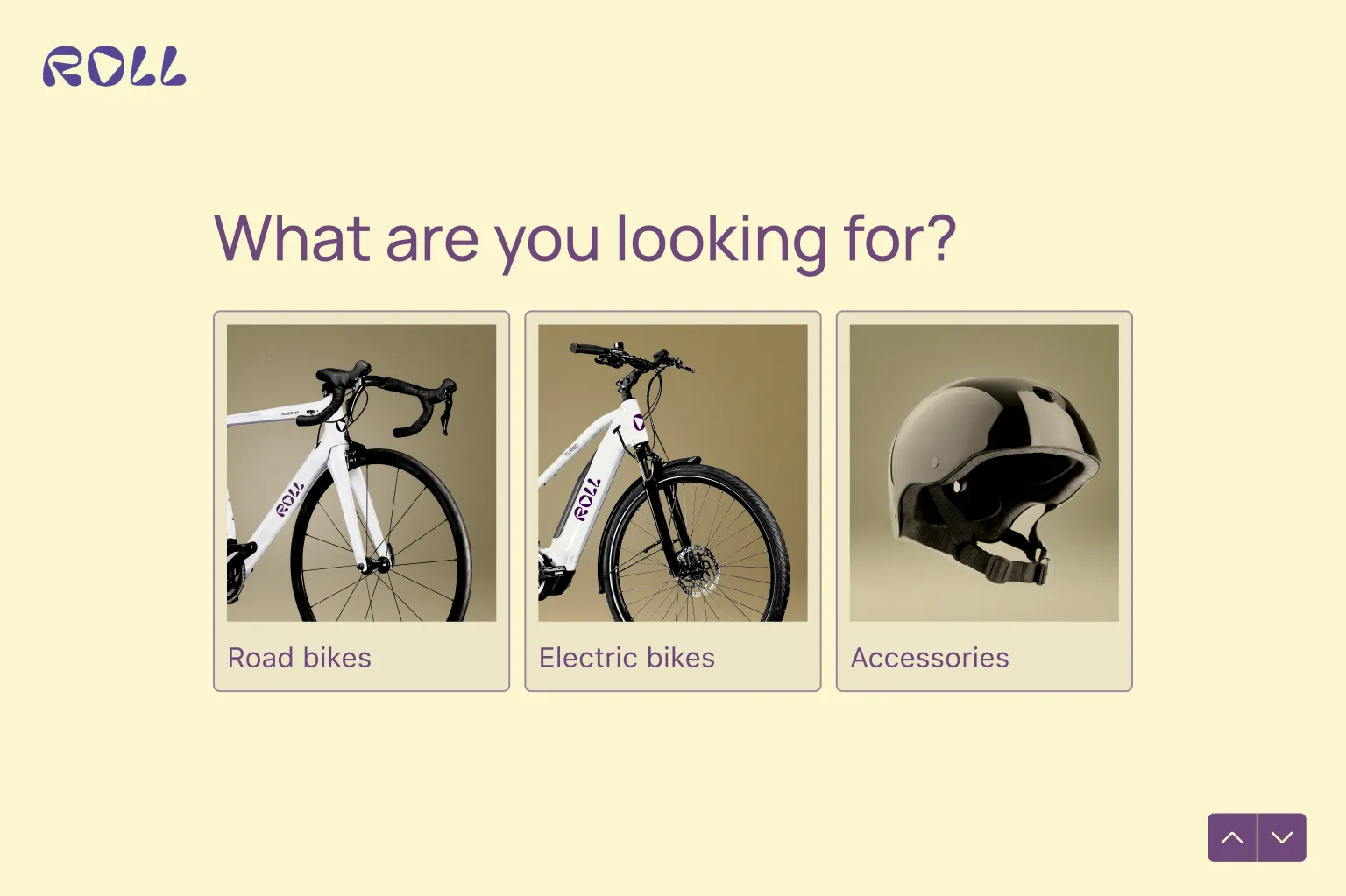
Roll form asking how often you use a bike, with Daily, Weekly and Monthly options
Survey form inviting you to help shape what is next
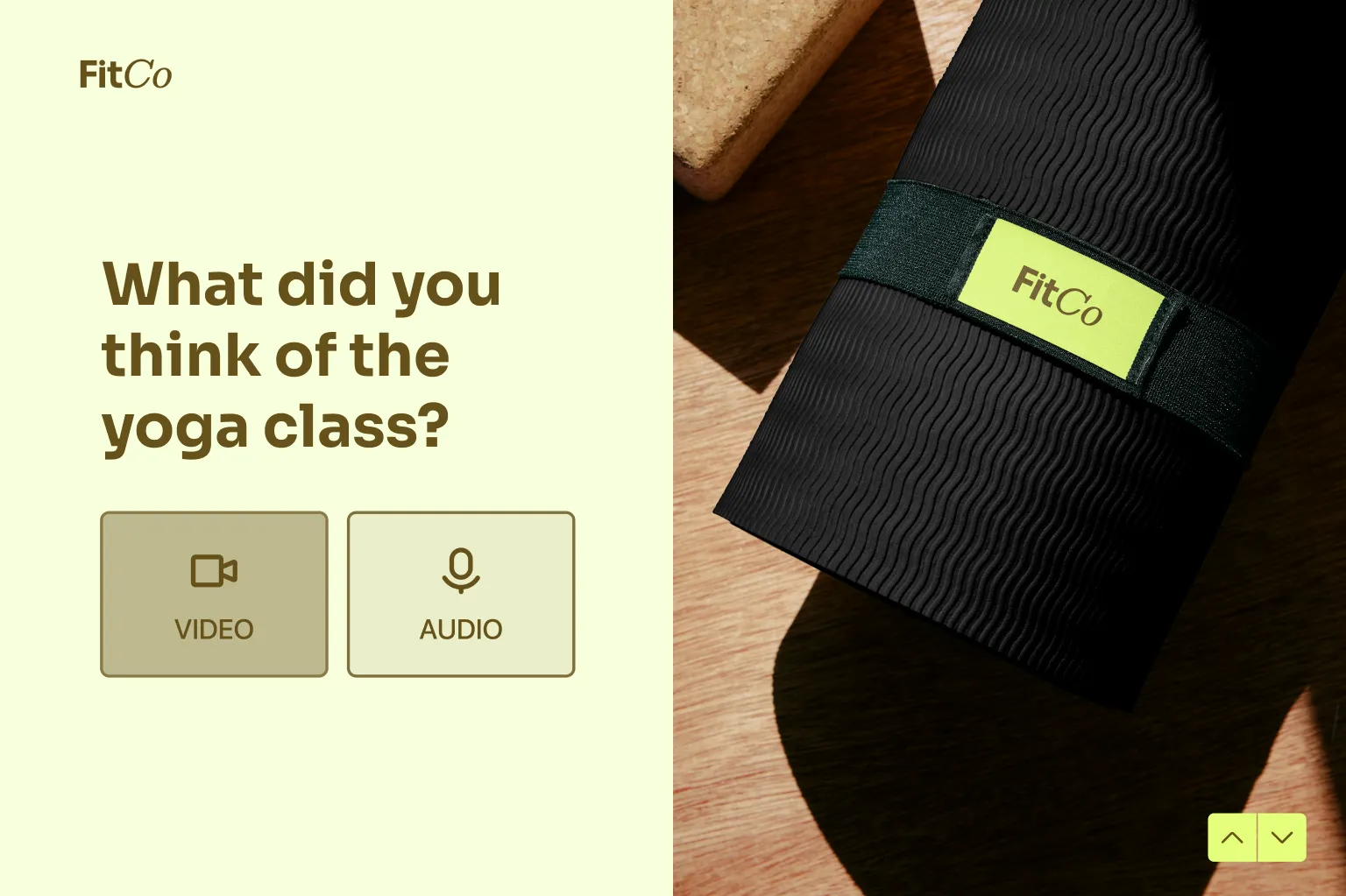
FitCo form asking what you thought of the yoga class, with video and audio answers
Bloomed form asking you to rate your purchase with five stars

2027 Form insights

The data behindforms that get finished

What our analysis of 861 million form views tells us about why people finish forms—and why they don’t.

861 million. That’s how many times Typeforms were viewed in the past year by leads, employees, applicants, and customers at everything from small businesses to the 95% of Fortune 500 companies that collect data with Typeform.

After 12+ years of building and optimizing forms, we know forms—what makes a good one and how to keep respondents engaged to the very end. Here are our top tips for making forms people actually complete.

TL;DR

Want to build better forms? Start here:

  • Long forms have the biggest optimization opportunity

    Ask only for what you need and leave unnecessary questions behind to boost completion rates.

  • People like sharing opinions, but don’t want to commit

    Respondents tend to stick around if you ask for their opinion, but will leave when your form is long and asks for a commitment, like payment.

  • No one likes answering questions you already have the answer to

    Form abandonment increases when you ask for information you already have. But when that information is already pre-filled, forms see higher completion rates.

  • Logic makes long forms feel shorter

    Logic means people only see relevant questions, making the form feel shorter—and, as we know, shorter forms perform better.

  • Respondents want shorter forms on mobile

    No one wants to fill out a 30-question form on mobile, especially if it’s not optimized for mobile. People want a great experience, regardless of screen size.

And after analyzing 2.6 million questions, one thing is clear: better questions don't just improve completion rates. They create more opportunities for your business.

Every completed form could mean a new lead, a potential customer signing up for your app, or a promising candidate submitting a job application.

Every question is an opportunity to learn something valuable. With hundreds of millions of real-world form submissions behind us, we know what keeps people answering—and how to make every question count. Here's how to put that knowledge to work.

Nourish Summit registration form asking if you are ready for the event of the year
Glossy Locks form offering 10% off your next order in exchange for your email
Trackbook form asking if you are enjoying TrackBook, with a Give feedback button

Are shorter forms really better?

Sometimes it just makes sense to ask more questions, so “make it shorter” only gets you so far. Completion rates depend on length, sure, but also on:

  • The purpose of the form
  • What you’re asking for
  • How you build the form
  • Where people answer (mobile vs. desktop)

Well, yeah… shorter forms perform better.

Completion rate by form length

Forms with 11+ questions go unfinished 46% of the time, nearly twice as often as forms with 1-3 questions. On top of that, shorter forms (1-3 questions) perform best across all industries:

Completion rate by form length and industry

And yet, healthcare’s long forms have a 62.4% completion rate—the highest of any industry. The drop-off between the industry’s short and long forms is only 18.8 points. So what makes it a top performer?

Healthcare is high-stakes, and when completion means seeing your doctor sooner or getting a more accurate diagnosis, we think people are more likely to push through. The higher reward just might be worth the effort.

Nuance matters

So, yes, shorter forms generally perform better, but that’s not the full story. If it were, we’d all be creating shorter forms and seeing completion rates soar. But the data shows that forms with 11+ questions are the most popular—they make up 48.7% of active Typeforms.

The problem? They demand the most of someone’s time. Yet that’s where your opportunity lies.

Small changes

Trackbook form asking a yes or not really question
Survey form inviting you to help shape what is next, with a Take survey button
Interlude form inviting you to get the news sent to your inbox
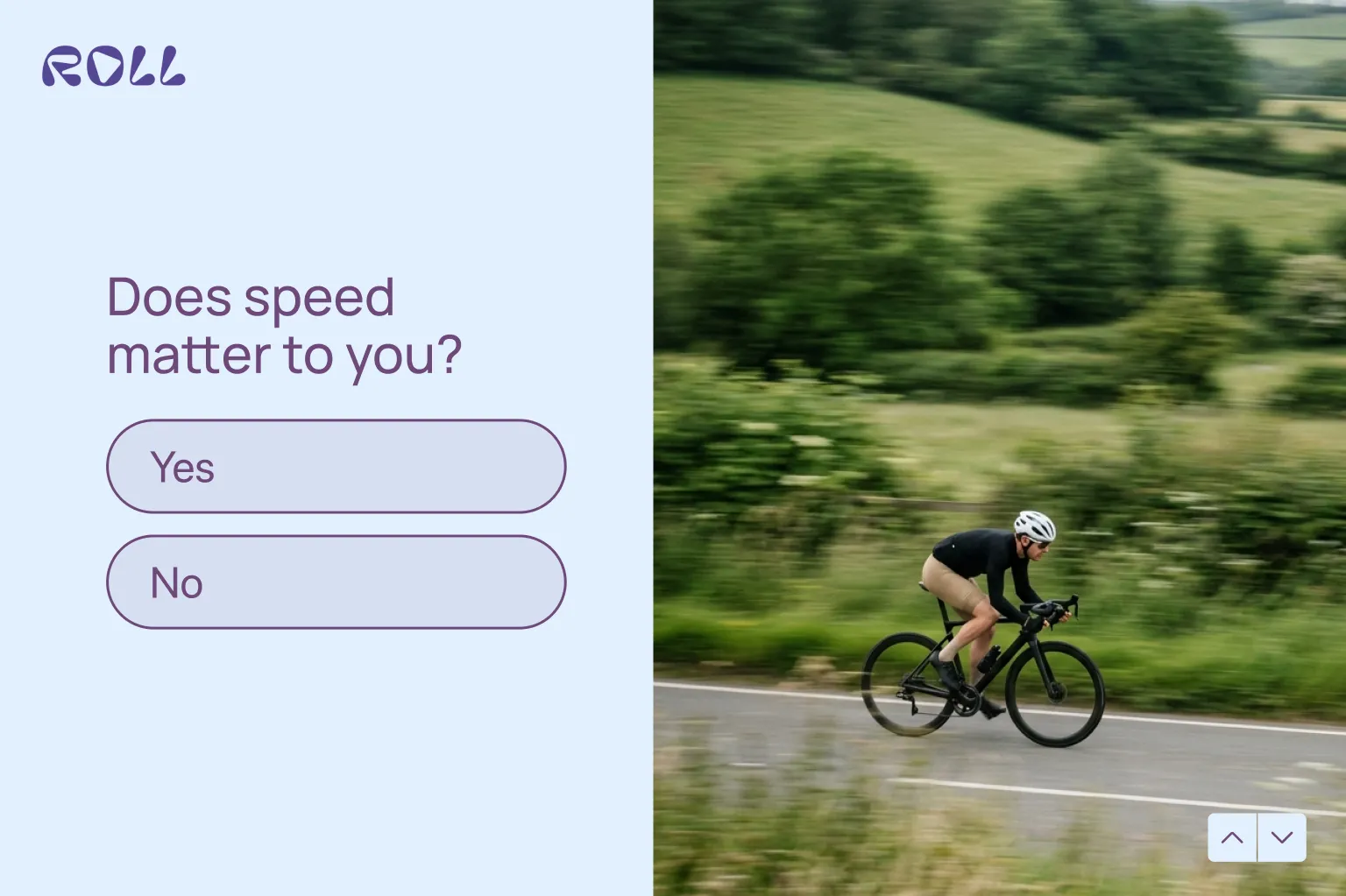
Roll form asking if speed matters to you, with Yes and No options

Feedback comes easy. Commitment does not.

Remember when we said every question has a price? Well, that price depends on what you’re asking people to do—not just how long your form is.

We love sharing our opinions. Ask us 20 questions about what we think? No problem. But you want us to book a call, pay for an event, or apply for a membership? We don’t have the patience for that.

The bigger the commitment, the less we want to answer extra questions.

Completion rate for opinion forms by length

The most widely-read weekly German newspaper, DIE ZEIT, collects feedback across 40+ newsletters with Typeform. Its Was jetzt? newsletter has about 400,000 readers, and its feedback survey still sees an impressive 90%+ completion rate.

“A newsletter is one-dimensional. With Typeform, you can see what readers are interested in. You get their opinions and voices.”

Michael Schock
Tools Manager, DIE ZEIT

While feedback surveys generally hold up regardless of length, forms that require any commitment see steep drop-offs as forms get longer.

Completion rate for commitment forms by length

Here’s what we think: people want to be heard. Sharing opinions requires little effort and carries almost no risk. But sharing personal details, forking over money, or giving up our time means effort and risk.

Every extra question makes those asks feel even bigger, and that’s a price many aren’t willing to pay.

So, if you’re using commitment forms, try to keep them short. They perform best when they’re short, with completion rates between 69% and 84%.

But for many businesses, the goal isn’t just more submissions. It’s about collecting enough information to qualify the leads coming in. Making your form shorter can help, but you might also risk losing the details that make lead follow-up worth it.

Want to do your own deep dive into the data? You can download the dataset using the button here.

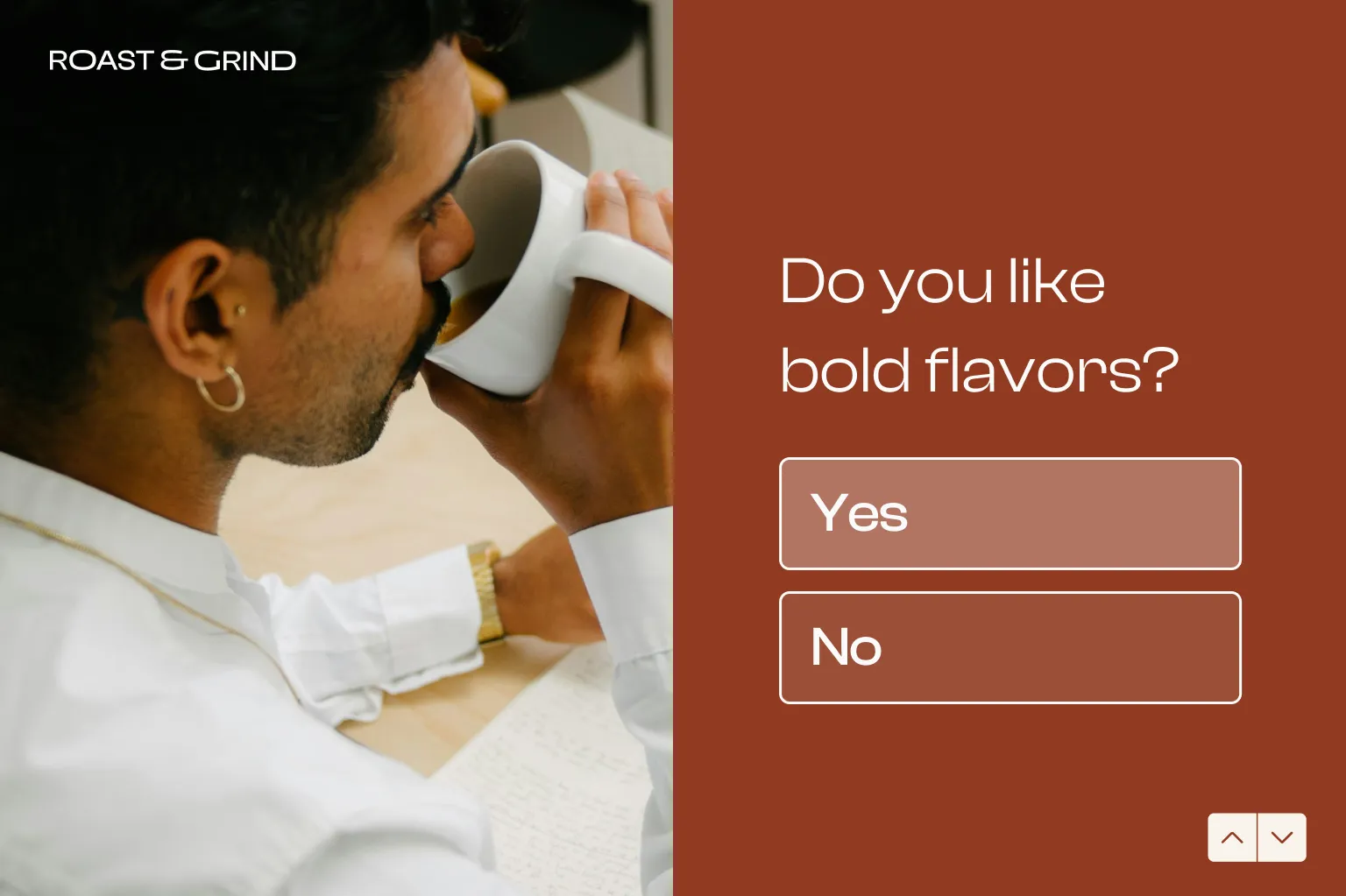
Roast and Grind form asking if you like bold flavors, with Yes and No options
Glossy Locks form asking if you would recommend hair products based on music selections, with a 0 to 10 scale
Glossy Locks form asking what your hair’s Wi-Fi password would be, with a short text answer
Glossy Locks form asking what type of soda you like, with Yes and No options

Make every question count.

No matter the form length, some questions just cost more—like asking people for information you likely already have. The data shows that people are less likely to stick around for questions about personal details or ones that take extra effort.

Here, we see the true value of these question types when they’re included in forms with 11+ questions:

The difference between long forms with an NPS question and those with a payment question is a staggering 40.8 points. That’s nearly twice the gap between the shortest and longest forms overall (21.4 points).

What you ask might just matter as much as how much you ask.

Take contact questions. Asking for an email on a short form costs very little. At the end of a long form? Totally different story.

Completion rate for forms with contact detail questions by form length

That data also shows that some questions—like NPS and opinion scales—hold up at any length, while forms with file uploads or Calendly questions stay low regardless of length. This all suggests what you ask might matter more than the number of questions you ask.

But what if you really need someone’s contact info? Don’t ask for what you already have.

Helpful tip for forms that use URL parameters

Completion rate for forms with URL parameters

Larger companies often need to collect more data to qualify leads, but no lead wants to answer 20 questions. The solution?

Data enrichment. It lets enterprise teams collect more data without having to ask for it—no costly questions, no friction.

Typeform’s AI Data Enrichment provides industry-leading match rates reaching up to 92% for B2B and 71% for B2C companies. In fact, Clay uses data enrichment to get everything it needs to qualify leads with a single question.

Clay boosts completion rates by 70% with a single question.

Clay cut its lead form from 5-6 questions to one: a LinkedIn URL. Data enrichment fills in 20+ lead qualification data points automatically, so sales gets the data it needs without having to ask the lead.

“For anything where I just need to follow up and qualify—one question is magical.”

Yash Tekriwal
Head of GTME Ecosystem, Clay

FitCo form with a video and audio question
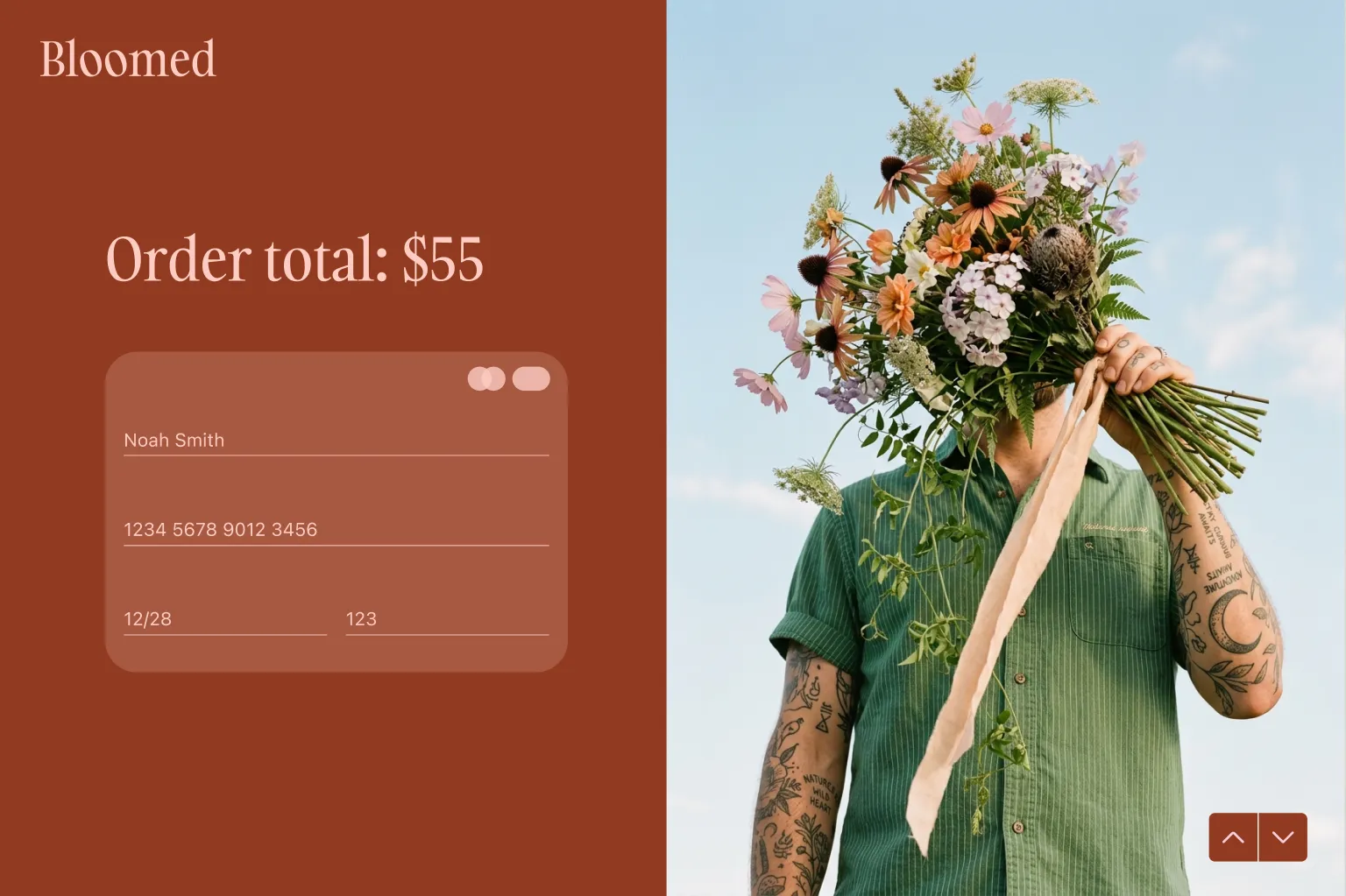
Bloom form with a payment question
Ice cream survey form
Roll form with a multiple choice question
Roast and Grind form asking for your name

A shorter form won’t fix a bad experience. Design can.

Cutting questions isn’t always the solution. But improving completion rates usually starts with creating a better respondent experience. How do you do that? Reduce friction and be intentional with how you design your forms.

Make long forms feel shorter

Don’t ask people questions that aren’t relevant to them. Logic skips these questions so forms feel shorter and people aren’t annoyed by answering questions that hold no relevance.

Forms that use Logic—no matter the length—also see higher completion rates.

Completion rate with and without Logic

What’s more, long forms (11+ questions) with Logic and no other features performed almost six points better than forms with no features at all (60.3% vs. 54.4%).

Things aren’t always as they seem

Looking at the form data without the full context, Logic seems to lower completion rates: 58.9% with vs. 62% without. Why? Because Logic usually shows up on longer forms, which see lower completion rates in general. But when you compare forms of the same length, Logic wins every time.

We think it’s because thoughtful personalization (like skipping irrelevant questions) is more important than cutting questions. And that matters when you want to get as many details as possible. Spend your “form money” on the questions you actually need answers to.

How Forbes made a long nomination form work

Forbes’ 30 Under 30 nomination form is long. Luckily, no one sees the full thing. Respondents select whether they’re nominating themselves or someone else before they’re routed to follow-up questions that match. The form garnered over 15,000 nominations in a single year and a higher completion rate than its previous form builder.

Design for the screen they’re looking at

Between social media, mobile apps, and social commerce, we’re on our phones more than ever. So, unsurprisingly, people viewed Typeforms on mobile 601 million times last year, or about 70% of the time.

That’s not the issue. When respondents open your long form on mobile, you pay in form abandonment: those views account for about 44% of all views that end without a submission.

Completion rate on mobile vs. desktop by form length

Just like with Logic, mobile completion rates across all forms look bad: 58.9% on mobile vs. 62.3% on desktop. But again, there’s a deeper story—short forms do better on mobile.

Asking fewer questions is tempting, but the data shows a broader picture, one about the respondent experience. Logic shows respondents you respect their time. Designing for mobile shows you know where they are.

Make your forms mobile-friendly

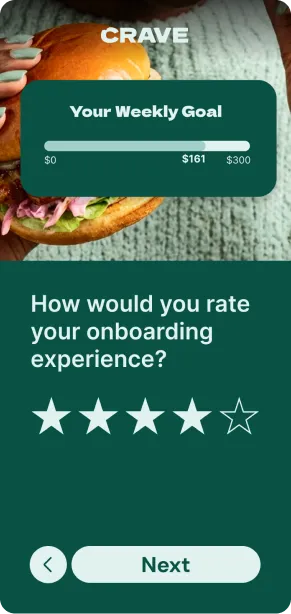
Crave mobile form asking how you would rate your onboarding experience, with a five-star rating

TIP #1

Make your forms pop with high contrast

Use text that contrasts with the background, especially for elements meant to stand out, like CTAs. Text on mobile is generally smaller, so making it pop also means it’s easier to read.

Want more design tips?
Check out our nine best practices for mobile form design.

“Typeform feels like part of the brand experience. It feels like part of the MKT1 experience. It feels like a way to participate and communicate.”

Emily Kramer
Founder, MKT1 Newsletter & MKT1 MCP

And that experience isn’t just a nice-to-have or feel-good action. It’s more answers you can act on, whether that’s lead follow-up or implementing feedback.

Interlude sign-up form

When company size (mostly) matters

Form length, design, and what you ask all affect the price. But who’s sending the form matters, too. And as it turns out, the largest companies (1,000+ employees) see higher completion rates than the smallest companies (1-10 employees) at every form length.

Completion rate by form length and company size

Length isn’t everything

Across the board, bigger companies do better. But why?

The data doesn’t say, but here’s our take: bigger companies tend to have more data, so they can pre-fill forms and create a better experience. Both are tied to higher completion rates.

At enterprise scale, every completion is worth more. If your form is viewed a million times, a 10-point increase in completion rate means 100,000 more submissions.

That’s 100,000 more insights to build a better product, improve the customer experience, bring in more qualified leads, or get more sign-ups for your annual conference.

“Lowest friction, fastest way for us to get data from all of these live touchpoints that we have with customers—that's Typeform.”

Yash Tekriwal
Head of GTME Ecosystem, Clay

What’s it all mean?

Every question comes with a trade-off: your respondents pay it in time and effort as forms get longer. But length is only the start. What your form is for, what it asks for, how it’s built, and where people answer the questions can all add to your tab (or bring it down).

  • The optimization opportunity lies with long forms

    Forms with 11 or more questions make up nearly half of all active Typeforms (48.7%), but they also account for about 60% of all views that end without a submission. Long forms are your biggest opportunity for optimization.

    Remove unnecessary questions and make sure the ones you keep work harder.

  • If you’re asking someone to commit, make your form short

    Respondents will answer opinion questions no matter how long your form is, but they typically bounce on long forms that start asking for commitment.

    For example, market research forms see almost no drop in completions between the shortest and longest forms. But order and payment forms drop 39 points, and lead gen forms drop 33.4 points.

    The jobs to be done determine how far you can go, so it’s best to tread carefully for longer commitment forms.

  • Don’t ask for information you already have

    Contact details, payments, and file uploads are the highest-effort asks, and contact info becomes a heavier ask the longer your form gets. Use URL Parameters to pre-fill information you already have, like an email or address.

    Forms that use URL Parameters get completed more often, at every length. If you don’t have the data yet, use enrichment to fill in the details without asking. Save your respondents’ time for the high-effort asks you can’t avoid.

  • Use Logic to make long forms feel shorter

    Logic shows respondents only the questions that apply to them, so even long forms feel shorter. It’s also tied to higher completion rates: 4.7 points higher for forms with 4-6 questions and 6.6 points higher for forms with 7-10.

  • The experience matters as much as the length

    On mobile, nearly eight out of 10 forms end with a completion, but long forms barely pass the 50% mark. Keep your forms short if most of your audience views them on mobile.

    Consider the holistic experience, too. Is it optimized for mobile? Will the respondent struggle to get through it?

Every question asks something

Methodology

This analysis is based on Typeform's internal form-level and daily form activity data, connected to account information. We determined industry data with assistance from third-party company enrichment based on the account’s domain.

Typeform collected the anonymized, aggregate data between November 1, 2025, and November 1, 2026 across 106,390 active forms, 861 million views, and 515 million submissions. We sourced this data from accounts on a paid plan to ensure the most complete data contributed to this study.

Definitions

  1. Completion rate is calculated as total form submissions divided by total form views.
  2. Jobs-to-be-done data is determined by Typeform’s engineering team’s machine learning model.
  3. Form length ranges—defined by the total number of fields in a given form—were grouped into four ranges: 1-3, 4-6, 7-10, and 11+. These ranges were set by the Typeform team.
  4. Active forms are defined as those that are currently published and can still receive user submissions.