Dance Audition Form Template
Collect auditionee information and preferences before auditions so the process runs on time and nothing gets missed.


Managing dance auditions with paper sign-in sheets and verbal briefings is chaotic. You're tracking who's registered, which styles they're auditioning for, whether they have headshots, and what their availability is — all at once, often in a high-energy environment where things get missed.
A digital audition form handles intake before anyone walks through the door. Typeform collects each dancer's details, experience, the roles or styles they're auditioning for, and any supporting materials in advance. Conditional logic adapts the form based on the audition type — a contemporary audition has different questions than a hip-hop or musical theater call. Responses come through before the day so your team can prepare registration packets, set a running order, and review materials in advance.
Customize the form with your company's branding, the specific roles or pieces being cast, and any requirements for what to bring. Share it as the official audition registration link in your call-out announcement.
A dance audition form is a pre-audition registration and intake form that collects information from dancers before they audition. It typically covers contact details, training background, experience, the roles or categories they're auditioning for, and any supporting materials like headshots or video links.
An online form is the easiest way to get more audition signups. By switching up the question types and asking one at a time, you keep the dancers engaged—which usually means higher completion rates, and more audition signups.
It also helps you automate a lot of the busywork that comes with organizing auditions. You can automatically send dancers follow-up info about their upcoming addition. And multiple choice questions allow you to segment dancers and create schedules effortlessly.
Cover background, audition specifics, and logistics:
- Full name, age, and contact information
- Training background and years of experience
- Dance styles and technical training
- Role or piece auditioning for
- Headshot or performance video link
- Conflicts or scheduling restrictions
- Represented by an agent? (if relevant)
Add a note in your audition call that pre-registration is required or strongly preferred, with a cut-off time. For day-of walk-ins, have a tablet available with the form open so they can complete it digitally on the spot. This keeps all your data in the same place rather than splitting it across digital and paper records.
Yes. Set up a confirmation message in Typeform's thank-you screen and consider connecting to an email tool to send a more detailed confirmation with audition day logistics. Dancers who receive a clear confirmation feel more prepared and less anxious, which tends to produce better performances.
Get inspired by relevant templates and categories
3200+ Templates, 300+ Integrations
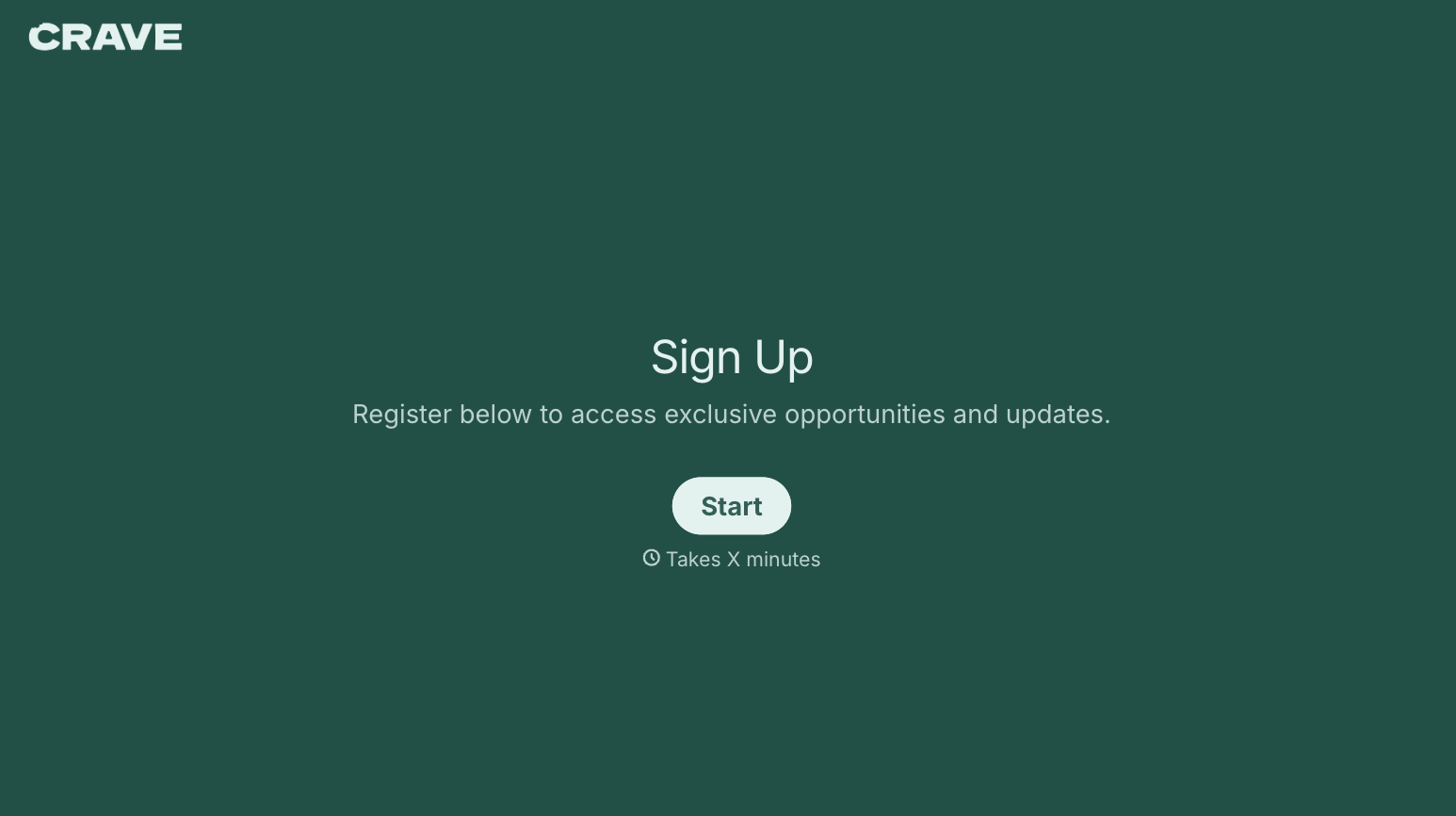

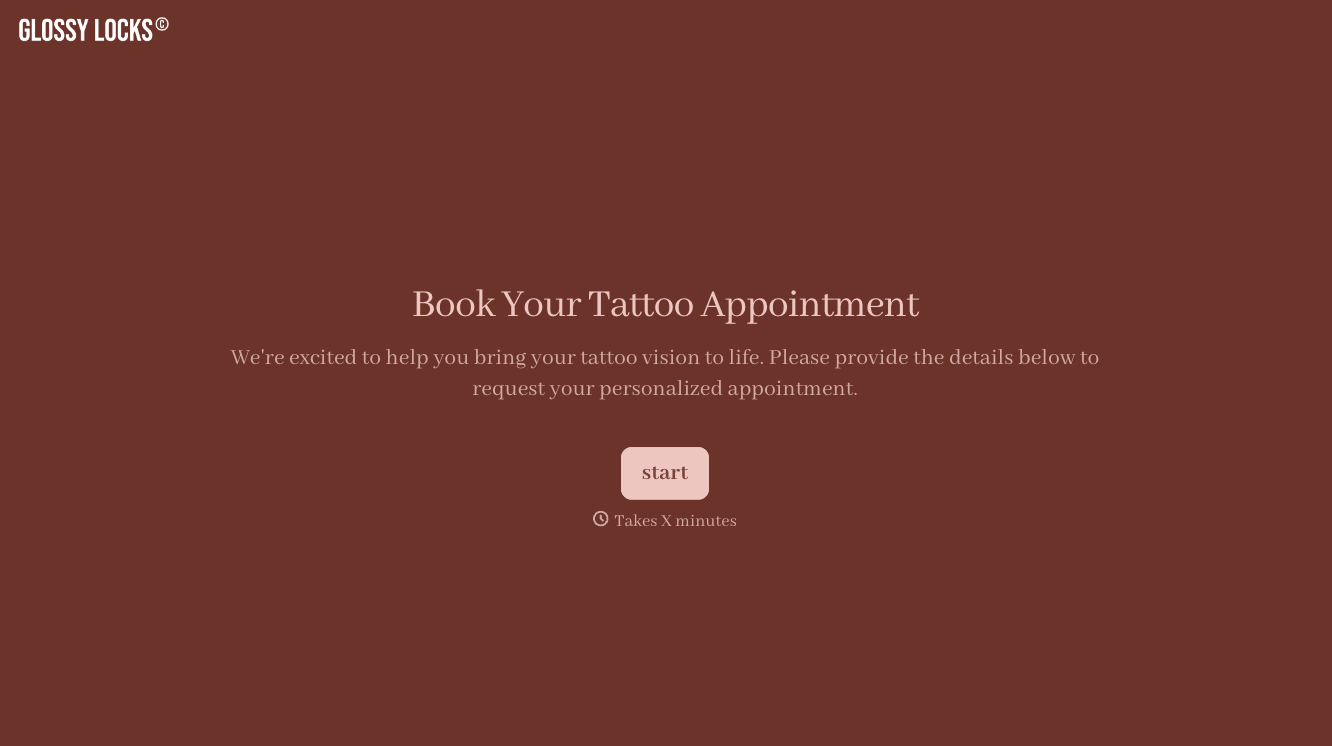

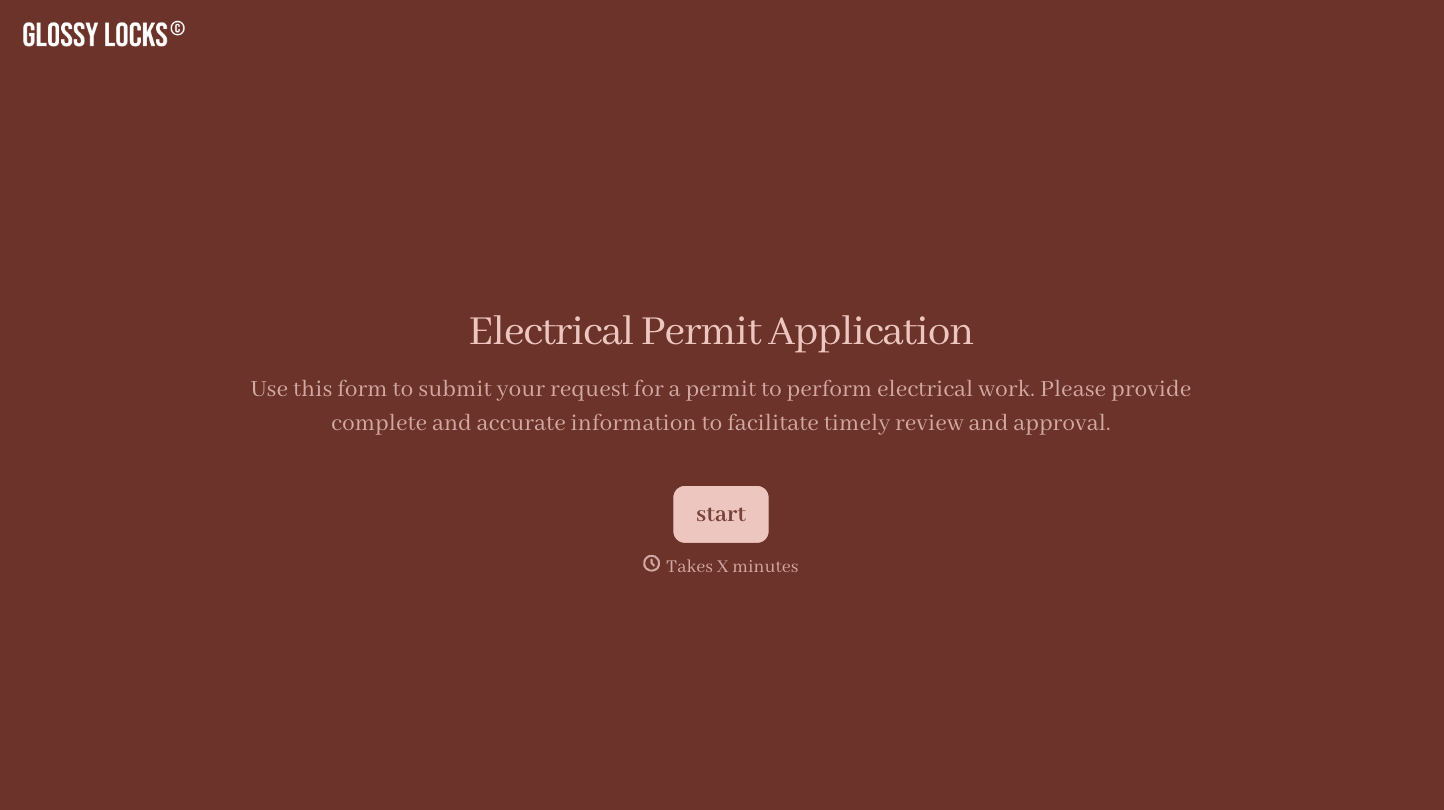
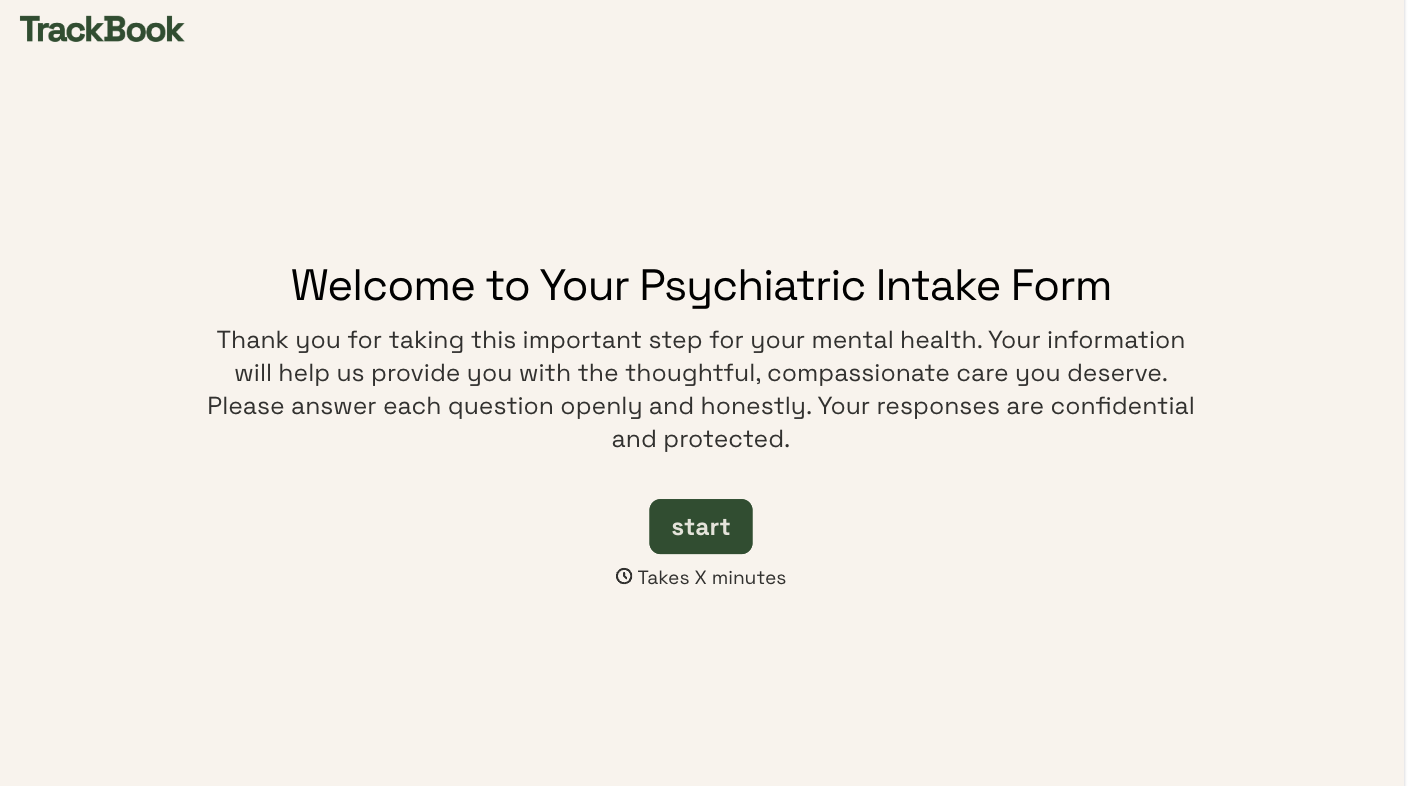
With Typeform, you can customize everything
Change text, colors, and even logos to match the look and feel of your brand. Then embed forms smoothly onto web and email.
Make forms feel effortless to fill out. Pace questions, call people by their name, and adapt the flow based on the data they share.
Stay efficient by connecting forms to your workflow. Typeform integrates with 300+ tools including Slack, Zapier, and HubSpot.


