Employee Emergency Contact Form Template
Collect the information you hope you'll never need, but will be grateful to have if you do.


Every organization is required to have emergency contact information for employees. Yet this critical data is often buried in onboarding packets from years ago, scrawled on index cards in filing cabinets, or stored in systems nobody updates. When an actual emergency happens, the last thing you want is to be flipping through outdated paperwork trying to reach someone's spouse — only to find a phone number that was disconnected 2 years ago.
This emergency contact form template makes collection and updates painless. Employees provide at least 2 emergency contacts with names, relationships, and multiple phone numbers. They also share relevant medical information — allergies, conditions, medications. That first responders or coworkers might need to know in a crisis. The one-question-at-a-time format takes about 3 minutes, and the conversational design feels far less cold than a clinical HR form.
Send the form link during onboarding and again annually for updates. Responses sync to a secure Google Sheet or your HRIS through Zapier. You always have current, accessible emergency contacts. Not a filing cabinet full of maybes.
An employee emergency contact form collects the names, relationships, and contact details of people an organization should notify if an employee experiences a medical emergency, accident, or other crisis at work. It may also capture relevant medical information — such as allergies, blood type, or ongoing conditions. That could be critical for emergency responders.
People's lives change — relationships end, phone numbers change, people move. Emergency contact information collected during onboarding 3 years ago may be completely outdated. An annual update request ensures the data is current when you actually need it. The form takes 3 minutes to complete. The cost of having outdated information during a real emergency is immeasurable.
- Primary emergency contact: full name, relationship, and phone number
- Secondary emergency contact: full name, relationship, and phone number
- Known medical conditions or allergies relevant to emergency care
- Current medications (optional, but valuable for responders)
- Preferred hospital or doctor (if the employee has a preference)
- Any other instructions the employee wants documented for emergencies
Minimum 2. One primary and one backup. If you can't reach the first contact during a genuine emergency, you need a second option immediately. Not a delay while you figure out who else to call. Some organizations collect 3. More than 3 is rarely necessary and starts to feel intrusive. Make the first 2 required and the third optional.
Accessibility is as important as accuracy. Store responses in a secure but quickly reachable system. A shared (but access-controlled) Google Sheet or your HRIS. Ensure that managers and front-desk staff know exactly where to find this data in an emergency. Some organizations print emergency contact sheets for each floor or department. Digital access is primary, but a physical backup for worst-case scenarios (power outage, system down) is a smart precaution.
Get inspired by relevant templates and categories
3200+ Templates, 300+ Integrations

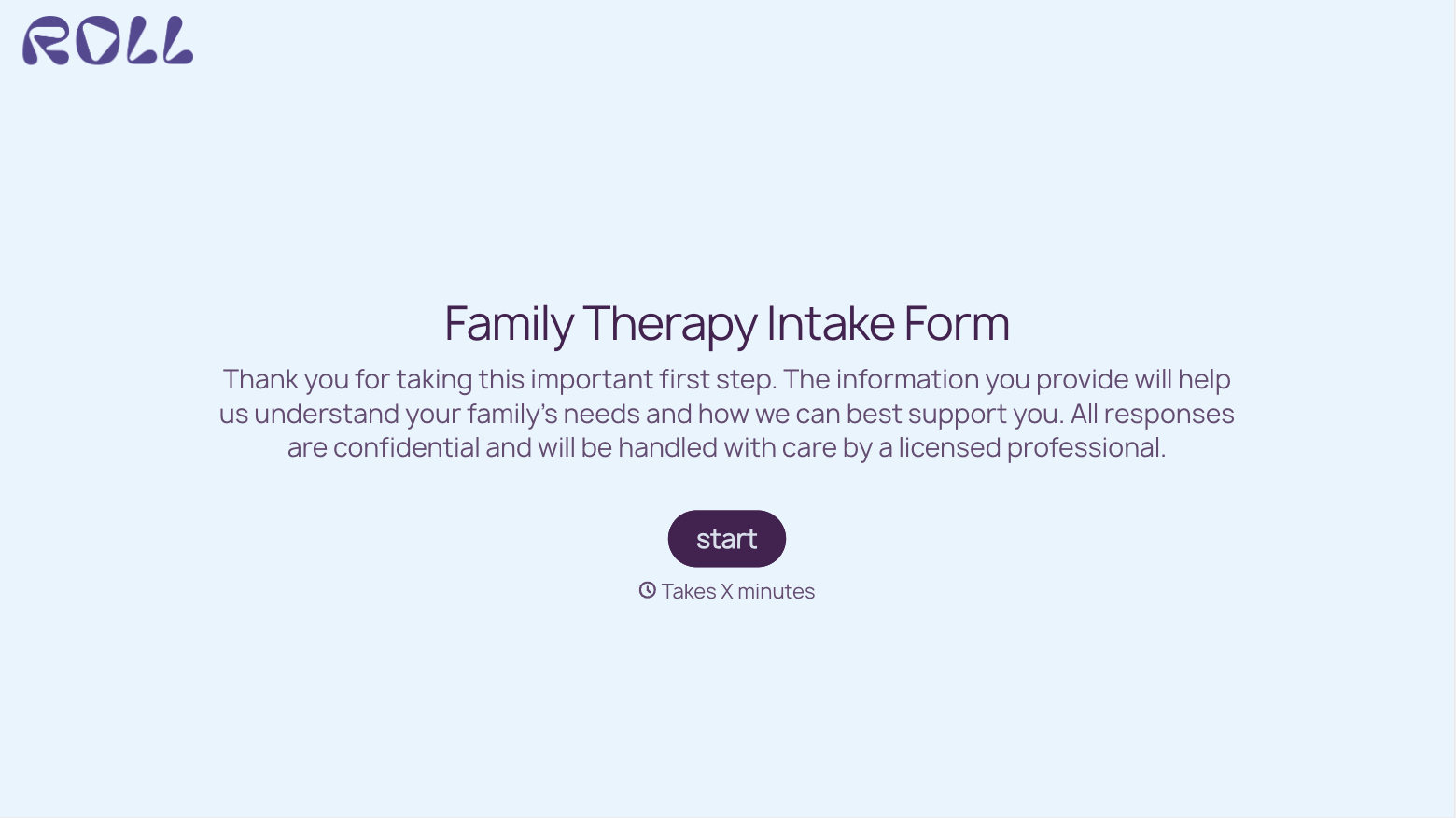
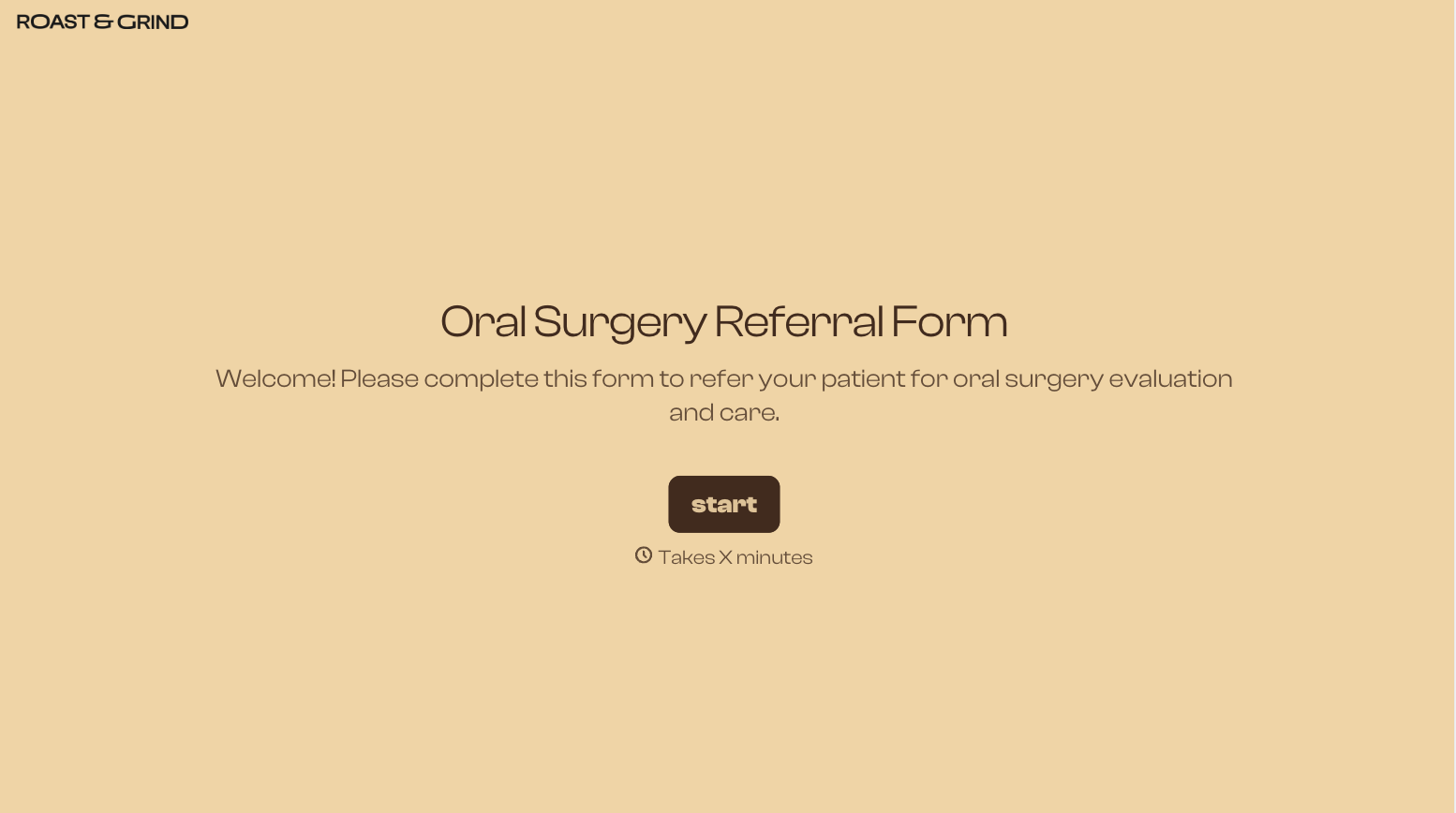
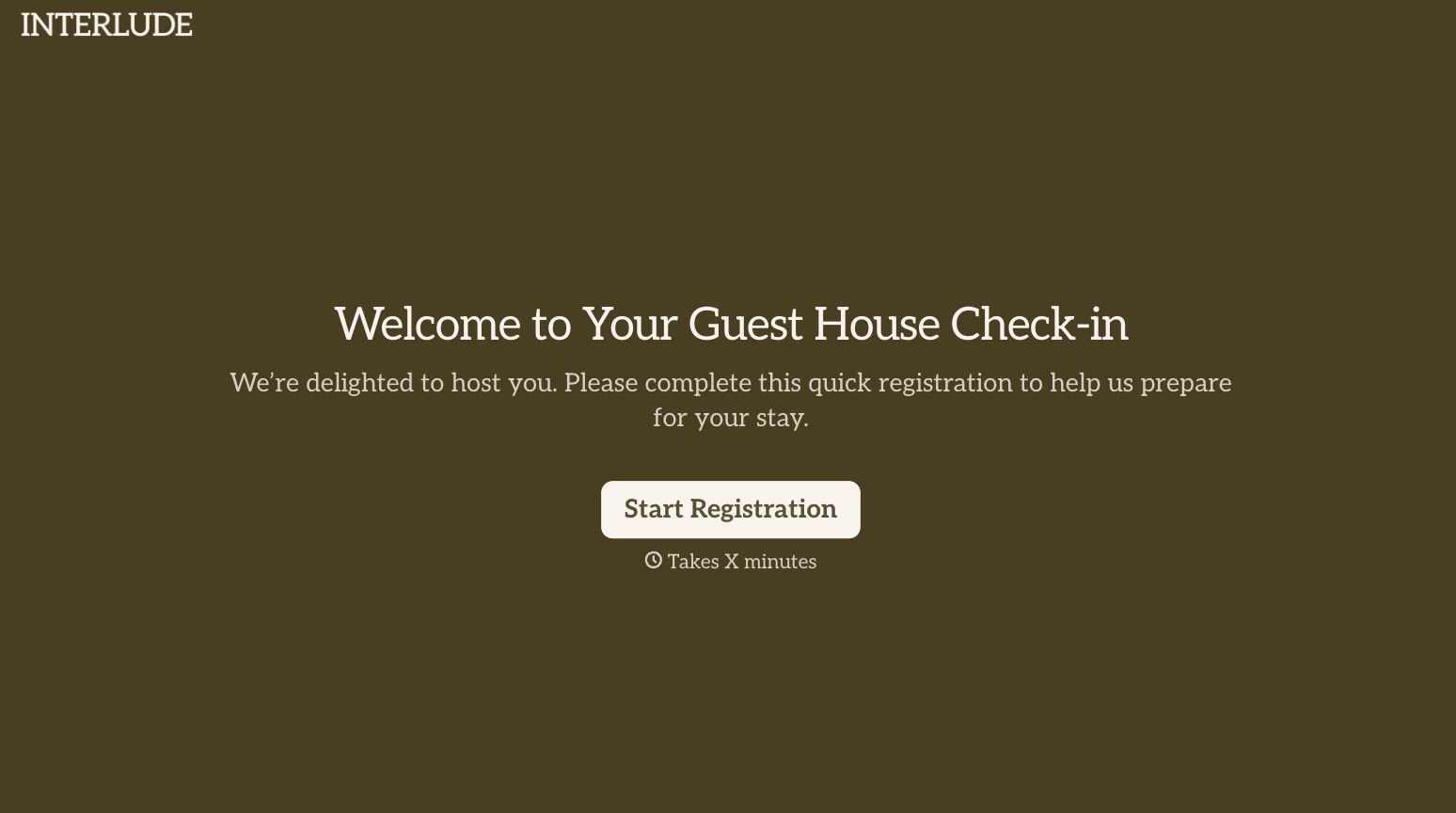
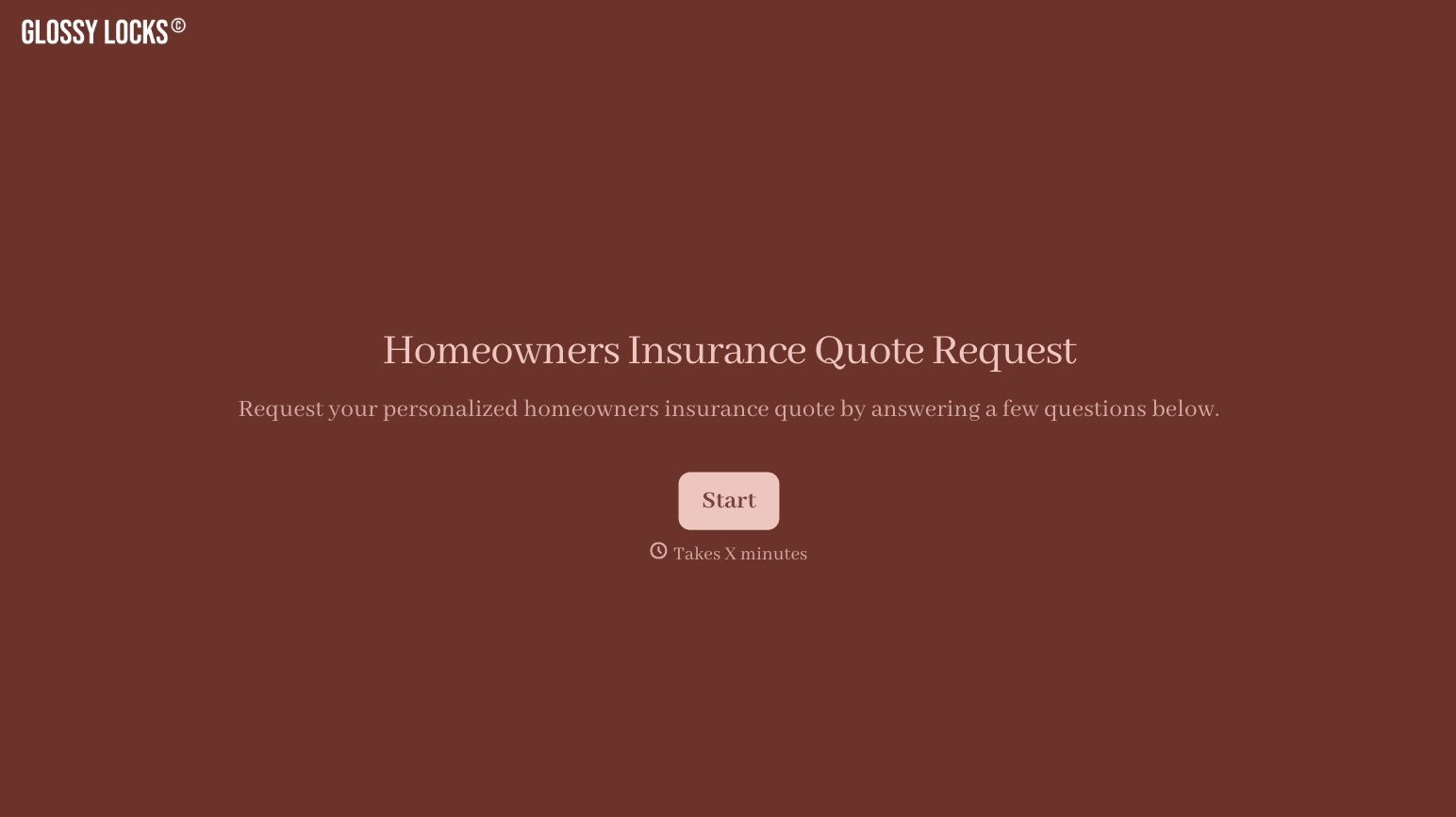

With Typeform, you can customize everything
Change text, colors, and even logos to match the look and feel of your brand. Then embed forms smoothly onto web and email.
Make forms feel effortless to fill out. Pace questions, call people by their name, and adapt the flow based on the data they share.
Stay efficient by connecting forms to your workflow. Typeform integrates with 300+ tools including Slack, Zapier, and HubSpot.


