Media Request Form Template
Give journalists, bloggers, and content creators a structured way to submit media inquiries.


When media requests come in through a general inbox with no structure, your communications team spends time figuring out who's asking, what they need, and whether the request is worth pursuing. Vague requests get slower responses, and some fall through the cracks entirely.
A media request form brings structure to the process. Journalists and content creators provide their outlet, topic angle, required assets, and deadline upfront. That gives your PR or communications team the context needed to triage quickly and respond appropriately. Conditional logic can route broadcast requests to different contacts than print inquiries.
Share the link on your press page or media kit. Connect to your PR team's inbox to ensure every request is seen immediately.
A media request form is an online form that journalists, podcasters, bloggers, or other content creators use to submit requests for information, interviews, assets, or commentary from an organization.
It creates a consistent, searchable record of all incoming media requests and gives your communications team the context to prioritize and respond efficiently. It also reduces the volume of vague, unstructured emails that require clarification before any work can begin.
A media request form should capture the key details your team needs to evaluate and respond:
- Journalist or content creator name and contact information
- Media outlet and approximate audience size or reach
- Nature of the request (interview, data, imagery, commentary, etc.)
- Topic or angle being covered
- Publication or broadcast date and submission deadline
- Any specific sources or spokespeople requested
During high-demand periods, update your form to set realistic response time expectations. You can also add a triage question asking whether the request is time-sensitive, and use routing logic to prioritize those submissions.
A public form on your press page works well for inbound media inquiries. If you're concerned about spam or non-media submissions, add a question requiring the requester to provide their publication or media credentials, and note that requests will only be answered from credentialed media.
Get inspired by relevant templates and categories
3200+ Templates, 300+ Integrations

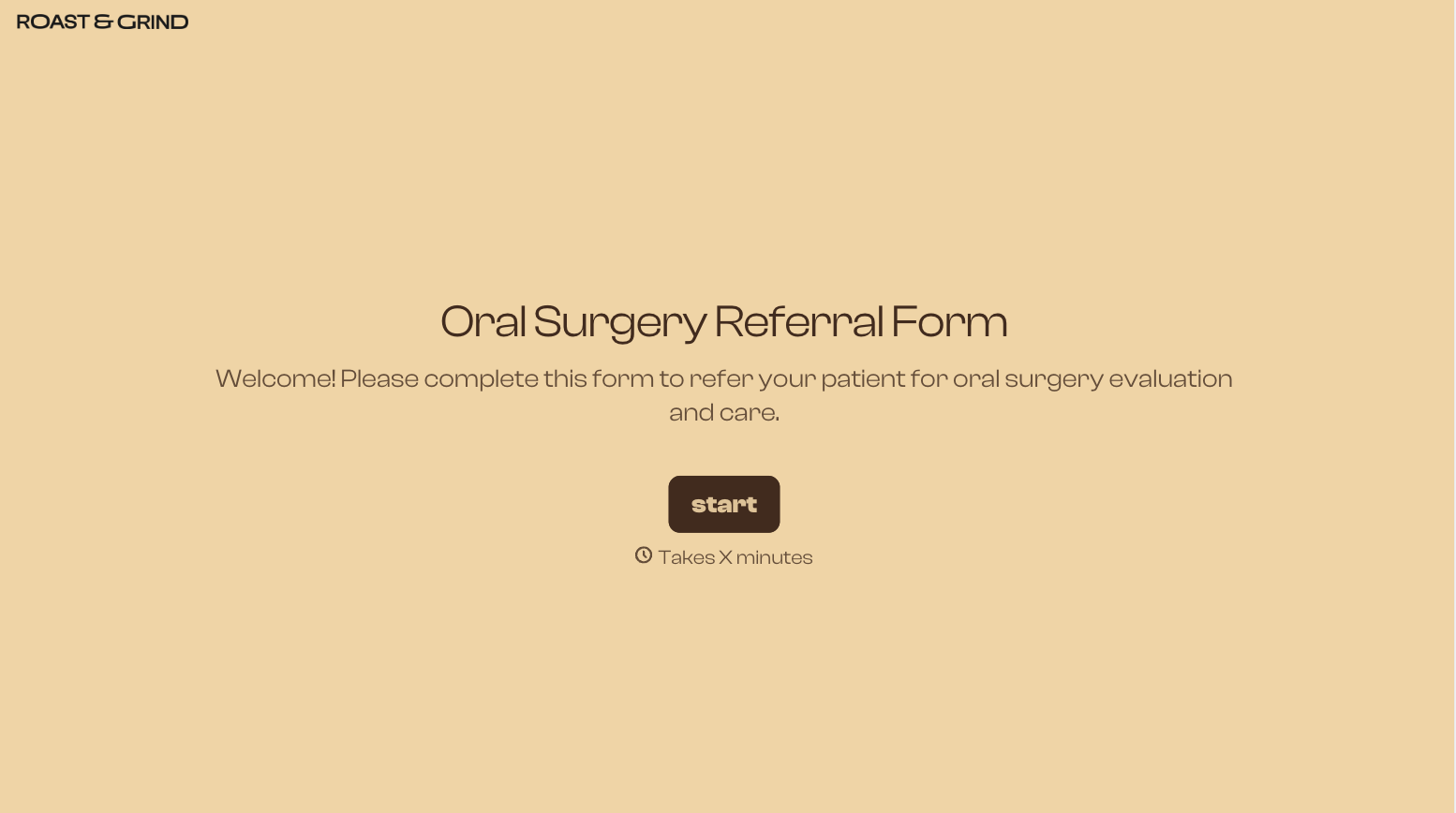
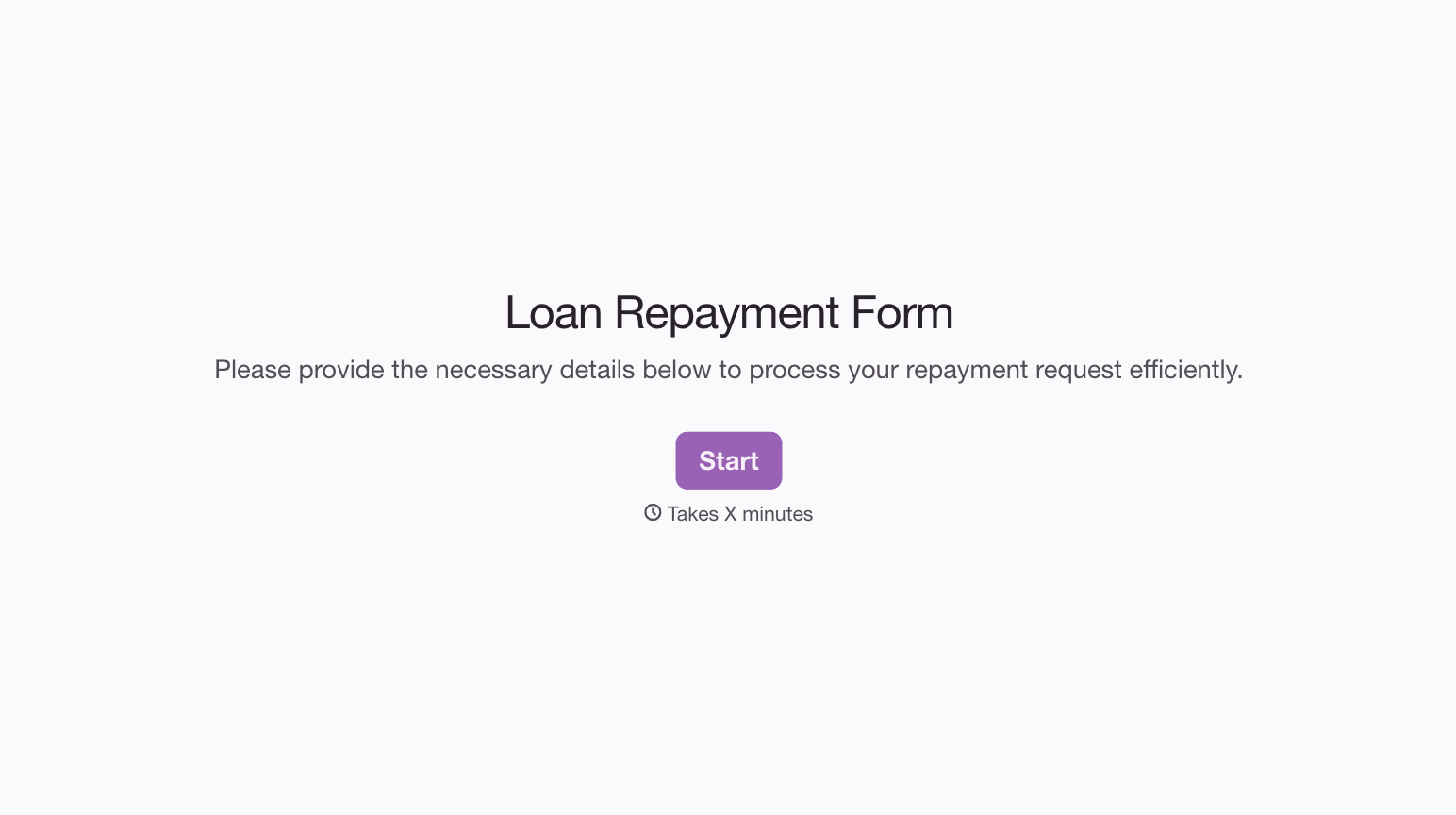
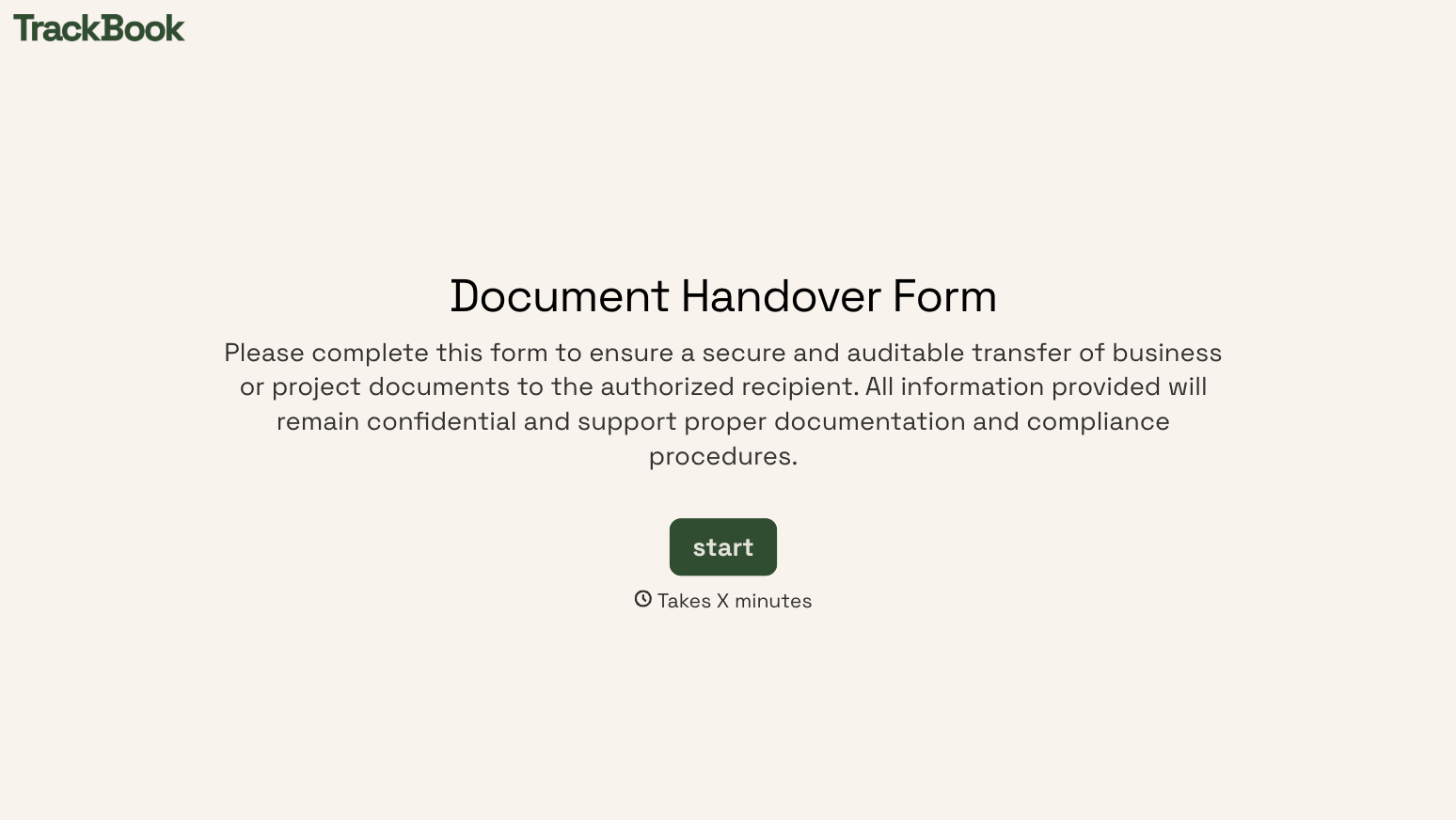
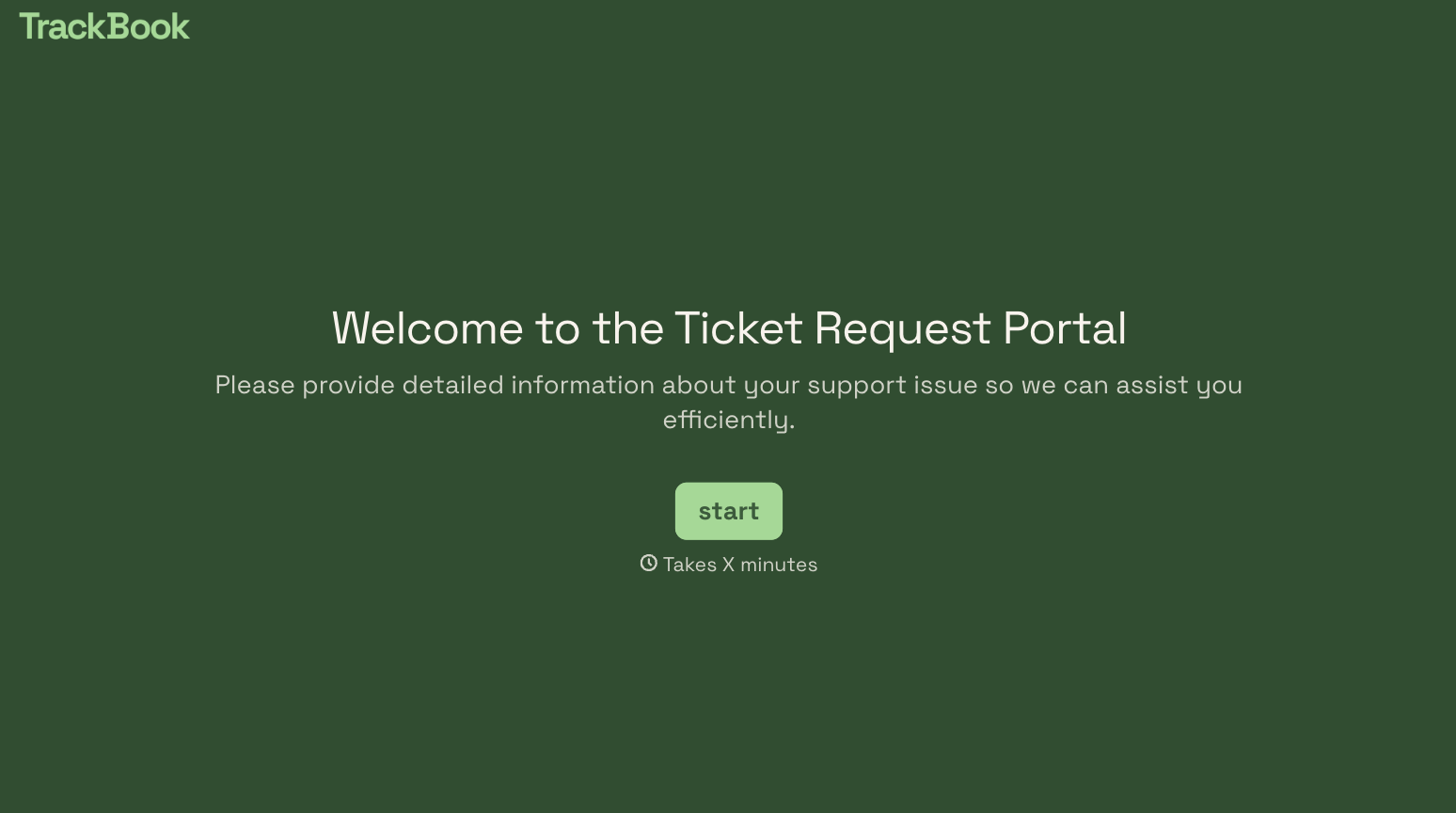
With Typeform, you can customize everything
Change text, colors, and even logos to match the look and feel of your brand. Then embed forms smoothly onto web and email.
Make forms feel effortless to fill out. Pace questions, call people by their name, and adapt the flow based on the data they share.
Stay efficient by connecting forms to your workflow. Typeform integrates with 300+ tools including Slack, Zapier, and HubSpot.


