Tenant Information Form Template
Getting accurate tenant information from the start prevents problems down the road. Make it easy to collect and organize from day one.



Property managers and landlords deal with a constant flow of tenant paperwork — lease agreements, emergency contacts, vehicle registrations, pet information. When that information is collected informally or across multiple channels, gaps emerge. You find out a tenant has 2 dogs when your lease says one. You can't reach an emergency contact because the number is outdated. These aren't small problems.
A tenant information form centralizes that intake. Typeform's template collects everything you need in one place, one question at a time, so tenants don't feel like they're filing taxes. Conditional logic handles the branching — if they have a pet, the form asks for the breed and vaccination records; if they have a vehicle, it collects plate and model details. Responses are organized and exportable, so your records are always complete.
Customize the form with your property name and specific requirements, then send it to new tenants as part of your onboarding process.
A tenant information form collects personal, vehicle, pet, and emergency contact information from tenants when they move in. It gives property managers a comprehensive record for each resident that can be referenced throughout the tenancy.
Relying on lease documents alone to capture tenant details means critical information often goes uncollected. A dedicated intake form ensures you have emergency contacts, vehicle information, and other details on file before problems arise.
Cover both practical logistics and emergency preparedness. Common questions include:
- Tenant's full name, date of birth, and contact information
- Emergency contact name and relationship
- Vehicle make, model, and license plate
- Pet information (species, breed, name, vaccination status)
- Employment information or proof of income reference
- Move-in date and unit number
- Any known maintenance issues noticed at move-in
Send the form again at lease renewal or any time a tenant reports a change — new vehicle, new pet, updated emergency contact. You can save the previous response link and ask tenants to update it directly, or create a shorter "update only" version of the form for changes mid-lease.
Typeform encrypts data in transit and at rest. For highly sensitive information like social security numbers, review your local regulations and consider whether that data needs to be collected through a more formally secured system. For standard tenant information, a well-configured Typeform is a practical and secure option.
Get inspired by relevant templates and categories
3200+ Templates, 300+ Integrations

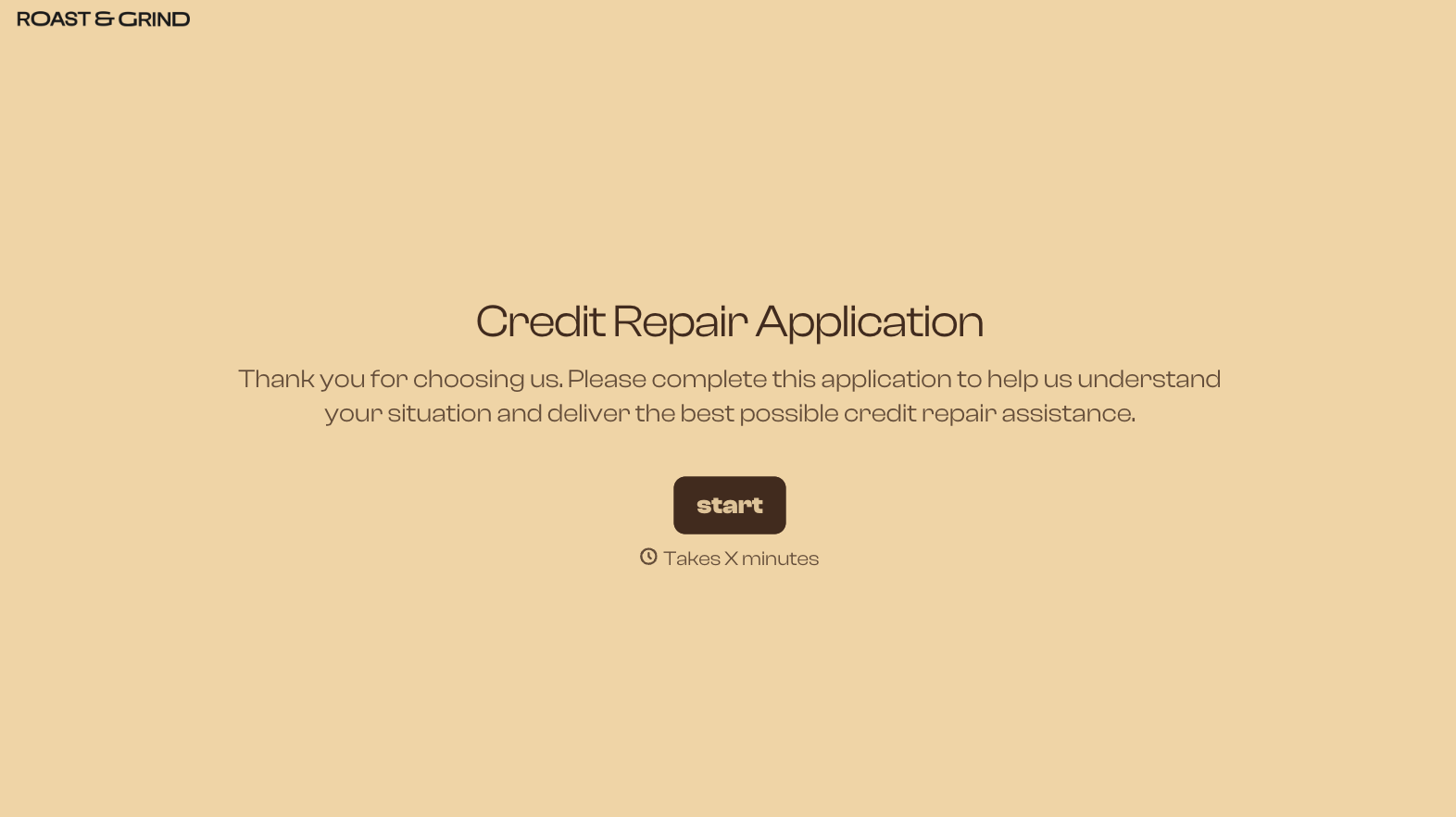
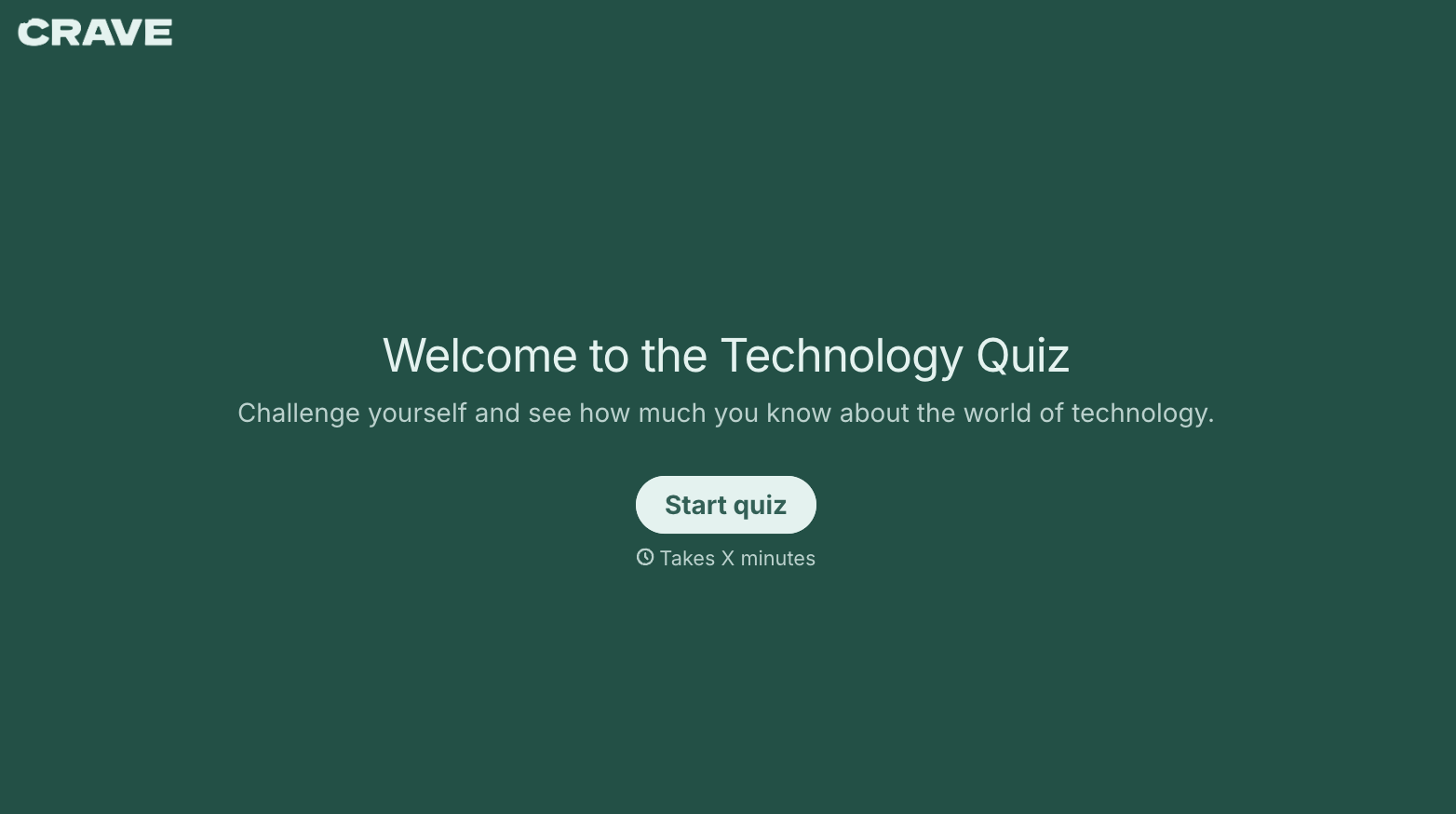
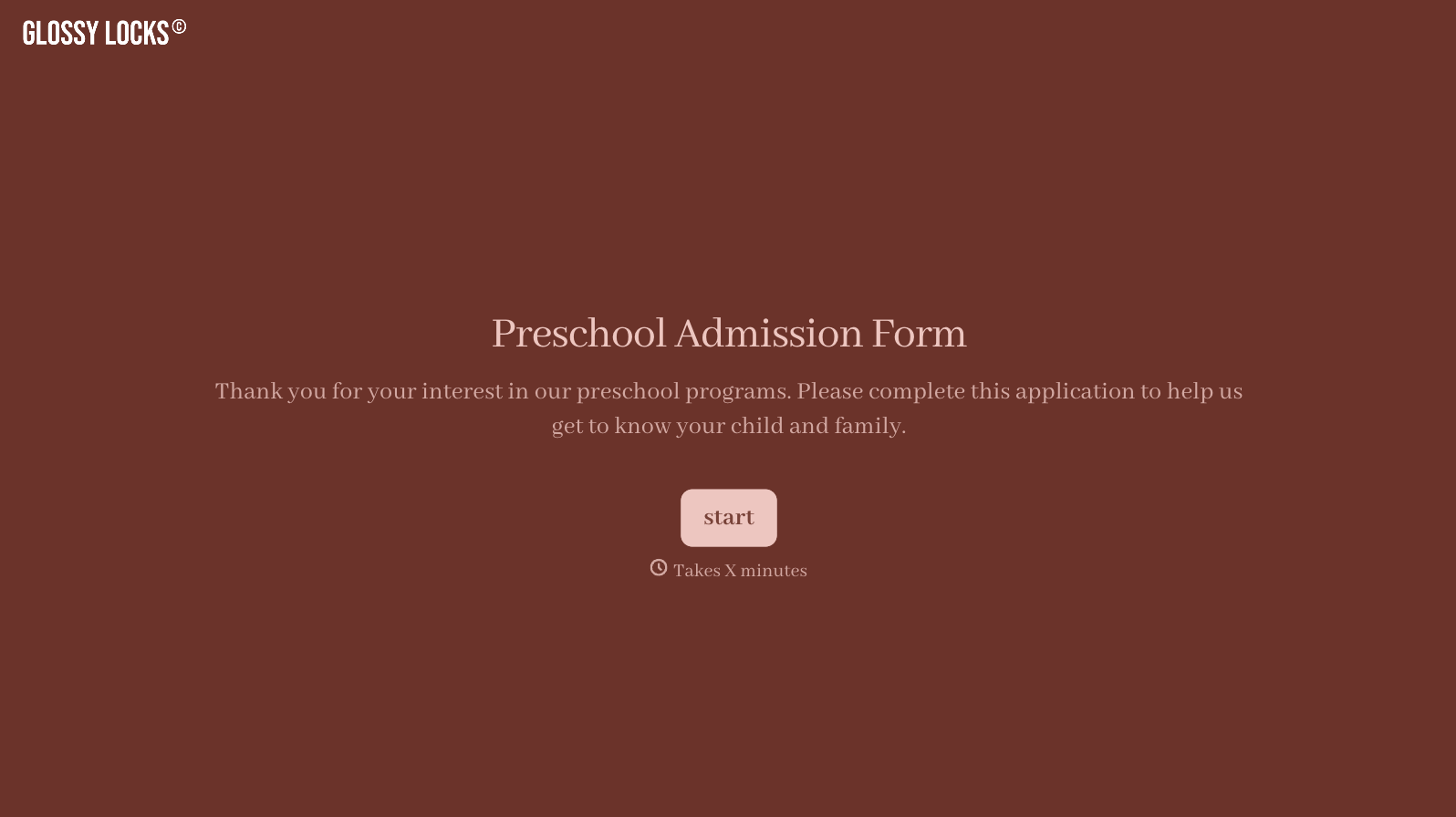
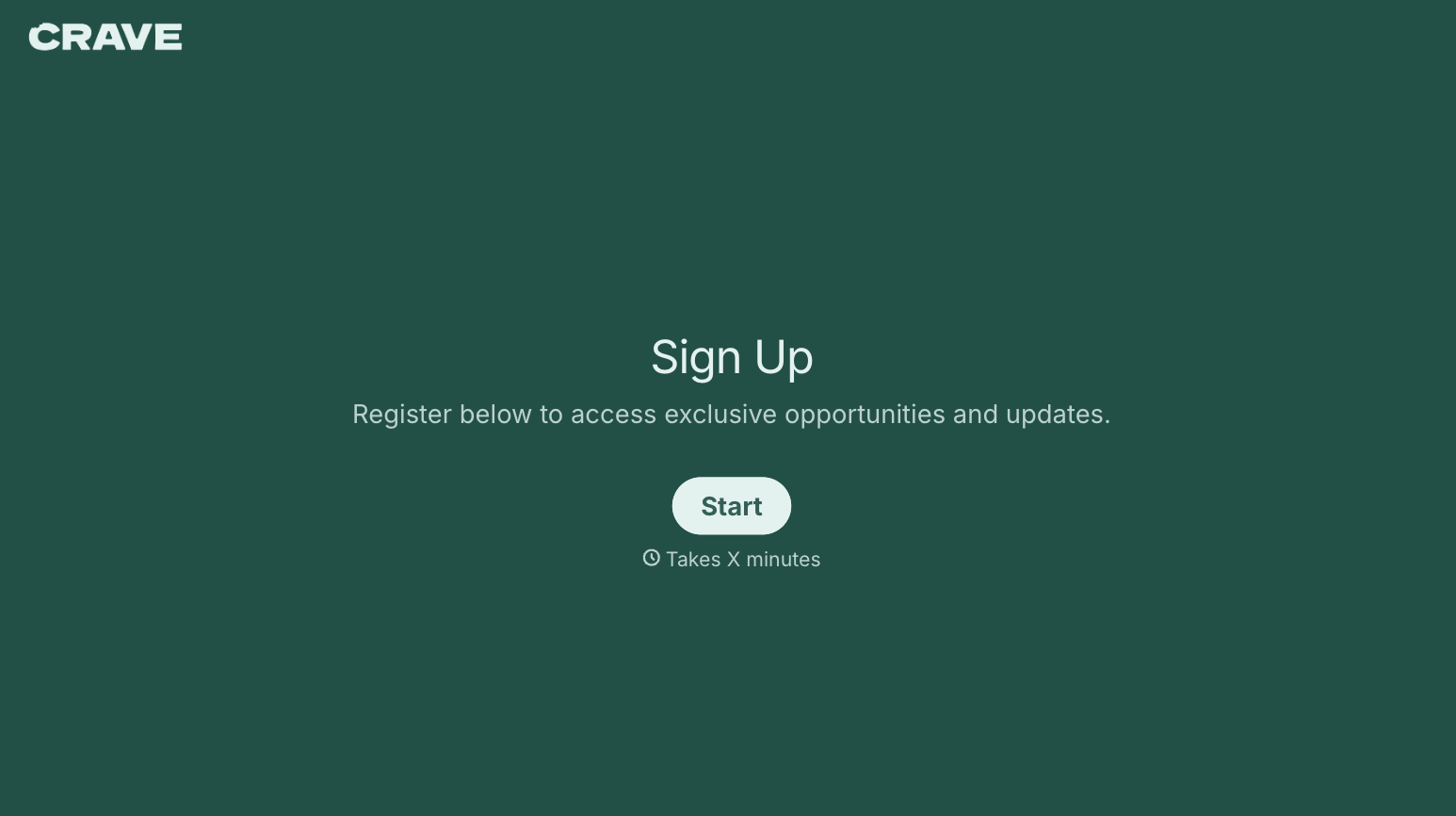
With Typeform, you can customize everything
Change text, colors, and even logos to match the look and feel of your brand. Then embed forms smoothly onto web and email.
Make forms feel effortless to fill out. Pace questions, call people by their name, and adapt the flow based on the data they share.
Stay efficient by connecting forms to your workflow. Typeform integrates with 300+ tools including Slack, Zapier, and HubSpot.


