
STEP 1
Rebuild your form
Paste your Zapier Forms link into Typeform AI, and it recreates your questions and logic for you. Review the draft, add your branding, and publish when it looks right.


Move your forms to Typeform, then let Zapier put every answer to work.
Exclusive for Zapier Forms customers

Zapier automation, powered by typeform
Typeform turns static forms into a conversational experience people finish. Zapier puts every answer to work across the apps you already use. Together, you collect better data and give your Zaps more to work with.

Customizable forms
Add your logo, colors, and custom subdomain, and remove Typeform branding so every form feels like you. Let customers pay, book, and sign inside the form itself.
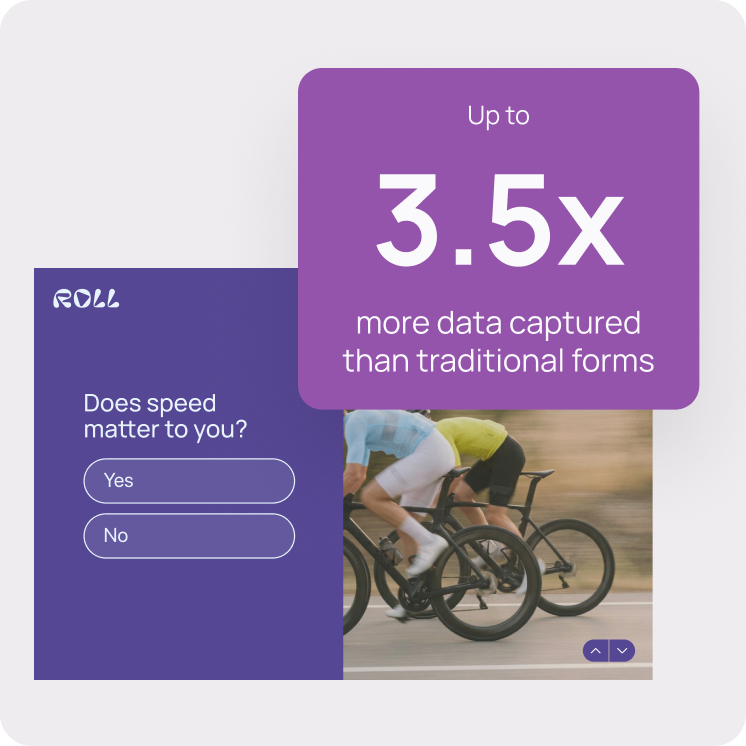
BETTER ENGAGEMENT
Typeform asks one question at a time, so filling out a form feels like a conversation. Conditional logic keeps it moving and shows each person only the questions that matter to them.

Easy migration
Give Typeform AI your Zapier Forms link and it rebuilds your questions and logic, so you can switch over without skipping a beat. Keep the form as is, or ask Typeform AI to make it even better.
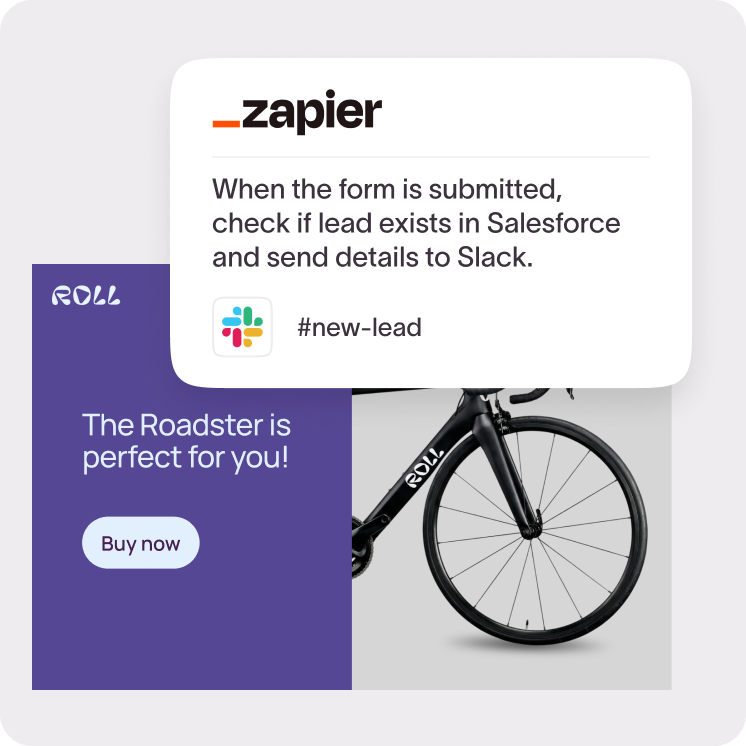
built in automation
Describe what should happen to your data, and Zapier AI sets up each step right in Typeform. Check new leads in Salesforce, alert your team in Slack, and keep every response moving.
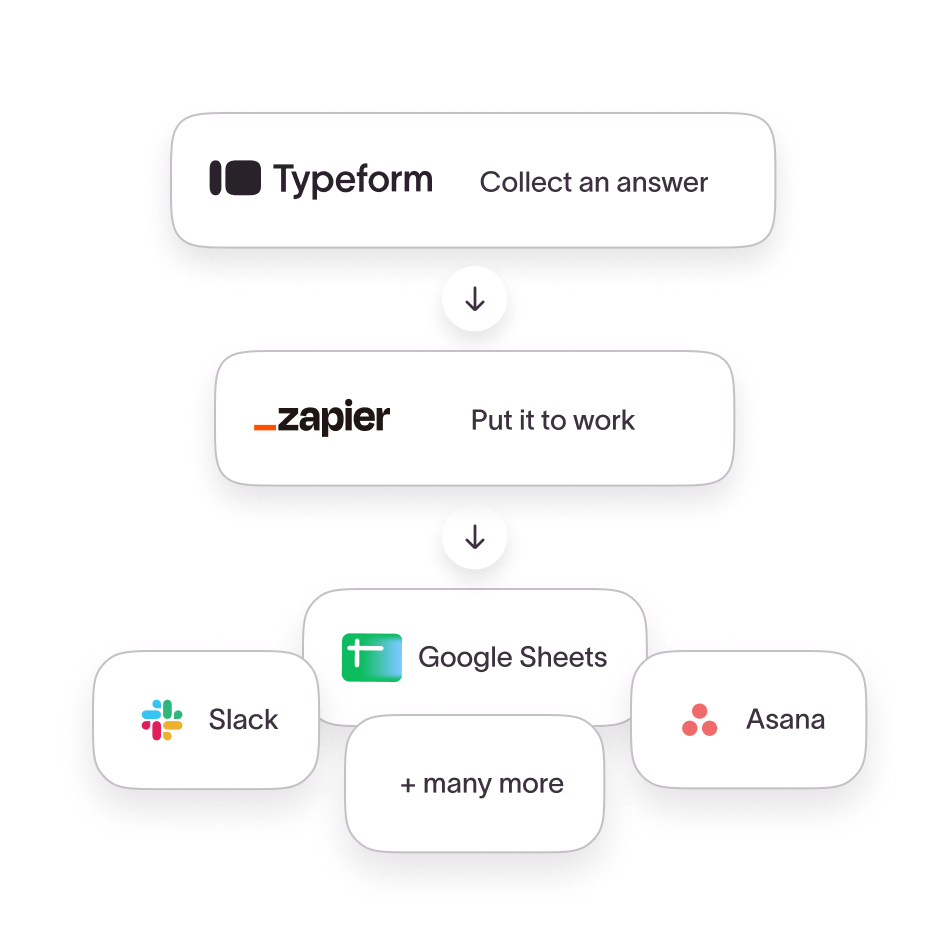
Submit a form, start a workflow
Every form submission can create a contact, alert your team, and kick off the next step in the tools you already use. Keep your favorite Zaps, reconnect them to Typeform, and build on what’s already working.
Explore Typeform + Zapier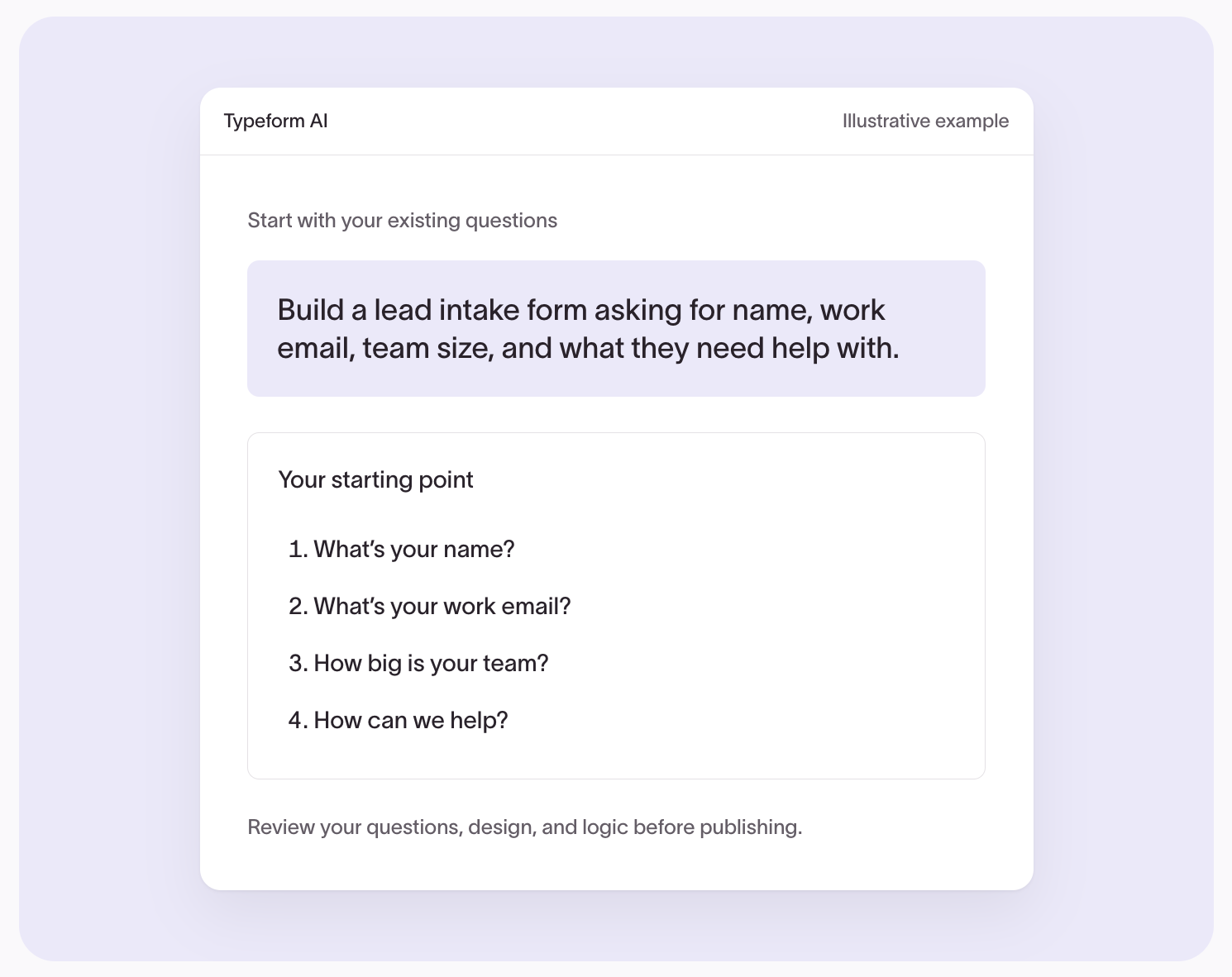
STEP 1
Paste your Zapier Forms link into Typeform AI, and it recreates your questions and logic for you. Review the draft, add your branding, and publish when it looks right.

STEP 2
Switch each Zap’s trigger to Typeform’s “New Entry” and map your fields, or ask Zapier Copilot to make the switch for you. Every action after the trigger stays the same.

STEP 3
Send a test response through each Zap and check that it lands where it should. Then replace your old form links and embeds with your new typeform, and you’re live.
Use the Typeform MCP in Claude or ChatGPT to copy all your Zapier forms into Typeform with one prompt.
Zapier is sharing the final date with Zapier Forms customers directly. Move your active forms before then so nothing breaks in the middle of a campaign.
No, each form needs to be rebuilt in Typeform, but you won’t start from scratch. Paste a form’s link into Typeform AI to rebuild it, or use the Typeform MCP with Claude or ChatGPT to copy many forms at once. Then reconnect your Zaps and test them before you switch. Export any responses you want to keep before Zapier Forms closes.
Yes. Switch each Zap’s trigger to Typeform’s “New Entry” and map your fields, or ask Zapier Copilot to make the switch for you. Every action after the trigger stays as you built it. Available features and limits depend on your Typeform and Zapier plans.
Zapier Forms customers get 75% off the first year of an annual Typeform Plus plan. Copy the code at the top of this page, sign up, and enter the code at checkout. The offer ends January 31, 2027.
Every Typeform submission can trigger a Zap the moment it arrives and send the response to any of the 7,000+ apps Zapier connects. You can also describe a new Zap in the Typeform builder, and Zapier AI sets up each step for you.
Yes. Alongside Zapier, Typeform has native integrations with tools like HubSpot, Salesforce, Google Sheets, Slack, and Notion, so you can send each workflow’s data directly or through a Zap.
Typeform Plus includes 1,000 responses a month, 3 seats, custom branding with no Typeform logo, custom subdomains, advanced branching and conditional logic, payments through Stripe, and native integrations plus full Zapier access. See every feature on the pricing page.
Your plan renews at the standard annual Typeform Plus price. You can upgrade, downgrade, or cancel your renewal anytime from your account settings before your first year ends.
Exclusive for Zapier Forms users