What is the Typeform MCP server?
Act in Typeform from an AI chat
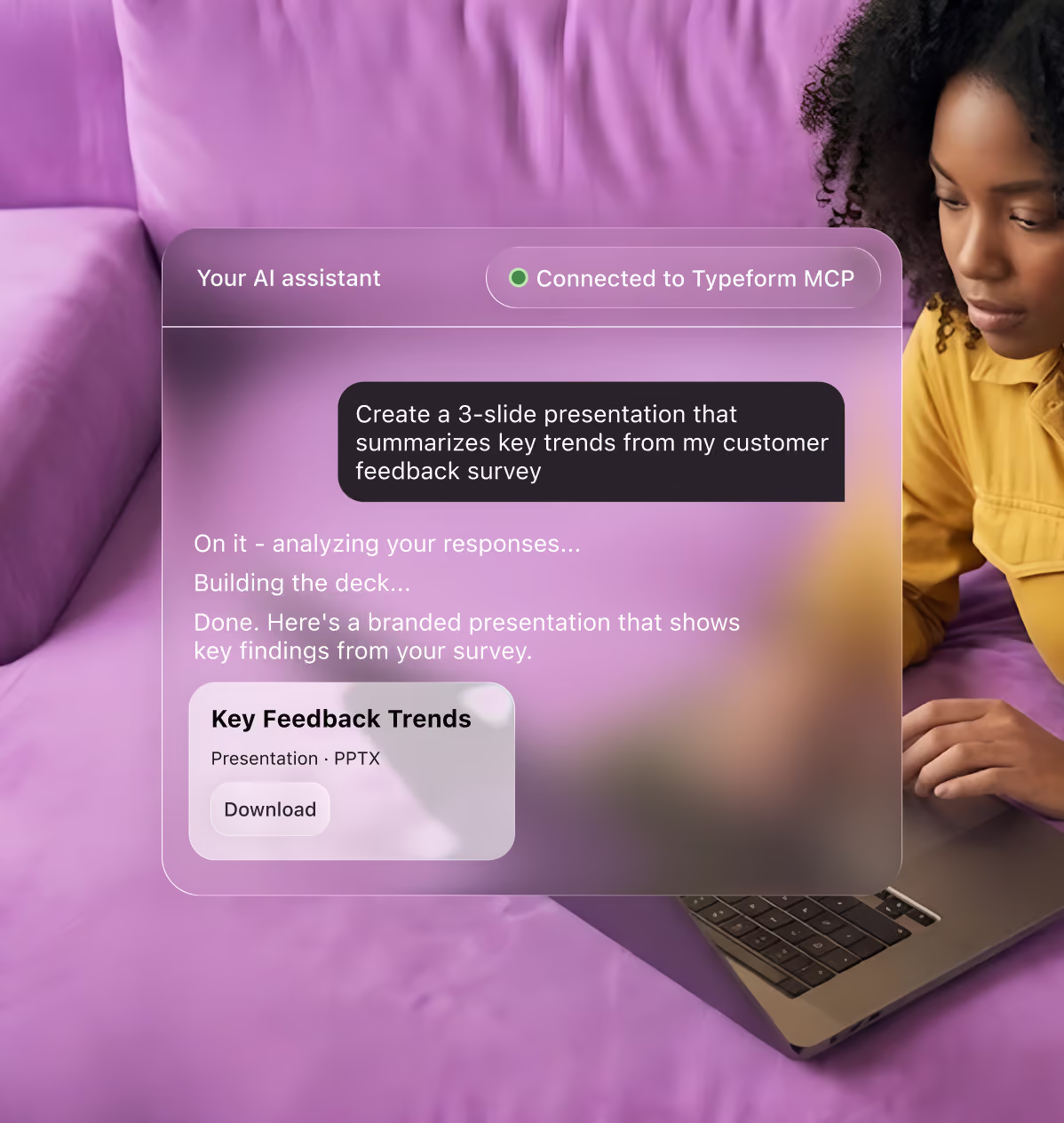
Once you connect to the Typeform MCP, you can ask AI to build and edit forms, analyze responses, manage contacts, and set up automations. All without leaving the conversation.
Connect Claude, ChatGPT, or any MCP-ready assistant to your Typeform account. Create forms, analyze responses, and automate workflows directly from the chat.
Get started—it’s freeWhat is the Typeform MCP server?
The Typeform MCP extends the power of Typeform to Claude, ChatGPT, and other AI tools, letting you create, analyze, and automate like never before.

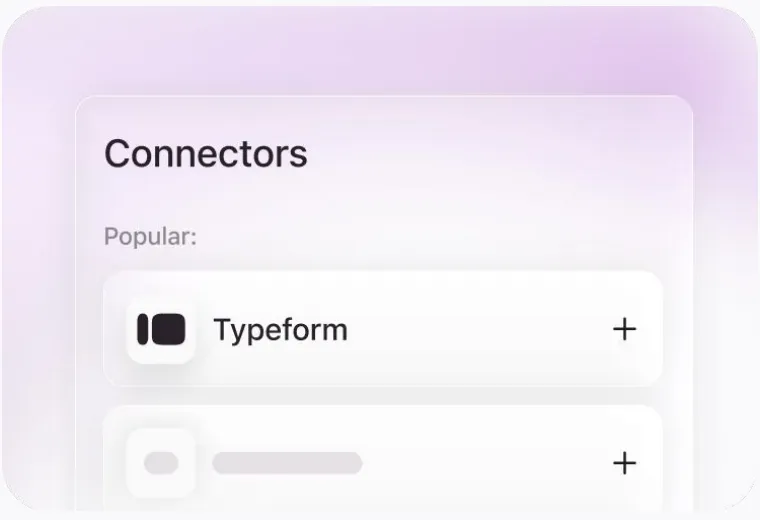
Search for Typeform in the Claude and ChatGPT directories and click connect. For other AI tools, add a custom connector by copy-pasting the MCP URL.

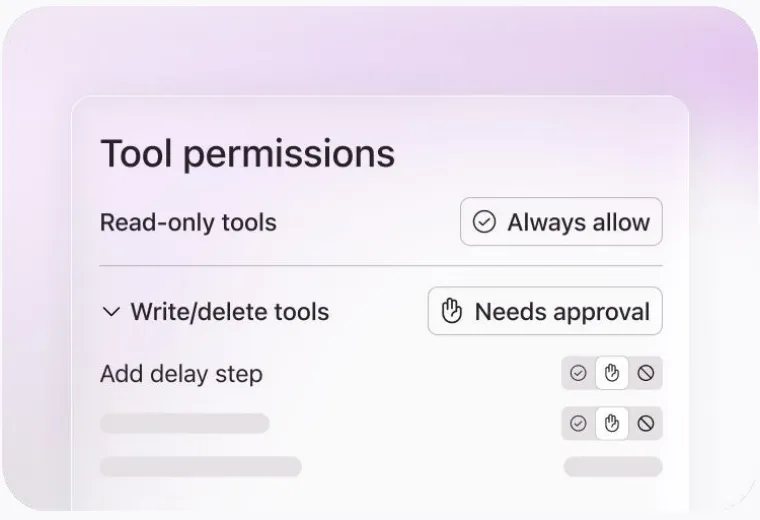
Control what Claude, ChatGPT, and other AI tools can do in Typeform. Grant read-only access or allow AI to make changes, depending on the task.

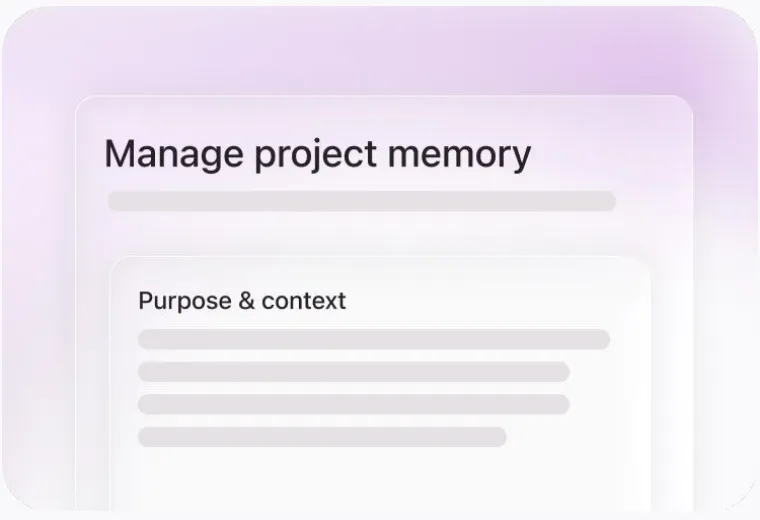
Get better outputs with more context. Use the memory, skills, and instructions you’ve already set up in your AI tools to create in Typeform.
Choose your preferred AI tool and we’ll show you how to get started.
In Claude, go to Settings → Connectors.
Choose “Add custom connector” and paste the URL below.
Log in with Typeform to approve access and start prompting.
Your MCP server URL
https://mcp.typeform.com/mcpCopyYou approve access with your Typeform login. No API keys, nothing to deploy, disconnect anytime.
Use AI to build forms, analyze responses, manage contacts, and launch automations, all from the same conversation.