Free Online Contact Us Form Template
Give visitors a reliable way to reach you and stop managing inquiries through a crowded general inbox.


A "Contact us" page that offers nothing but an email address is a missed opportunity. Visitors who want to reach you have to write a message from scratch, with no guidance on what to include. Your team receives incomplete information and spends time following up to get what it needs.
A structured contact form saves time for everyone. Visitors select the reason for their inquiry, provide relevant details, and submit through a form that routes their message to the right team. Your team receives organized, categorized requests that are faster to act on. Conditional logic adapts the form based on inquiry type, so a billing question shows different fields than a technical support request.
Add the form to your website's contact page and connect it to your help desk or shared inbox.
An online contact form is a web-based tool that allows visitors to send messages to an organization. It replaces or supplements a listed email address with a structured intake experience.
A structured form gives your team more useful information from the start of every interaction. It also means you control what information is required, reducing the back-and-forth needed to understand what someone needs.
A focused contact form doesn't need to be long. Essential fields include:
- Name and email address
- Reason for contact (dropdown or multiple choice)
- Message or description of the inquiry
- Company name (for B2B contexts)
- Preferred response method or timeframe (optional)
Use a reason-for-contact dropdown and set up email notifications that trigger based on the selected option. Sales inquiries go to sales, support issues go to your helpdesk, and billing questions go to finance — all routed automatically.
Typeform includes built-in spam protection. For additional filtering, you can add a CAPTCHA or use conditional logic to disqualify responses that don't meet basic criteria. Requiring a valid email address for submission also reduces low-quality submissions.
Get inspired by relevant templates and categories
3200+ Templates, 300+ Integrations



With Typeform, you can customize everything
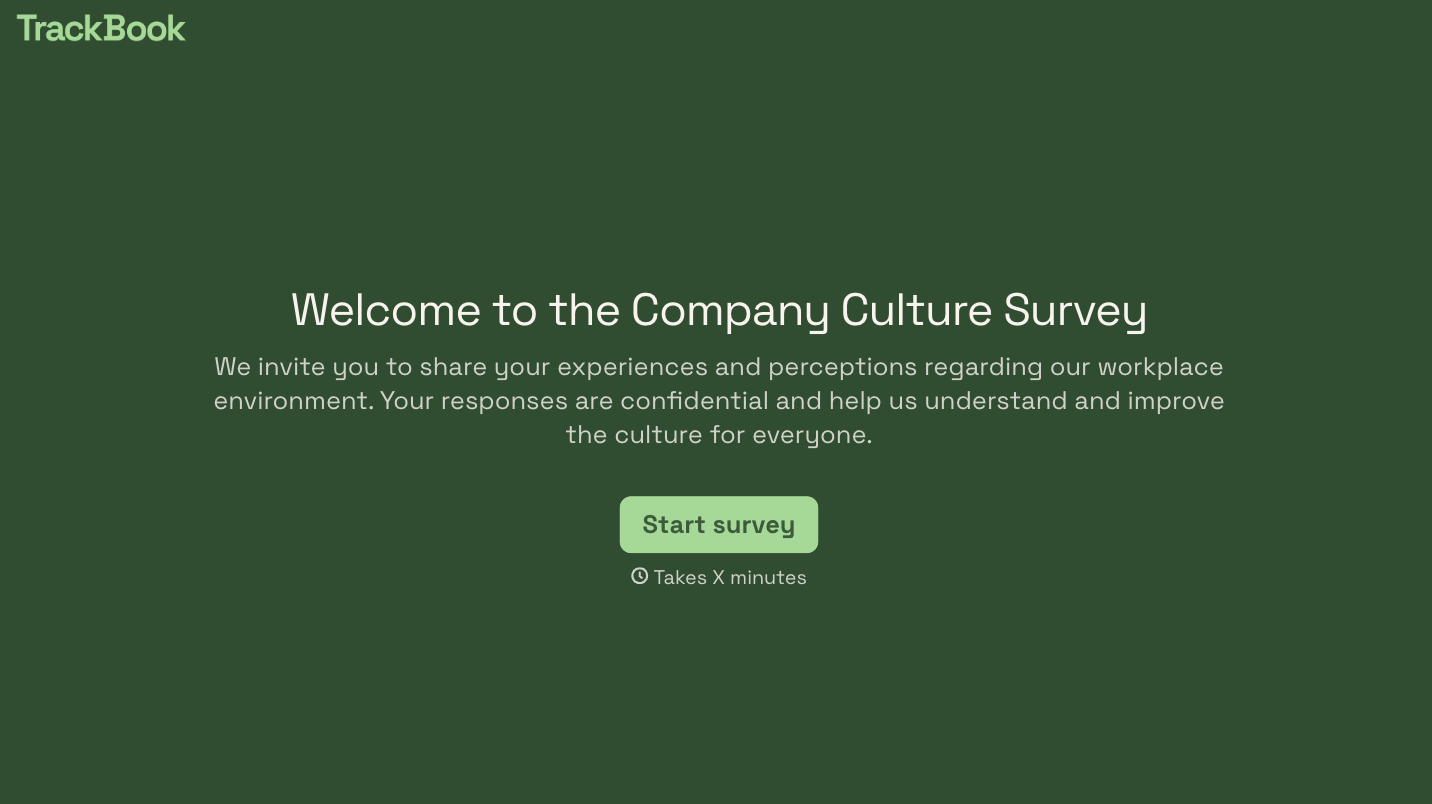
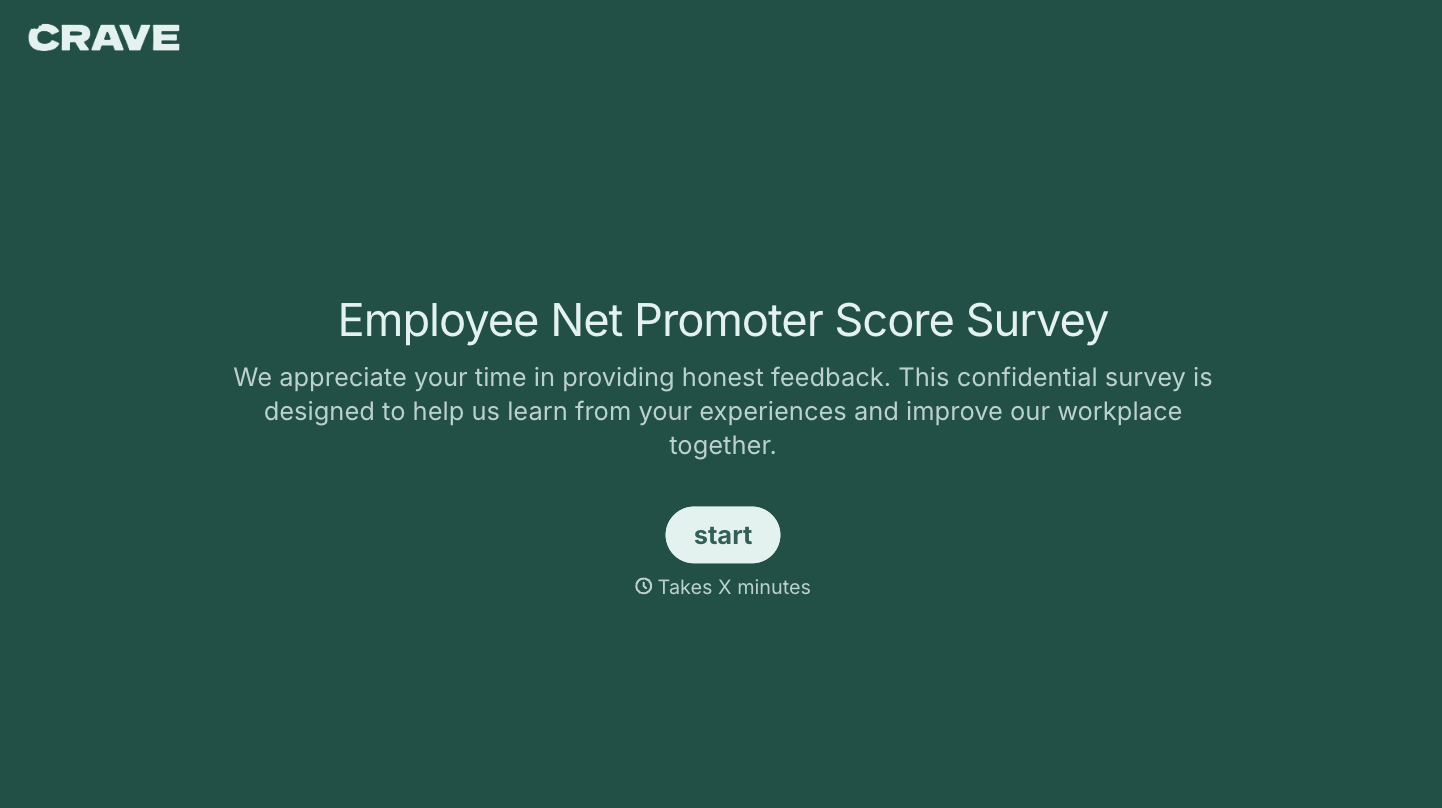
Change text, colors, and even logos to match the look and feel of your brand. Then embed forms smoothly onto web and email.
Make forms feel effortless to fill out. Pace questions, call people by their name, and adapt the flow based on the data they share.
Stay efficient by connecting forms to your workflow. Typeform integrates with 300+ tools including Slack, Zapier, and HubSpot.


