Pre-order Form Template
Capture demand before launch day, and know exactly what to stock.



Launching a new product without knowing demand is a gamble. Order too much and you're sitting on inventory. Order too little and you've got frustrated customers and missed revenue. Pre-orders solve this by letting you gauge interest, secure commitments, and plan production with real data instead of guesses.
This pre-order form template collects customer details, product selections, quantities, and payment preferences in a smooth, guided flow. Conditional logic lets you show different options based on product variants (size, color, configuration) without overwhelming buyers with irrelevant choices.
Set it up in minutes with your product details, pricing, and branding. Connect a payment integration to collect deposits or full payments upfront, or use the form purely to gauge interest and follow up when inventory's ready. Share it anywhere (your website, email list, social channels) and watch demand take shape.
A pre-order form lets customers reserve and purchase a product before it's officially available. It captures buyer information, product preferences, and payment details so you can fulfill orders as soon as inventory is ready. It's both a sales tool and a demand forecasting tool in one.
Pre-orders validate demand before you invest in large production runs. They generate early revenue (or at least committed interest), create a sense of exclusivity that drives urgency, and give you a customer list to market to on launch day. For limited-edition or seasonal items, they're especially powerful for matching supply to actual demand.
- Customer name and email address
- Shipping address
- Product selection (model, variant, size, color, etc.)
- Quantity
- Payment method or deposit confirmation
- Agreement to estimated delivery timeline
Be upfront. Include the estimated shipping date prominently in the form, not buried in fine print. Use the thank-you screen to reiterate the timeline and explain what happens next. If timelines shift, proactive communication (via the email addresses you collected) is always better than silence.
It depends on your product and audience. Full payment gives you stronger cash flow and more committed buyers. A deposit lowers the barrier to entry and can attract more orders. If you're testing demand for something unproven, a deposit or even a free reservation form might be the safer route. You can always collect the balance later.
Get inspired by relevant templates and categories
3200+ Templates, 300+ Integrations
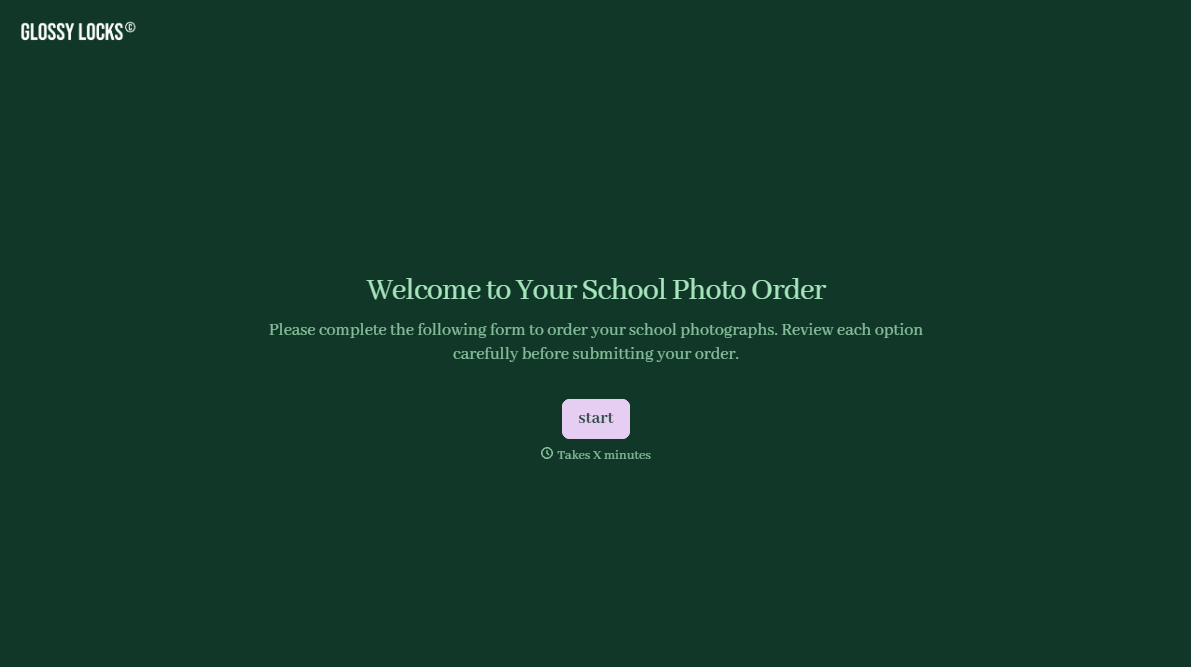
School Photography Order Form
A paper order form stuffed in a backpack for two weeks isn't an order anyone can act on. Collect student information, package selection, and payment before picture day, so your photographer shows up with an accurate count instead of a stack of crumpled envelopes.
View template
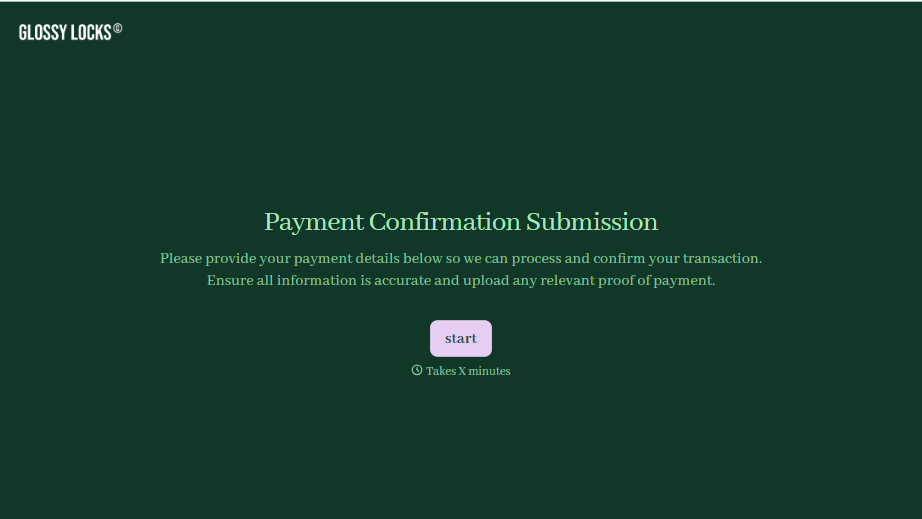
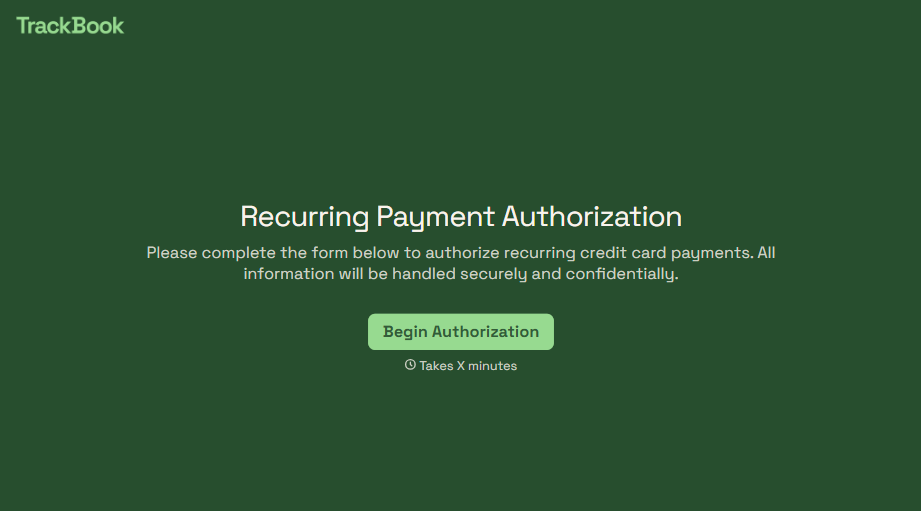
Recurring Credit Card Authorization Form
An authorization that just says "I agree to be charged monthly" doesn't survive a chargeback dispute. The bank's going to ask, charged for what, how much, and how often, and vague language doesn't answer any of that. Spell out the amount, the frequency, and the cancellation terms in writing, before the first charge goes through.
View template
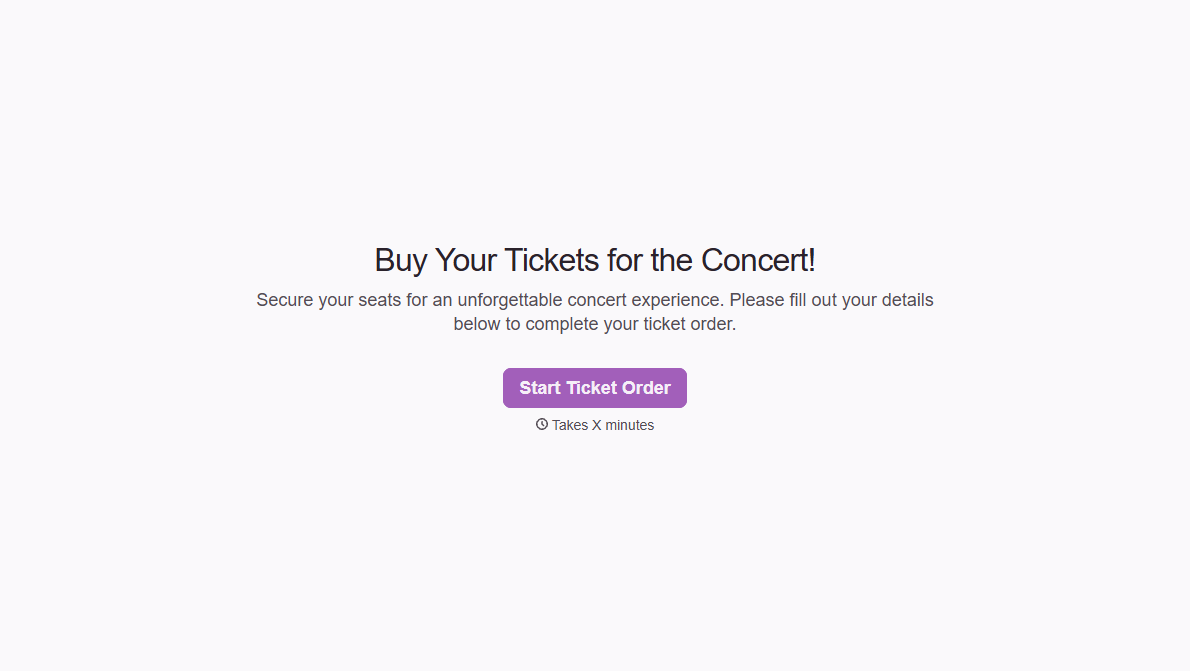
Concert Ticket Order Form
A ticket order collected through a Venmo request and a group text isn't a record, it's a promise to remember who paid and who still owes. Take the order, the payment, and the confirmation in the same form, so nobody's showing up at the door as a name someone half-remembers.
View template
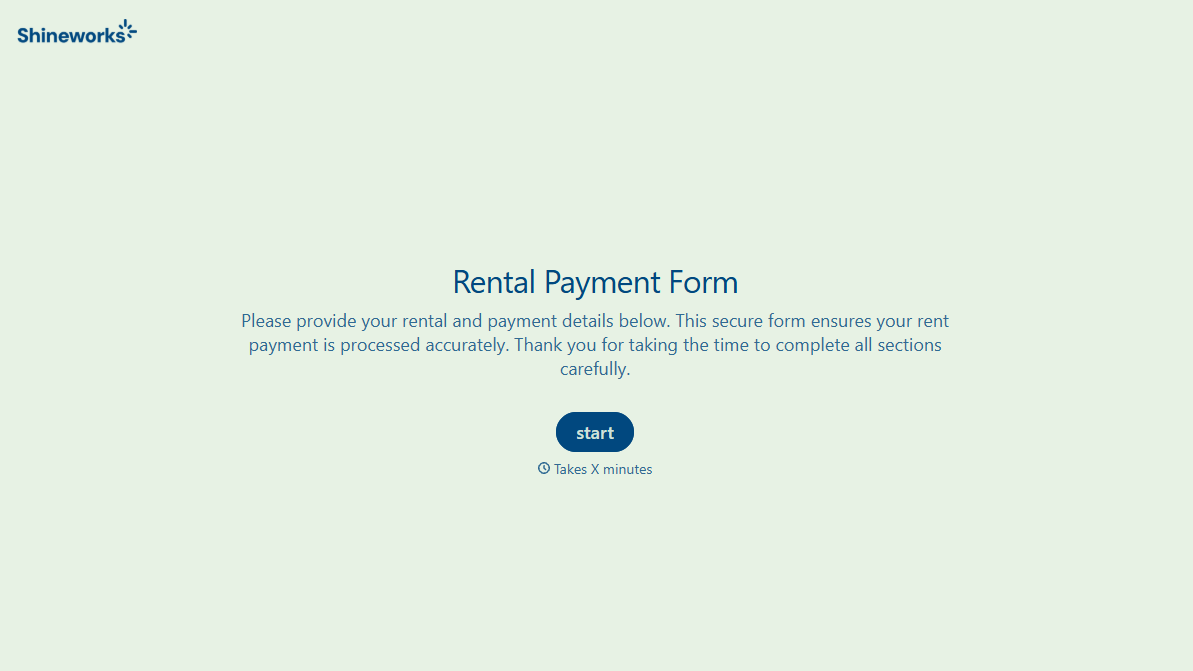
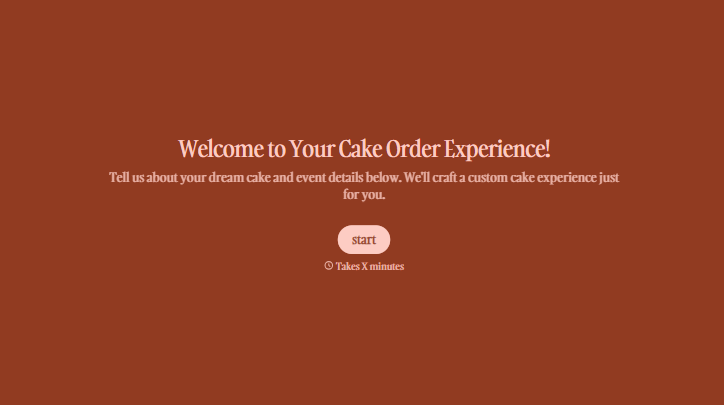
With Typeform, you can customize everything
Change text, colors, and even logos to match the look and feel of your brand. Then embed forms smoothly onto web and email.
Make forms feel effortless to fill out. Pace questions, call people by their name, and adapt the flow based on the data they share.
Stay efficient by connecting forms to your workflow. Typeform integrates with 300+ tools including Slack, Zapier, and HubSpot.


