Supplier Registration Form Template
Build a qualified supplier database without the back-and-forth emails that make procurement painfully slow.


Finding and vetting new suppliers is already complex. The registration process shouldn't add to the friction. But when you're collecting company details, certifications, insurance documents, and product catalogs through email, things get lost. Attachments go missing, critical information arrives in fragments, and your procurement team spends more time organizing data than evaluating suppliers.
This supplier registration form template creates a single, comprehensive intake process. Prospective suppliers provide company information, product or service categories, certifications, compliance documentation, and references through a guided flow. Conditional logic tailors the experience, so a raw materials supplier sees different questions than a logistics provider. File uploads handle insurance certificates, quality certifications, and catalogs.
Every submission lands in Google Sheets, Airtable, or your procurement system via Zapier, automatically creating a supplier profile ready for evaluation. No more manually building profiles from scattered emails. Your procurement team gets standardized, comparable data from every prospective supplier, making qualification decisions faster and more consistent.
A supplier registration form helps you collect the information you need from your newest supplier. It lets you manage and store your supplier details, streamline the payment process and reduce the need to get in touch every time the invoice is due.
When every supplier submits information in a different format, comparison becomes impossible. A standardized form ensures you collect the same data points from every prospective supplier, making evaluation fair and efficient. It also demonstrates professionalism to suppliers and creates a documented audit trail that compliance teams appreciate.
- Company legal name, address, and tax identification number
- Primary contact person with email and phone
- Products or services offered with detailed descriptions
- Relevant industry certifications and expiration dates
- Insurance coverage details (general liability, workers' comp)
- 3 business references with contact information
Question branching handles this cleanly. When a supplier selects their category (manufacturing, professional services, distribution, etc.), conditional logic presents category-specific questions. A manufacturer might be asked about production capacity and quality certifications, while a professional services firm gets questions about team size and project methodology. One registration form, many paths.
That's up to your procurement workflow, but the form sets you up for efficiency. Submissions can trigger automatic notifications to your evaluation team via Slack or email. New supplier records can be created in your procurement system through Zapier. Set up a status tracking column in your Google Sheet to move suppliers from "submitted" through "under review," "approved," or "declined." The form is the starting point; integrations power the rest.
Get inspired by relevant templates and categories
3200+ Templates, 300+ Integrations

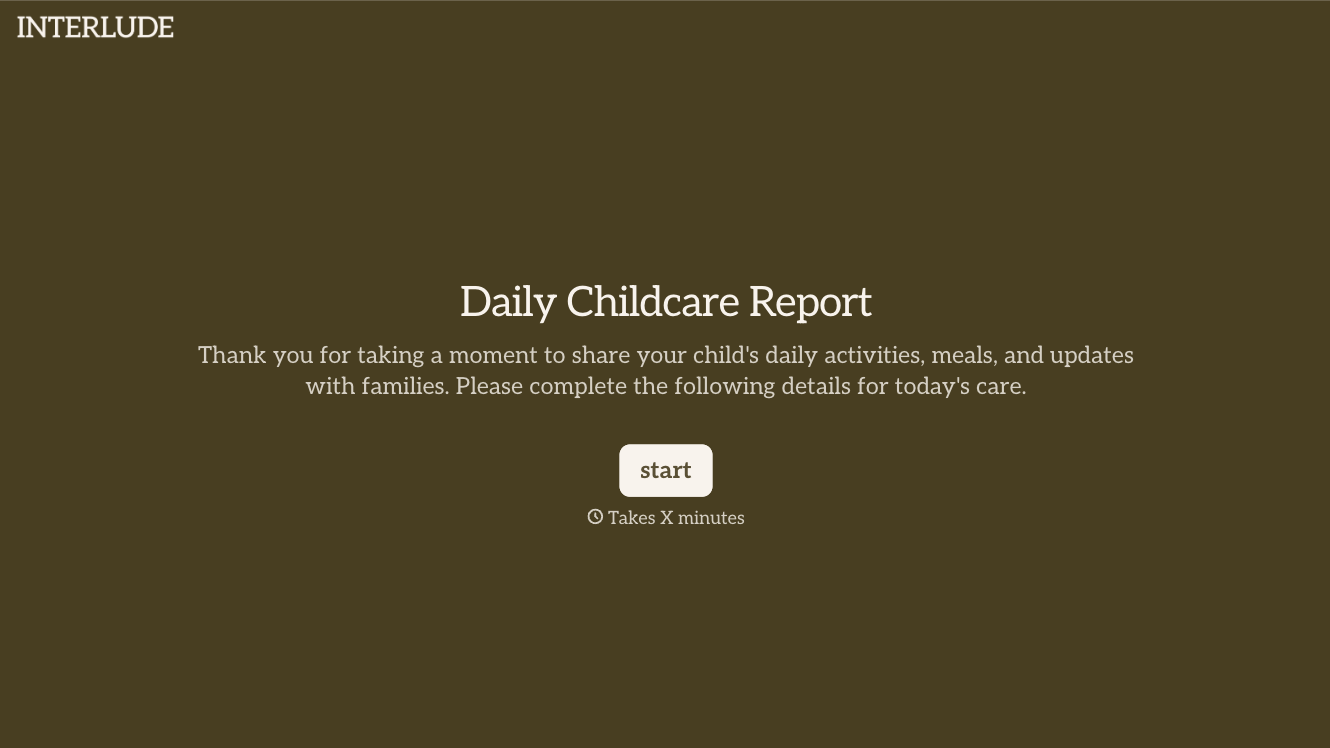
With Typeform, you can customize everything
Change text, colors, and even logos to match the look and feel of your brand. Then embed forms smoothly onto web and email.
Make forms feel effortless to fill out. Pace questions, call people by their name, and adapt the flow based on the data they share.
Stay efficient by connecting forms to your workflow. Typeform integrates with 300+ tools including Slack, Zapier, and HubSpot.


