Don't just collect leads—close them.

ANALYTICS AND REPORTING

Hear what your data is really saying

Typeform’s built-in analytics help you quickly understand what’s working, what needs attention, and what to do next. Whether you're prioritizing features or following up on feedback, you’ll have all the insights you need to take action.

Trusted by 95% of the Fortune 500

Give your team answers they can act on

From spotting friction to surfacing sentiment, Typeform’s analysis tools make it easy to find the insights that matter most to your role.

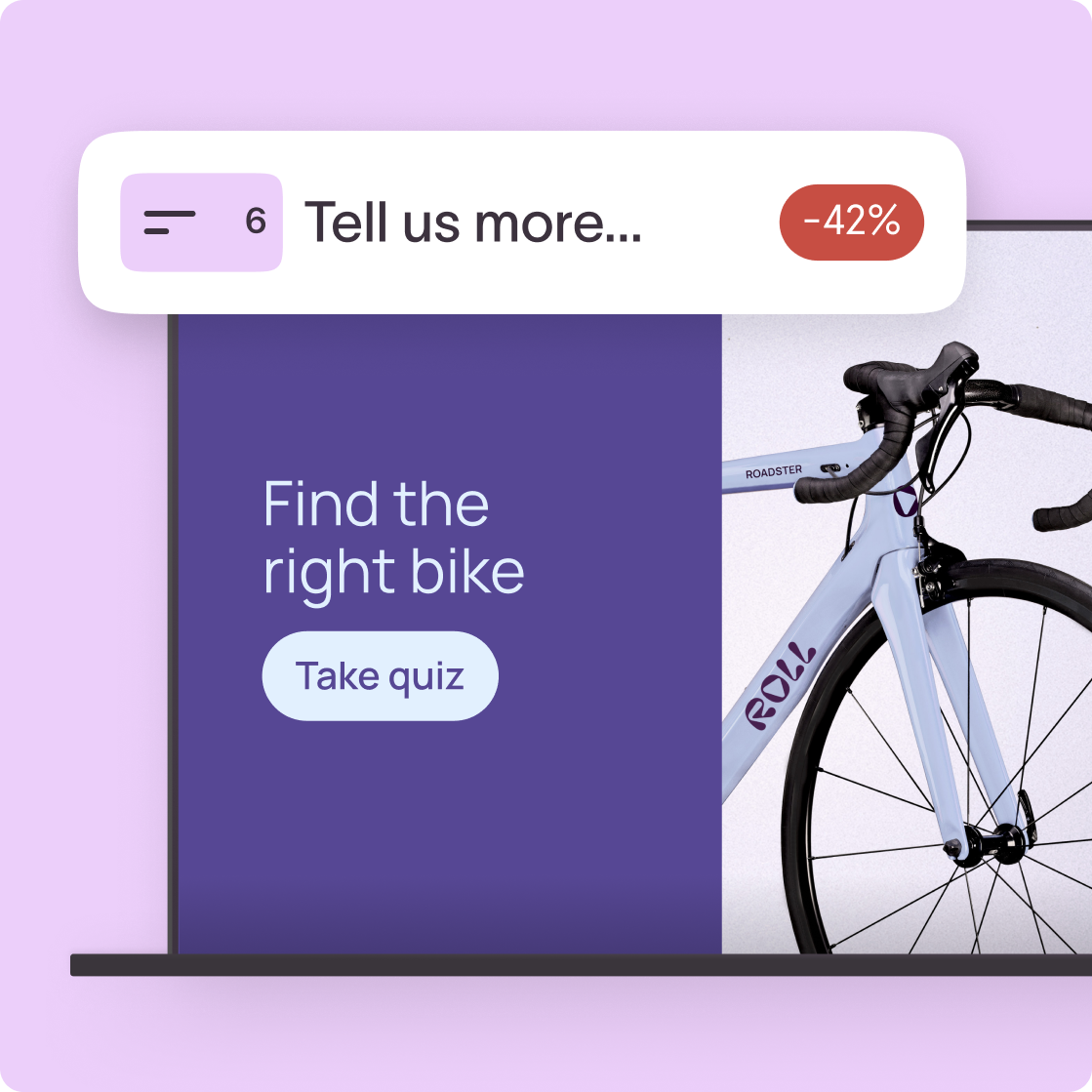
Interactive quiz to find the right bike with a Take quiz button and a road bicycle image

Marketing teams

Improve campaign performance

Use survey analytics and sentiment analysis to see what’s landing or losing leads. Surface insights to refine targeting, personalize messaging, and remove friction for more conversions.

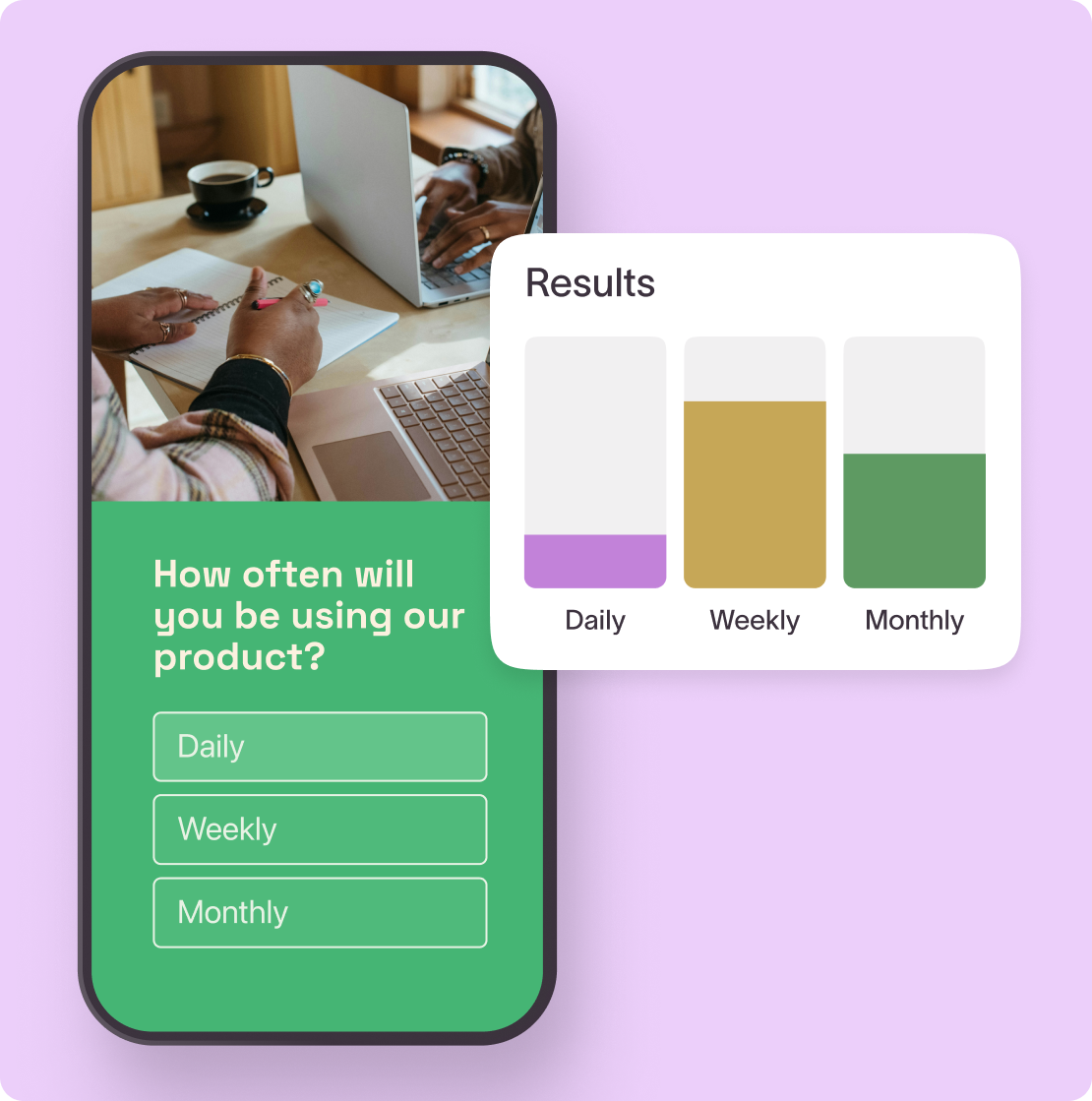
Mobile survey asking product usage frequency with daily, weekly, monthly options and color-coded results chart

Product and research teams

Turn feedback into features

Quickly spot common themes, blockers, and tone across interviews, feedback, and open responses. Save hours of manual review and bring clear insights back to your team.

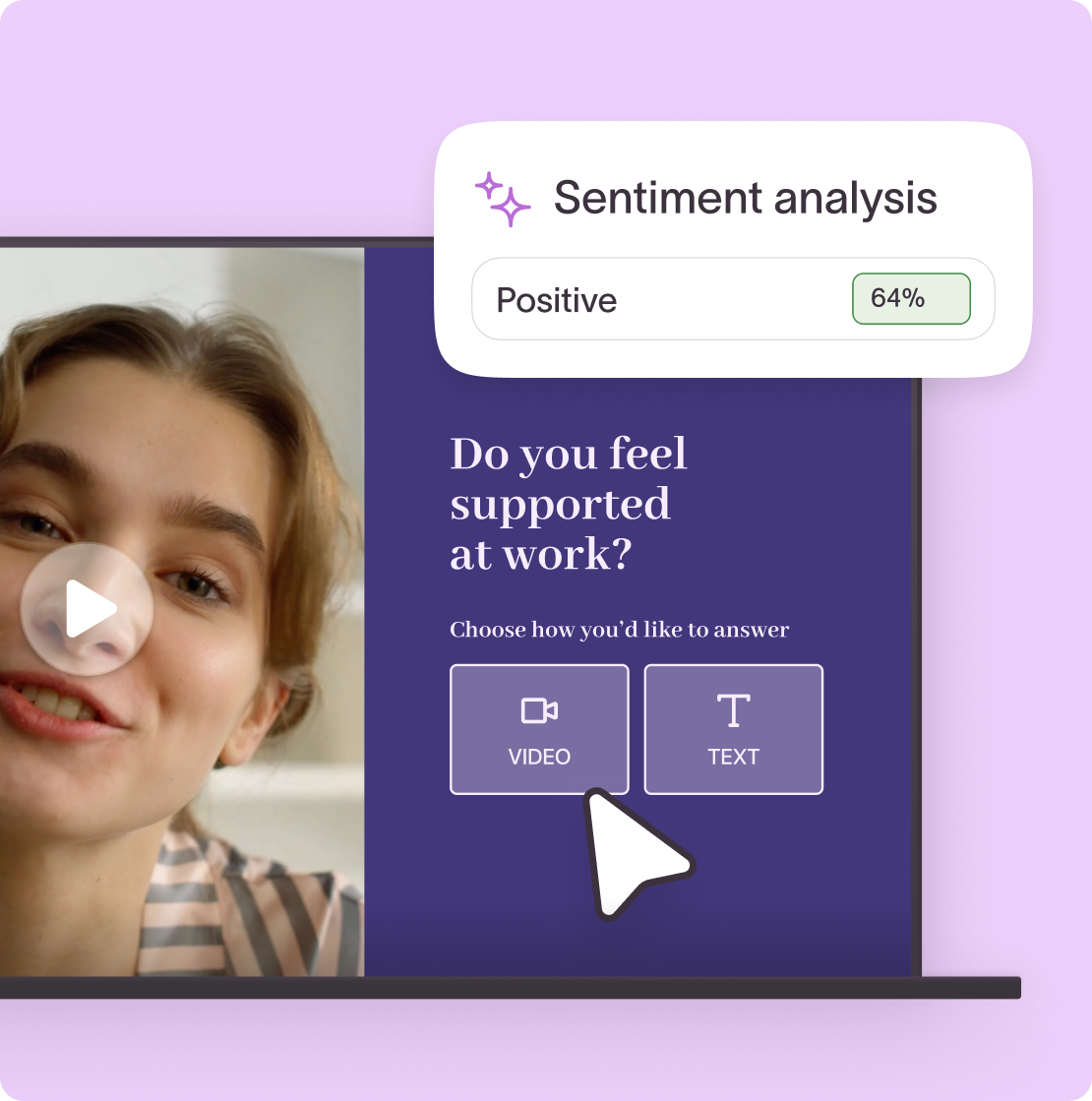
Video feedback survey asking Do you feel supported at work with 64% positive sentiment analysis result

HR and People teams

Understand your team better

Catch trends and act on what’s driving sentiment and engagement. Spot patterns in onboarding, engagement surveys, and exit interviews to get a quick pulse on morale and training opportunities.

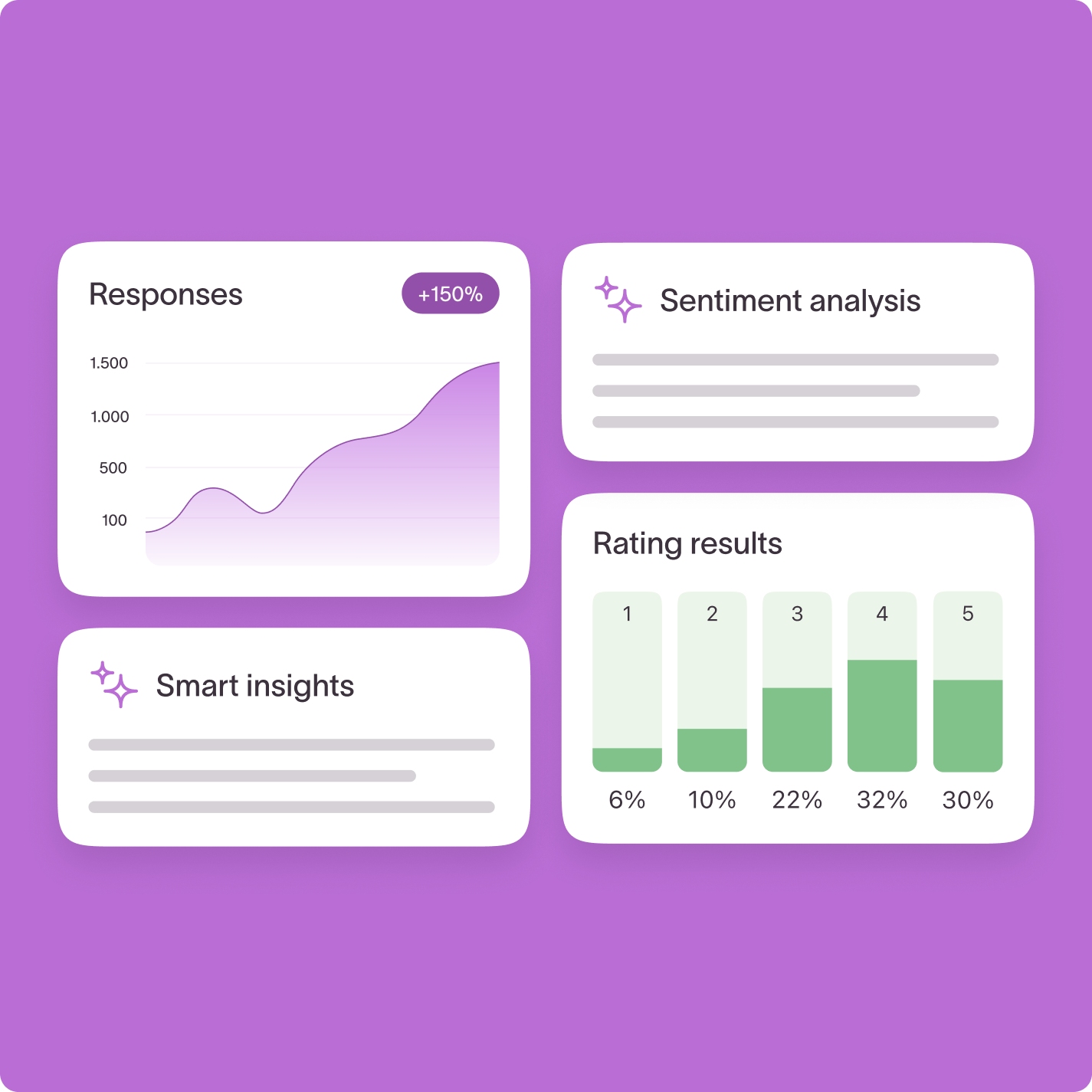
Analytics dashboard with response growth chart, sentiment analysis, rating results, and smart insights cards

RESPONSE summary

All your data, in one place

See how your form performs and what your responses are really telling you. Built-in analytics reveal completion rates, drop-offs, and patterns in your answers, so you can spot trends, find gaps, and take action.
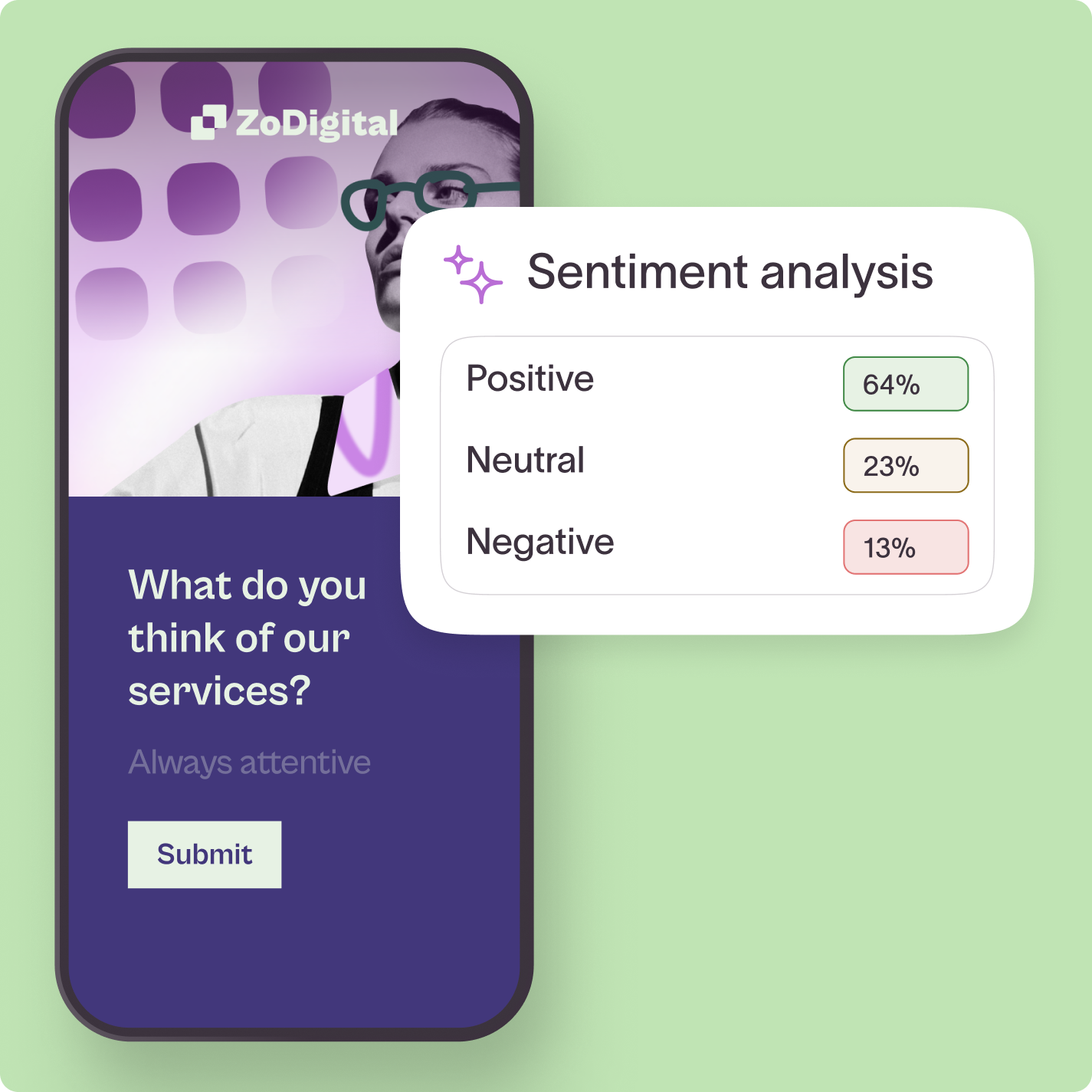
Mobile survey form with sentiment analysis results showing 64% positive, 23% neutral, and 13% negative

AI ANALYSIS

Let AI do the digging

Automatically detect key topics and sentiment to uncover what people are really saying without having to read every reply. Then Ask AI questions about your data to surface even deeper insights.

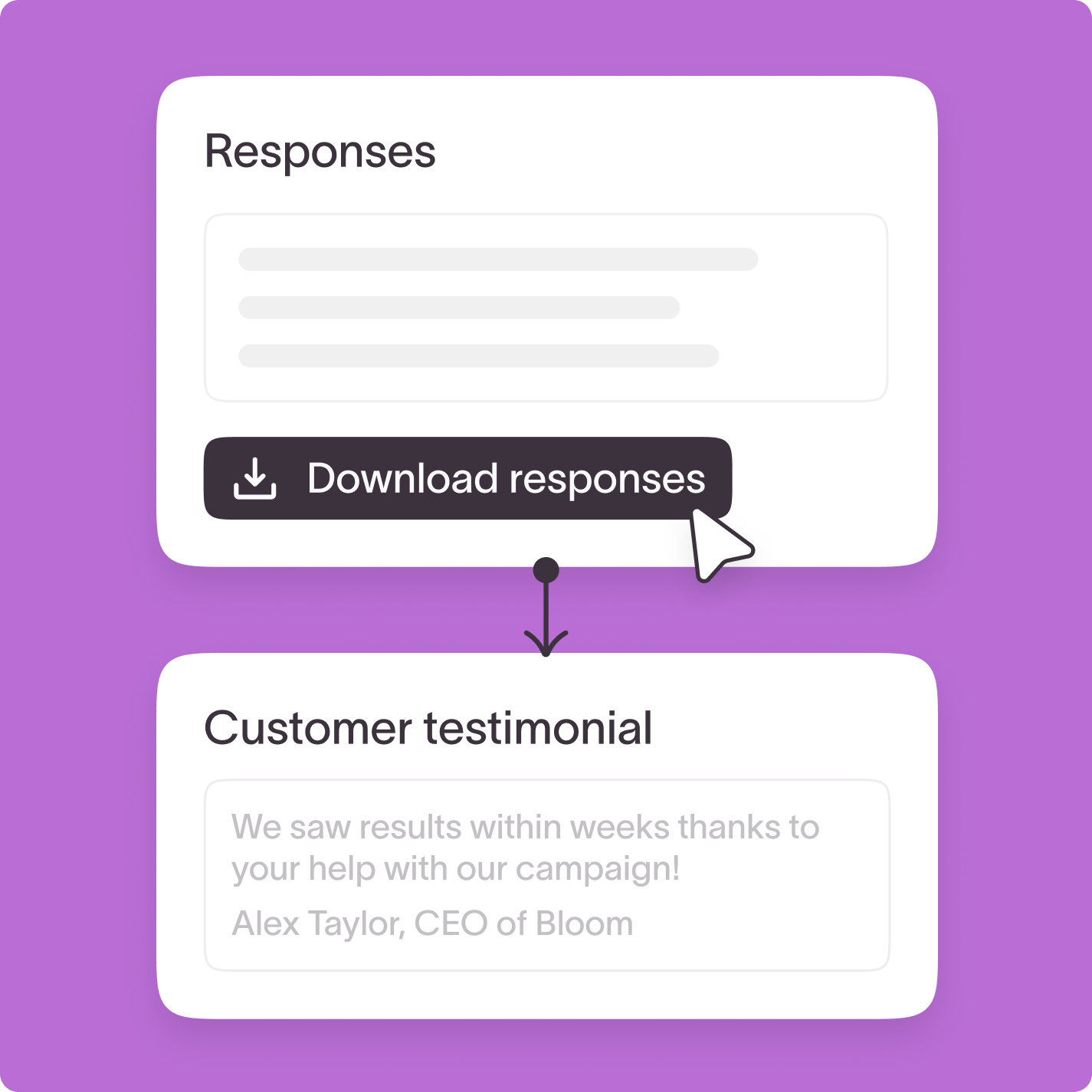
Survey responses panel with download button connected to a customer testimonial quote from Alex Taylor

actionable insights

Turn insights into action

Search, filter, and download testimonials, videos, feedback, or docs all in one place. Whether you’re building content, coaching your team, or shaping your product roadmap, everything’s organized and ready to use.

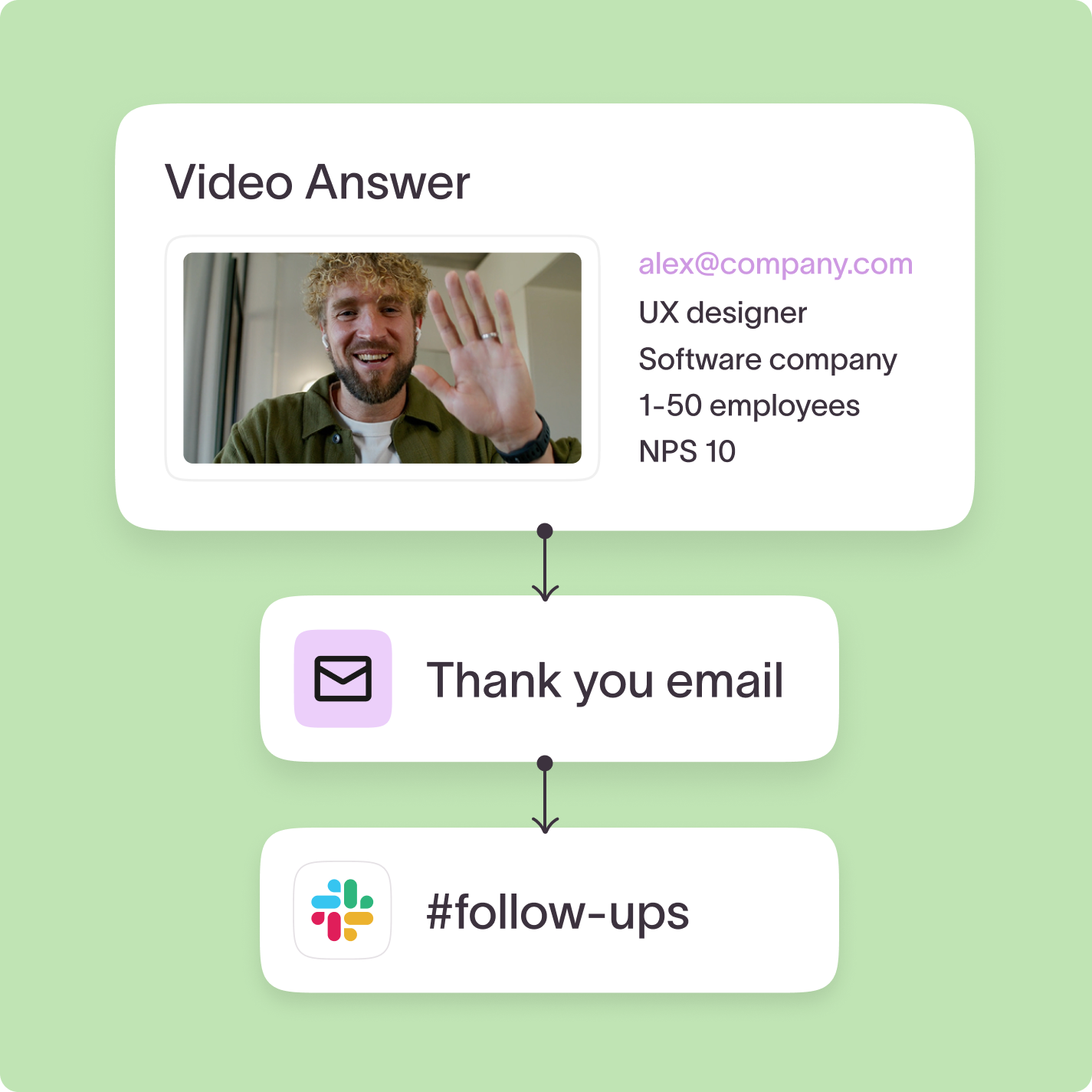
Workflow diagram showing video answer from UX designer leading to thank you email and Slack follow-up

INTEGRATIONS

Sync responses with your tools

Push video answers and responses into platforms like Slack, Notion, Airtable, or Google Sheets to power marketing campaigns, build sales pipelines, trigger onboarding flows, and more.

“It changed… how we were helping them see the patterns and data.”

Yoshi Funaki, Global Communications Manager @ WWF Cities

Analyze your data better with these tools

Text lines icon on a light purple rounded square background representing content or text formatting

Response Summary

Get a clear summary of how respondents answered each question, without the need for spreadsheets. Spot trends at a glance and act faster.

Learn more

Sparkle stars icon on a light purple rounded square background representing AI or magic features

Ask AI

Get instant answers to follow-up questions about your results, complete with auto-generated insights and charts. No manual analysis needed.

Learn more

Bar chart icon on a light purple rounded square background representing analytics or data

Drop-off Analytics

Pinpoint exactly where respondents abandon your form so you can optimize completion rates and boost engagement.

Learn more

Smiley face icon on a light purple rounded square background representing satisfaction or feedback

Sentiment Analysis

Automatically identify the emotional tone—positive, neutral, or negative—of open-ended responses to understand how people really feel.

Learn more

Magnifying glass search icon on a light purple rounded square background

Topic Detection

Spot the recurring themes and subtopics in open-text answers to uncover what matters most to your audience, no digging required.

Learn more

Closed captions icon on a light purple rounded square background

Auto-generated Transcripts

Automatically generate transcripts for video forms. Quickly review, search, and analyze spoken content without needing to replay every recording. 

Learn more

Ready for more insights without extra effort?

From completion rates to sentiment, it’s all in your analytics.