Customer Effort Score (CES) Survey Template
Measure how easy it is for customers to interact with your business and find where the friction is.



Customer satisfaction scores tell you whether customers are happy. Customer Effort Score tells you why they might not be. When customers have to work hard to get something done — find an answer, complete a purchase, resolve an issue — they're more likely to churn, even if they say they're satisfied. CES surfaces that before it shows up in your retention numbers.
A CES survey is most effective immediately after a specific interaction. A one-question-at-a-time format means customers can complete it in under a minute, which keeps response rates high. Follow up the core effort rating with a single open question asking what made the experience harder or easier.
Connect to your CRM or customer success tool to tie scores to individual accounts and spot patterns across customer segments.
A CES survey asks customers how much effort it took to complete a specific interaction — such as getting a support issue resolved, making a purchase, or finding information. Responses are typically collected on a numbered scale and used to identify friction points in the customer experience.
Research consistently shows that reducing customer effort is more strongly linked to loyalty and retention than delighting customers. A CES survey helps you identify exactly where your experience is creating unnecessary work for customers.
Keep the survey focused. Core components include:
- The effort scale question (e.g., "How easy was it to [complete action]?" on a 1-7 scale)
- A follow-up open text question asking what made it easier or harder
- Optionally, a contact information field if you want to follow up on specific responses
- Timestamp and interaction context (often auto-captured or pre-filled)
Immediately after the interaction you're measuring — within minutes if possible. Effort perceptions fade quickly, and delayed surveys often reflect general sentiment rather than the specific experience you're trying to assess.
CSAT measures overall satisfaction with an experience. NPS measures the likelihood of recommending your company. CES is interaction-specific and focuses on ease rather than sentiment. All 3 have different strengths, and many teams use them together to get a full picture of the customer experience.
Get inspired by relevant templates and categories
3200+ Templates, 300+ Integrations

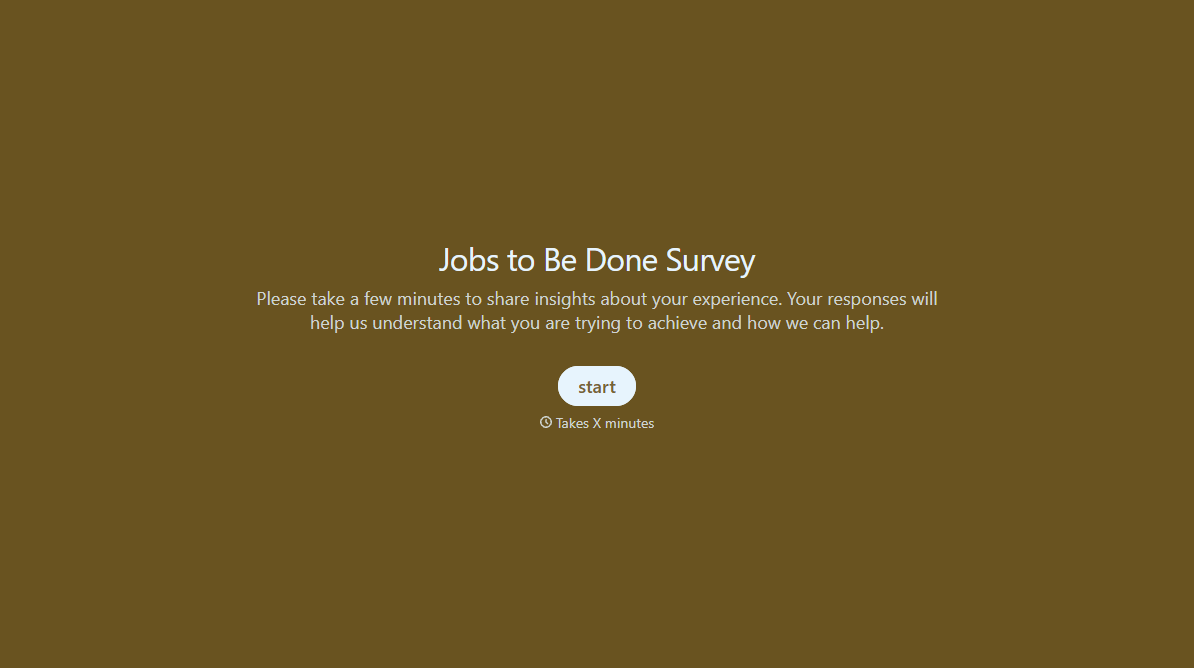
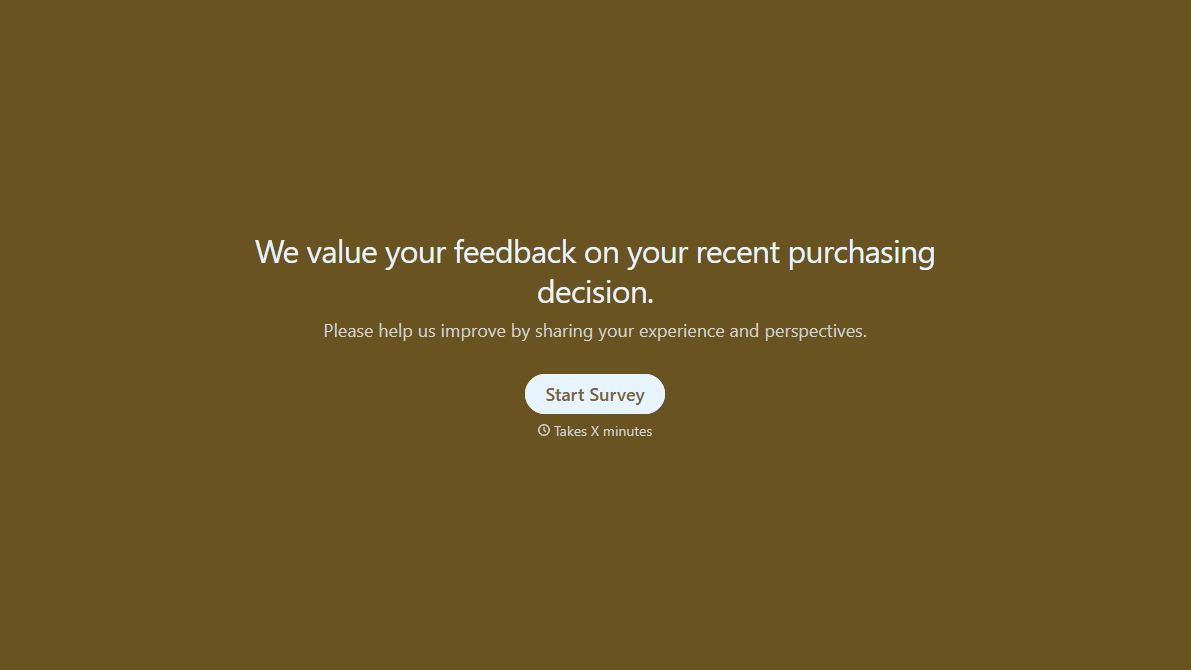
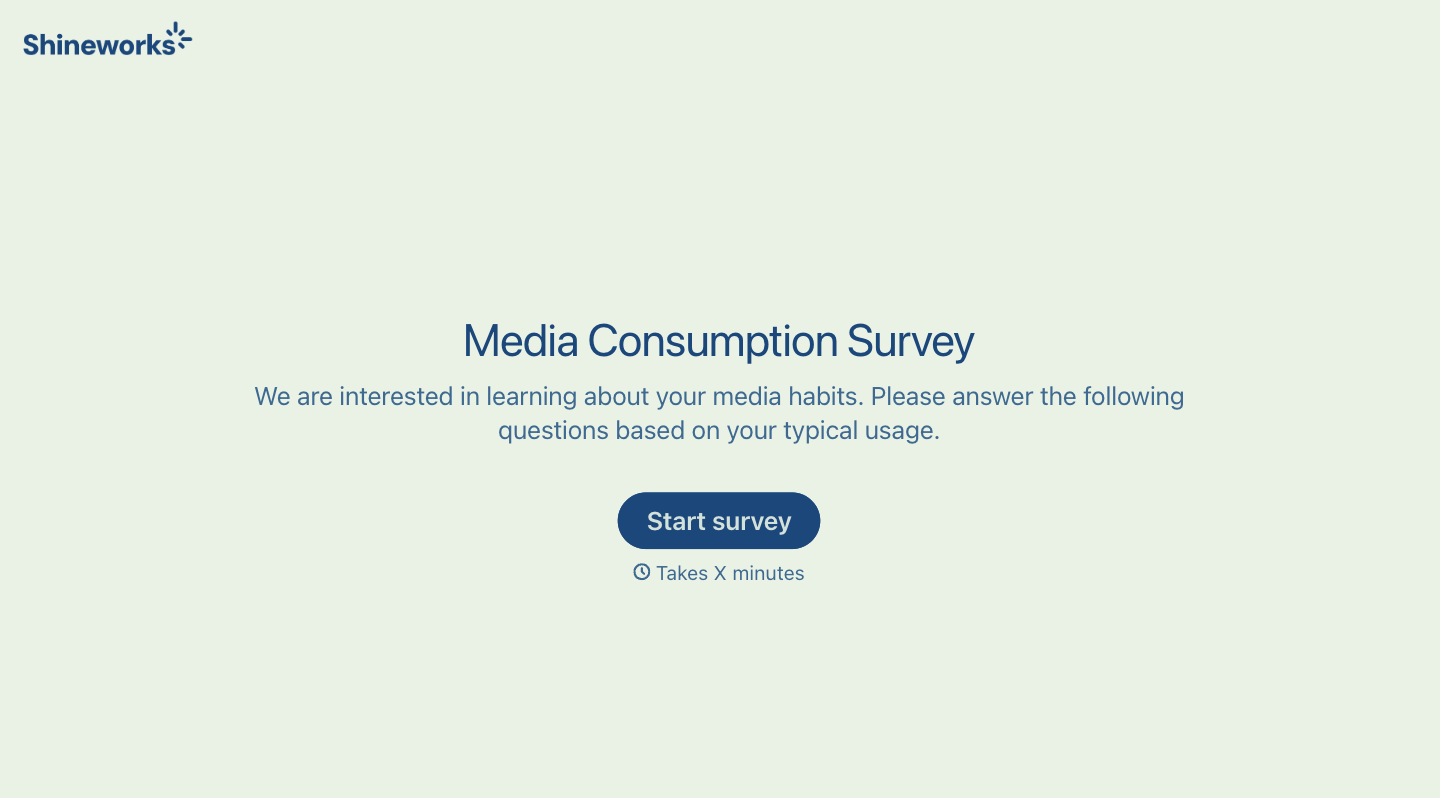
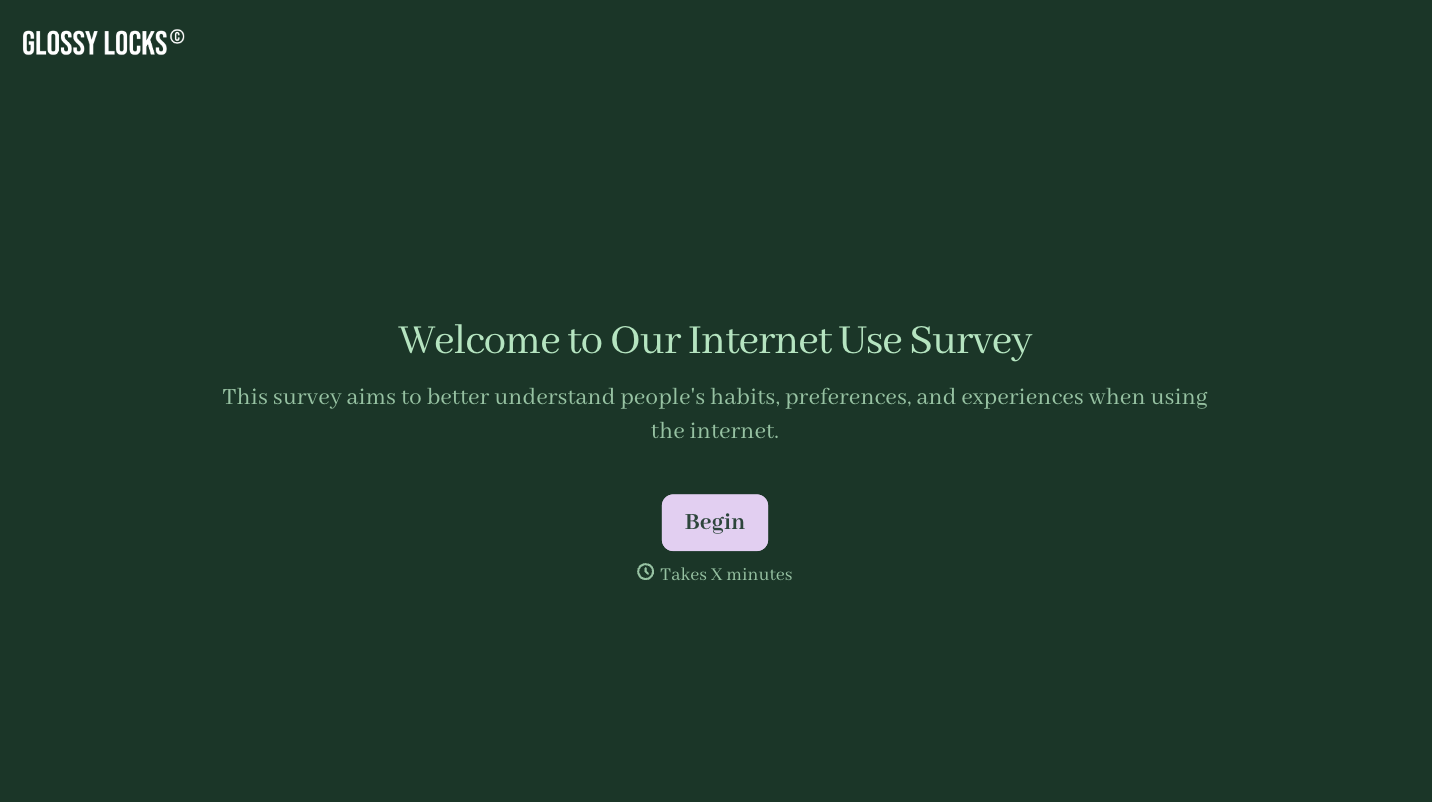
With Typeform, you can customize everything
Change text, colors, and even logos to match the look and feel of your brand. Then embed forms smoothly onto web and email.
Make forms feel effortless to fill out. Pace questions, call people by their name, and adapt the flow based on the data they share.
Stay efficient by connecting forms to your workflow. Typeform integrates with 300+ tools including Slack, Zapier, and HubSpot.


