Customer Service Satisfaction Survey Template
Find out whether your support team is solving problems or creating new ones, straight from the people who just experienced it.



A support ticket gets closed, but was it actually resolved to the customer's satisfaction? Did the interaction leave them feeling valued or frustrated? Closed tickets aren't the same as happy customers, and the gap between the two is where loyalty is won or lost. Without post-interaction feedback, your support metrics, like first response time and resolution time, tell only half the story.
This customer service satisfaction survey template captures the half that matters most. The customer's experience. Sent immediately after a support interaction, it asks about responsiveness, helpfulness, resolution quality, and overall satisfaction in a fast, conversational flow. Conditional logic routes dissatisfied customers to a "tell us more" path while happy customers get an optional testimonial prompt. Responses push to Google Sheets, your CRM, or Slack for immediate visibility.
Customize the questions to match your support channels and team structure, add your branding, and embed it in your post-ticket email workflow. Each response takes under a minute to complete, which is exactly why people actually complete it.
A customer service satisfaction survey is a short feedback form sent to customers after they interact with your support team. It measures their perception of the support experience. How quickly they were helped, whether their issue was resolved, and how they felt throughout the process. It's one of the most direct ways to evaluate support quality.
Because support is a make-or-break moment. A customer reaching out already has a problem. How you handle it determines whether they remain a customer. Post-interaction surveys surface coaching opportunities for your team, highlight systemic issues (if the same complaint appears repeatedly), and give you data to celebrate what your team does well.
Keep it brief. The customer already spent time on a support interaction:
- Overall satisfaction with the support experience
- Whether their issue was fully resolved
- Rating of the support agent's helpfulness and knowledge
- How easy it was to get help
- Speed of response relative to expectations
- Any additional comments or suggestions
Industry benchmarks vary, but 20-30% is solid for post-interaction surveys. Higher rates are achievable when the survey is short (3-5 questions), sent immediately after ticket closure, and uses a format that doesn't feel burdensome. The conversational, one-question-at-a-time approach tends to outperform traditional survey grids.
Flag them immediately. Set up a Zapier workflow that alerts a team lead via Slack or email whenever a survey response falls below a satisfaction threshold. Follow up personally within 24 hours — acknowledge the experience, apologize where warranted, and take concrete action. A well-handled recovery can actually strengthen loyalty.
Get inspired by relevant templates and categories
3200+ Templates, 300+ Integrations
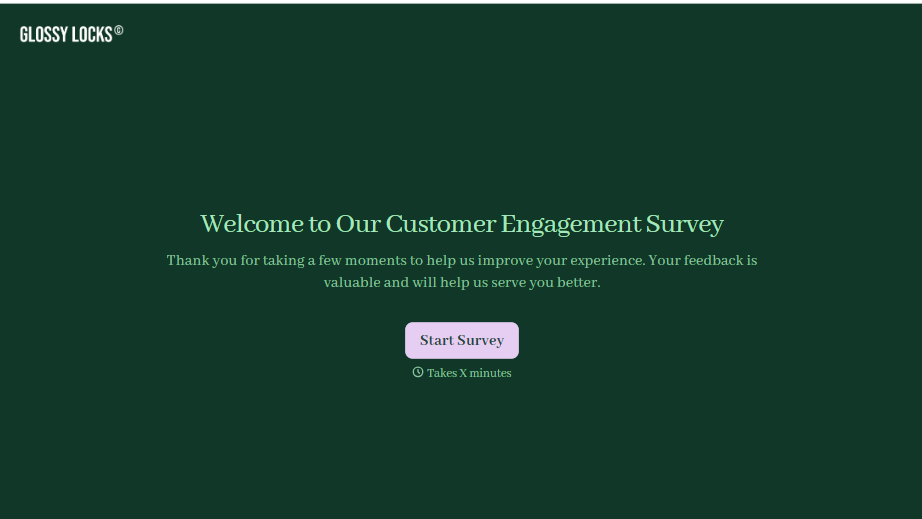
Customer Engagement Survey Form
A quarterly engagement survey blasted to the entire customer list, whether someone logged in yesterday or six months ago, gets back an average score nobody can act on. Ask the right question to the right customer, at the moment their actual behavior gives you something to ask about.
View template

With Typeform, you can customize everything
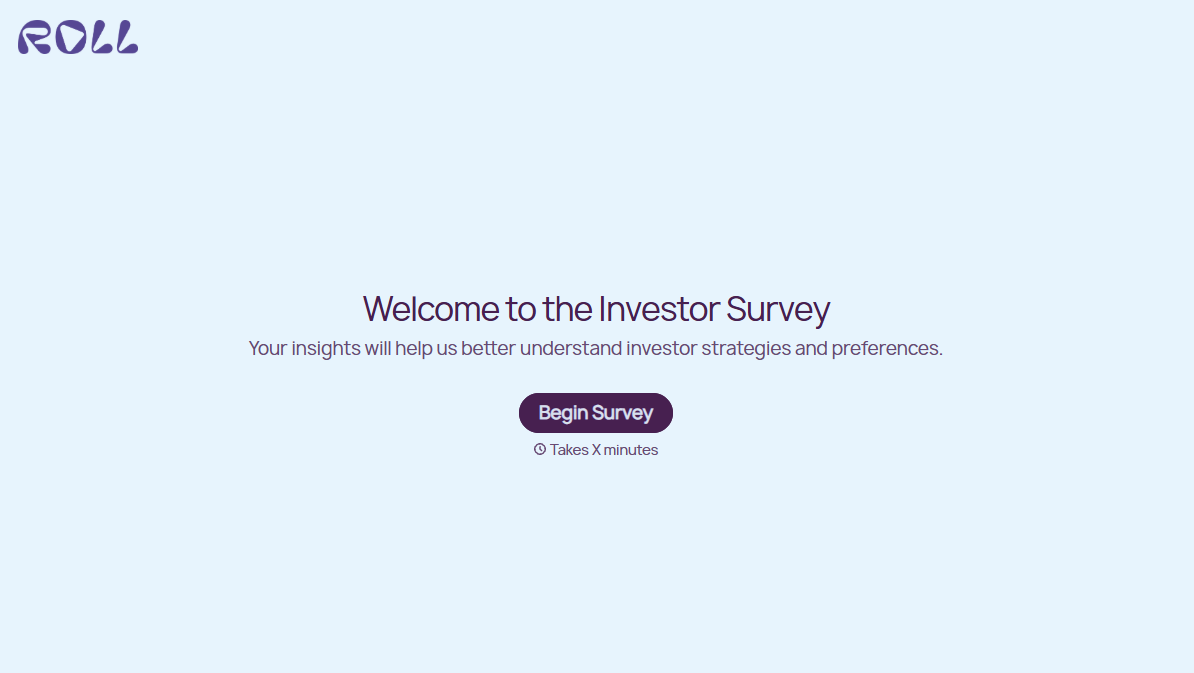
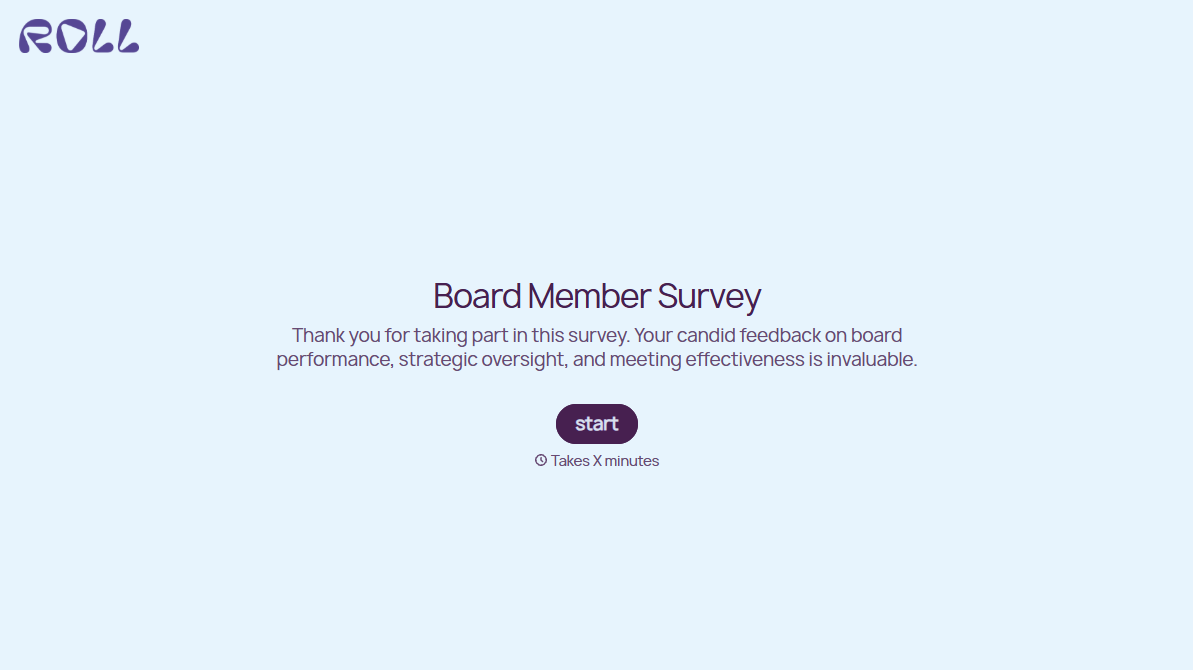
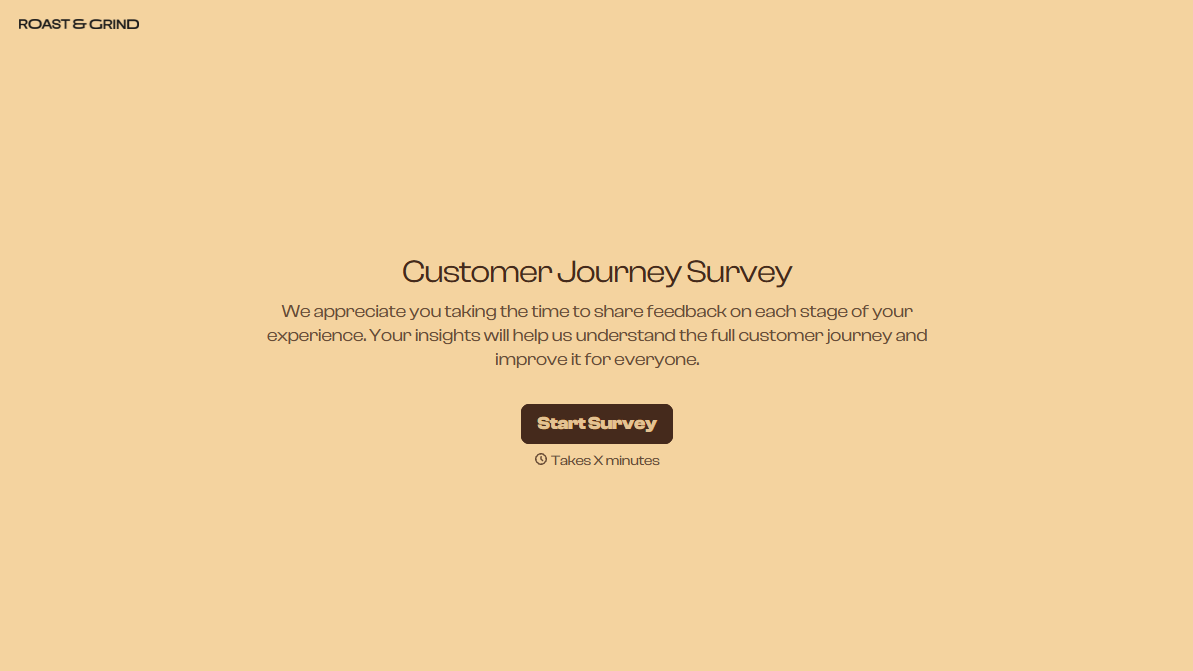
Change text, colors, and even logos to match the look and feel of your brand. Then embed forms smoothly onto web and email.
Make forms feel effortless to fill out. Pace questions, call people by their name, and adapt the flow based on the data they share.
Stay efficient by connecting forms to your workflow. Typeform integrates with 300+ tools including Slack, Zapier, and HubSpot.


