Exam Registration Form Template
Register for your exam with all the information and documentation ready from the start.


Incomplete exam registrations create delays and frustration for both candidates and administrators. This form gives exam bodies and testing centers a structured way to collect everything needed — candidate details, eligibility documentation, accommodations, and payment — in one organized submission.
The template covers the candidate's full legal name and contact details, the specific exam being registered for, eligibility verification documentation, preferred exam date and location, accommodation requests with supporting documentation, and payment reference or collection.
When registrations arrive complete, scheduling is straightforward, accommodations can be arranged in advance, and exam day runs smoothly for everyone.
Full legal name as it will appear on results, date of birth, contact information, the specific exam and level, eligibility documentation (transcripts, work experience records), accommodation requests, and payment.
Extended time, a separate testing room, large-print materials, a reader or amanuensis, rest breaks, or assistive technology. Most require supporting documentation from a qualified professional and advance notice.
Define ineligibility clearly in the form instructions. Set up a conditional response or review process that flags submissions for manual review when eligibility documentation is incomplete.
Depends on the exam body's policy. If allowed, let candidates specify their session preference and an alternative date. Process one registration at a time to avoid scheduling conflicts.
Specify the refund policy clearly in the form instructions — what's refundable, within what timeframe, and the process for requesting a refund or transfer to a different session.
Get inspired by relevant templates and categories
3200+ Templates, 300+ Integrations
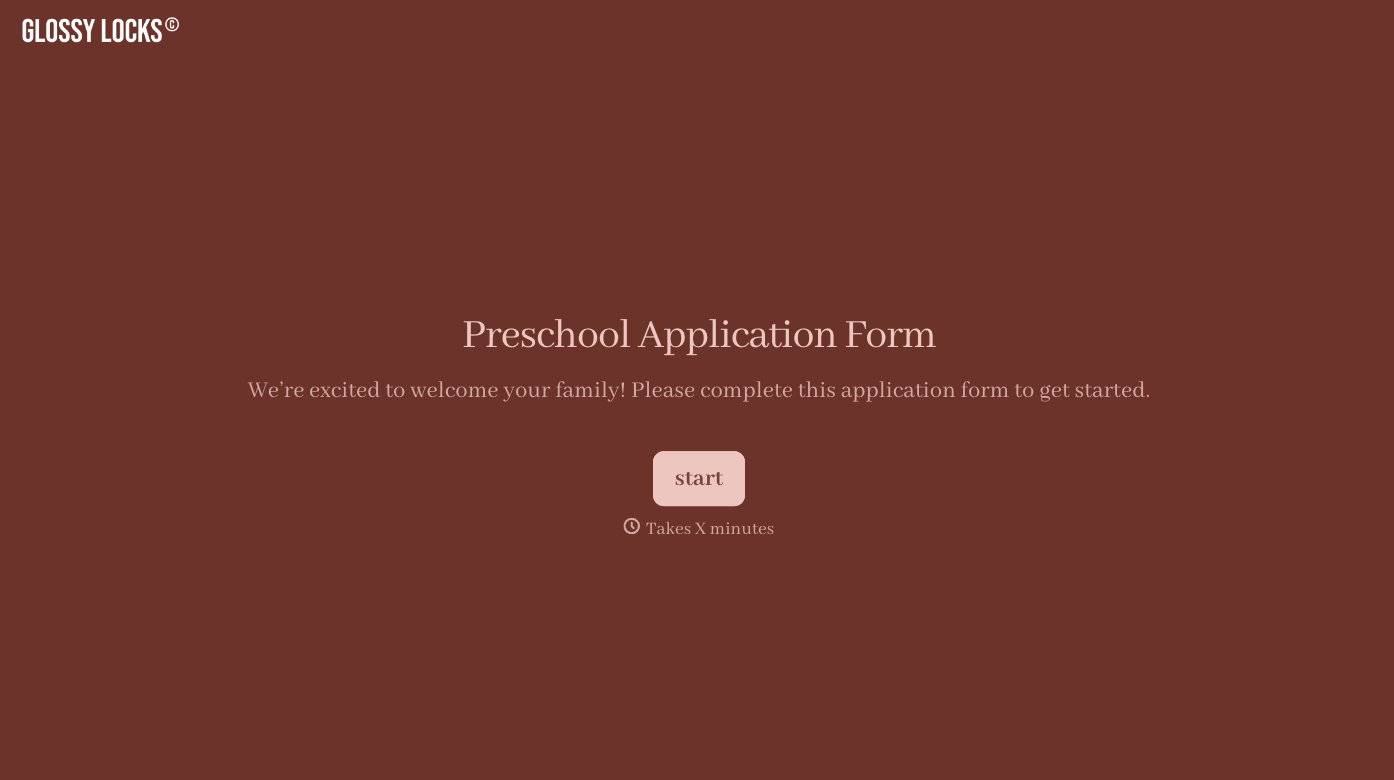
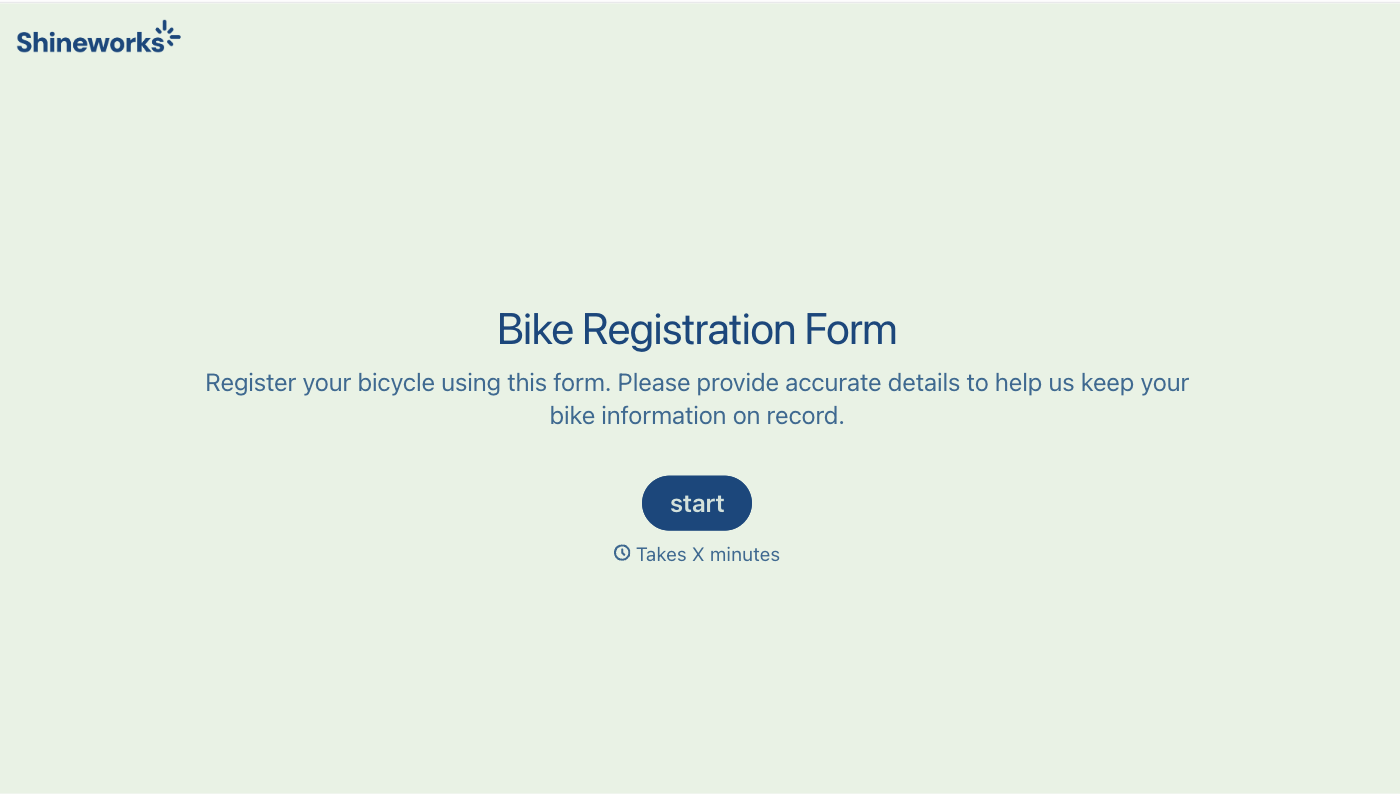
With Typeform, you can customize everything
Change text, colors, and even logos to match the look and feel of your brand. Then embed forms smoothly onto web and email.
Make forms feel effortless to fill out. Pace questions, call people by their name, and adapt the flow based on the data they share.
Stay efficient by connecting forms to your workflow. Typeform integrates with 300+ tools including Slack, Zapier, and HubSpot.


