Dealer Registration Form Template
Bringing new dealers on board starts with getting the right information. Make the registration process straightforward for both sides.



Dealer onboarding is rarely as smooth as it should be. You're collecting business details, tax information, product preferences, and territory data — often through a mix of PDFs, emails, and phone calls. The result is incomplete records and a slow start to the business relationship.
A dealer registration form standardizes that intake process. Typeform's template collects everything you need upfront, one step at a time, so dealers aren't confronted with a 4-page document that looks like a tax return. Conditional logic lets you ask follow-up questions based on dealer type, product category, or region — keeping the form relevant and focused for each registrant. Connect responses to your CRM via integrations to automatically create a new account record the moment a form is submitted.
Customize the template with your product categories and regional requirements, then share it with prospective dealers as part of your onboarding sequence.
A dealer registration form is an intake form used by manufacturers or distributors to collect information from retailers or resellers who want to carry their products. It captures business details, credentials, and preferences needed to set up a dealer account.
An unstructured onboarding process means inconsistent data, missing documentation, and delays setting up new accounts. A standardized form ensures you collect the same information from every dealer and creates a clear record from day one.
Think about what your sales and operations teams actually need to set up and service an account. Common fields include:
- Business name, address, and contact details
- Tax identification or business license number
- Product lines or categories of interest
- Estimated annual order volume
- Preferred payment terms
- Territory or service area
- References or existing brand relationships
You can include a file upload question in the form for documents like business licenses or reseller certificates. For additional verification steps, Typeform integrates with tools that can trigger an automated review workflow when a new registration is submitted.
You can create separate forms for new registrations and profile updates, or use conditional logic at the start to branch based on whether the dealer is new or updating existing information. Either approach keeps the experience relevant without requiring 2 different links.
Get inspired by relevant templates and categories
3200+ Templates, 300+ Integrations

Distributor Registration Form
A distributor application that arrives as a scanned resale certificate attached to an email doesn't tell your sales team what territory they're actually asking for. Collect what your company actually needs, business information, tax documentation, and territory, before you set up an account.
View template
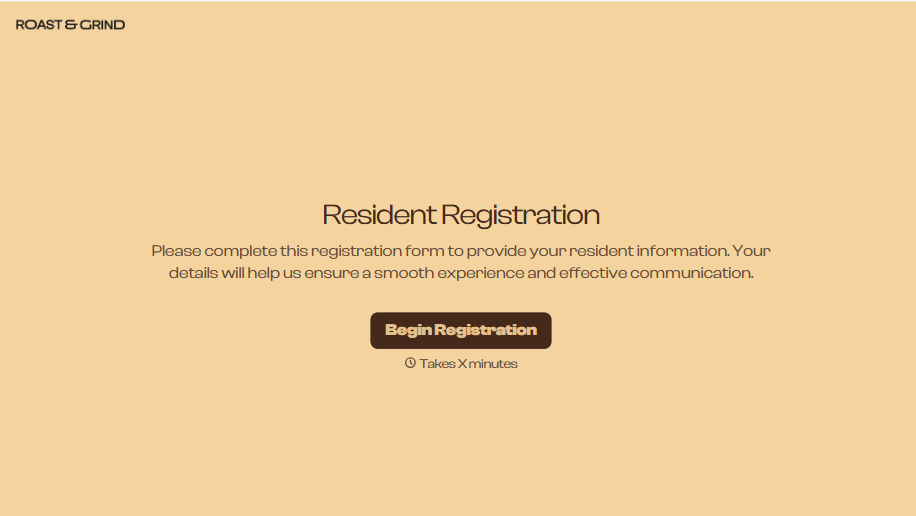
Resident Registration Form
A move-in packet signed at the leasing office and filed in a drawer isn't the kind of record your front desk can pull up when a resident's guest needs access or a car needs to be identified in the lot. Collect household members, vehicles, and emergency contacts before move-in day, so your community has an accurate record from the start.
View template
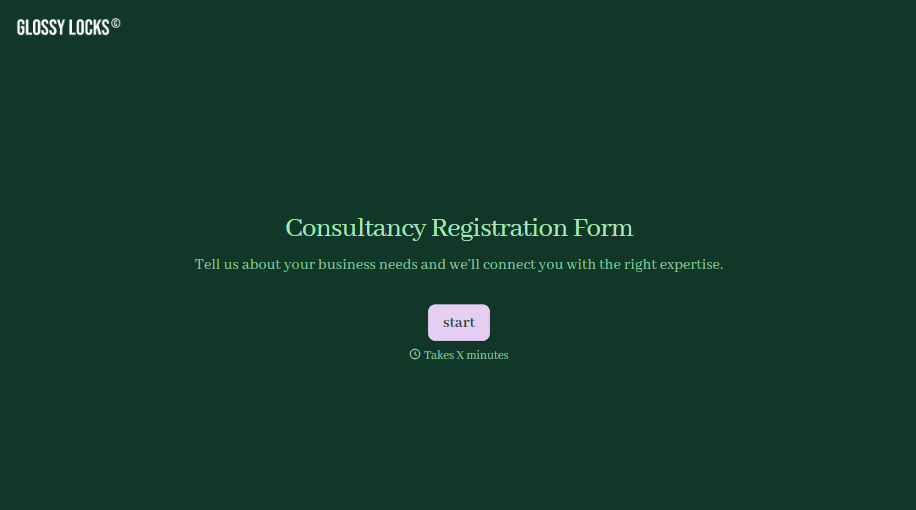
Consultancy Registration Form
Move past a registration form that only grabs a name and a phone number. Confirm the client understands who they're signing up with, screen for what a consultancy is legally allowed to charge and promise, and keep a record of exactly what was disclosed and agreed to.
View template

With Typeform, you can customize everything
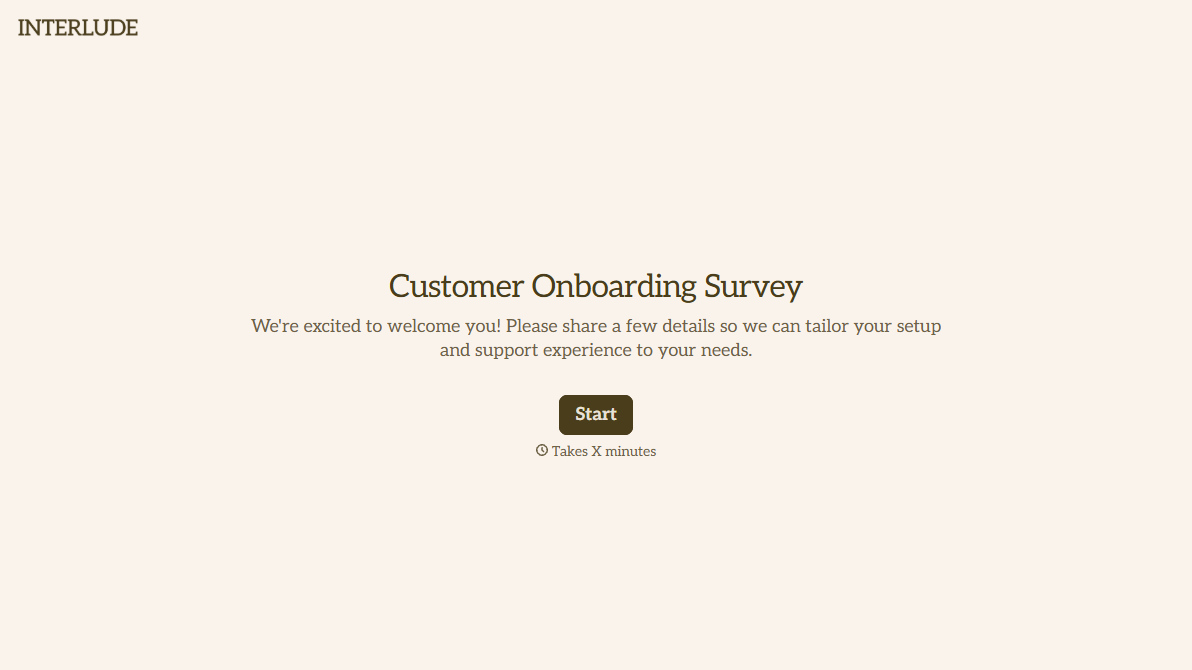
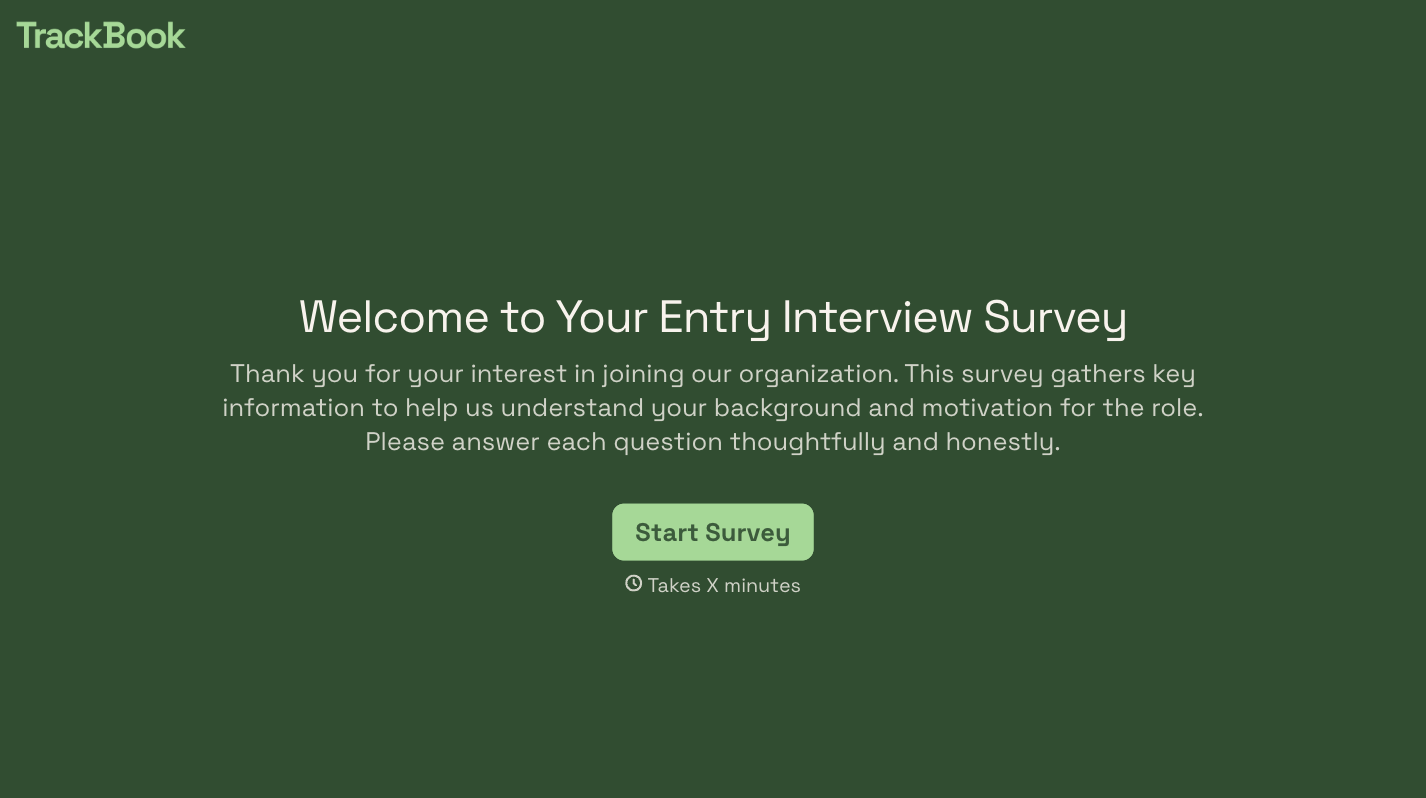
Change text, colors, and even logos to match the look and feel of your brand. Then embed forms smoothly onto web and email.
Make forms feel effortless to fill out. Pace questions, call people by their name, and adapt the flow based on the data they share.
Stay efficient by connecting forms to your workflow. Typeform integrates with 300+ tools including Slack, Zapier, and HubSpot.


