Free Presentation Feedback Form Template
Give presenters the specific, structured input they need to improve, not just a score.


After a presentation, feedback is often rushed or surface-level. Audience members fill out a generic form, check a few boxes, and move on. The presenter gets a set of ratings with no context and not much to work with. Genuine improvement requires knowing what specifically worked, what didn't, and why.
A Typeform presentation feedback form creates a more useful feedback loop. Clear prompts guide respondents through the presentation's key elements, and open-text questions invite real observations rather than just scores. Because the form moves one question at a time, people tend to give more thoughtful answers than they would on a traditional multi-row survey grid.
The template is free to use. Customize it for your event, class, or internal review context, add your branding, and share the link at the end of the session.
A presentation feedback form collects input from an audience or evaluation panel about a speaker's performance and content. It helps presenters understand what was effective, what was unclear, and what to work on before their next delivery.
Good feedback is specific and timely. A structured form distributed immediately after a presentation captures honest reactions before they fade, and guided prompts produce more useful input than asking people to "share your thoughts."
Focus on what actually helps a presenter improve:
- Overall impression of the presentation
- Clarity of the main message or argument
- Strength of the opening and closing
- Pace, delivery, and confidence
- Quality and usefulness of visual aids
- What was most valuable or memorable
- What could be clearer or more effective
- One specific suggestion for improvement
A feedback form is typically lighter in structure and focused on the presenter's development. An evaluation form tends to be more formal, often scoring against specific criteria for grading or certification purposes. This free template is better suited for internal reviews, class presentations, or professional development contexts.
Display the form link or QR code on the final slide so attendees can access it immediately. You can also send it via email or Slack directly after the session. The shorter the gap between the presentation and the feedback, the more specific and accurate the responses tend to be.
Get inspired by relevant templates and categories
3200+ Templates, 300+ Integrations
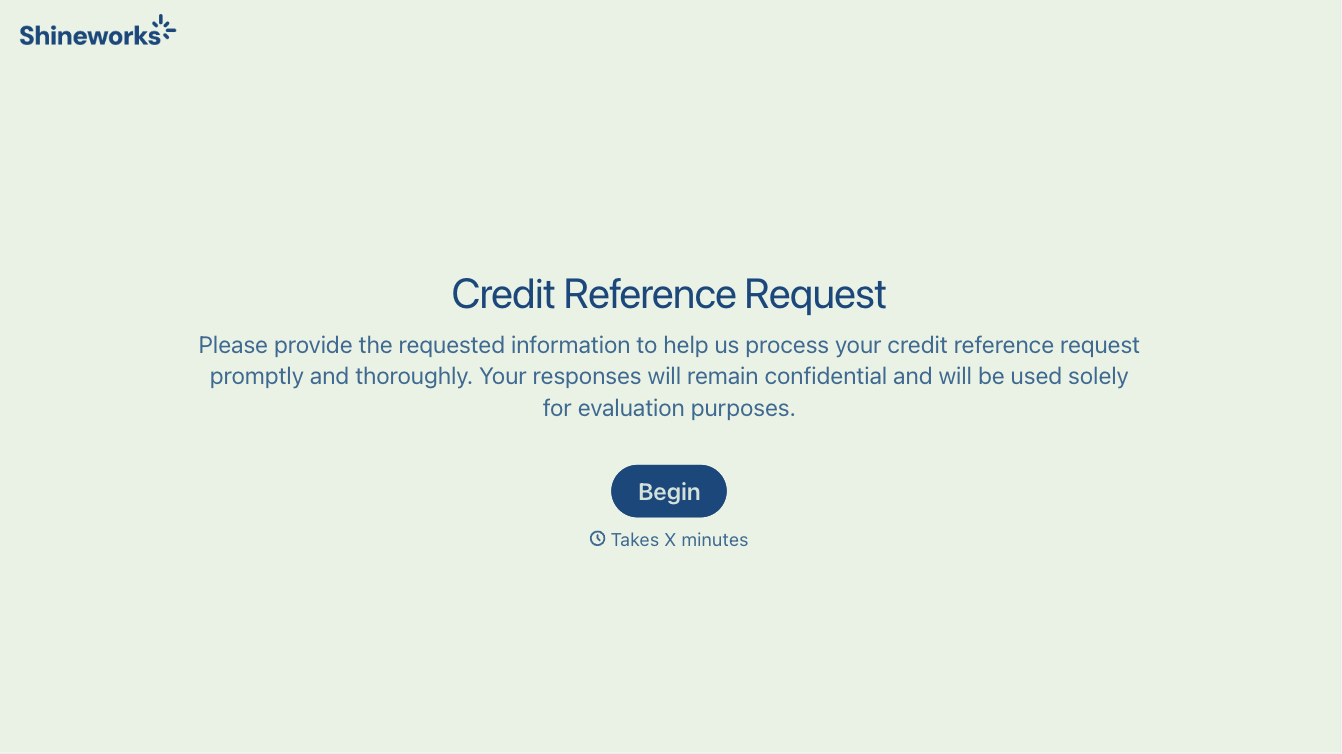
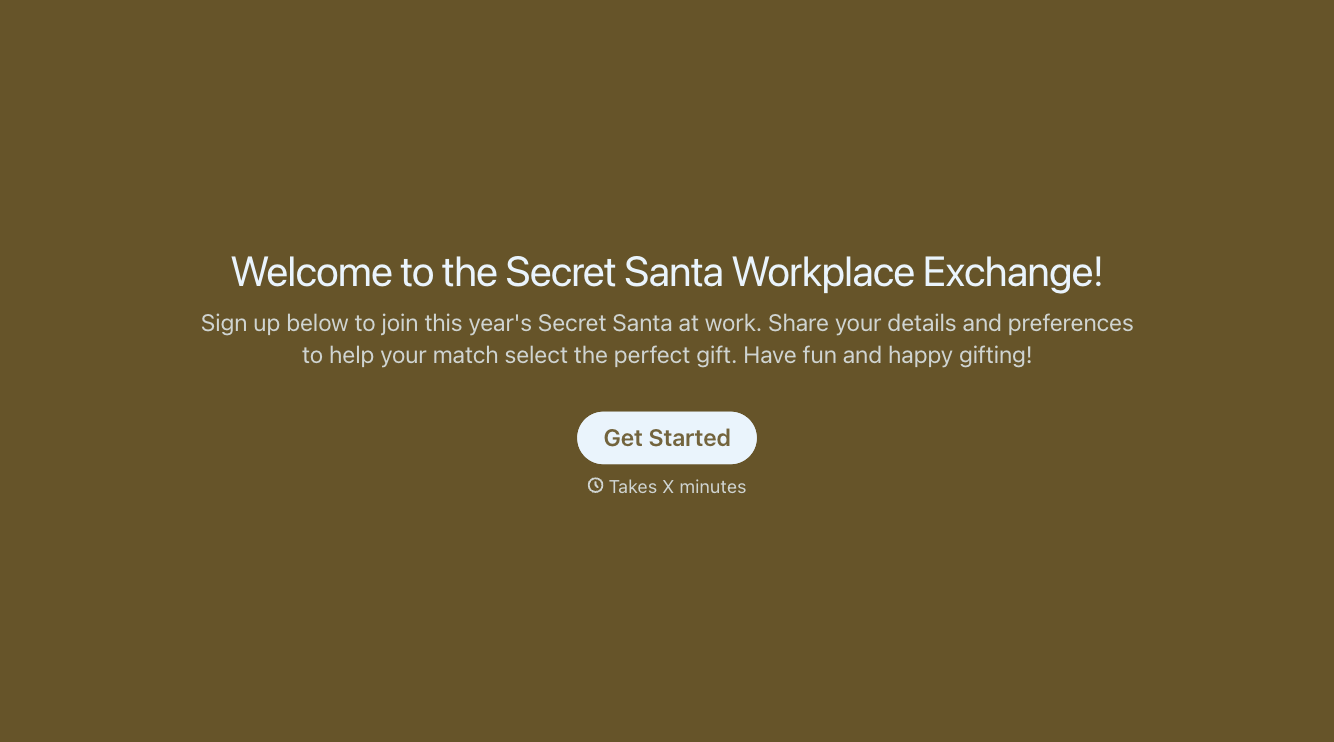
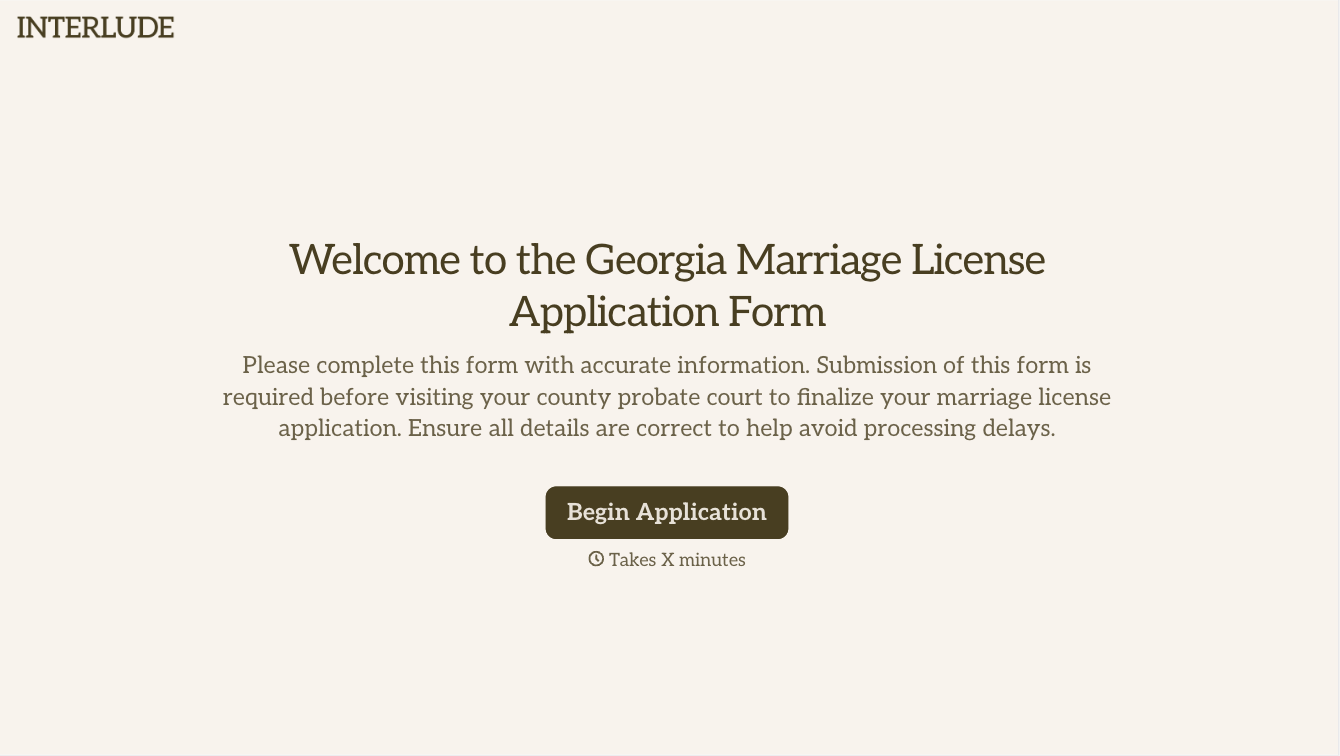
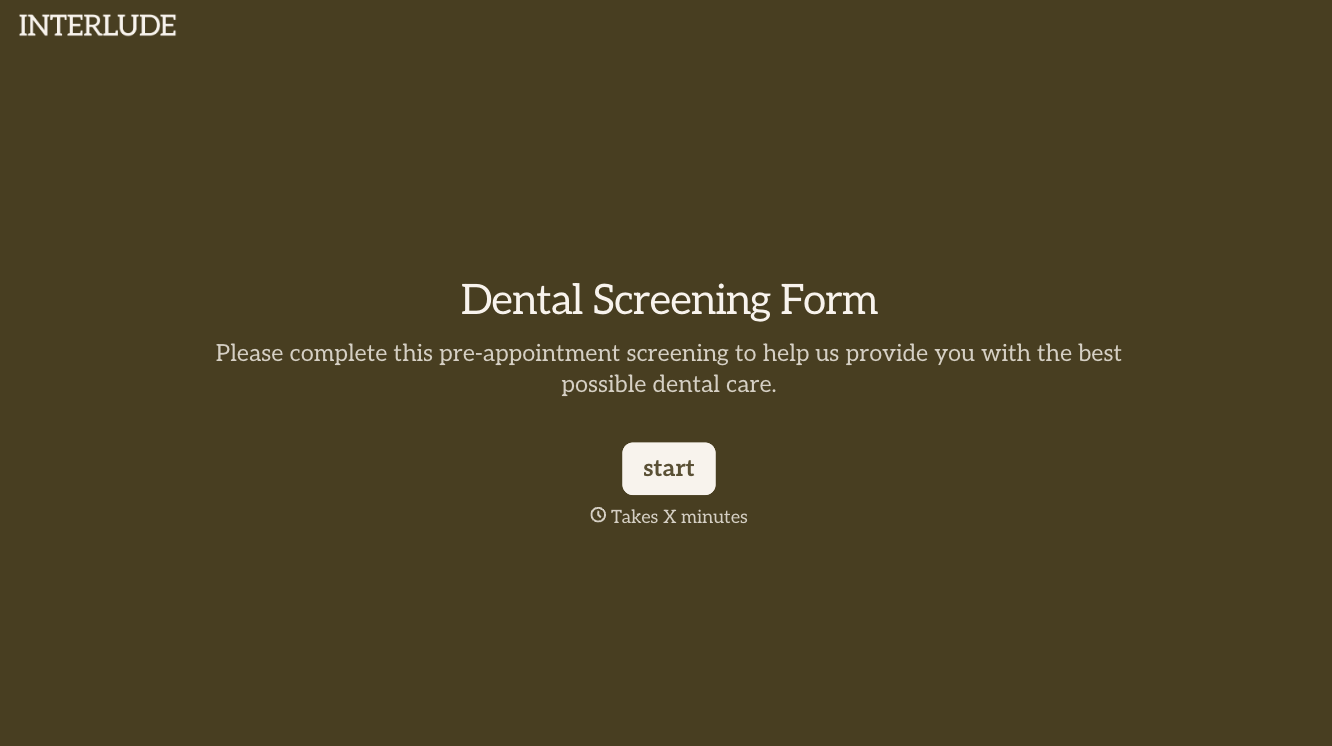
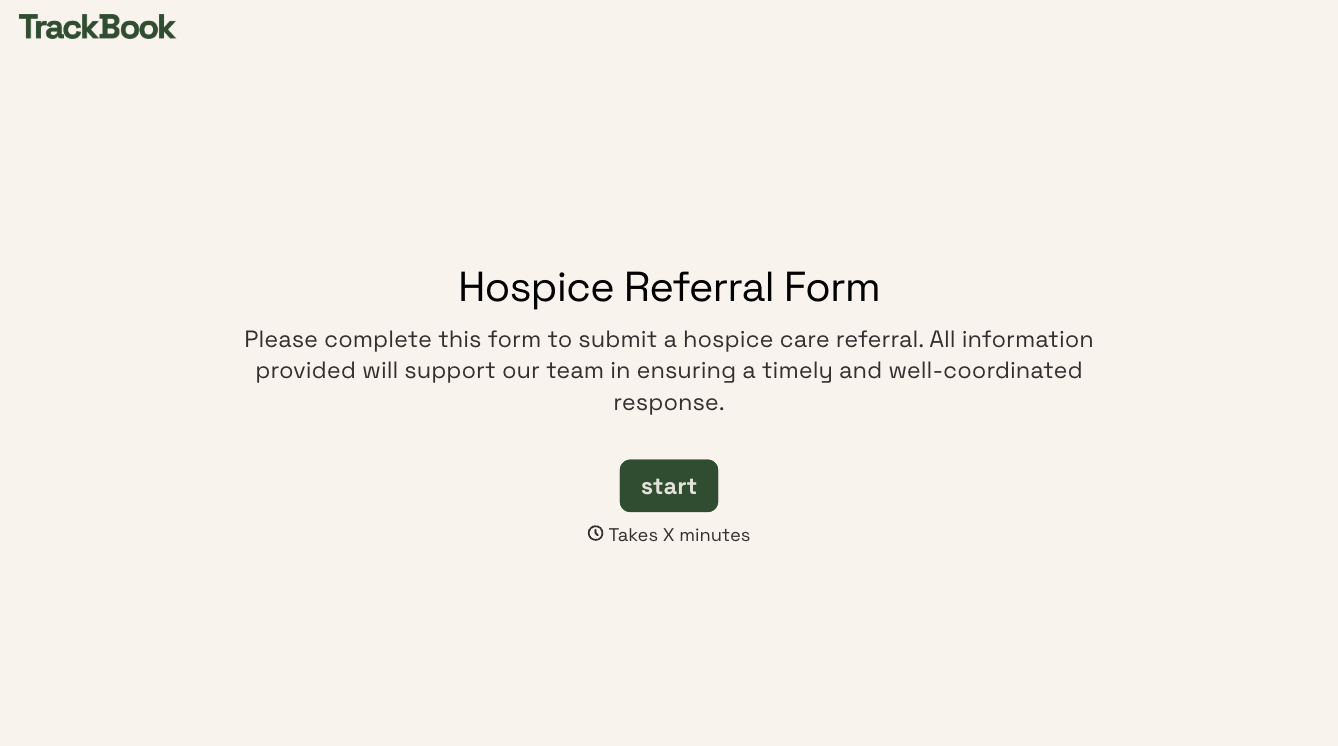
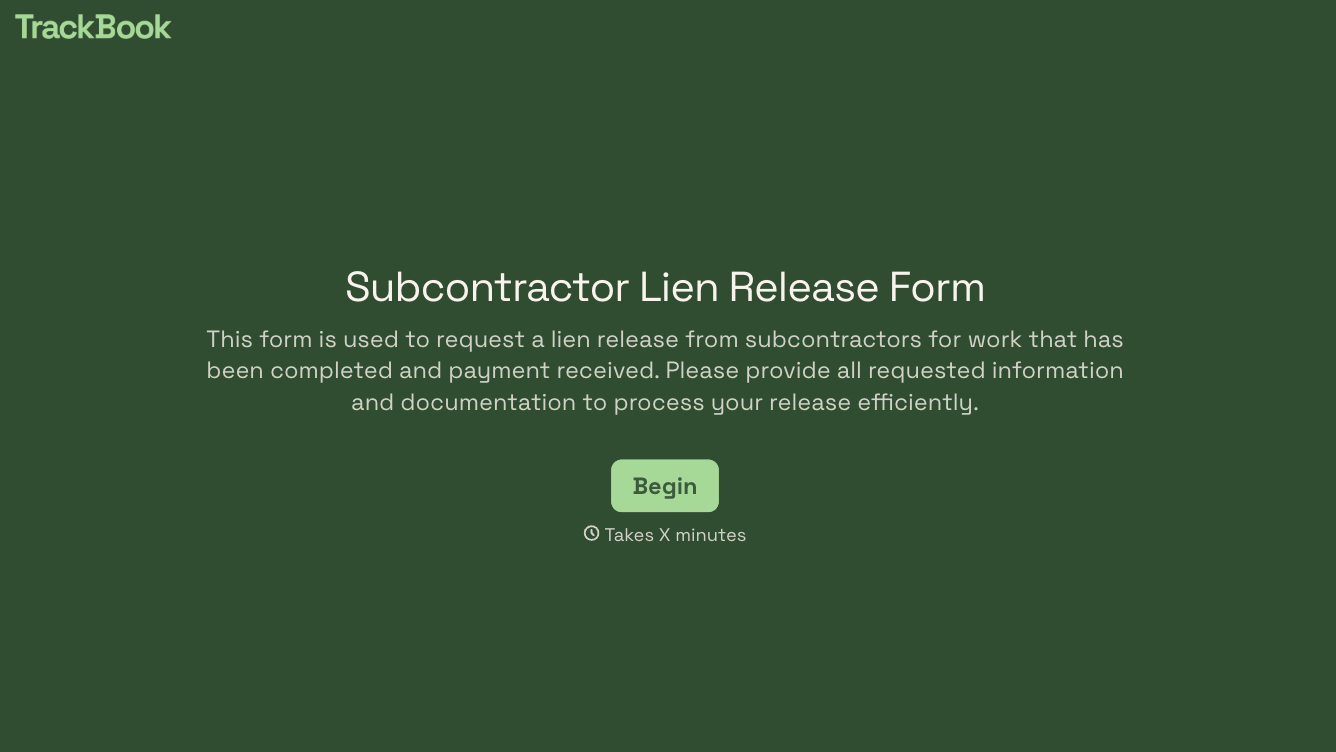
With Typeform, you can customize everything
Change text, colors, and even logos to match the look and feel of your brand. Then embed forms smoothly onto web and email.
Make forms feel effortless to fill out. Pace questions, call people by their name, and adapt the flow based on the data they share.
Stay efficient by connecting forms to your workflow. Typeform integrates with 300+ tools including Slack, Zapier, and HubSpot.


