Streamline data collection with an easy-to-use form builder
Creating a form shouldn’t be complicated. Use our straightforward, drag-and-drop editor to publish responsive, professional-looking forms without any technical skills needed.
See more
With our simple (yet powerful!) online form builder, 95% of our customers collect more data with less effort. Create forms that’ll actually get filled out—and then use those insights to act on what really matters. Get started for free.




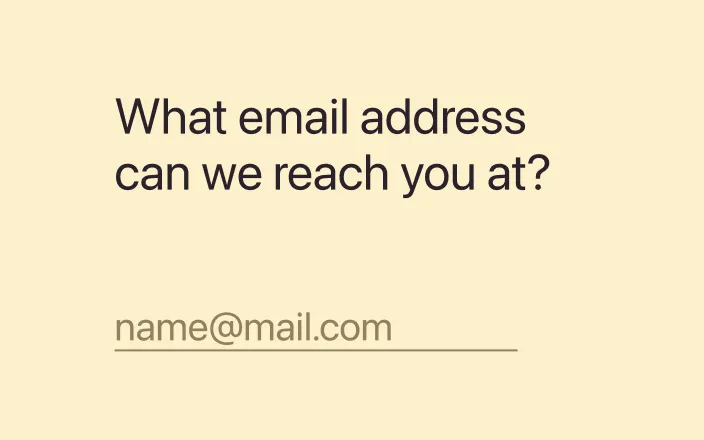
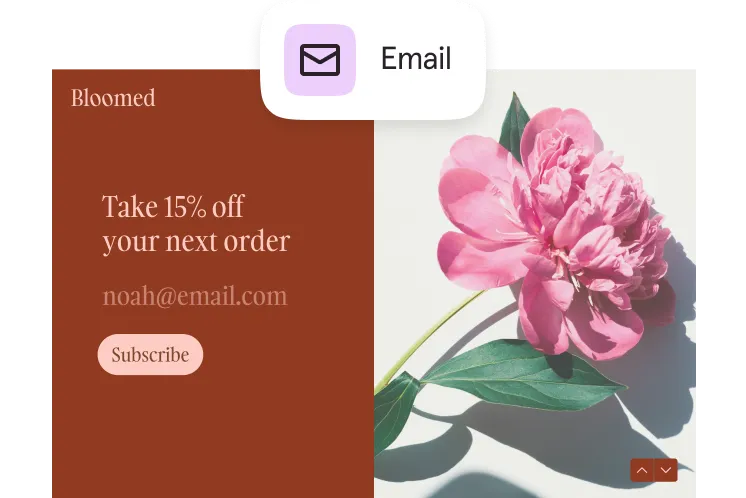
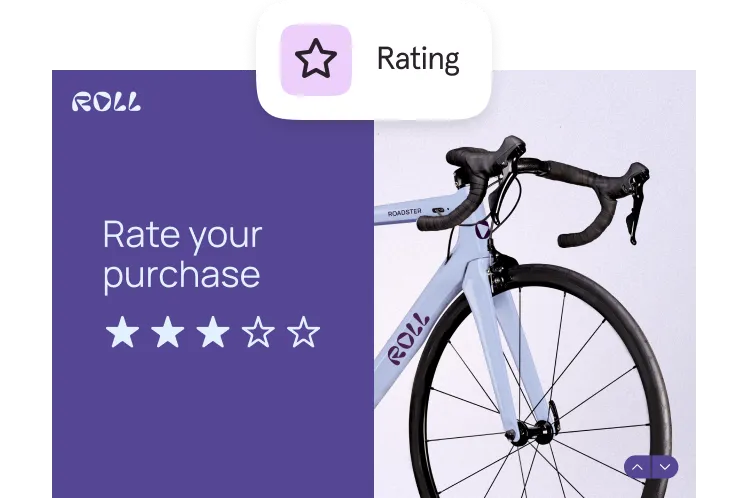
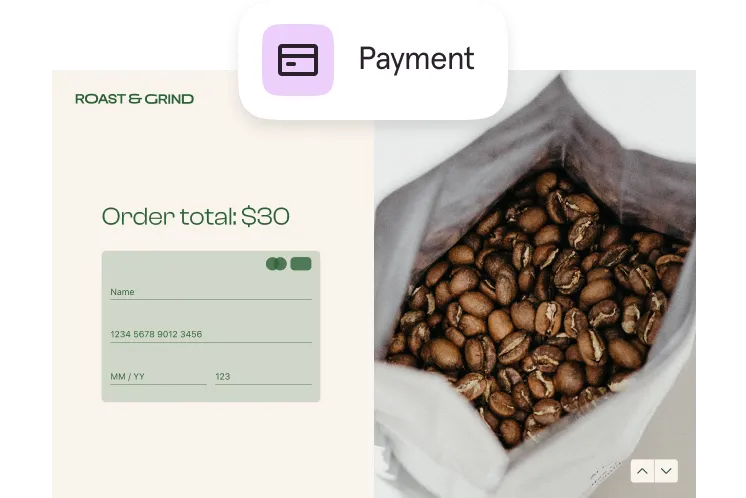
With 28 question types

Creating a form shouldn’t be complicated. Use our straightforward, drag-and-drop editor to publish responsive, professional-looking forms without any technical skills needed.
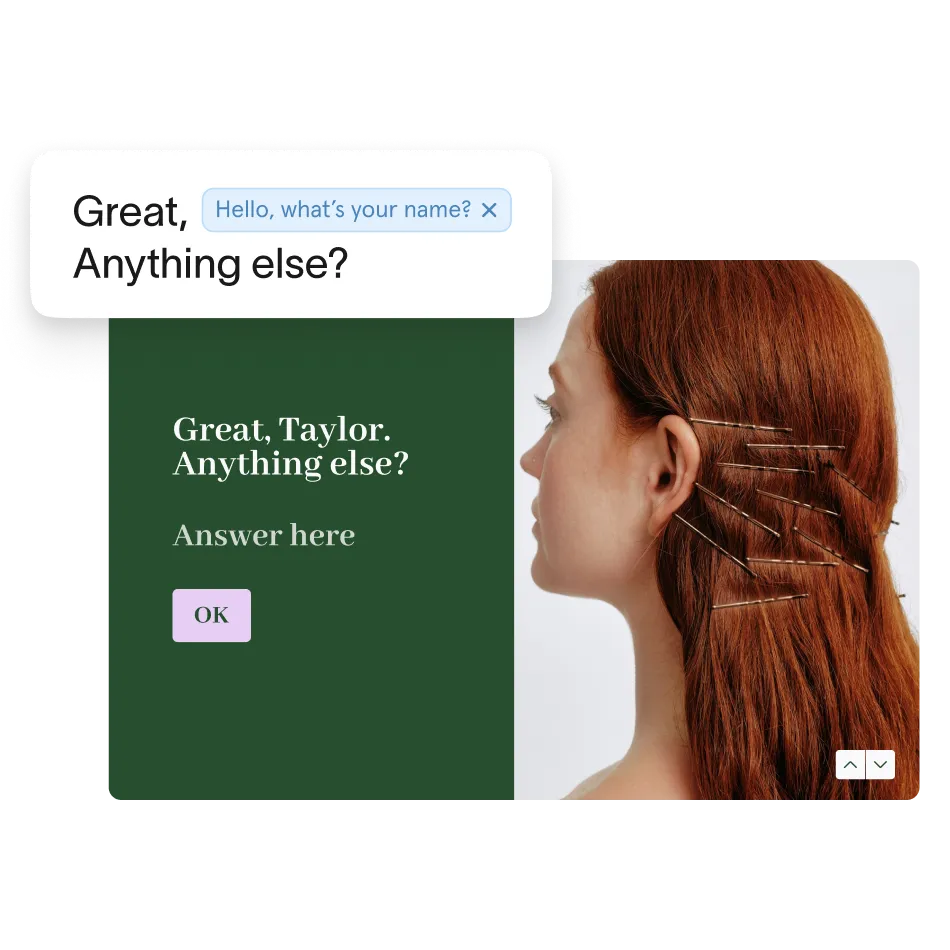
You don’t have to sacrifice form for function. Creating forms has never been easier thanks to our drag-and-drop interface and AI-powered tools. Customize flexible forms to your needs (and your brand) without writing a single line of code.

Not sure where to start? Well, we probably have a pre-made form template for that! Get started quickly with our library of 1,500 templates that include both free and premium elements.
We know that trust and collaboration are essential when collecting sensitive data. That’s why we prioritize robust security features and seamless team collaboration tools.
Work together easily with tools that help your team stay connected. Share ideas, edit forms at the same time, and build things like surveys or event registrations together—even if you're remote.

Typeform connects with the tools you already use—so you can move faster and do even more with your data. Integrate forms seamlessly with hundreds of tools including Salesforce, Google Sheets, Slack, and Zapier to automate workflows and save time.
Integrations


Use templates and 20+ question types to build your form, then customize the look and feel to match your brand.
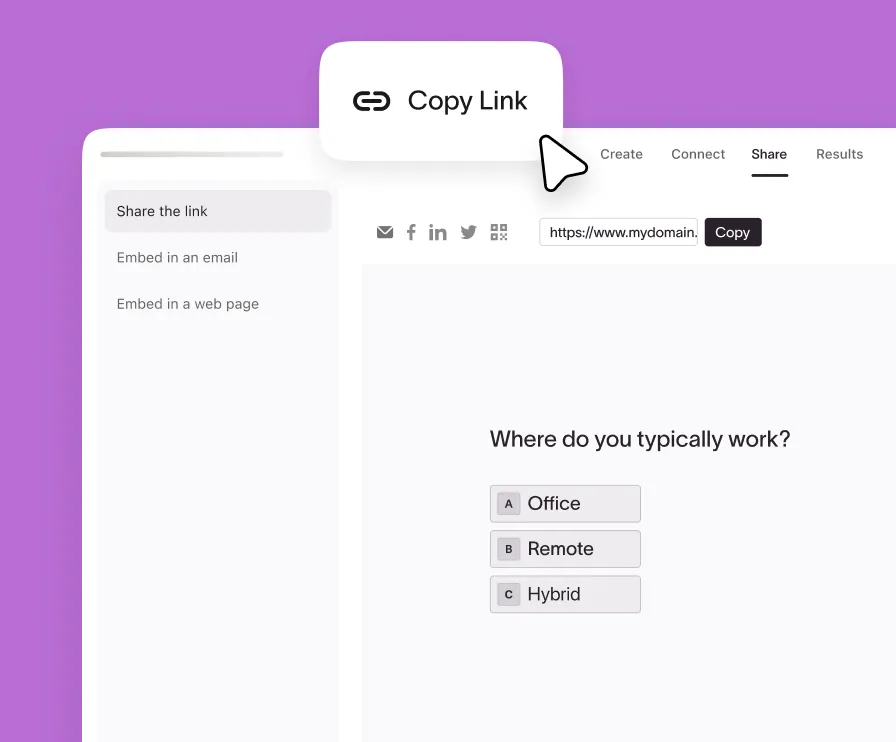
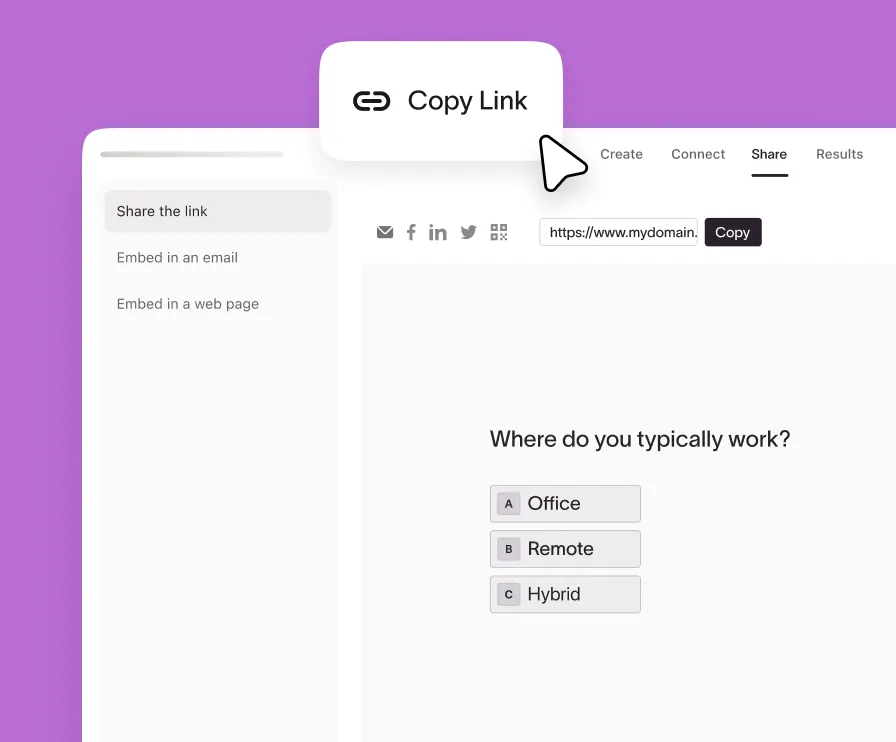
Get a link to share your form on social channels, or copy ready-made code to embed it in emails and landing pages.
See the data you’ve gathered and get recommendations on how to optimize your form so you can gather even more.



Kate Donahue
Sr. Product Marketing Manager, Pitch
Typeform is a refreshingly different form builder and automations platform. Originally known for making forms worth filling out, we now combine beautiful, human-first design with robust AI capabilities that turn every form response into a personalized customer journey. Trusted by over 150,000 customers, including 60% of the Fortune 500, Typeform integrates with essential tools like Slack, Zapier, Canva, and Klaviyo.
The drag-and-drop form builder lets you create forms by visually assembling blocks instead of writing code. You pick question types (like text, multiple choice, or video), then drag them into your form and rearrange them in the order you want. Each block can be clicked to edit settings, logic, or design. The interface updates in real time, so you immediately see how your form will look and behave as respondents go through it.
Yes. In Typeform you can use conditional logic and branching to create dynamic, personalized forms.
You set rules like “if answer = X, go to question Y,” which lets you show or skip questions based on previous responses. This is useful for creating tailored surveys, qualifying leads, or reducing unnecessary questions, so each respondent only sees what’s relevant to them.
Forms are fully brandable: you can adjust colors, fonts, and layouts, upload your logo, set up a custom domain name, and add images, GIFs, or videos to match your brand identity. Combined with AI‑powered tools, this makes it easy to build online forms that feel like a natural extension of your website.
Once your form is ready, you can share it via a direct link, embed it on your website, or include it in email campaigns using a ready‑made embed code. You can also reach targeted audiences by sharing through social channels from within the platform.
Typeform’s form builder is backed by advanced security features including GDPR‑ready and HIPAA‑compliant forms, encryption, single sign‑on (SSO), custom roles and permissions, antispam protections, and backup and recovery options. This is especially important when your online forms collect sensitive information.
Forms connect to hundreds of tools such as Salesforce, Google Sheets, Slack, and Zapier. You can automatically send new leads to your CRM, sync responses to spreadsheets in real time, and notify your team instantly whenever someone submits a form.
Yes. Typeform has over 1,500 templates for common scenarios, including lead generation, registration, and customer feedback. You can pick a template, customize it to your needs, and publish your form in minutes.
Our Free Plan lets you:
1. Create unlimited forms
2. Access 3,000+ templates
3. Start getting responses