It’s a Sunday morning and you’re walking down the street, when a shopping window piques your interest. It’s beautifully designed, and the salesperson looks like someone you’d enjoy talking to. Next thing you know, you’re inside the store, imagining its pretty objects on your apartment’s dining table.
You’ve fallen under the spell; soon you will go through a pain-free checkout process, and walk home with your new finds while the helpful salesperson waves you goodbye.
It’s a lazy Sunday morning and you’re surfing the web, when you notice a good-looking online store…
Can such an ideal shopping situation also happen online? We think so. In this guide, we’re going to tell you how.
When it comes to interactions on the web, there’s no reason why they should be different than in real life.
We see it all the time. A beautifully designed online store, a fancy logo, a delightful product page… and what happens when you get to the payment page?
It’s a series of boring and uninspired input fields. It’s more like an interrogation than a conversation. “Name”, “Credit card number”, “Address”.
You wouldn’t accept this in the real world, so why accept it online? Your order form might be the last touch point you have with your customer until they decide (or not) to come back again. For that reason, your payment page shouldn’t be forgotten about. It should be a friendly, engaging and conversational experience.
An online order form is a sales tool that generates a contract between the buyer and seller. This contract is composed of the details of the order, as well as the customer’s contact and payment information. An order form collects credit card payments, and can be the most important element of revenue of an online business.
What kind of order form are you making? Will you be selling multiple products at different prices, and will you need to apply local taxes to them? Are you looking to build a full online shop or just a one-off sale?
Take the time to understand your needs, and only focus on the information you wish to collect. For inspiration, have a look at Typeform’s order form templates.
Here’s an example of a good-looking shopping cart, aiming to sell a finite number of items in the smoothest way possible.
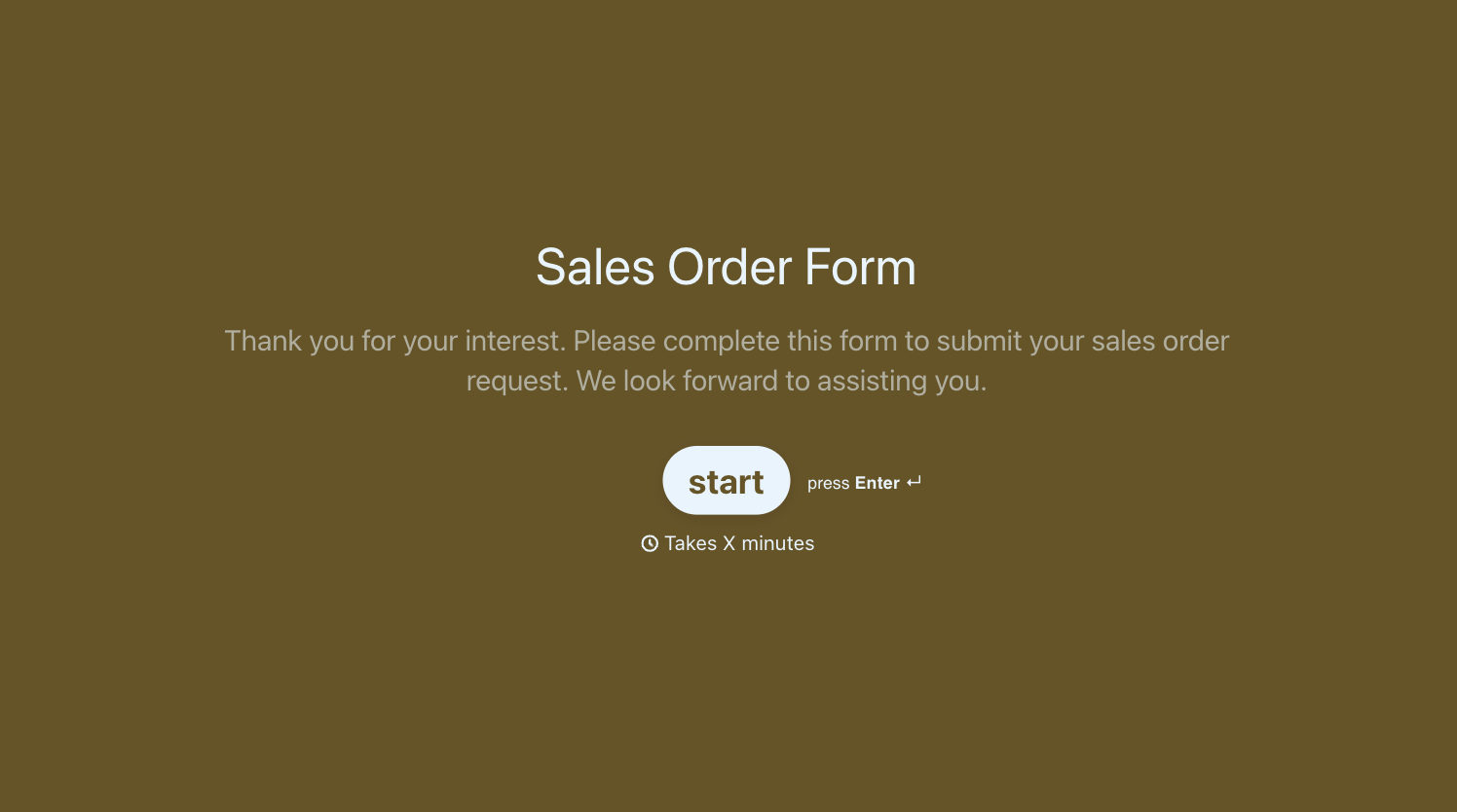
This order form template allows you to show off your products, while giving customers the chance to customize quantities, delivery, and even the product itself.
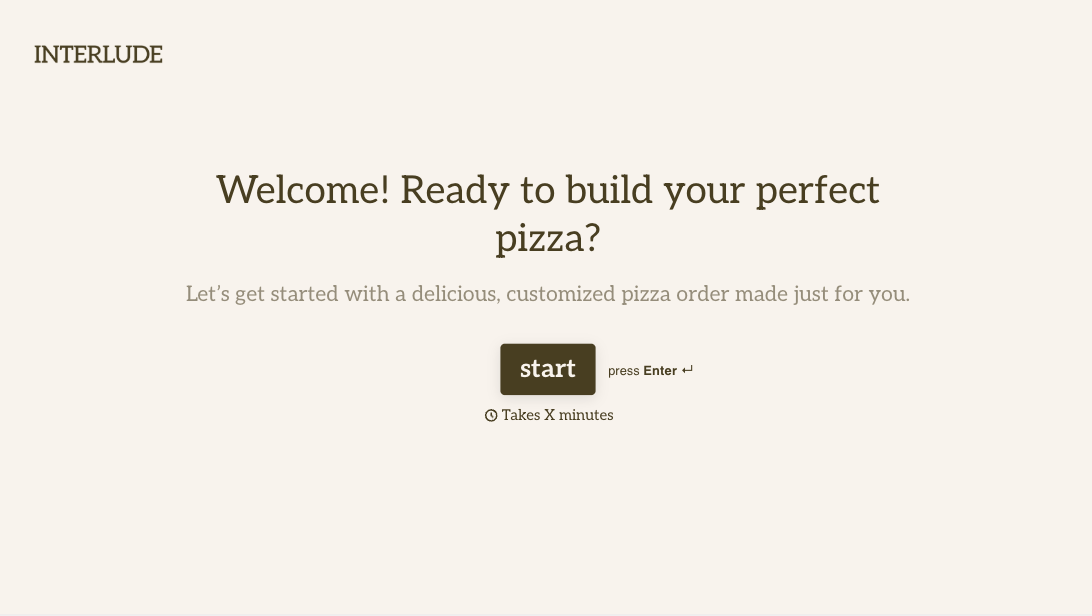
Instant delivery couldn’t be simpler with this order form template. It combines a friendly tone with to-the-point questions.
A great way to ask for monetary donations is through this engaging template. It accepts payments that are secure and easy to complete.
This template allows customers to book an on-site service in advance. It also serves as a smart lead generator.
What questions should you be asking? You may be dying to know about your customers’ buying habits, household income, and favorite colors, but if they don’t serve your order form’s purpose, rule them out. These questions can be saved for a marketing survey, or a feedback form.
If you don’t need to know, don’t ask: you may miss out on some data, but you’ll gain your audience’s trust.
Now, here’s a set of questions you should include in your order forms.
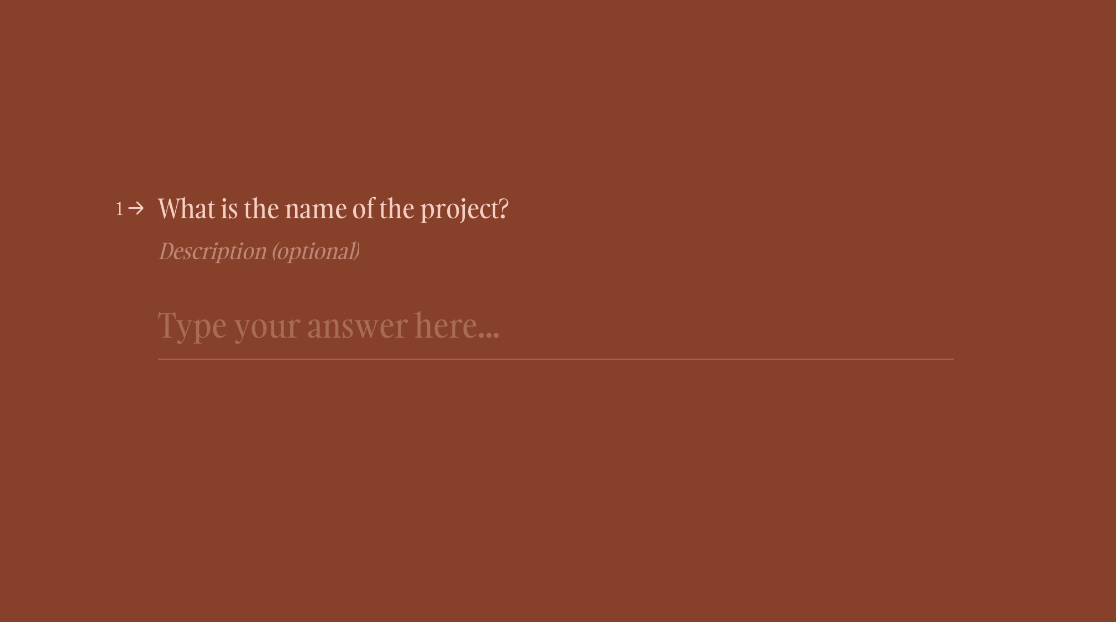
– Hey there, what’s your name?
– Where would you like your product to be delivered?
Please leave your address here.
– Great, and what’s your billing address?
– Amazing. Now, let’s keep in touch. What’s your email?
– And what’s your credit or debit card information?
Please follow the steps below.
Notice how we’ve kept a polite and friendly tone throughout. If you engage in a conversation, rather than coldly requesting information, you’re helping your customers feel at ease.
Creating an order form online is no easy feat. In some instances, you may even need to know how to code. If you’re looking to build something quick, beautiful, and secure, Typeform can be of immense help. What’s more, you won’t need to write a single line of code.
Here’s a set of Typeform features that will make the building process nice and easy.
So, you now have a good-looking, all-singing-and-dancing way to collect payments online. What now? Well, there’s lots you can still do to make your business more successful.
Businesses are built on workflows. When done right, they can keep things ticking over without too much manual intervention. Typeform integrates with your favorite apps and tools and it’s easy to set up using our Zapier connector. Here are some ideas of how to use integrations to power up your order form.
Register here or sign up on your computer.