Online Donation Form Template
Make giving easy, because when people are moved to donate, friction is your biggest enemy.



Someone visits your website, reads your mission, feels compelled to contribute, and then hits a donation page that looks like a tax return. Too many fields, no suggested amounts, unclear where the money goes. That moment of generosity fades, the tab closes, and the donation never happens.
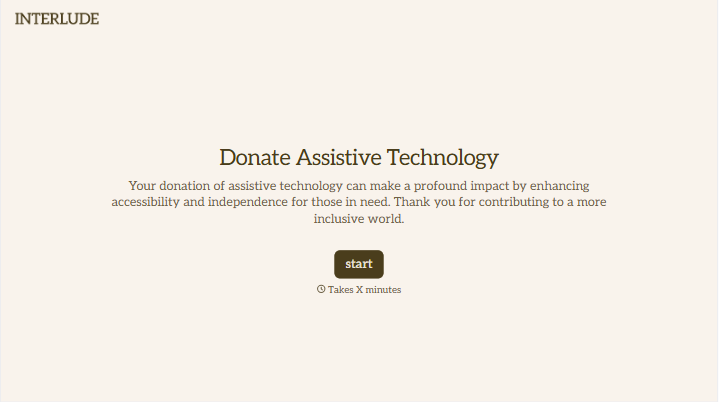
This online donation form template removes every barrier between intent and action. Donors choose a giving amount (or enter their own), provide their details, select whether it's a one-time or recurring gift, and complete payment. All in a warm, guided flow. Conditional logic can reveal additional options, like dedicating the gift in someone's honor or allocating funds to a specific program.
Embed it on your website, share it in fundraising emails, or link it from social media campaigns. Connect it to your payment processor and donor management system, and every gift is recorded, receipted, and attributed automatically.
An online donation form is a digital tool that allows individuals to make financial contributions to a nonprofit, charity, cause, or organization through a website. It captures the donor's personal information, gift amount, payment details, and any preferences about how the donation should be used or acknowledged.
Because the decision to donate is emotional and time-sensitive. If someone is inspired to give and the form creates confusion or friction, that impulse evaporates. Studies show that simplifying the donation process can increase conversion rates by 30% or more. Clear suggested amounts, a short form, and a reassuring, branded experience turn intention into completed gifts.
- Donation amount with pre-set options ($25, $50, $100, $250) and a custom field
- One-time or recurring gift selection (monthly, quarterly, annual)
- Donor's full name, email, and mailing address
- Payment method and billing information
- Option to dedicate the donation in someone's honor or memory
- Employer matching question: "Does your employer match charitable gifts?"
Make recurring giving the default or most prominent option — not a hidden checkbox or something donors have to hunt for. Show the impact of recurring gifts — for example, "$25 per month provides clean water for one family all year." Offer flexible giving frequencies (monthly, quarterly, annually), as well as a slight incentive for recurring donors, like exclusive updates or event invitations. Finally, make it easy to manage — donors who can adjust or pause their giving without hassle are more likely to commit in the first place.
Send an immediate, personalized thank-you email the moment a donation is completed. Not a generic receipt, but something that makes the donor feel valued. Include the tax-deductible amount for their records. Follow up within 30 days with an impact update showing how their contribution is being used. Donors who feel connected to outcomes give again. Those who feel like ATMs don't.
Get inspired by relevant templates and categories
3200+ Templates, 300+ Integrations





With Typeform, you can customize everything
Change text, colors, and even logos to match the look and feel of your brand. Then embed forms smoothly onto web and email.
Make forms feel effortless to fill out. Pace questions, call people by their name, and adapt the flow based on the data they share.
Stay efficient by connecting forms to your workflow. Typeform integrates with 300+ tools including Slack, Zapier, and HubSpot.


