Asset Disposal Form Template
Document every asset you're removing from service — who approved it, how it was disposed of, and when.


Asset disposal without documentation creates accounting discrepancies, compliance gaps, and security risks — especially for IT equipment containing sensitive data. This form gives your asset management team a consistent process for recording every disposal decision.
The template covers the asset name, ID, and category, the original acquisition date and value, the disposal method (sale, donation, recycling, destruction), the disposal date, the approved value or proceeds, data destruction certification for IT assets, the approval chain, and the final record confirmation.
A complete disposal record supports financial reporting, data security compliance, and audit readiness. When the CFO asks why an asset is no longer on the books, you have the answer.
Disposal records support financial accounting (removing assets from the books accurately), tax reporting (gain or loss on disposal), data security compliance, and audit readiness. Without records, you may face questions about missing equipment during audits.
Sale (to employees, via auction, or to a reseller), donation to nonprofit, trade-in, certified recycling through an e-waste program, or physical destruction for non-functional or end-of-life equipment.
All data must be securely wiped before disposal. Use NIST-approved data destruction methods and obtain a certificate of data destruction from the vendor or process. Document this in the disposal form — it's your proof that protected data wasn't exposed.
The level of approval depends on asset value. Low-value disposals may only need a department manager. High-value assets typically require finance and executive approval. Define thresholds in your asset management policy.
Document the sale price and the buyer. Proceeds go to the budget code linked to the asset's department, or to a general fund depending on company policy. This affects the gain/loss calculation in financial reporting.
Get inspired by relevant templates and categories
3200+ Templates, 300+ Integrations

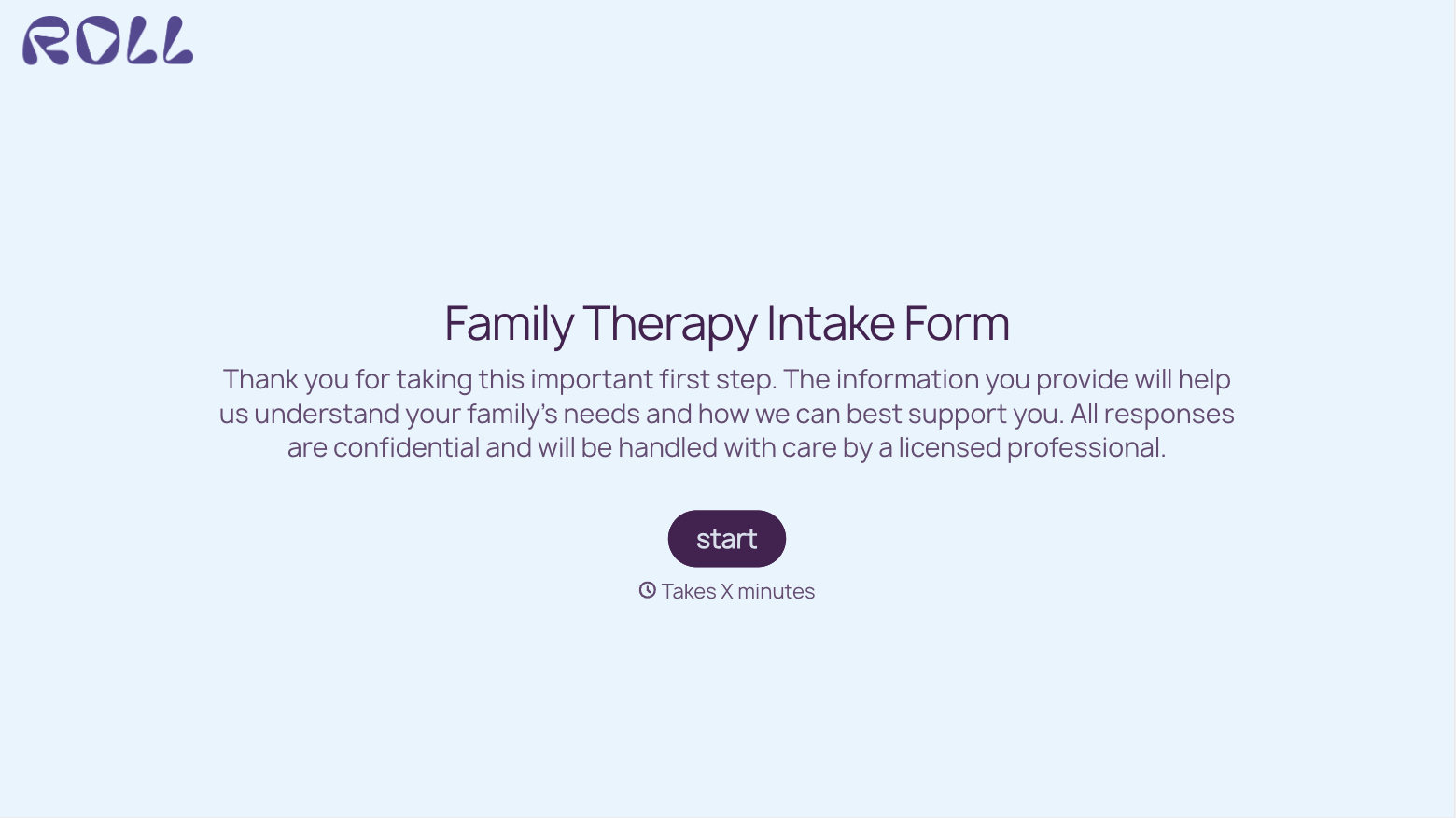
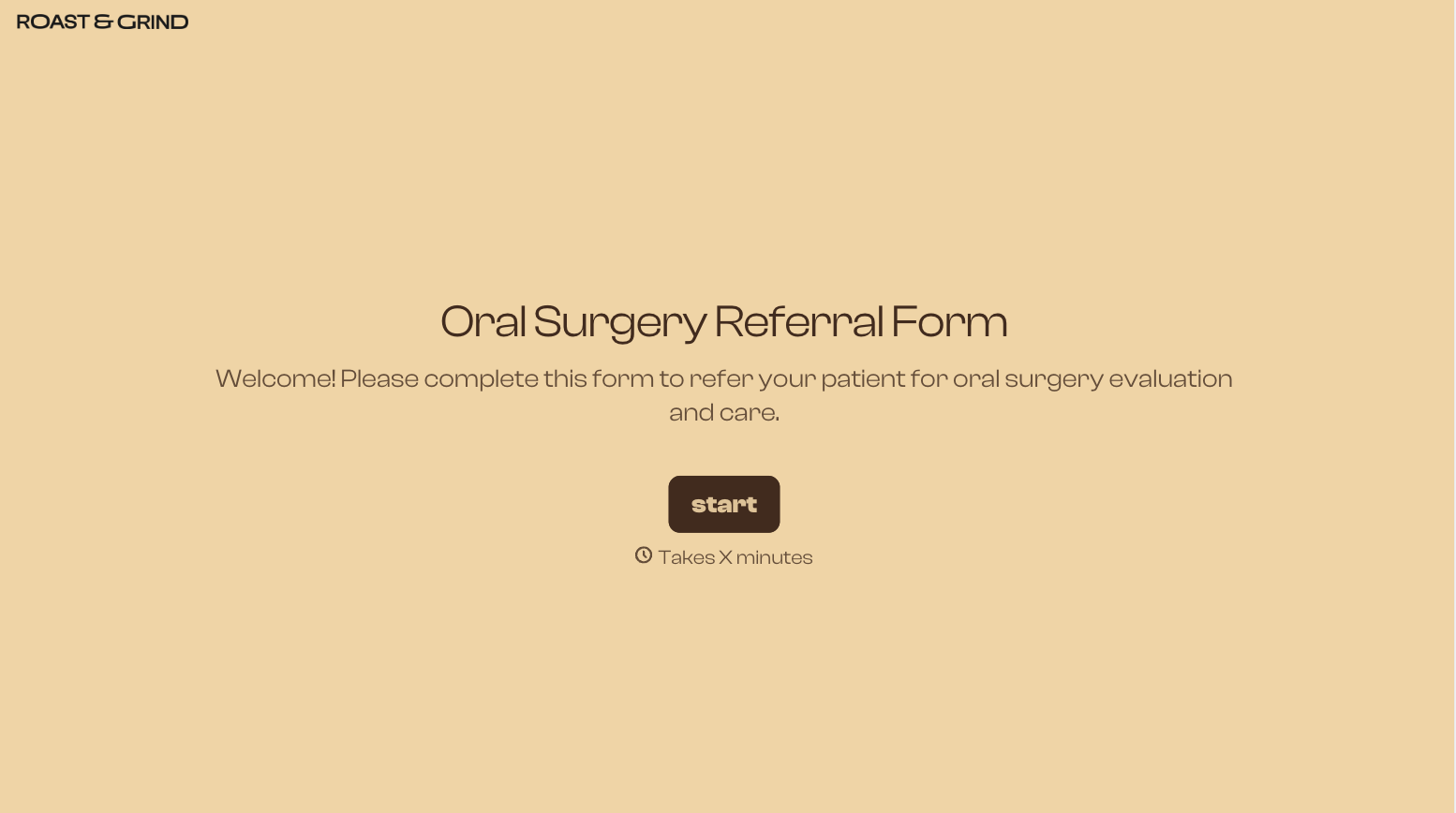
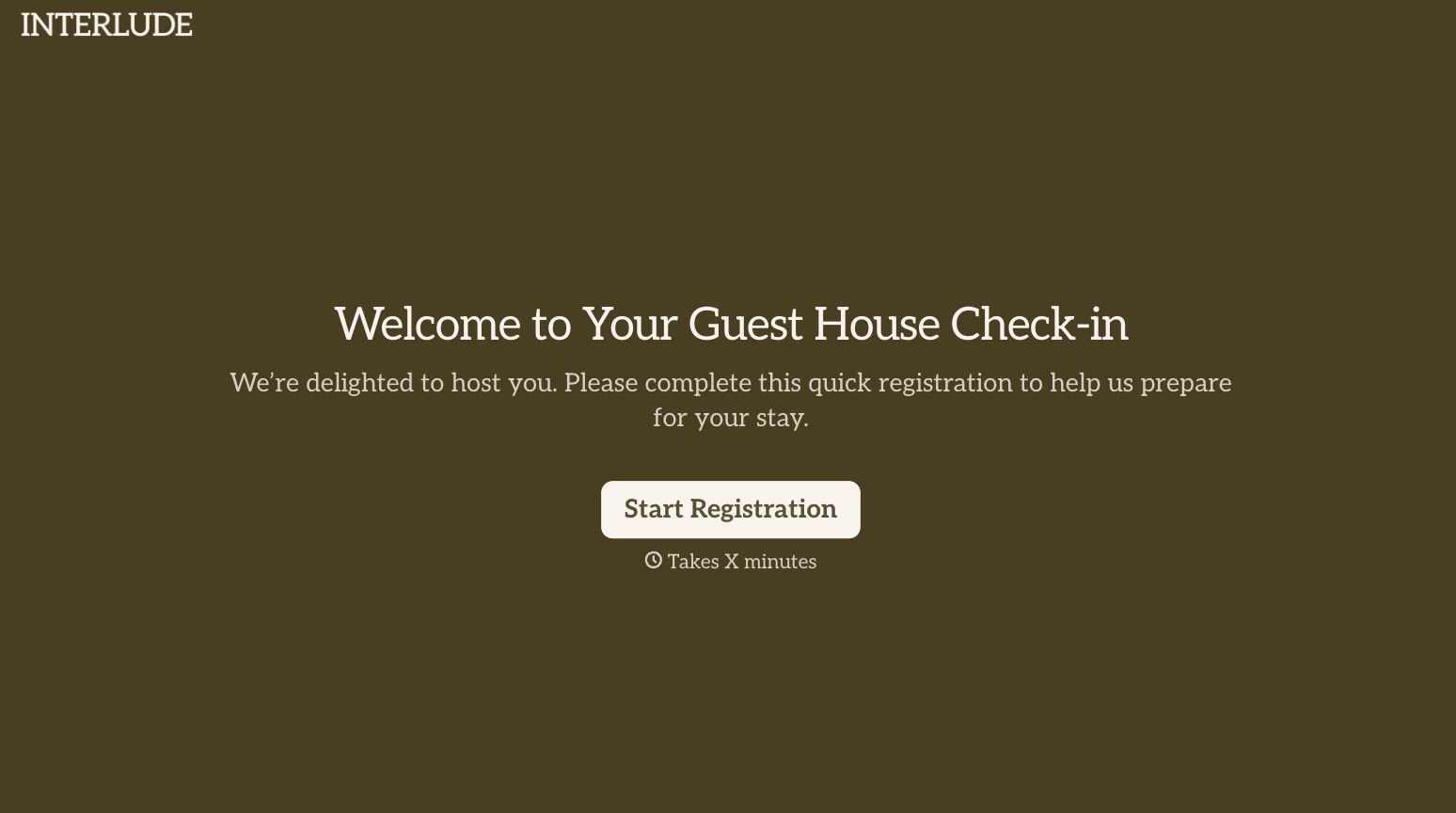
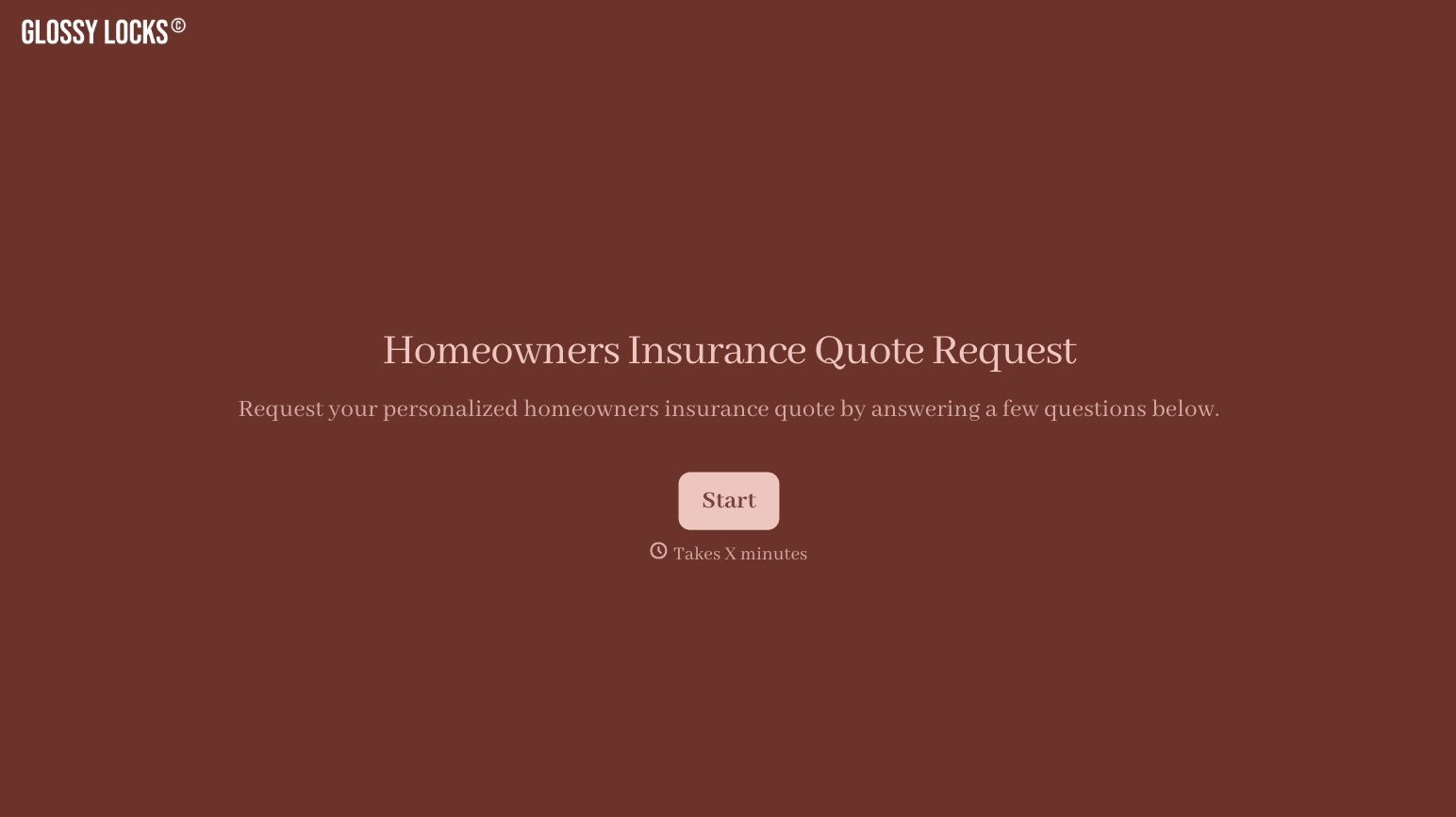

With Typeform, you can customize everything
Change text, colors, and even logos to match the look and feel of your brand. Then embed forms smoothly onto web and email.
Make forms feel effortless to fill out. Pace questions, call people by their name, and adapt the flow based on the data they share.
Stay efficient by connecting forms to your workflow. Typeform integrates with 300+ tools including Slack, Zapier, and HubSpot.


