Basic Advertising Form Template
Stop trading emails with advertisers. Give them one form that captures everything you need to run their ad.



Managing ad placements for a publication, website, or event means juggling creative assets, scheduling preferences, billing details, and brand guidelines from every advertiser. When that information trickles in across emails, DMs, and phone calls, things get missed. And missed details mean delayed campaigns and frustrated partners.
This basic advertising form template gives advertisers a clear path to submit everything in one go. Question branching adjusts the flow based on ad type (display, print, sponsored content, or social), so each advertiser sees only what's relevant to their placement. No confusion, no unnecessary fields.
Set it up in a few minutes, connect it to your project management tool or CRM through built-in integrations, and share the link with your advertising partners. Every submission lands in one organized place, ready for your team to act on.
A basic advertising form is a standardized intake form that collects the essential information needed to process an advertising order. This includes the advertiser's contact details, desired ad placement, creative specifications, run dates, and budget. It streamlines the booking process so your sales or operations team has everything they need without chasing down details.
When every advertiser submits through the same structured form, you eliminate the inconsistency of freeform email requests. Your team spends less time clarifying requirements and more time executing campaigns. Automatic notifications alert the right people when a new submission arrives, and integrations can push data straight into your scheduling or billing systems.
- Company name, contact person, email, and phone number
- Ad format or type (banner, print, sponsored post, etc.)
- Desired placement or section
- Campaign start and end dates
- Budget or selected package/rate
- Upload field for creative assets or brand guidelines
It depends on your sales model. If you have standard rate cards, embedding pricing tiers directly in the form helps advertisers self-select and reduces back-and-forth. If your pricing is negotiated or custom, you might skip it in the form and instead use submissions as a starting point for a sales conversation.
Absolutely. Conditional logic lets you branch the form based on the ad medium. When someone selects "print," they'll see fields for trim size, bleed requirements, and print deadlines. When they select "digital," the form shifts to ask about pixel dimensions, file formats, and click-through URLs. One form, multiple ad types.
Get inspired by relevant templates and categories
3200+ Templates, 300+ Integrations

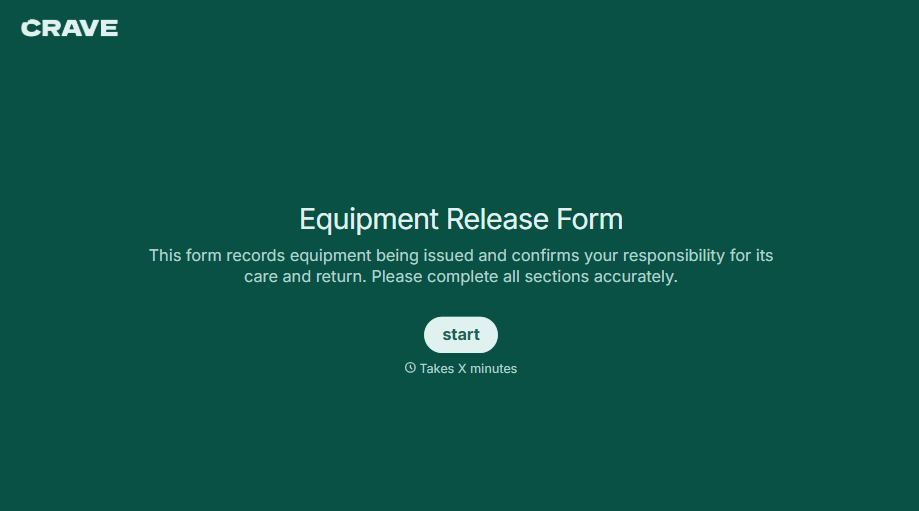
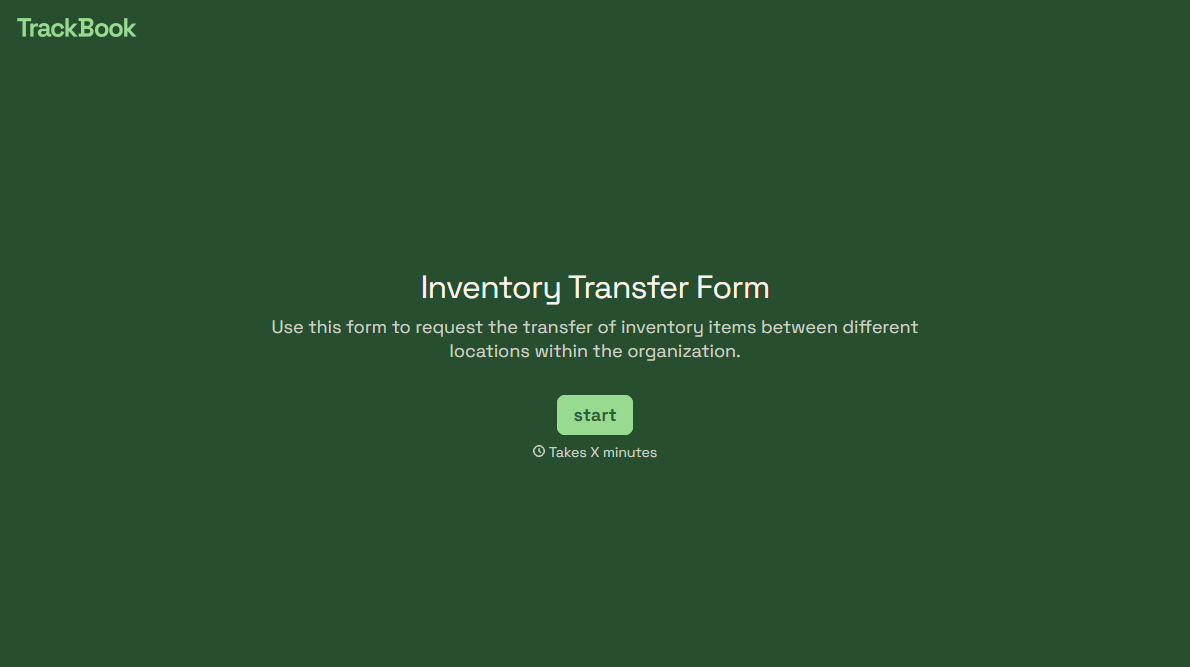
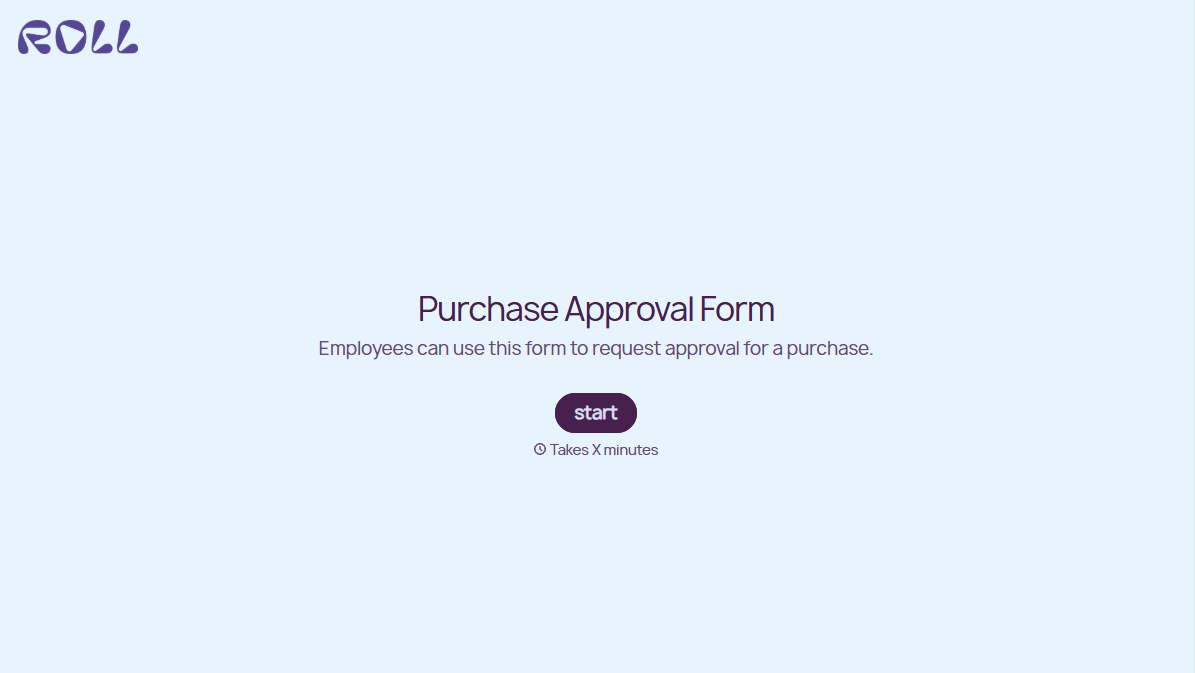
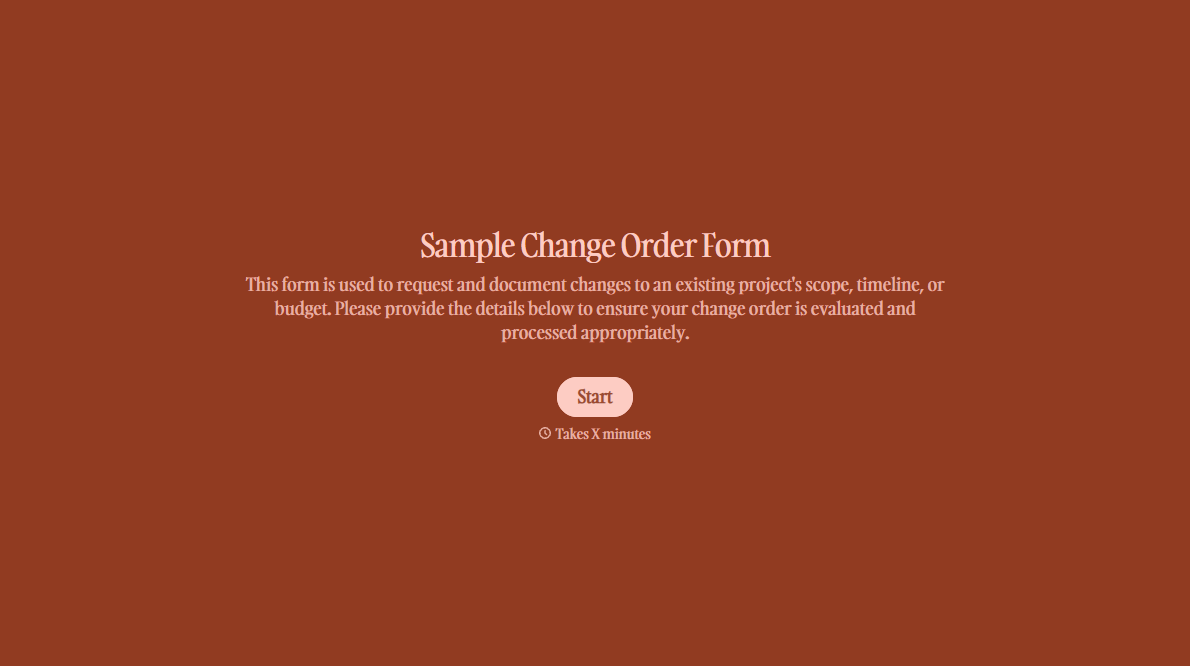
With Typeform, you can customize everything
Change text, colors, and even logos to match the look and feel of your brand. Then embed forms smoothly onto web and email.
Make forms feel effortless to fill out. Pace questions, call people by their name, and adapt the flow based on the data they share.
Stay efficient by connecting forms to your workflow. Typeform integrates with 300+ tools including Slack, Zapier, and HubSpot.


