Change Management Form Template
Document organizational changes consistently — so they're tracked, communicated, and implemented with clarity.


Changes to processes, systems, or organizational structures that aren't well-documented tend to fail or create confusion. This form gives change managers and project teams a structured way to capture the details of a proposed change — the what, why, who, and how — before implementation begins.
The template covers the change description and business justification, the affected systems or processes, the risk assessment, the rollback plan, stakeholders impacted, the implementation timeline, the testing and approval steps, and the go/no-go criteria.
Good change documentation doesn't slow things down — it prevents the rework that comes from undocumented changes that break something unexpected.
Documenting proposed changes to IT systems, operational processes, organizational structures, or policies before they're implemented. It creates a record of the rationale, risk assessment, and approval process.
The approval chain depends on the change's scope and risk level. Minor changes may only need a team lead's sign-off. Major changes typically require a Change Advisory Board (CAB) or senior leadership approval.
A rollback plan describes how to undo the change if it causes problems. Requiring one before implementation forces change owners to think through what could go wrong — which often improves the implementation plan itself.
ITIL change management distinguishes between standard changes (pre-approved, routine), normal changes (require review), and emergency changes (require expedited approval). Define categories in your change policy so teams know what level of documentation applies.
Connect the form to a project management tool or change management platform. Each submission should create a ticket that moves through stages: submitted, under review, approved, in progress, implemented, and closed.
Get inspired by relevant templates and categories
3200+ Templates, 300+ Integrations

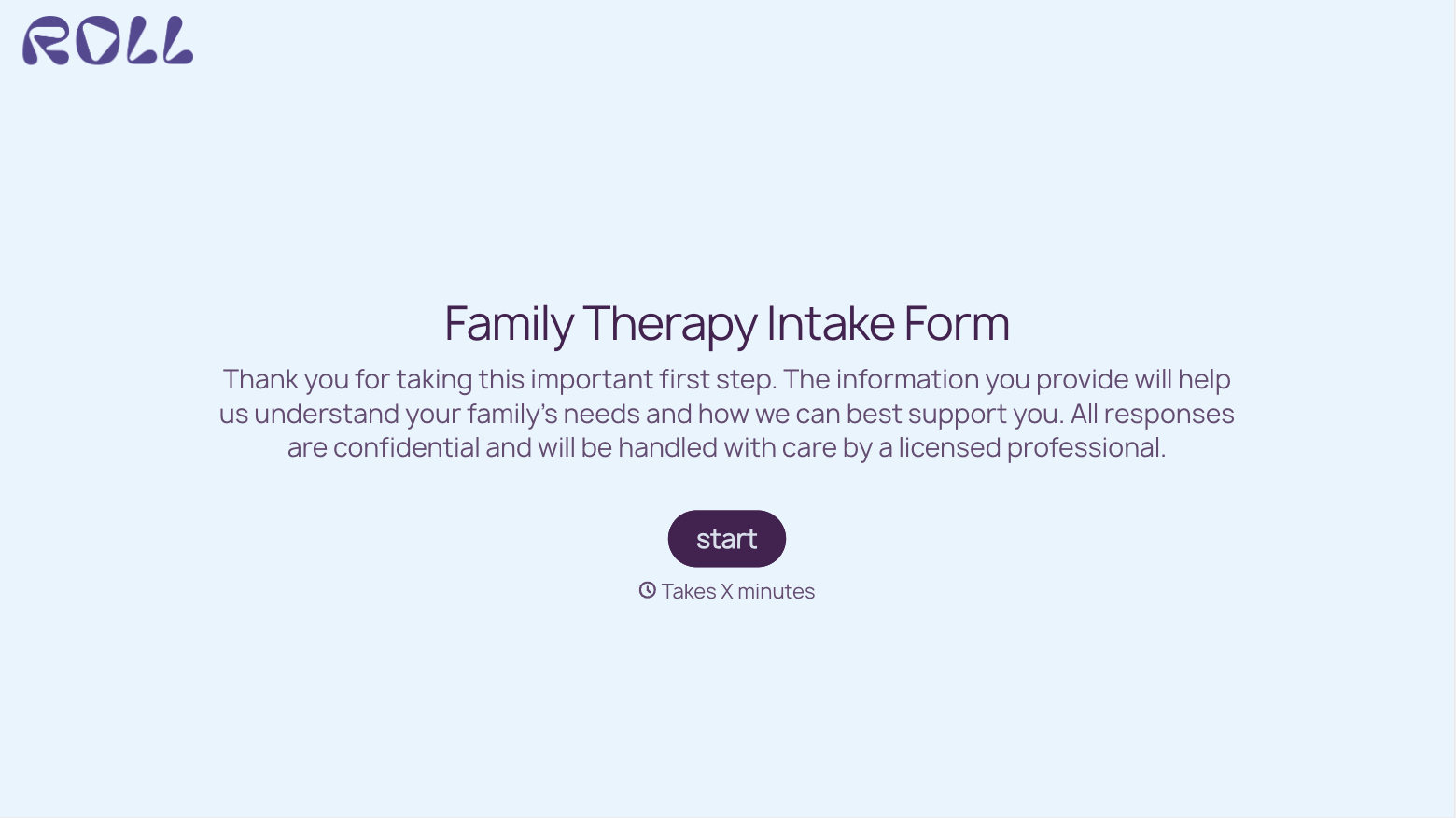
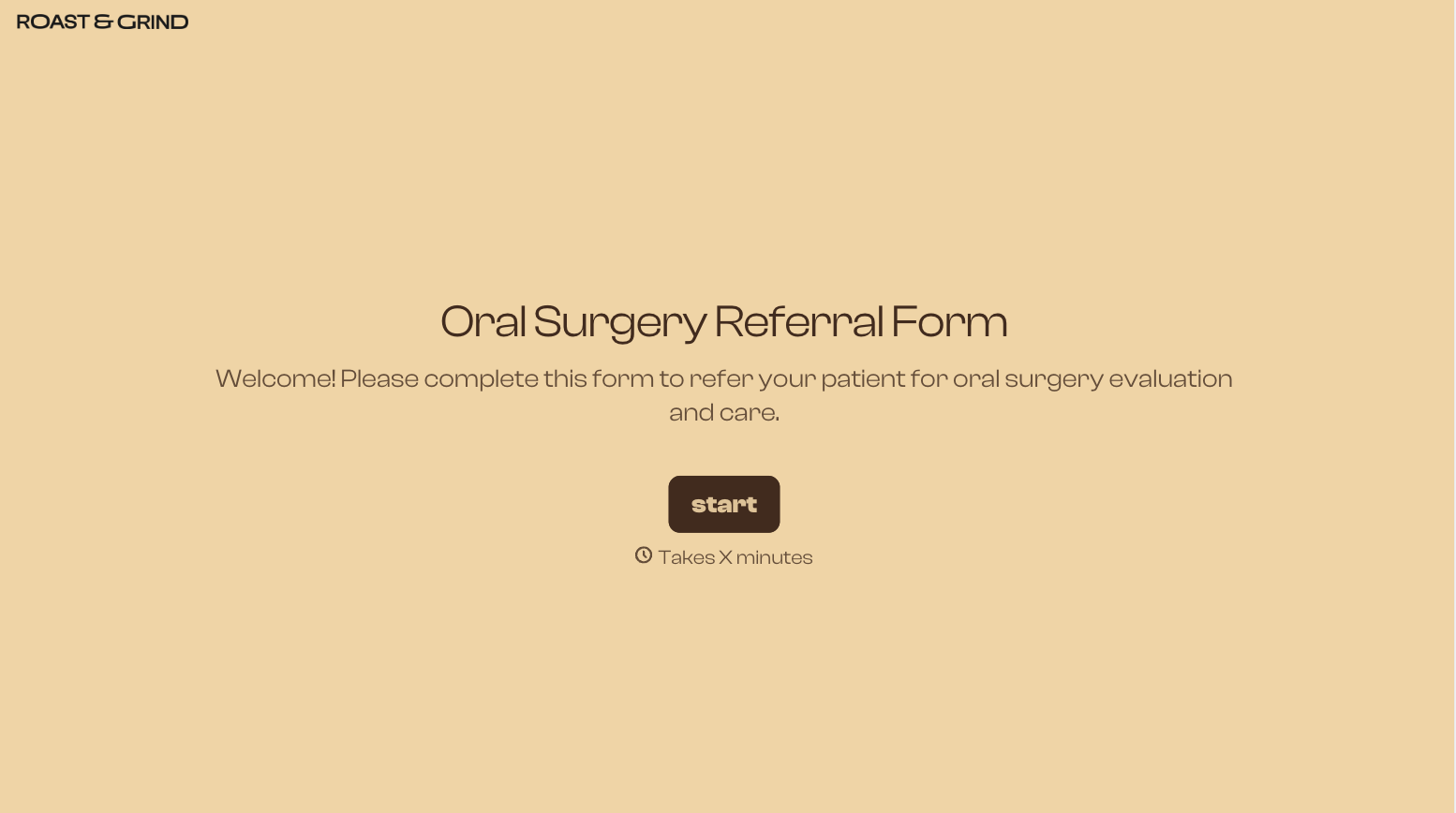
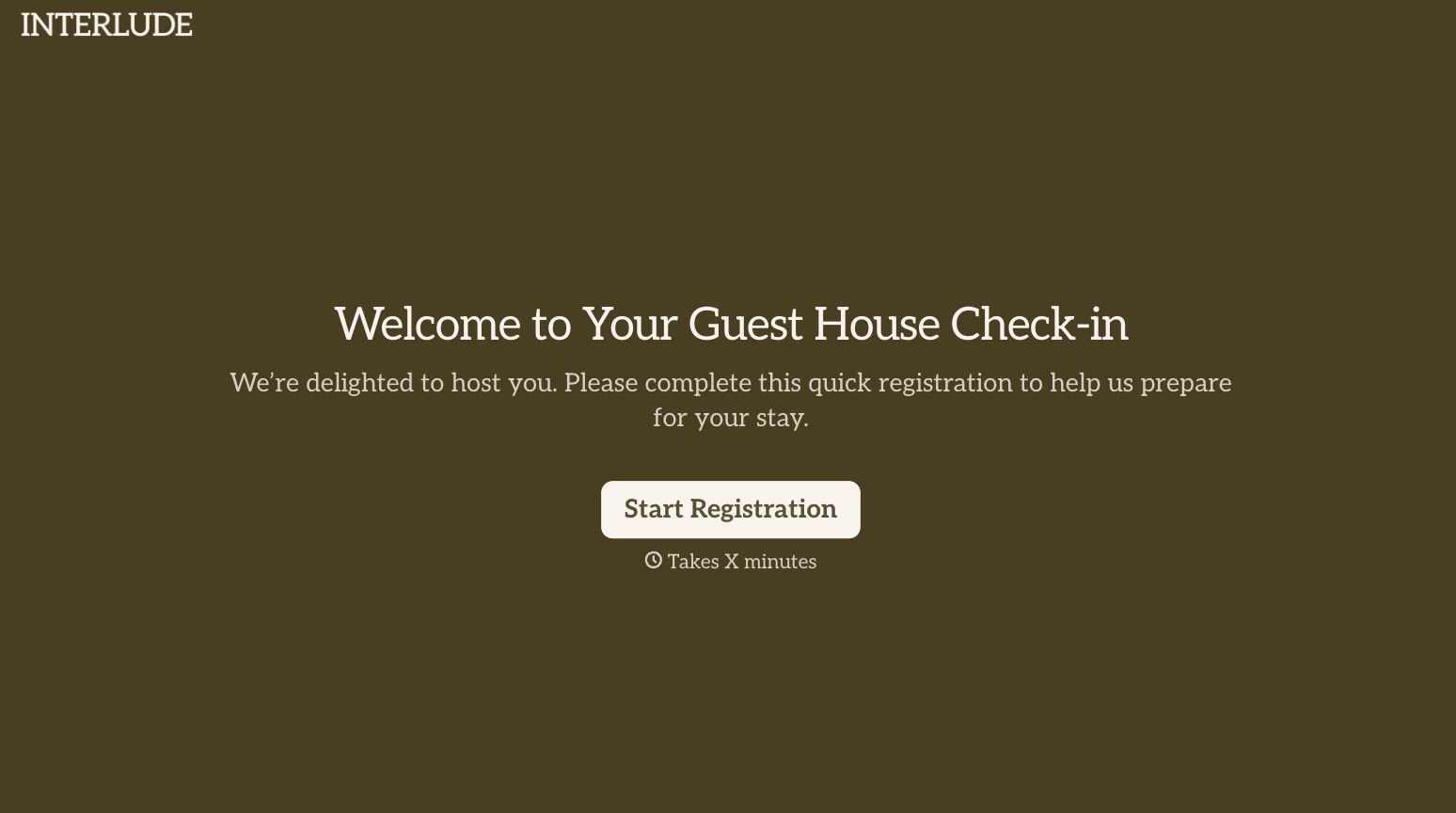
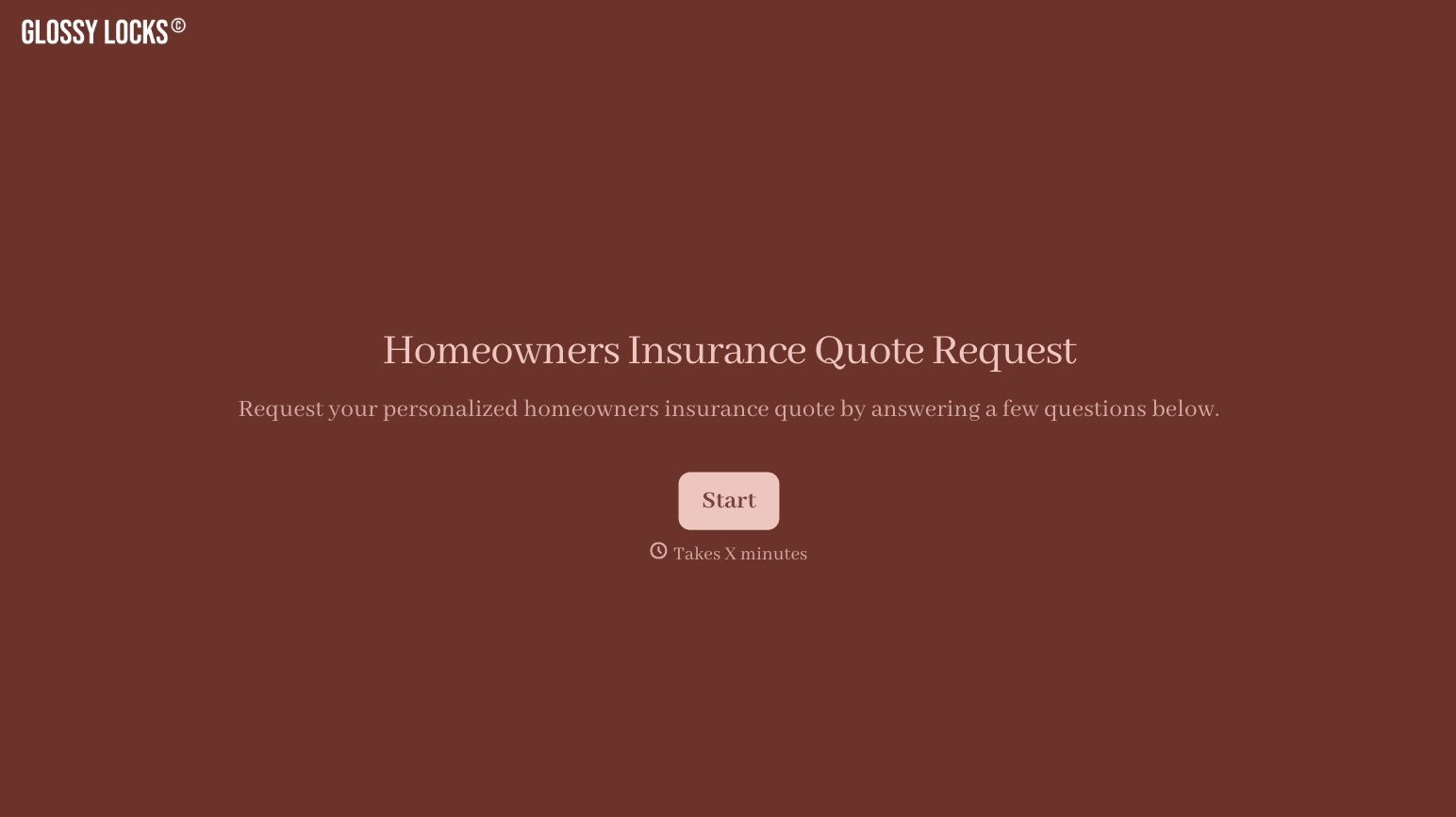
With Typeform, you can customize everything
Change text, colors, and even logos to match the look and feel of your brand. Then embed forms smoothly onto web and email.
Make forms feel effortless to fill out. Pace questions, call people by their name, and adapt the flow based on the data they share.
Stay efficient by connecting forms to your workflow. Typeform integrates with 300+ tools including Slack, Zapier, and HubSpot.


