Customer Visit Report Form Template
Capture field sales visit details the moment you leave the client site. Log meeting outcomes, next steps, and follow-up actions from your phone before you've reached the car.


Field sales and account management teams lose valuable information when visit notes get written up hours later. A mobile-first visit report form captures what happened while it's fresh — who you met, what was discussed, any objections raised, and the agreed next steps — so CRM records stay accurate and nothing falls through the cracks.
This template includes fields for client name, contact details, visit date and duration, discussion topics, outcome rating, and action items with due dates. Drop-down fields standardize common outcomes like 'demo scheduled' or 'proposal requested,' while open text fields capture the nuance that drop-downs miss.
Sales teams, account managers, and territory reps use this form after every client visit. Connect it to your CRM via Zapier or a native integration so each report automatically updates the relevant contact record. Managers get a real-time feed of field activity without chasing status updates.
Yes — the form is fully mobile-optimized. Reps can complete it in under two minutes on any smartphone.
Typeform integrates with Salesforce, HubSpot, and other CRMs directly, or via Zapier. Each submitted report updates the corresponding client record automatically.
Add a 'Sales rep name' field or a hidden field that auto-populates with login data when reps access the form through a shared link.
Add a priority field — if a rep marks a follow-up as urgent, set up a notification to alert the sales manager immediately.
Responses feed into the Typeform Results panel and can be exported to a spreadsheet or dashboard tool like Google Sheets or Airtable.
Get inspired by relevant templates and categories
3200+ Templates, 300+ Integrations

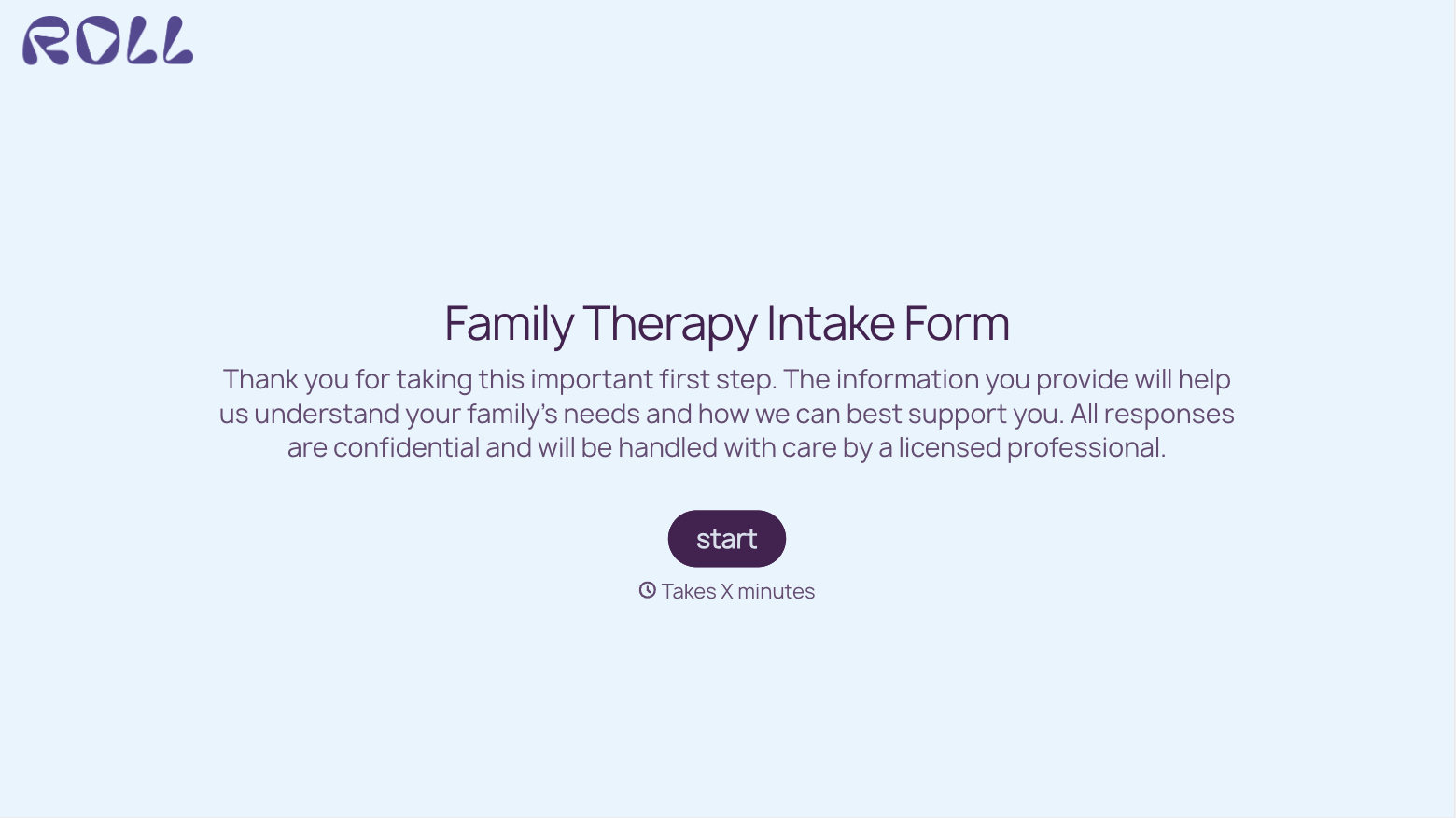
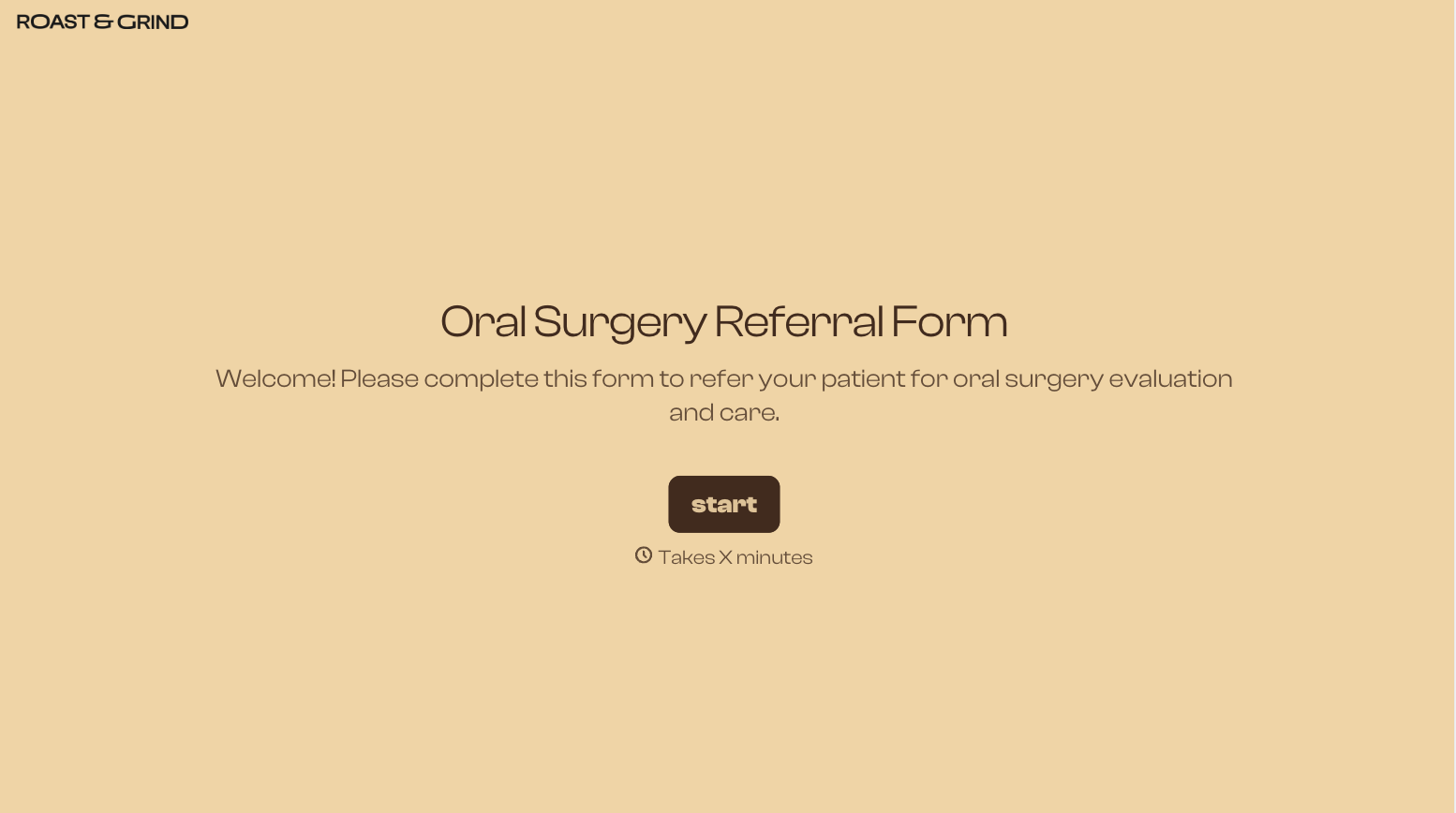
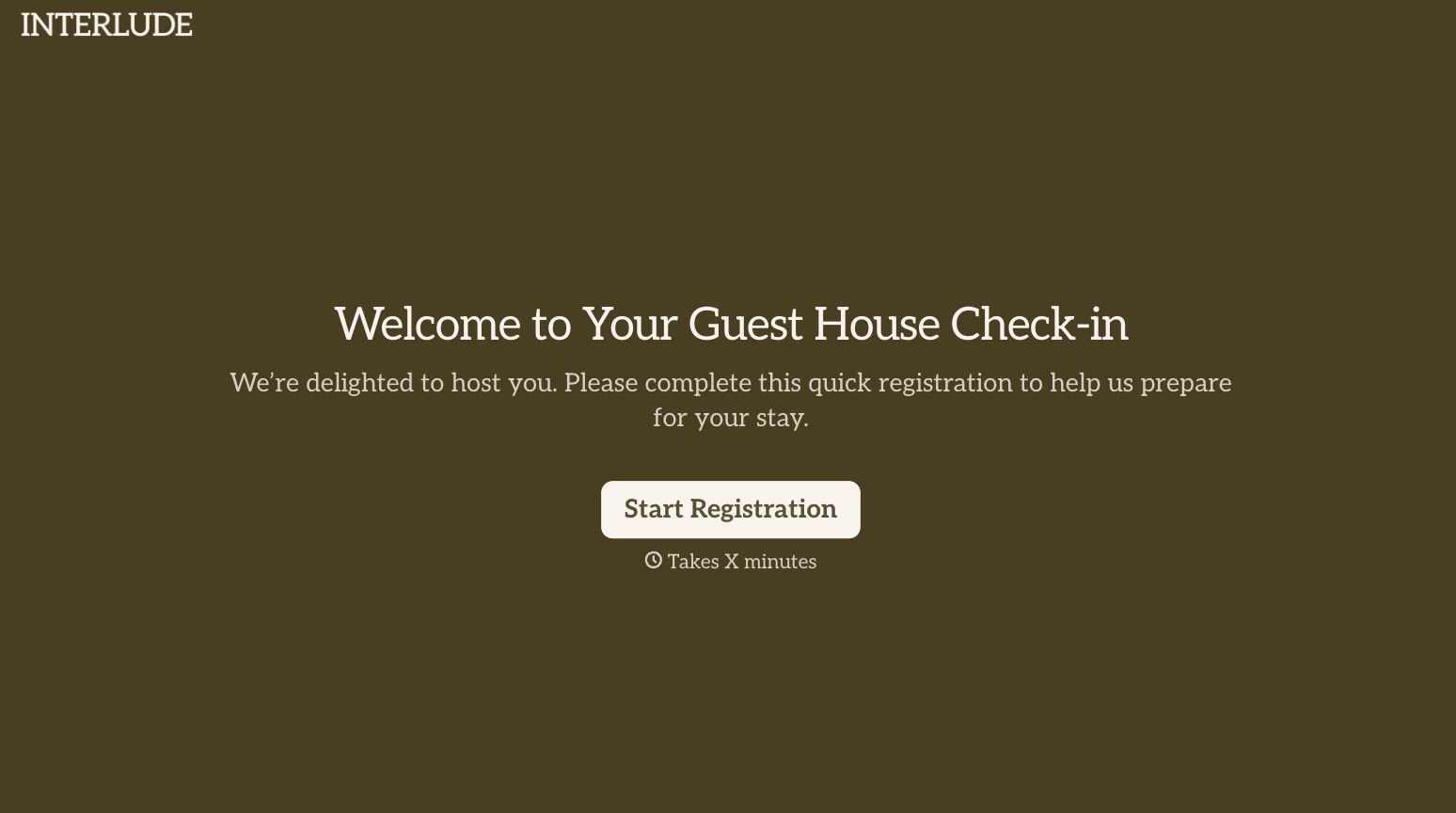
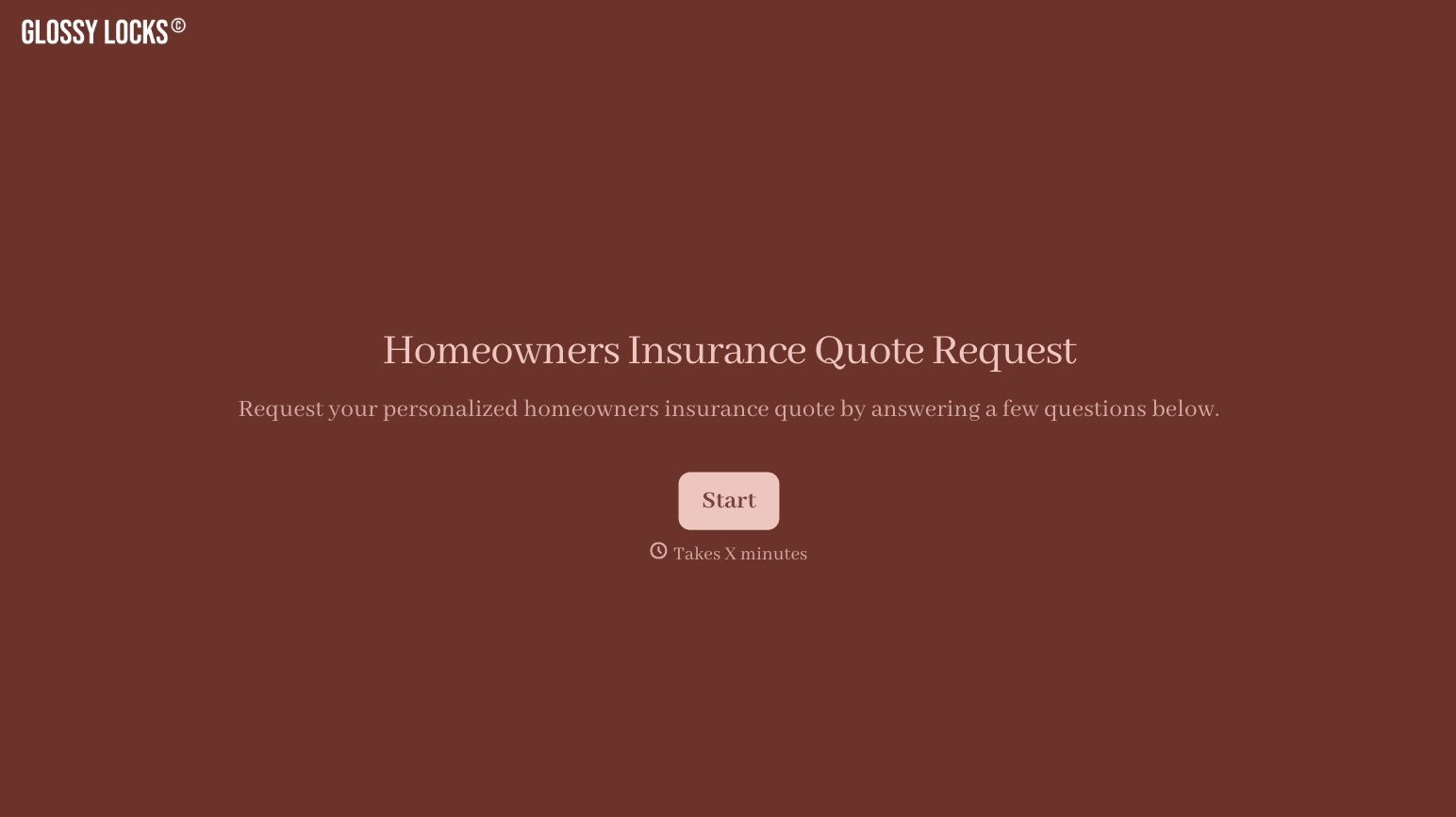

With Typeform, you can customize everything
Change text, colors, and even logos to match the look and feel of your brand. Then embed forms smoothly onto web and email.
Make forms feel effortless to fill out. Pace questions, call people by their name, and adapt the flow based on the data they share.
Stay efficient by connecting forms to your workflow. Typeform integrates with 300+ tools including Slack, Zapier, and HubSpot.


