Dental Records Release Form Template
Authorize the transfer of dental records to a new provider with a form that captures all the details practices need to process the request quickly.



Transferring dental records to a new provider shouldn't take weeks of phone tag. A clear authorization form captures the patient's details, the receiving practice's information, what records are being released, and the patient's signature — giving both the sending and receiving practice everything they need to complete the transfer without confusion.
This template covers patient name and date of birth, current dental practice details, receiving practice name and address, records being requested (X-rays, treatment notes, periodontal charts, photos), the purpose of transfer, date range of records, and the patient's authorization signature. A consent statement confirms the patient understands how their information will be shared.
Dental practices, orthodontists, oral surgeons, and patients initiating transfers use this form to streamline the records release process. Send via email or embed on your patient portal. When a new patient submits the form, staff can initiate the request immediately without waiting for a paper form. Completed authorizations are stored digitally for your records.
In most cases, yes — digital signatures are legally valid for records release authorization. Check your state or country's specific requirements for dental records.
Yes — add a checklist field where patients select the specific record types (X-rays, treatment notes, periodontal charts) they want transferred.
Add a field for who is submitting the request (patient or receiving provider) and adjust the required authorization fields accordingly.
Retain records in line with your state's or country's dental records regulations — typically a minimum of seven to ten years.
Yes — configure a notification email to deliver a summary or PDF of the completed authorization to the patient's email address.
Get inspired by relevant templates and categories
3200+ Templates, 300+ Integrations
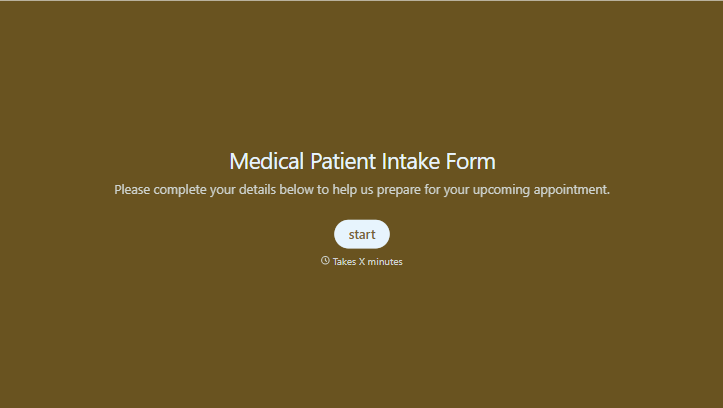
Medical Patient Intake Form
Move past a clipboard that captures a name and an insurance card. Screen for the medical history that actually changes how a patient is treated, document informed consent and privacy acknowledgment, and keep a timestamped signature on file for exactly what your patient agreed to.
View template
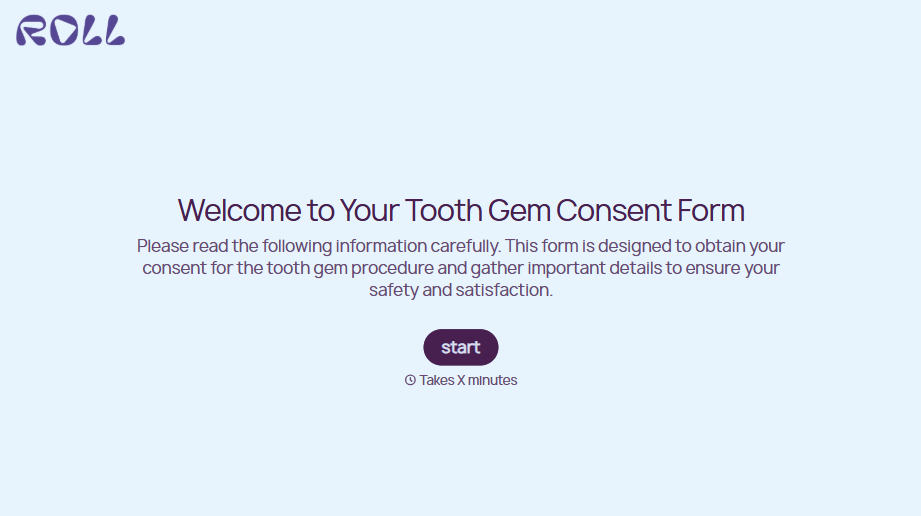
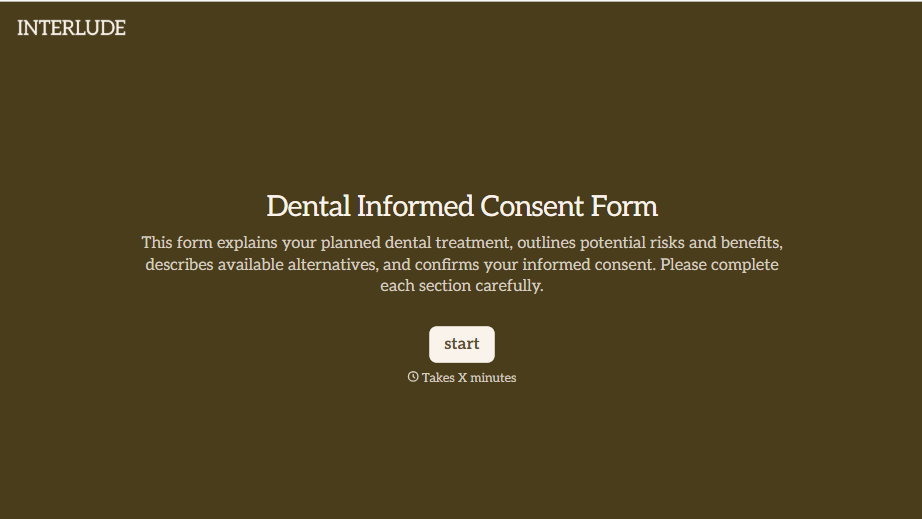


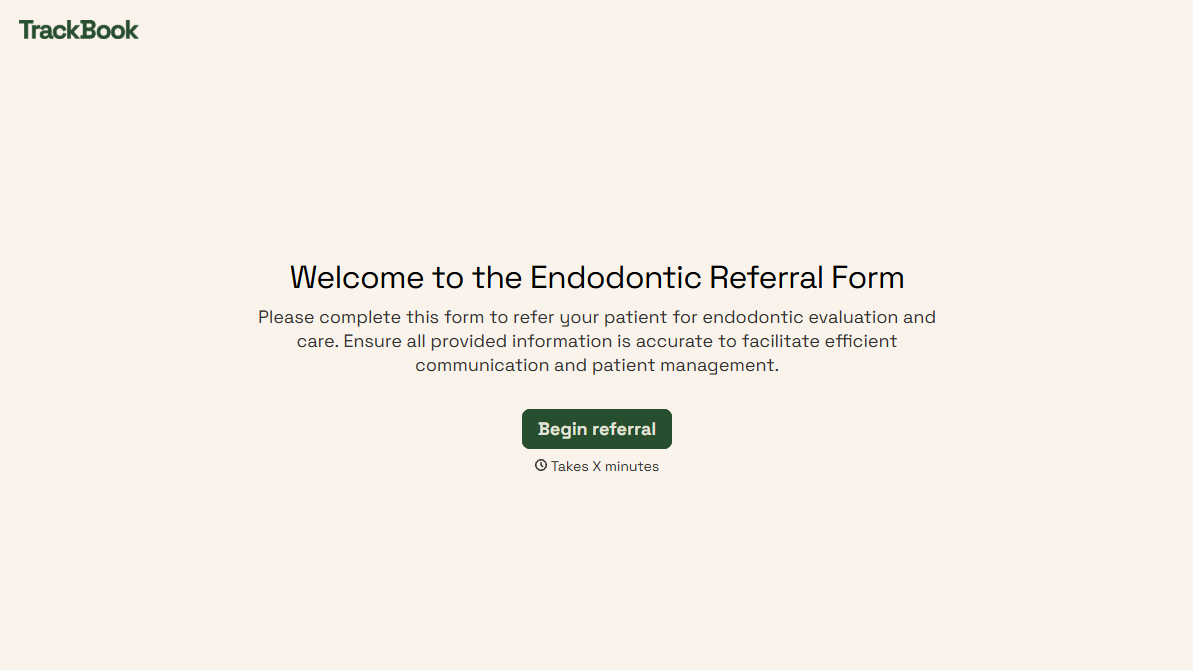
With Typeform, you can customize everything
Change text, colors, and even logos to match the look and feel of your brand. Then embed forms smoothly onto web and email.
Make forms feel effortless to fill out. Pace questions, call people by their name, and adapt the flow based on the data they share.
Stay efficient by connecting forms to your workflow. Typeform integrates with 300+ tools including Slack, Zapier, and HubSpot.


