Direct Deposit Authorization Form Template
Set up payroll the right way, with clean banking details from every employee, collected before the first pay run.



Direct deposit is faster, cheaper, and more secure than paper checks — but the authorization process, where employees provide their banking information, is often handled through paper forms, emailed PDFs, or voided checks that get lost in interoffice mail. Each step is a security risk and an opportunity for error.
This direct deposit authorization form template collects banking details through a secure, encrypted online form. Employees enter their bank name, account type, routing number, and account number, with clear instructions and validation to prevent typos. Conditional logic handles split deposits: employees who want their pay divided between multiple accounts can add additional bank details without cluttering the experience for those using a single account.
Share the form during onboarding, collect authorizations before the first payroll, and route the data securely to your payroll administrator.
A direct deposit authorization form is a document in which an employee grants their employer permission to deposit wages directly into a specified bank account. It captures the employee's banking details, deposit preferences, and a signed authorization.
Paper forms with banking information are a security liability — they sit in physical inboxes, get copied, and pass through multiple hands. A digital form with SSL encryption transmits data securely and can be routed directly to your payroll system without anyone handling a piece of paper with an account number on it.
- Employee's full name and employee ID
- Bank name and branch
- Account type (checking or savings)
- Routing number and account number
- Deposit preference (full amount or split between accounts)
- Authorization signature and date
Use conditional logic to show additional banking fields when an employee selects "split between accounts." Let them specify amounts or percentages for each account. This accommodates employees who direct a portion of their pay to savings without creating a separate form.
Send them the same form to complete again with updated details. Clearly communicate your processing timeline so they know when the change will take effect. Many payroll systems require running one cycle on the old account before switching, so set expectations accordingly.
Get inspired by relevant templates and categories
3200+ Templates, 300+ Integrations
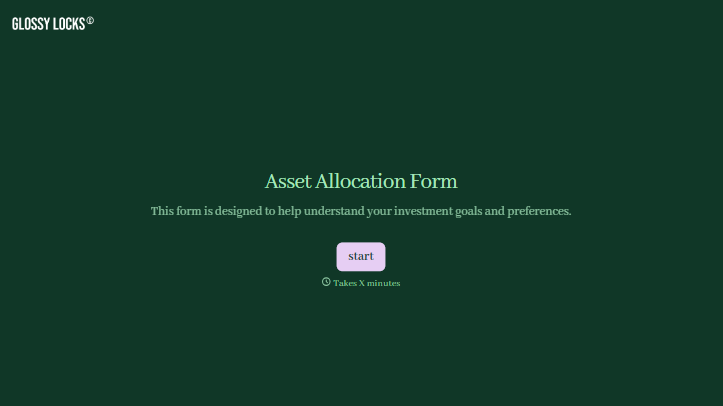
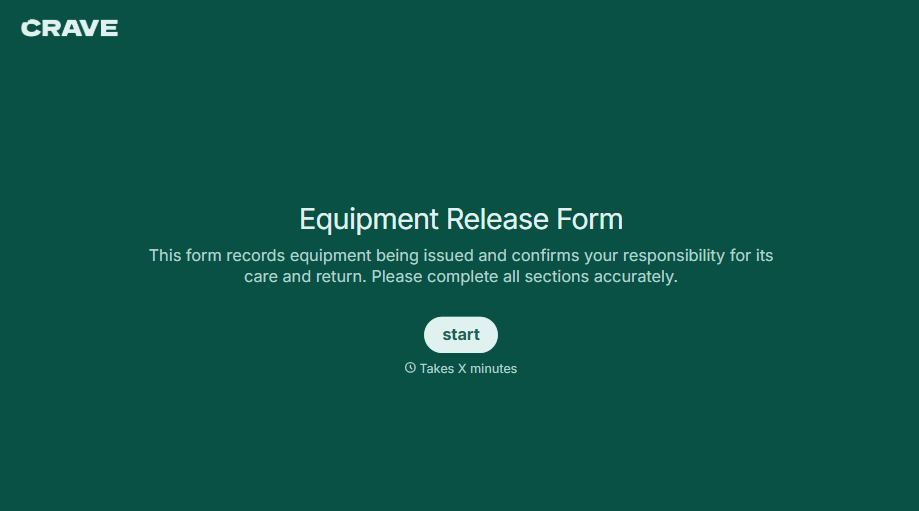
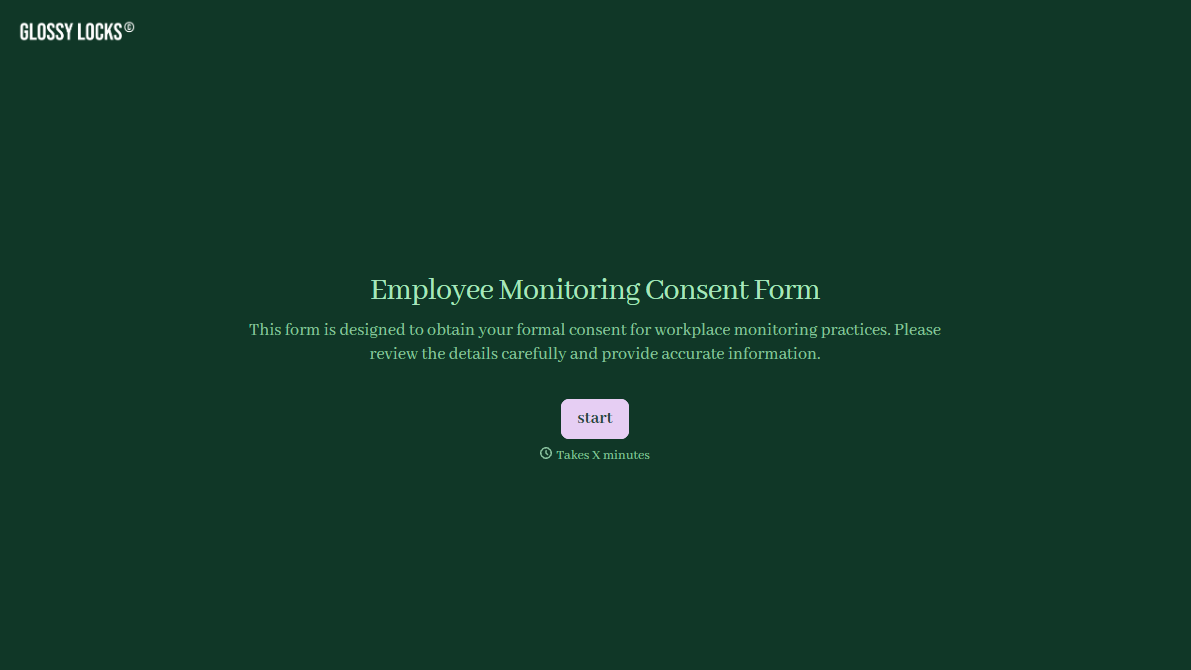
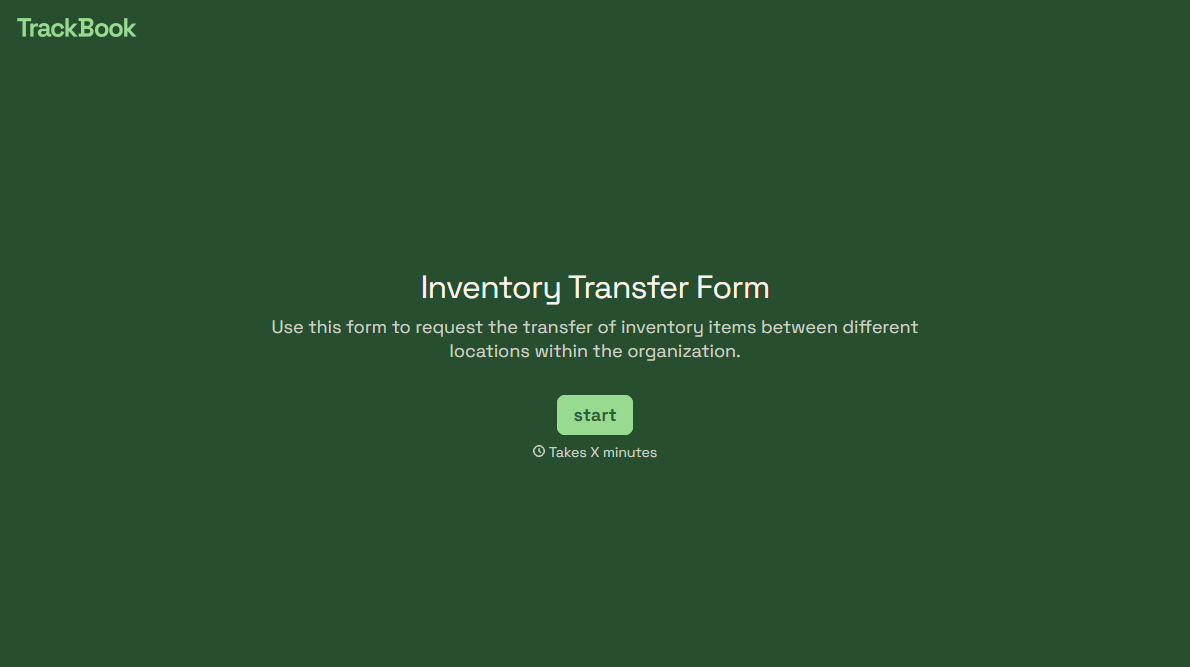
With Typeform, you can customize everything
Change text, colors, and even logos to match the look and feel of your brand. Then embed forms smoothly onto web and email.
Make forms feel effortless to fill out. Pace questions, call people by their name, and adapt the flow based on the data they share.
Stay efficient by connecting forms to your workflow. Typeform integrates with 300+ tools including Slack, Zapier, and HubSpot.


