Donation Request Form Template
Let organizations and individuals request donations through a clear process, so you can review requests consistently.



When you're a business, foundation, or individual who gives to charitable causes, managing donation requests through email is a constant headache. Requests arrive in different formats, missing different pieces of information, and evaluating them takes time you don't have.
A donation request form standardizes what you collect: the organization's mission, the amount requested, how funds will be used, and any supporting documentation. Typeform's conversational format makes it feel less like filling out a government application and more like a genuine ask, which tends to produce more thoughtful and complete responses. Conditional logic can show different follow-up questions depending on whether the request is from a nonprofit, a school, or a community group.
Set up the form on your website or donations page, add a confirmation email so requesters know their submission is in review, and use Zapier or direct integrations to funnel requests into your review workflow.
It's a form that organizations or individuals use to apply for a financial donation or in-kind contribution from a company, foundation, or grant-making body. It collects the information needed to evaluate whether the request aligns with the donor's giving criteria.
Without a standard form, every request looks different and requires individual follow-up to gather missing details. A form ensures you have everything you need before reviewing, makes it easier to compare requests fairly, and sends a clear signal to requesters about what you need from them.
Good donation request forms balance thoroughness with accessibility. Consider including:
- Organization name, type (nonprofit, school, community group), and mission statement
- Contact name and information
- Amount requested and intended use of funds
- Details of the program or project being funded
- Tax-exempt status and registration number (if applicable)
- Any upcoming deadlines tied to the request
Your form's confirmation page and automated response email are the right place to communicate your review timeline, any criteria you use to evaluate requests, and when requesters can expect to hear back. Clear upfront communication reduces follow-up emails significantly.
Review your criteria at least annually, or whenever your organization's giving priorities shift. Update your form at the same time so it reflects your current focus areas, which helps requesters self-qualify before applying.
Get inspired by relevant templates and categories
3200+ Templates, 300+ Integrations
With Typeform, you can customize everything
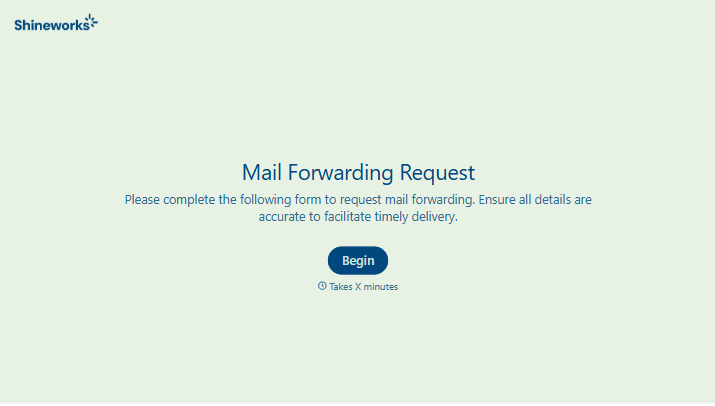
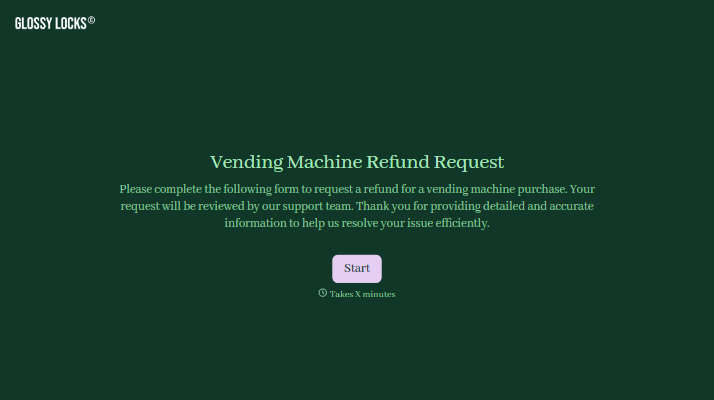
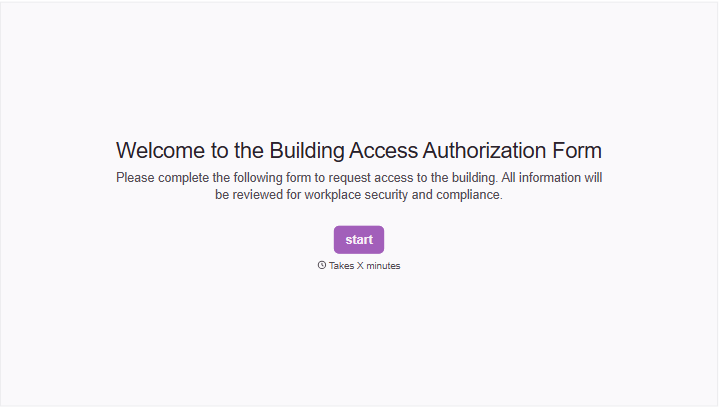
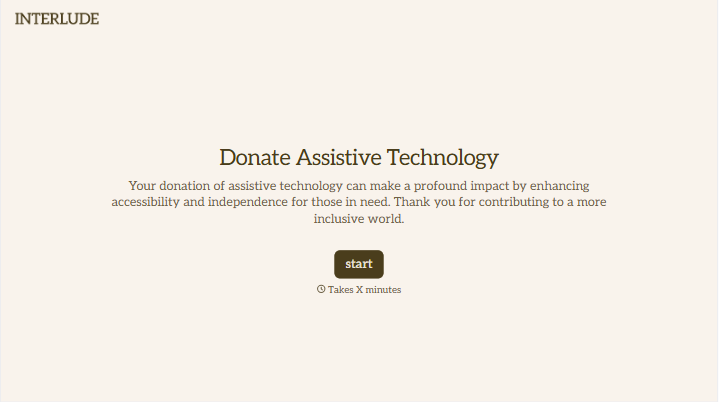
Change text, colors, and even logos to match the look and feel of your brand. Then embed forms smoothly onto web and email.
Make forms feel effortless to fill out. Pace questions, call people by their name, and adapt the flow based on the data they share.
Stay efficient by connecting forms to your workflow. Typeform integrates with 300+ tools including Slack, Zapier, and HubSpot.


