Quick Emergency Contact Form Template
Collect the information you'll need in an emergency, before there is one.



Nobody thinks about emergency contacts until it's too late. That's exactly why you need to collect this information proactively. During onboarding, at enrollment, or at registration. When something goes wrong, fumbling through file cabinets or sending "does anyone have their emergency contact?" emails isn't an option.
This emergency contact form template captures who to call, how to reach them, and any critical medical information. Quickly and clearly. The one-question-at-a-time format ensures respondents provide complete, accurate details instead of rushing through fields. It covers primary and secondary contacts, relationships, medical conditions, and any special instructions. With conditional logic to expand medical sections only when relevant.
Share it with new employees, students, event attendees, or program participants. Responses connect to Google Sheets, your HR system, or Airtable through integrations. Organized, accessible, and ready when you need them most.
An emergency contact form collects the names, phone numbers, and relationships of people to notify in case of an emergency involving the respondent. It often also captures critical medical information. Allergies, medications, conditions. That first responders or on-site staff may need to know. It's a foundational safety document for any organization responsible for people.
In a medical emergency, workplace accident, or natural disaster, seconds matter. Having emergency contacts and medical details immediately accessible can literally save lives. It also protects your organization by demonstrating due diligence in caring for the people in your charge, whether they're employees, students, or participants.
- Respondent's full name and date of birth
- Primary emergency contact: name, relationship, phone, email
- Secondary emergency contact: name, relationship, phone, email
- Known medical conditions or disabilities
- Current medications and allergies
- Special instructions (e.g., do not contact a specific person)
At least annually. People change phone numbers, relationships evolve, and medical conditions develop. Send a reminder to update emergency contacts at the start of each year, semester, or program cycle. Use email integrations to automate these reminders so the task doesn't fall through the cracks.
Accessibility is as important as accuracy. Store responses in a secure but quickly reachable system. A shared (but access-controlled) Google Sheet or your HRIS. Ensure that managers and front-desk staff know exactly where to find this data in an emergency. Some organizations print emergency contact sheets for each floor or department. Digital access is primary, but a physical backup for worst-case scenarios (power outage, system down) is a smart precaution.
Get inspired by relevant templates and categories
3200+ Templates, 300+ Integrations
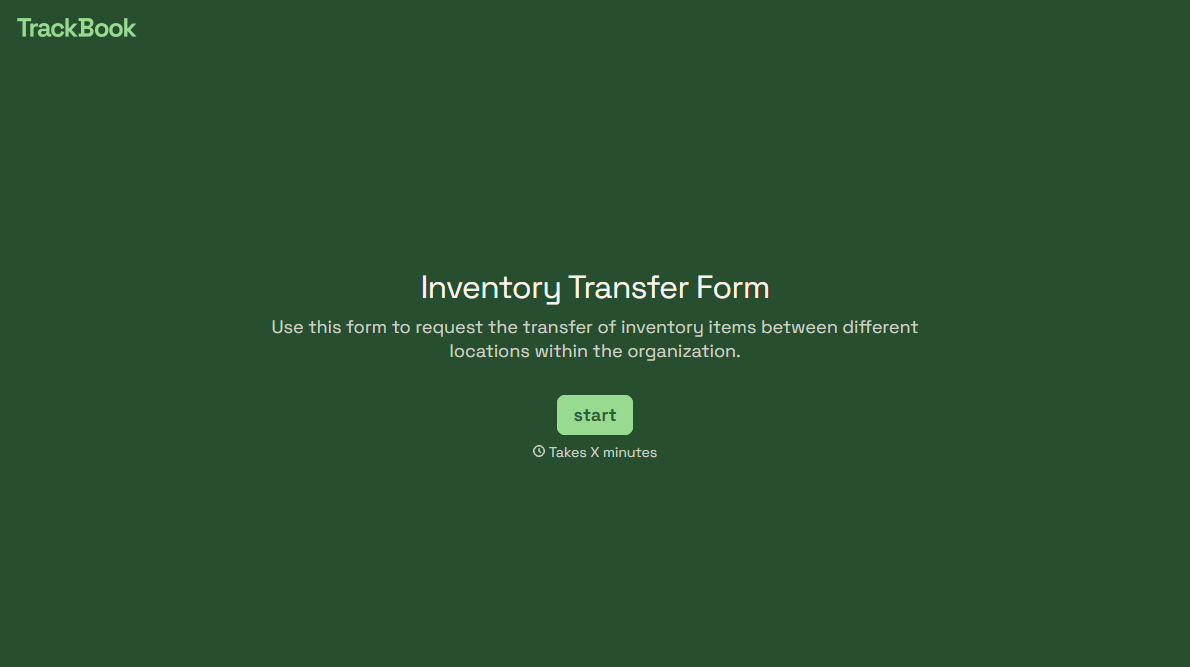
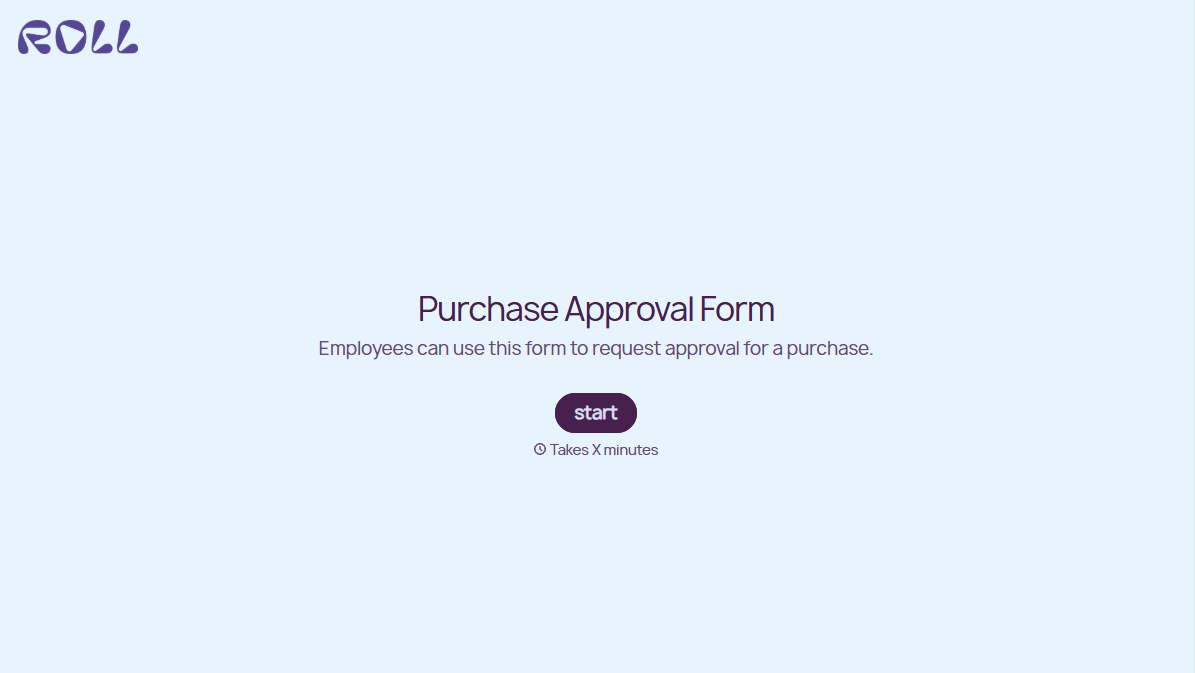
With Typeform, you can customize everything
Change text, colors, and even logos to match the look and feel of your brand. Then embed forms smoothly onto web and email.
Make forms feel effortless to fill out. Pace questions, call people by their name, and adapt the flow based on the data they share.
Stay efficient by connecting forms to your workflow. Typeform integrates with 300+ tools including Slack, Zapier, and HubSpot.


