Family Medical Leave Form Template
Request FMLA leave with all the information your employer and HR team need to process it.



Family and Medical Leave Act (FMLA) leave involves specific eligibility requirements and documentation obligations. This form guides employees through a complete FMLA request — and gives HR the information to determine eligibility and manage the leave compliantly.
The template covers the employee's name and department, the type of FMLA leave (employee's own serious health condition, family member care, military family leave, qualifying exigency), the start and end dates, intermittent leave details if applicable, and the healthcare provider certification requirement.
A well-managed FMLA process protects the employee's rights, the employer's compliance, and the employment relationship through a challenging time.
Employees who have worked for the employer for at least 12 months, have at least 1,250 hours in the past 12 months, and work at a location with 50 or more employees within 75 miles. Check your state — many states have broader family leave laws.
Up to 12 weeks of unpaid, job-protected leave per year for most qualifying reasons. Up to 26 weeks is available for military caregiver leave. Leave can be taken continuously, reduced schedule, or intermittently.
For foreseeable leave, at least 30 days' notice is required. For unforeseeable leave, notice must be given as soon as practicable — typically within 1 to 2 business days of when the need becomes known.
The employer may require a completed certification from the healthcare provider within 15 calendar days of the request. The certification describes the condition, its expected duration, and the need for leave.
If the employee is eligible and the reason qualifies, the employer must grant FMLA leave. Interfering with or retaliating against an employee exercising FMLA rights is illegal. However, the employer can require proper notice and certification.
Get inspired by relevant templates and categories
3200+ Templates, 300+ Integrations
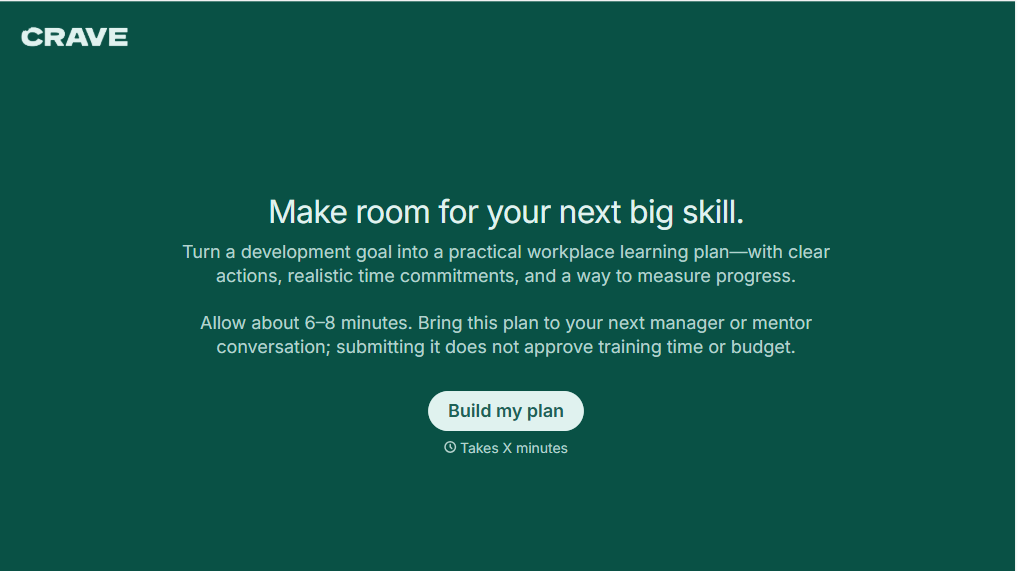
Workplace Learning Plan Form
Help employees and managers create structured professional development plans with a form that collects learning goals, skill gaps, and training preferences. Keep development priorities organized so teams can track progress, identify learning opportunities, and support employee growth in the workplace.
View template

Point of Sale Agreement Extension Form
Give businesses a straightforward way to request extensions to existing point of sale agreements with a form that collects contract details, extension terms, and authorization information. Keep requests organized so service providers can review agreements, coordinate renewals, and maintain accurate contract records.
View template
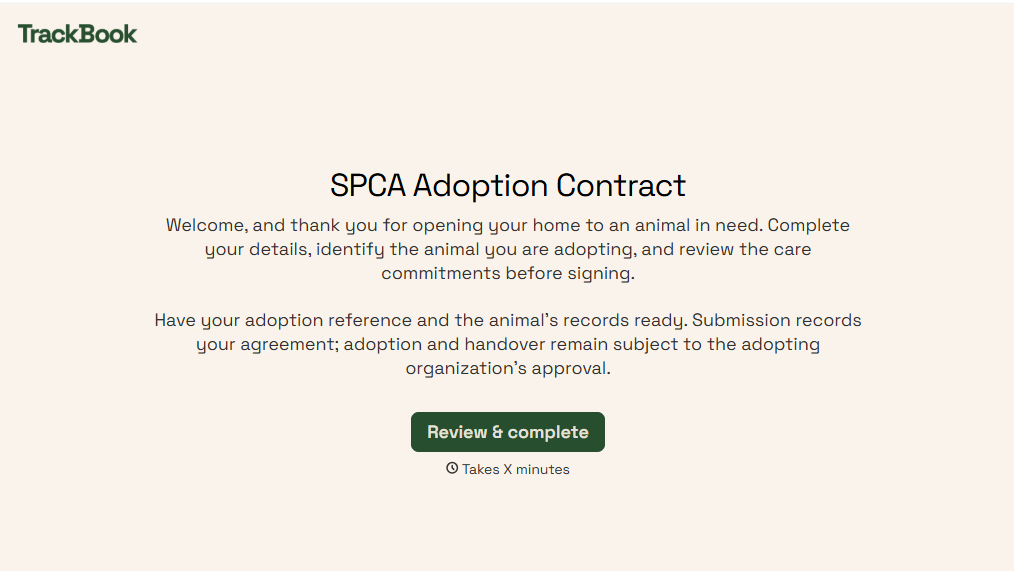
SPCA Adoption Contract Form
Give animal shelters an efficient way to finalize pet adoptions with a form that collects adopter information, pet details, and adoption agreements. Keep records organized so your team can verify requirements, document responsibilities, and help animals transition into their new homes.
View template

Skills Assessment Consent Form
Give employers, training providers, and educational organizations a straightforward way to obtain consent for skills assessments with a form that collects participant information, assessment details, and authorization. Keep consent records organized so administrators can communicate evaluation procedures, explain how results will be used, and confirm participation before assessments begin.
View template

Shipment Status Monitoring Form
Give logistics teams and businesses an easy way to monitor shipments with a form that collects tracking numbers, carrier information, and delivery details. Keep shipment records organized so teams can track delivery progress, identify potential delays, and communicate shipping updates to customers and stakeholders.
View template
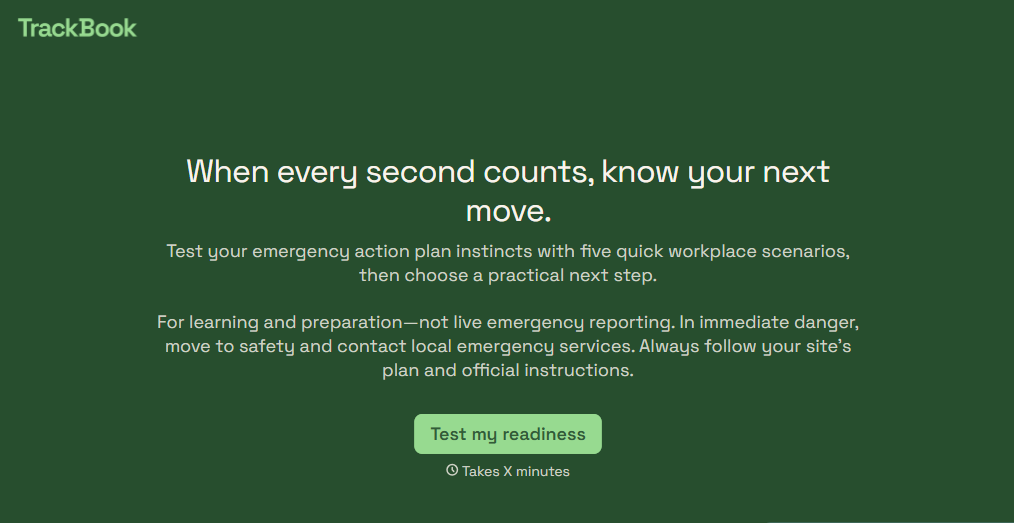
Emergency Action Plan Quiz Form
Give employees an easy way to test their emergency preparedness knowledge with a quiz that covers evacuation procedures, emergency contacts, and workplace safety protocols. Keep the results organized so your team can identify knowledge gaps, reinforce training, and improve emergency response readiness.
View template
With Typeform, you can customize everything
Change text, colors, and even logos to match the look and feel of your brand. Then embed forms smoothly onto web and email.
Make forms feel effortless to fill out. Pace questions, call people by their name, and adapt the flow based on the data they share.
Stay efficient by connecting forms to your workflow. Typeform integrates with 300+ tools including Slack, Zapier, and HubSpot.