Interview Evaluation Form Template
Make hiring decisions based on structured assessments, not gut feelings and whiteboard scribbles.


After a day of back-to-back interviews, your hiring panel gathers to discuss candidates — but everyone is working from different notes, evaluating different criteria, and weighing things inconsistently. One interviewer loved a candidate's energy; another thought they lacked technical depth. Without a common framework, the loudest voice in the room wins, and that's not how you build a great team.
This interview evaluation form template standardizes how interviewers assess candidates. Each evaluator rates the candidate on predefined criteria: technical skills, communication, problem-solving, and cultural fit. Using consistent scales, open-ended fields capture specific examples and observations that support the ratings. Conditional logic can adjust criteria based on the role level. You evaluate a junior developer differently than a VP of engineering.
Evaluations submit instantly after each interview and aggregate in Google Sheets or your ATS via Zapier. When the debrief meeting happens, everyone is working from the same structured data. Comparison across candidates becomes objective, bias decreases, and your hiring decisions improve because they're based on evidence, not impressions.
An interview evaluation form is a structured assessment tool that interviewers complete after meeting with a job candidate. It provides a consistent framework for rating candidates across predefined criteria relevant to the role. The form captures both quantitative ratings and qualitative observations, creating a documented record that supports fair, defensible hiring decisions.
Unstructured interviews are only slightly better than flipping a coin at predicting job performance — research consistently shows this. Structured evaluations force interviewers to assess every candidate against the same criteria, reducing the influence of bias, charisma, and "culture fit" code words. Teams that use structured evaluation forms report more diverse hires, fewer bad hires, and faster time-to-decision.
- Candidate name, role applied for, and interview date
- Rating on relevant technical or functional skills (1-5 scale)
- Communication and interpersonal skills assessment
- Problem-solving and critical thinking evaluation
- Specific examples that support each rating given
- Overall recommendation (strong hire, hire, no hire, strong no hire)
Start with three to four universal criteria (e.g., communication, problem-solving, values alignment), then add two to three role-specific criteria. Use conditional logic — when the evaluator selects the role at the top of the form, the criteria section adjusts accordingly. A sales role might add "objection handling" and "relationship building," while an engineering role adds "system design" and "code quality." Keep the total criteria under eight to prevent evaluation fatigue.
Structure is your primary defense — consistent criteria, defined rating scales, and required examples all reduce bias. Train interviewers to rate independently before the group debrief — the form supports this naturally since each person submits their own evaluation. Require specific behavioral examples for every rating (e.g., "gave a four because they described a time when..."). Vague ratings without evidence are the breeding ground for bias.
Get inspired by relevant templates and categories
3200+ Templates, 300+ Integrations
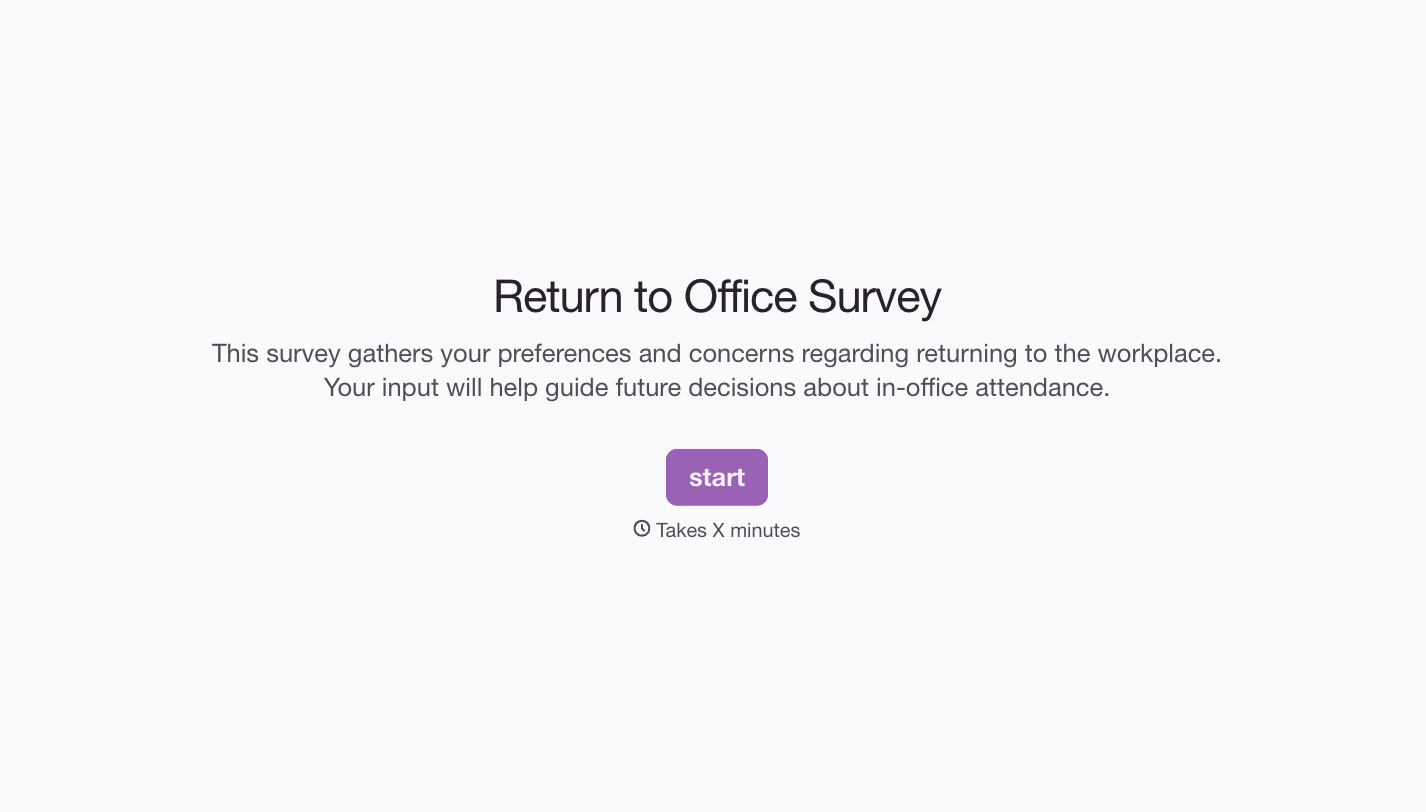


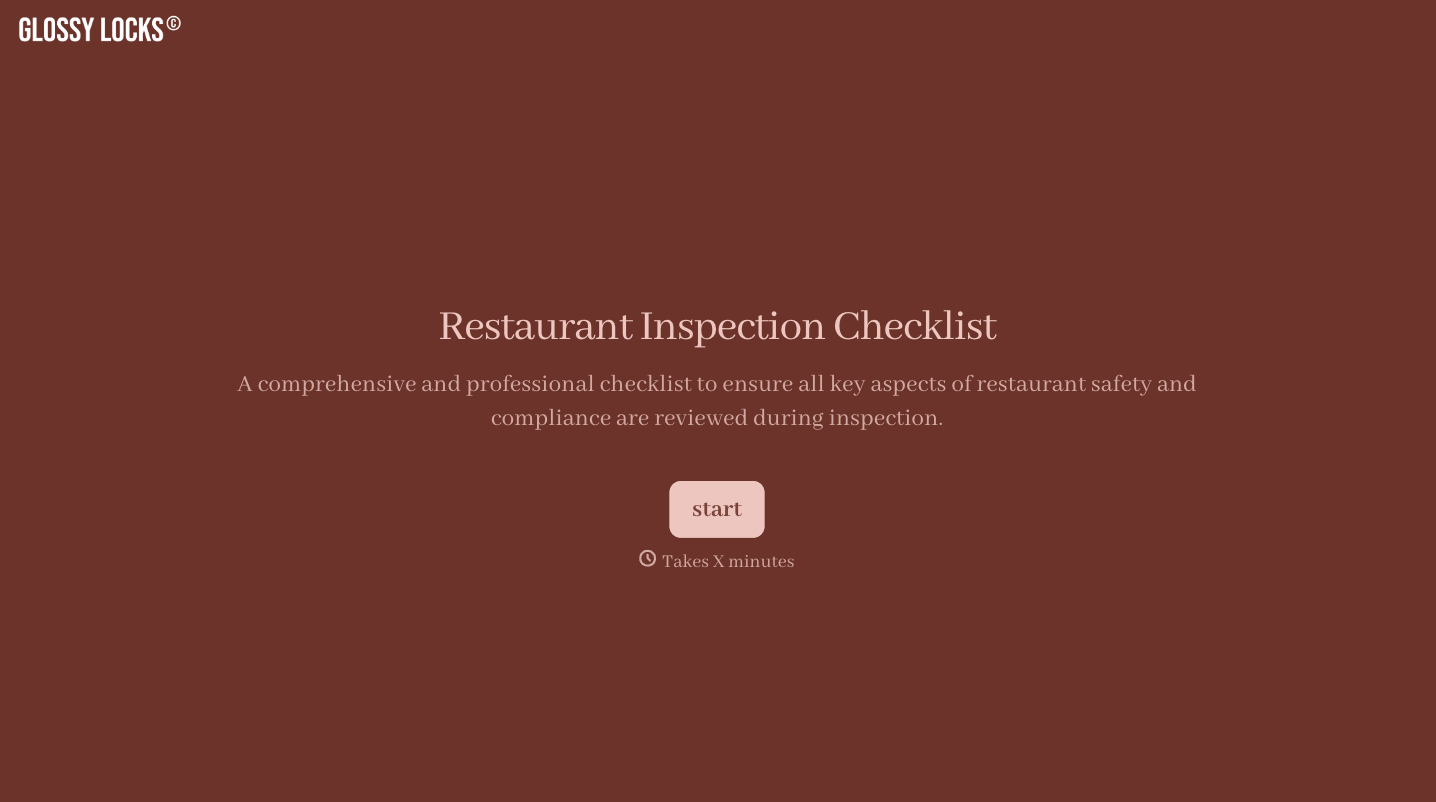
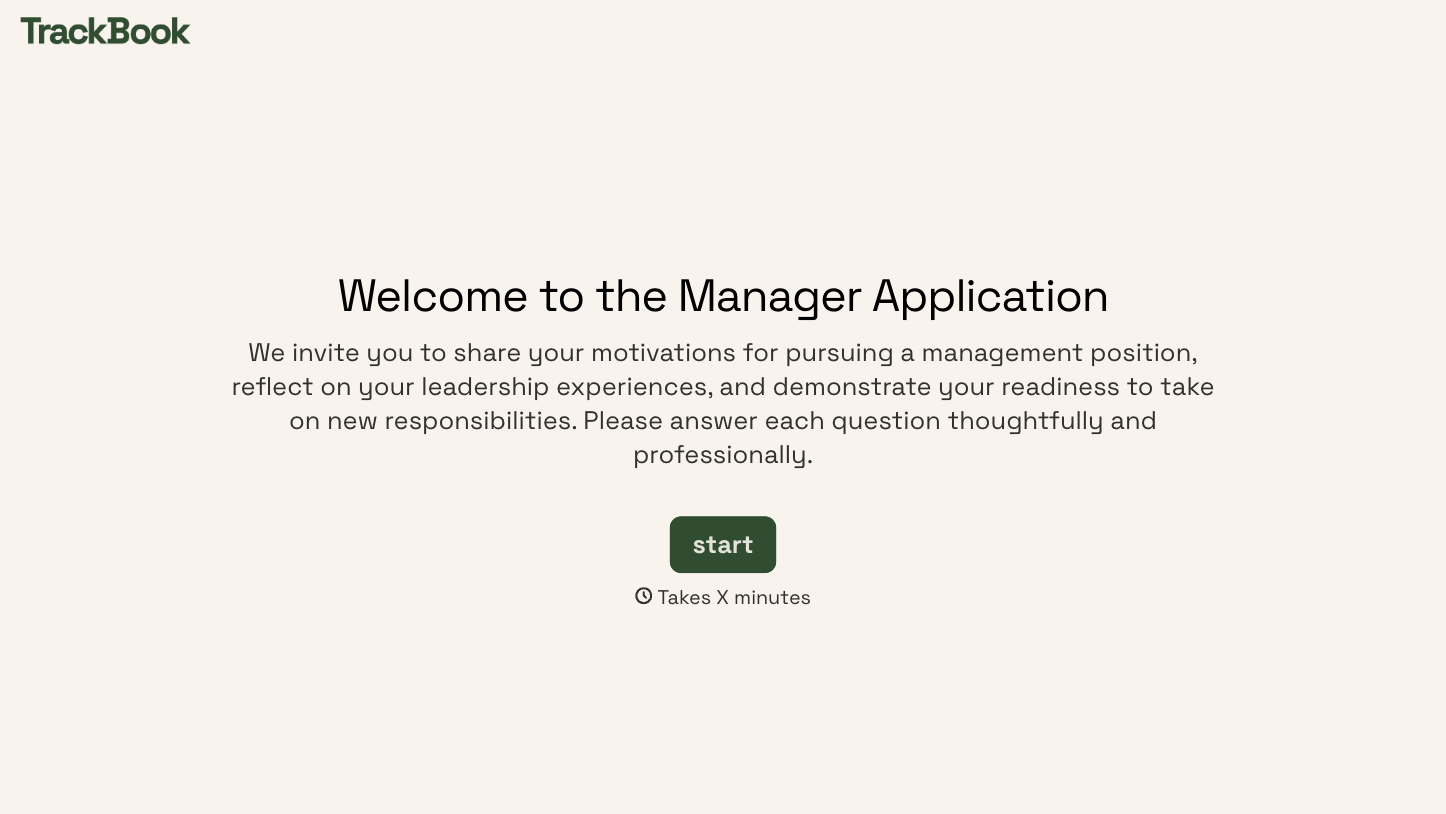
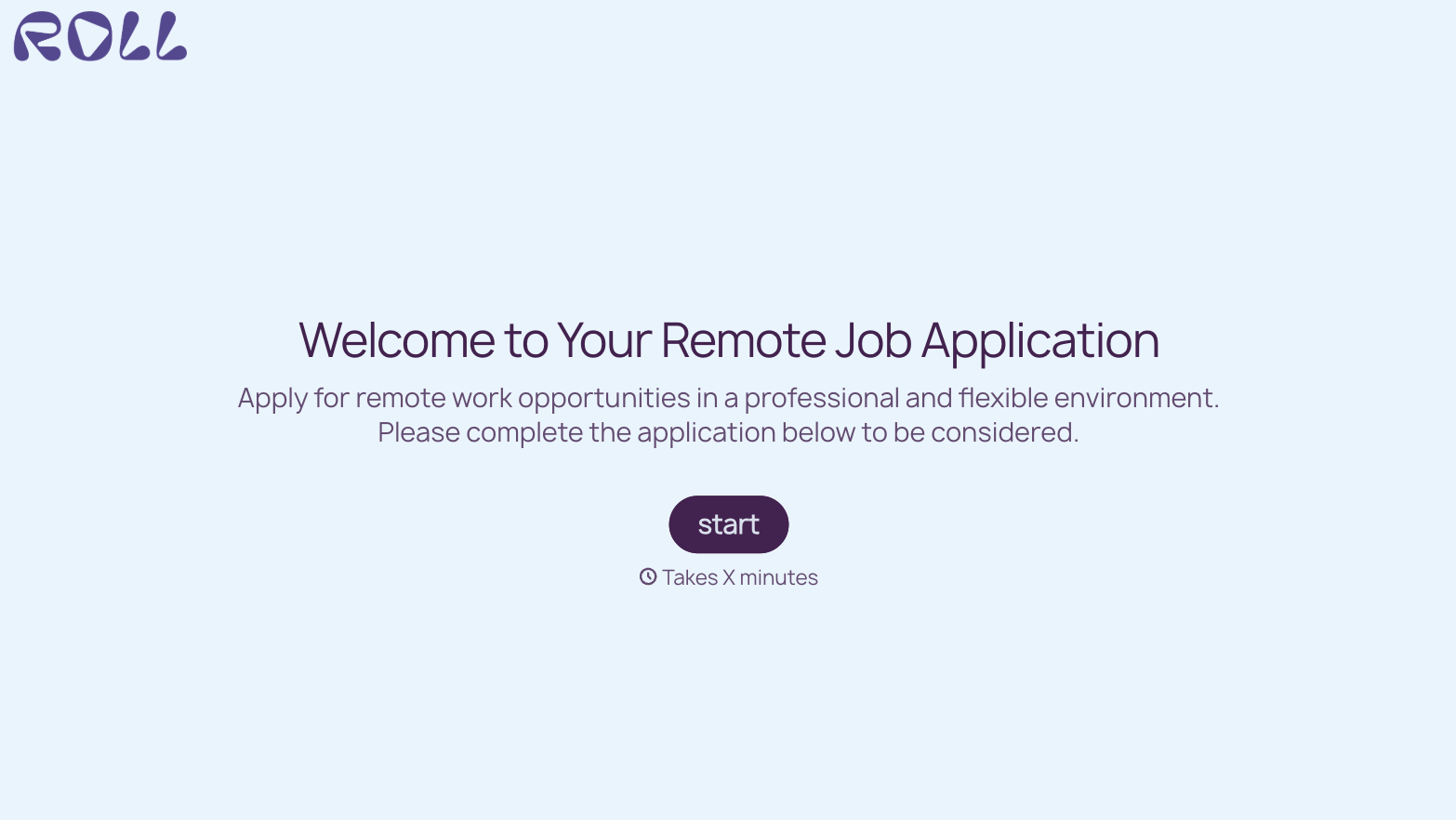
With Typeform, you can customize everything
Change text, colors, and even logos to match the look and feel of your brand. Then embed forms smoothly onto web and email.
Make forms feel effortless to fill out. Pace questions, call people by their name, and adapt the flow based on the data they share.
Stay efficient by connecting forms to your workflow. Typeform integrates with 300+ tools including Slack, Zapier, and HubSpot.


