Mental Health Assessment Form Template
Document a structured mental health assessment that supports accurate diagnosis and care planning.



A mental health assessment creates the clinical foundation for everything that follows — diagnosis, treatment planning, and referral decisions. This form gives mental health clinicians a comprehensive template to document the assessment in a structured, replicable format.
The template covers presenting concerns and onset, symptom inventory across diagnostic categories, mental status examination observations, psychosocial history, trauma history, substance use assessment, risk assessment (suicidality, self-harm, harm to others), protective factors, and the clinical formulation and preliminary diagnosis.
Consistent assessment documentation supports continuity of care, supervision, peer review, and — when records must be shared — clear communication across providers.
An MSE is a structured observation of the client's current psychological functioning, covering appearance, behavior, speech, mood and affect, thought process and content, perceptions, cognition, insight, and judgment.
Yes. Include the PHQ-9 for depression, GAD-7 for anxiety, PC-PTSD-5 for trauma screening, and AUDIT-C for alcohol use, depending on the presenting concern. Document the tool used and the score.
Thorough enough to support a clinical decision. Document ideation frequency, intent, plan, means, and protective factors. A risk assessment that notes 'denies SI' without exploring further is insufficient.
A licensed mental health clinician or supervised trainee under appropriate supervision. The scope and tools should reflect the clinician's training and licensure scope.
A comprehensive assessment is typically done at intake. Brief re-assessments occur at regular intervals — every 90 days is common — or when there's a significant change in presentation or risk.
Get inspired by relevant templates and categories
3200+ Templates, 300+ Integrations
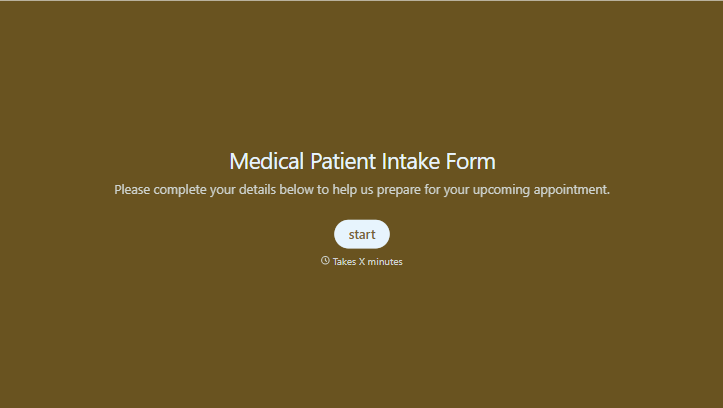
Medical Patient Intake Form
Move past a clipboard that captures a name and an insurance card. Screen for the medical history that actually changes how a patient is treated, document informed consent and privacy acknowledgment, and keep a timestamped signature on file for exactly what your patient agreed to.
View template
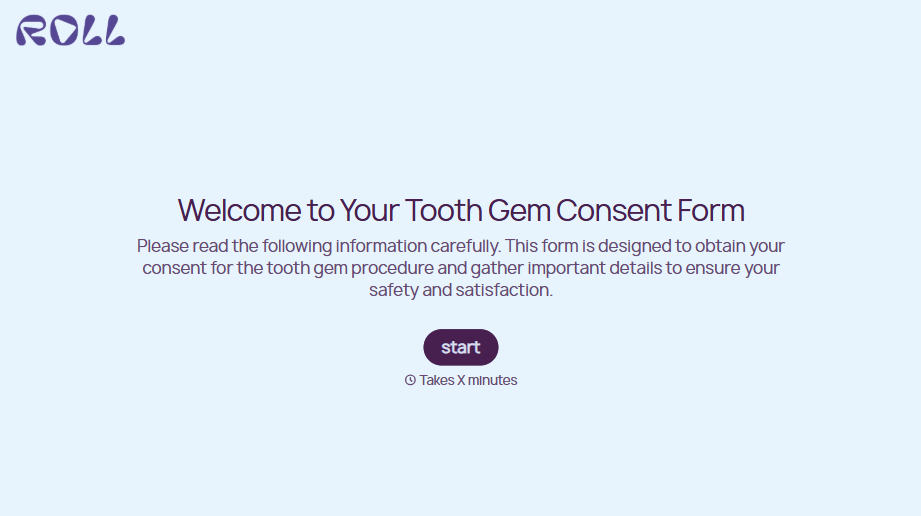
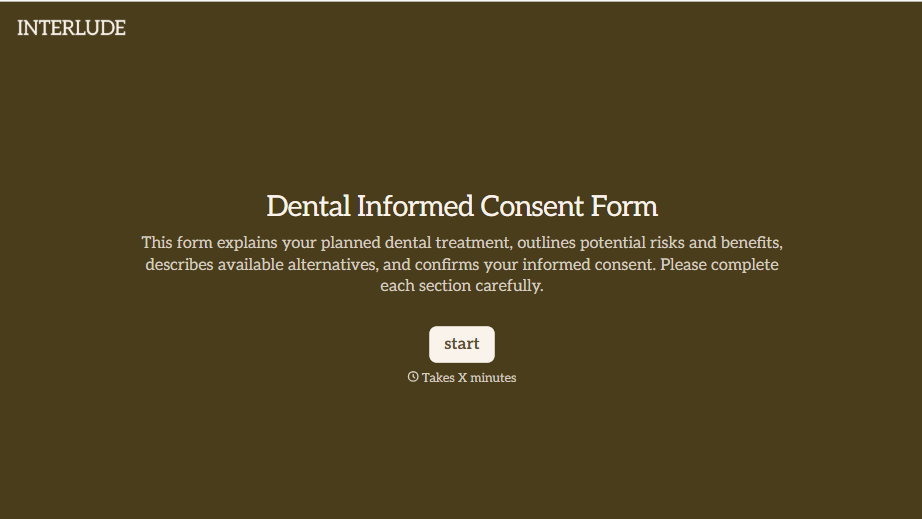


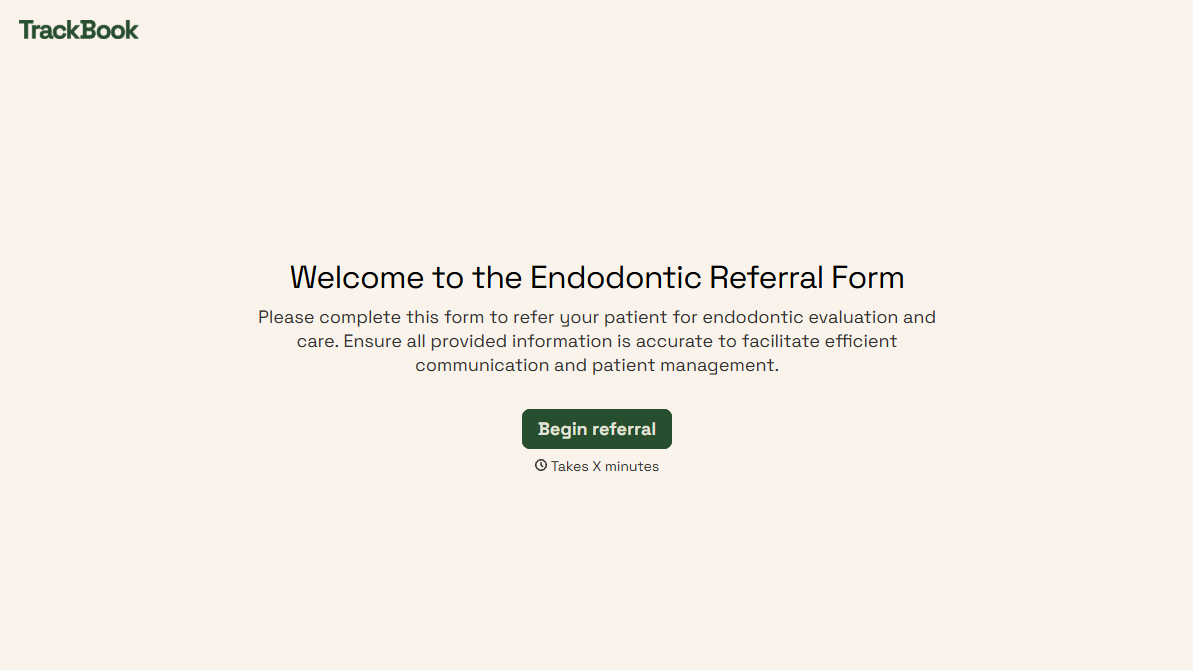
With Typeform, you can customize everything
Change text, colors, and even logos to match the look and feel of your brand. Then embed forms smoothly onto web and email.
Make forms feel effortless to fill out. Pace questions, call people by their name, and adapt the flow based on the data they share.
Stay efficient by connecting forms to your workflow. Typeform integrates with 300+ tools including Slack, Zapier, and HubSpot.


