Merchandise Purchase Order Form Template
Turn merchandise ordering into a clean, trackable process, not a chain of emails and attached PDFs.



Merchandise purchase orders go wrong in predictable ways: wrong SKU, wrong quantity, wrong delivery address, missing approval. When orders are placed via email or phone, these errors compound, and each one costs time, money, and vendor goodwill.
This merchandise purchase order form template structures the ordering process so every required detail is captured and validated. Buyers select products, specify quantities, confirm pricing, and provide shipping details in a guided flow. Conditional logic adjusts based on order type. Wholesale orders show minimum quantity requirements and bulk pricing tiers, while promotional merchandise orders capture event details and branding specifications.
Connect it to your inventory or ERP system, route approvals to the right manager, and maintain a clean audit trail of every order placed.
A merchandise purchase order form is a structured document used to request the purchase of goods from a supplier or internal inventory. It captures product details, quantities, pricing, shipping requirements, and approval authorizations. Creating a formal record of the order.
Informal ordering. Via email, phone, or chat. Leads to miscommunication and disputes. A formal PO process creates accountability, enables budget tracking, prevents duplicate orders, and gives both buyer and supplier a shared reference document. It's also essential for audit compliance.
- Requester's name, department, and contact information
- Product name, SKU or item number, and description
- Quantity and unit price
- Preferred vendor or supplier
- Delivery address and required-by date
- Budget code or cost center for approval routing
Use repeatable sections that let the requester add as many line items as needed within a single form submission. Each item gets its own product, quantity, and price fields. This keeps everything in 1 order instead of generating multiple submissions for the same purchase.
Yes. Integrate the form with email or Slack to notify the appropriate approver when a new order is submitted. You can set dollar-amount thresholds — orders under $500 auto-approve, while those above trigger a manager review. This keeps small orders moving while maintaining oversight on larger spend.
Get inspired by relevant templates and categories
3200+ Templates, 300+ Integrations



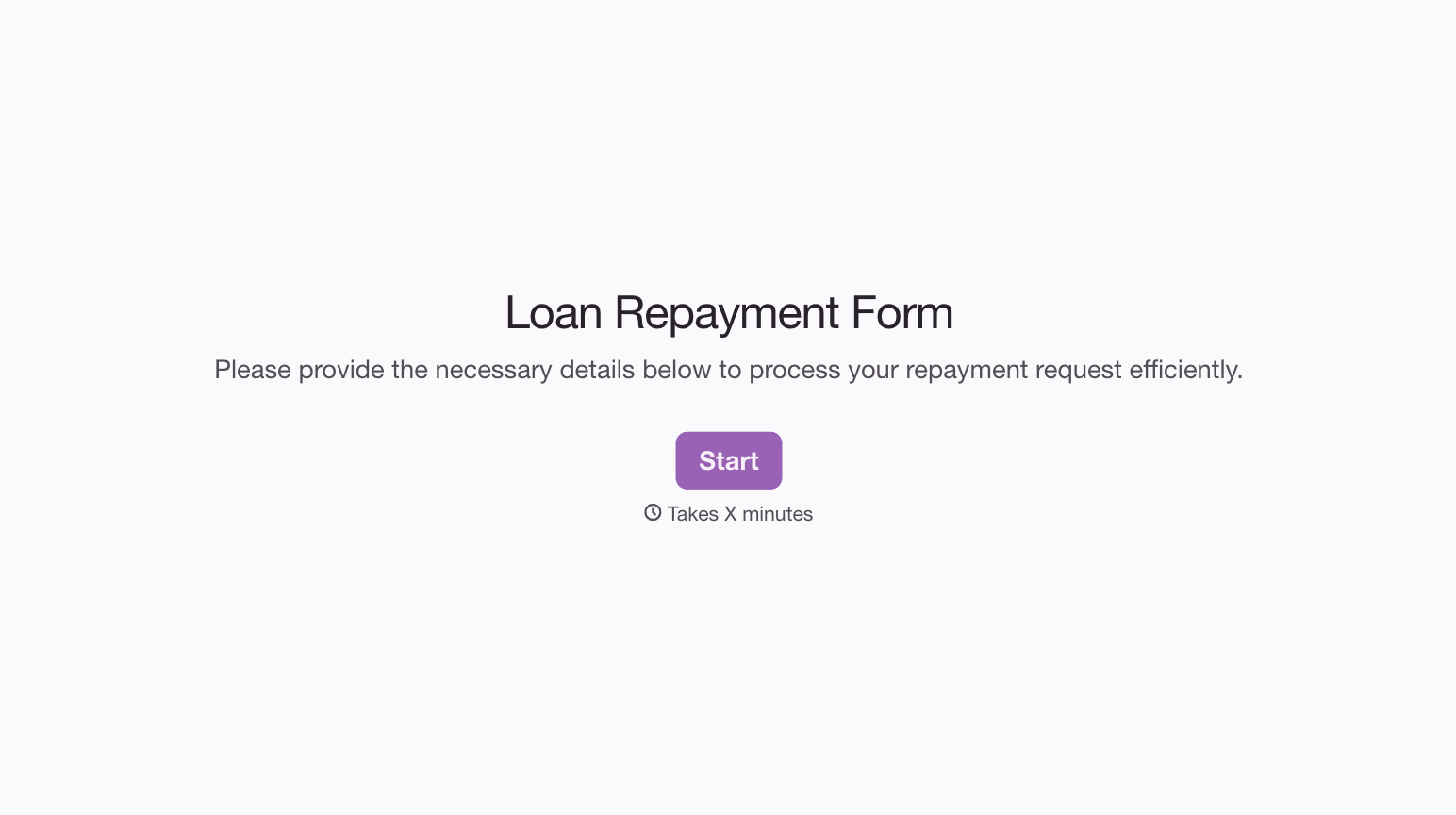
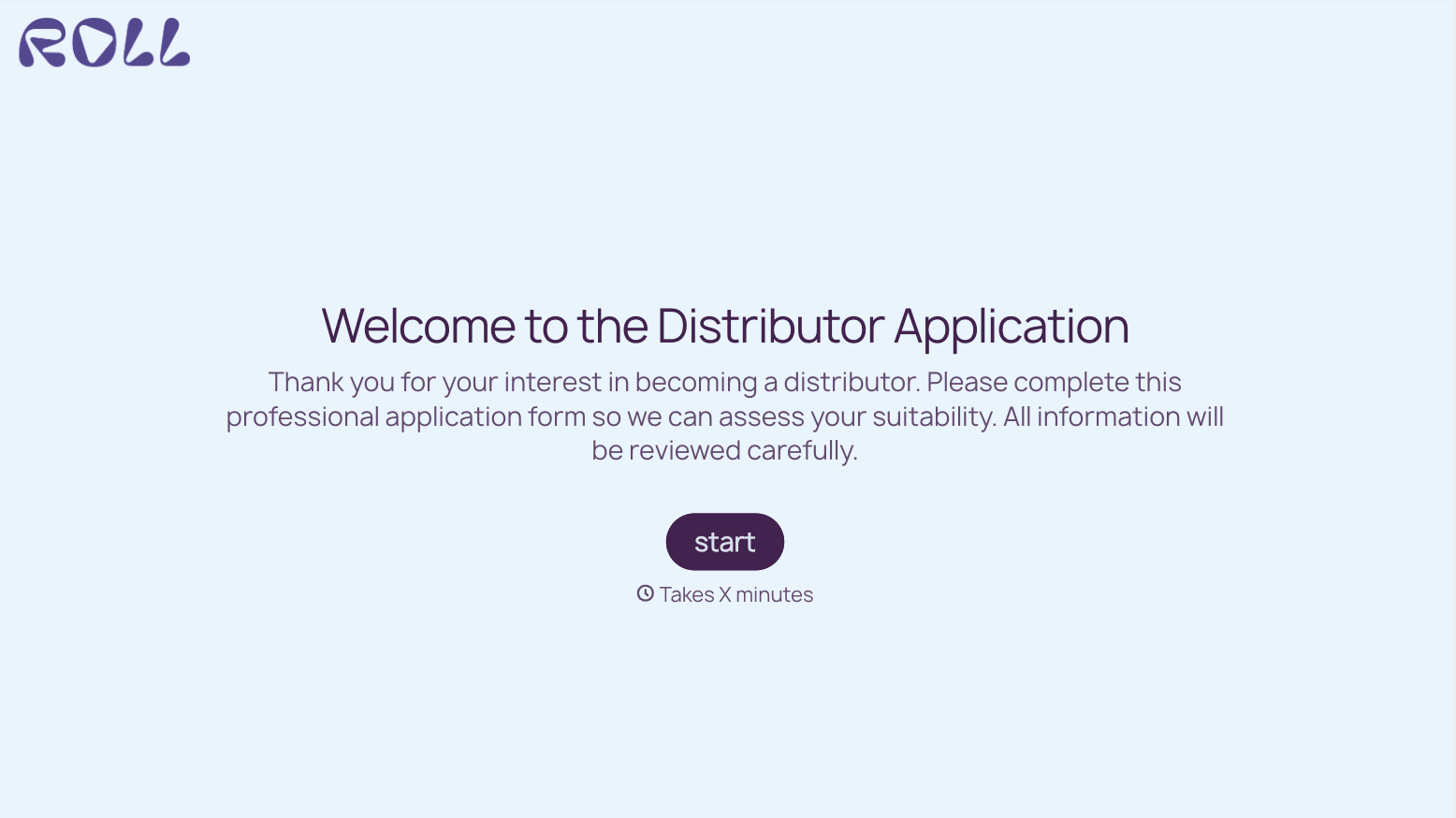
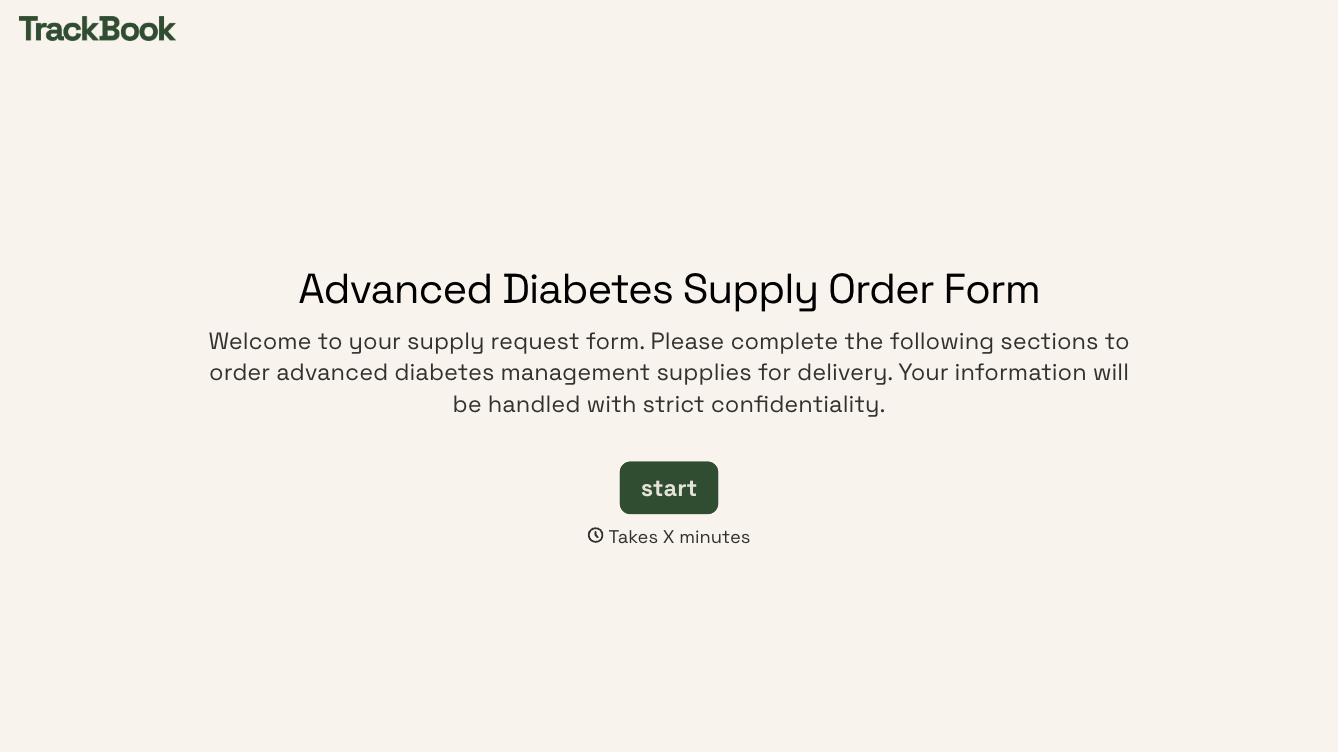
With Typeform, you can customize everything
Change text, colors, and even logos to match the look and feel of your brand. Then embed forms smoothly onto web and email.
Make forms feel effortless to fill out. Pace questions, call people by their name, and adapt the flow based on the data they share.
Stay efficient by connecting forms to your workflow. Typeform integrates with 300+ tools including Slack, Zapier, and HubSpot.


