PayPal Payment Form
Collect payments and order details in one place, so every transaction is confirmed and accounted for without the back-and-forth.



Businesses and freelancers that collect payments through invoices or email threads often deal with delayed payments and missing order details. Chasing down payment confirmations doesn't just waste time, it slows down fulfillment. Typeform's PayPal payment form gives businesses a reliable way to collect payments and order details in a single transaction.
The form captures buyer details, item or service description, quantity, and payment amount before routing the transaction through PayPal. Typeform presents one question at a time, so buyers move through the order process without confusion or abandoned forms. Conditional logic adapts the form based on what the buyer selects. Someone purchasing a single item sees a different flow than someone ordering multiple products or selecting a custom service package.
Customize the form with your product or service catalog, pricing tiers, and any required buyer information. Share it via email, embed it on your website, or link to it from your social media profiles. Every completed transaction logs automatically in Google Sheets or Airtable via Zapier, so payment records stay organized without manual tracking. Your customers get a smooth checkout experience and your team gets a clean record of every sale.
A PayPal payment form collects order details and processes payment through PayPal in a single flow. It captures buyer details, the item or service purchased, quantity, and payment amount before routing securely through PayPal. Think of it as a lightweight storefront for businesses and freelancers that don't need a full e-commerce platform.
Collecting payments through separate invoices, bank transfers, or manual links creates friction for buyers and gaps in your records. A PayPal payment form captures order details and payment in one step, so transactions complete immediately. It also reduces the risk of unpaid invoices by requiring payment before an order is confirmed. Use it for product sales, service packages, event tickets, and deposits.
A complete PayPal payment form covers:
- Buyer name and contact details
- Item or service name and description
- Quantity and pricing options
- Discount code or promotional field (if applicable)
- Total amount and currency
- PayPal payment integration
- Order confirmation details
Connect Typeform to PayPal using Zapier or a direct integration to route payment at checkout. Set up your pricing fields to calculate totals automatically based on the item selected and quantity entered. For variable pricing, use conditional logic to show the right price based on the product or tier the buyer selects. Buyers see a clear total before they're sent to PayPal to complete the payment.
Typeform's PayPal integration is best suited for one-time transactions like product orders, service bookings, and event payments. For recurring payments, set up a separate PayPal subscription plan and use the form to collect buyer details first. This keeps the intake and payment experience seamless without needing a separate billing platform. For complex subscription management, a dedicated payment processor like Stripe may be a better fit.
Get inspired by relevant templates and categories
3200+ Templates, 300+ Integrations
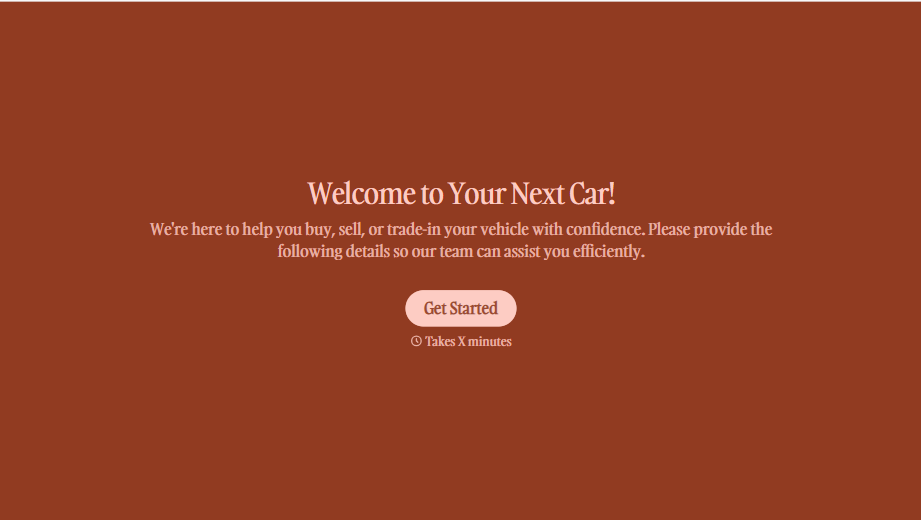
Used Car Sales Form
A price agreed to with a handshake in the parking lot doesn't leave anything documenting the mileage on the odometer the day the buyer actually drove off. Collect what your dealership actually needs, buyer and vehicle information, sale terms, and a signed disclosure, before the keys change hands.
View template
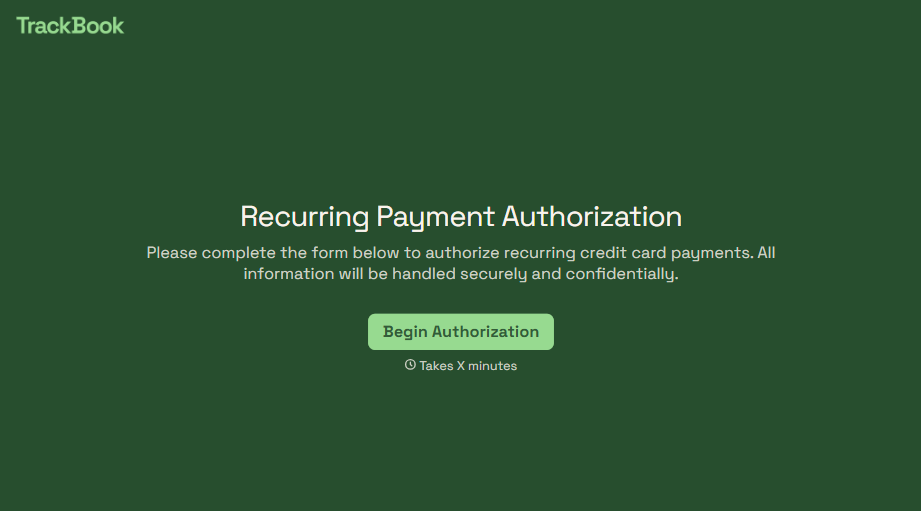
Recurring Credit Card Authorization Form
An authorization that just says "I agree to be charged monthly" doesn't survive a chargeback dispute. The bank's going to ask, charged for what, how much, and how often, and vague language doesn't answer any of that. Spell out the amount, the frequency, and the cancellation terms in writing, before the first charge goes through.
View template
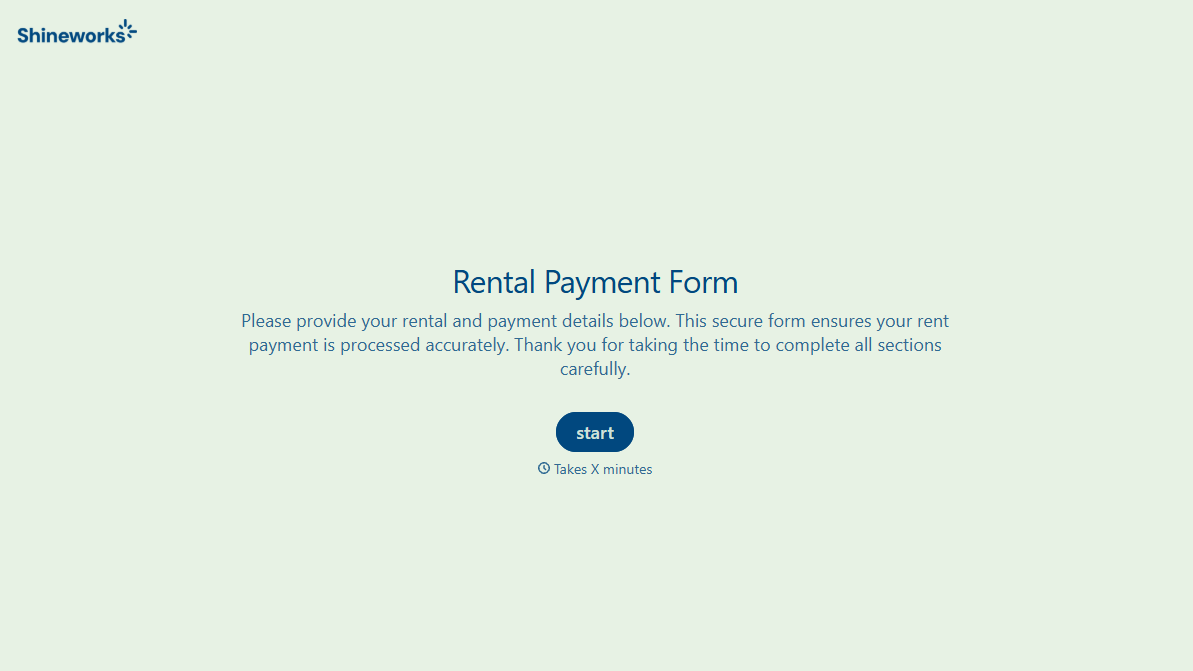
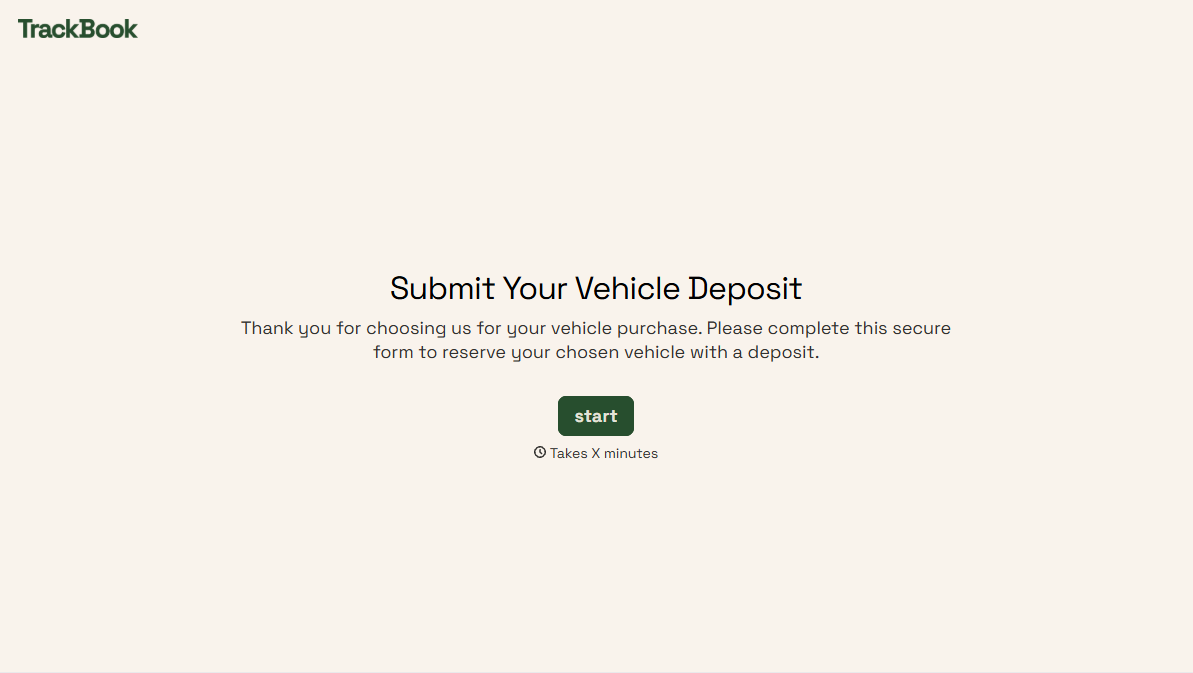
With Typeform, you can customize everything
Change text, colors, and even logos to match the look and feel of your brand. Then embed forms smoothly onto web and email.
Make forms feel effortless to fill out. Pace questions, call people by their name, and adapt the flow based on the data they share.
Stay efficient by connecting forms to your workflow. Typeform integrates with 300+ tools including Slack, Zapier, and HubSpot.


