Request For Quote (RFQ) Form Template
Give buyers a clear way to request pricing and let your team respond to qualified leads faster.



When buyers want a quote, they often have to send a vague email and wait while your team figures out what they actually need. That back-and-forth slows down the sales process and creates friction on both sides. If the request doesn't come in with the right details, you can't respond with an accurate price.
A structured RFQ form collects the specific information your team needs to generate a quote — product specs, quantities, timelines, delivery requirements — before any conversation starts. Conditional logic ensures that buyers who select different product categories see the relevant specification fields, so you're not getting quote requests missing half the required details.
Responses can route directly to the right person on your team via email or Slack notification, so no request sits unactioned.
An RFQ form is a structured online form that allows potential buyers to submit requests for pricing on specific products or services. It replaces unstructured emails with a consistent, complete intake process.
An RFQ form reduces the back-and-forth required to collect enough detail to prepare an accurate quote. It also creates a clear record of every request, making it easier to track and follow up.
A well-structured RFQ form typically includes:
- Contact name, company, and email
- Product or service category being requested
- Quantity or scope of the request
- Required specifications or custom requirements
- Desired delivery date or project timeline
- Budget range (optional but useful for pre-qualifying)
Speed matters here. Buyers submitting RFQs are typically evaluating multiple vendors. Responding within 24 hours significantly increases your chances of being considered. Setting up automated notifications ensures no submission goes unnoticed.
Yes. Including questions about budget range, timeline, and company size helps your team quickly assess fit before investing time in a detailed quote. You can also use logic to show different follow-up questions based on the scope of the request.
Get inspired by relevant templates and categories
3200+ Templates, 300+ Integrations

Library Book Request Form
A book request scrawled on a sticky note at the front desk doesn't make it into any queue, and it definitely doesn't get anyone a call when the book actually arrives. Collect what your library actually needs, the title, patron information, and how they'd like to be notified, before the note gets buried under the next stack of returns.
View template

Tenant Repair Request Form
A text message about a leaky faucet sent at 11pm isn't a work order your maintenance team can act on efficiently, especially without a photo or a unit number attached. Collect the property, the issue, and how urgent it is before the request lands in someone's texts, so a repair doesn't wait on a landlord scrolling back through old messages.
View template

Video Request Form
A Slack message asking for "a quick video for the launch" isn't a creative brief your video team can actually start from. Collect the project purpose, deadline, and deliverable specs before the request lands in a queue, so your team isn't reworking a video built on assumptions the requester never actually stated.
View template
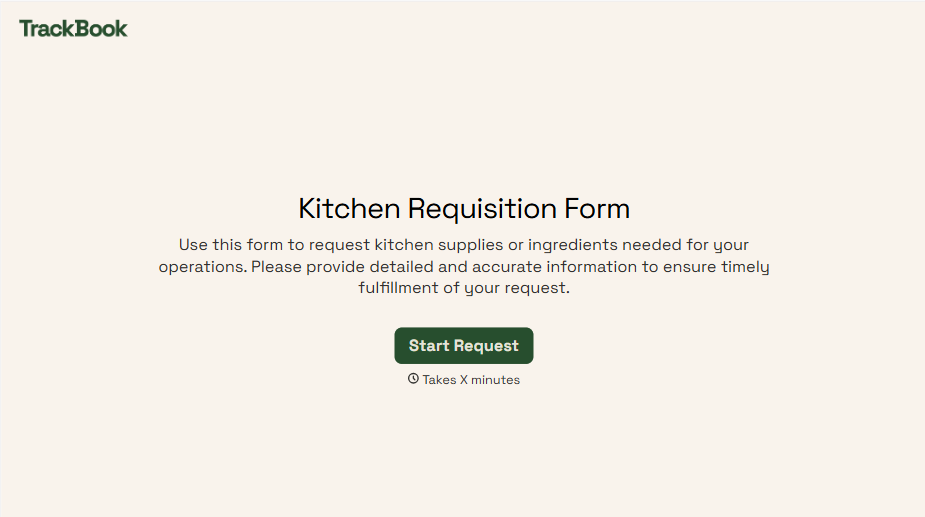
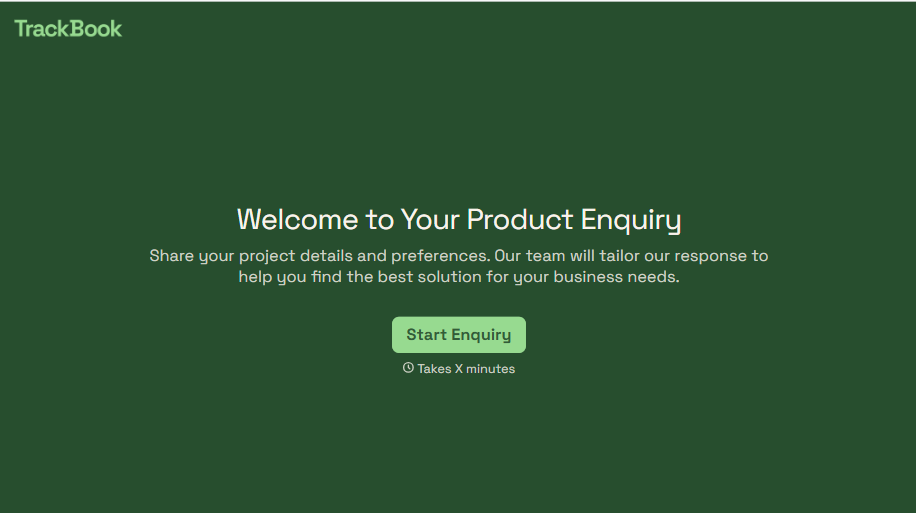
Product Enquiry Form
A generic "I'm interested in your product, can you tell me more?" email doesn't tell your sales team which product, what quantity, or what the customer's actually trying to do with it. Collect what your team actually needs, product interest, quantity, and use case, before you reply.
View template
With Typeform, you can customize everything
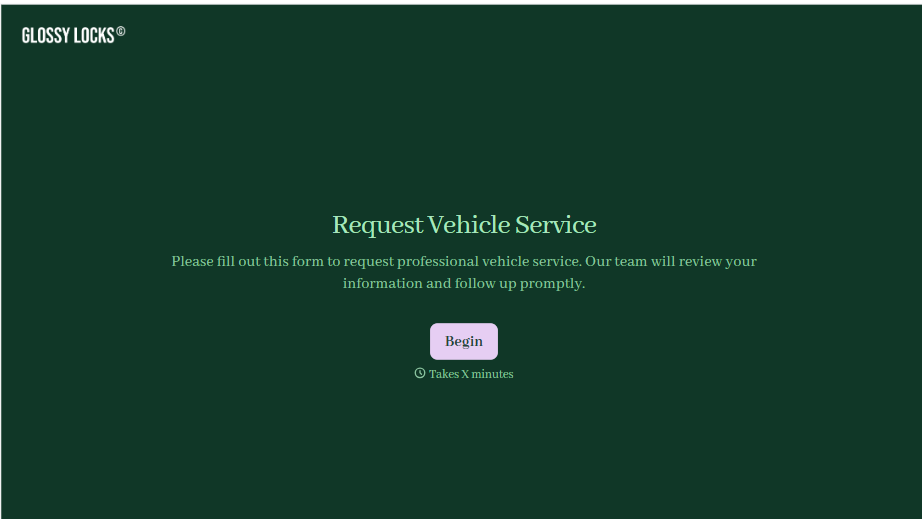
Change text, colors, and even logos to match the look and feel of your brand. Then embed forms smoothly onto web and email.
Make forms feel effortless to fill out. Pace questions, call people by their name, and adapt the flow based on the data they share.
Stay efficient by connecting forms to your workflow. Typeform integrates with 300+ tools including Slack, Zapier, and HubSpot.


