Return to Work Letter Form Template
Document the return-to-work clearance your employee needs to come back safely.



Before an employee returns from medical leave, you need documentation that they're cleared to resume their duties. This form helps HR teams and healthcare providers ensure the return-to-work letter captures everything required — the employee's restrictions, accommodations, and the treating physician's signature.
The template covers the employee's name and position, the treating provider's information, the date cleared for return, whether the return is full-duty or with restrictions, specific restrictions and their expected duration, any accommodations required in the workplace, and the physician's signature and license information.
A clear return-to-work letter protects the employee, the employer, and the treating provider. It sets expectations before day one back, rather than discovering restrictions at the worksite.
The treating physician, occupational health provider, or specialist who managed the employee's medical leave. HR should provide the employee with the form requirements before the final medical appointment.
Any functional limitations on the employee's duties — lifting limits, standing or sitting duration, restricted tasks, or hours constraints. Be specific about the restriction and its expected end date.
Under laws like the ADA (U.S.) and equivalent legislation in other countries, employers may be required to provide reasonable accommodations for returning employees with disabilities. Consult your employment attorney or HR team on your specific obligations.
In many cases, yes — a modified-duty or light-duty assignment allows earlier return. This is often better for the employee's recovery and reduces long-term disability costs for the employer.
Most employers require medical clearance before allowing an employee to return from a work-related injury or extended leave. Without documentation, the employer may be exposed to liability if the employee is injured again. Establish a clear policy on documentation requirements.
Get inspired by relevant templates and categories
3200+ Templates, 300+ Integrations
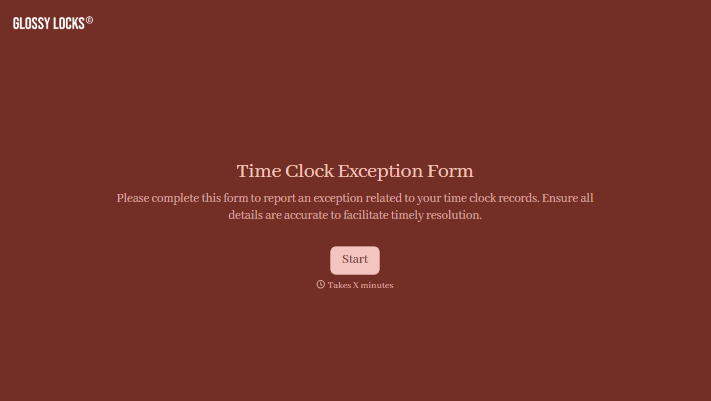

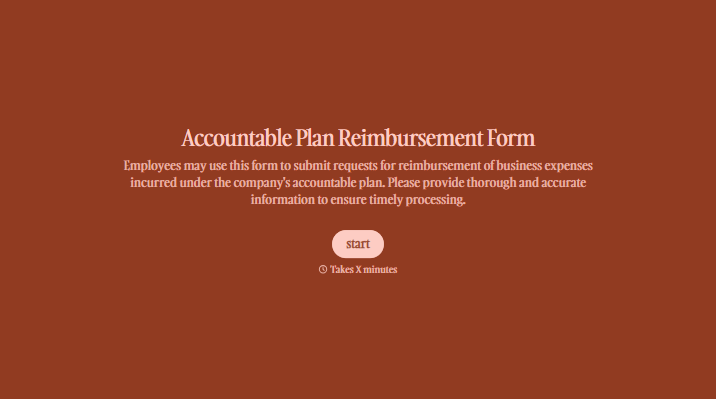

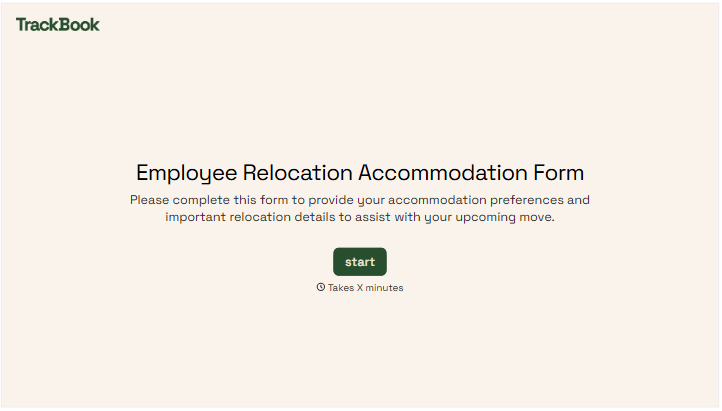

With Typeform, you can customize everything
Change text, colors, and even logos to match the look and feel of your brand. Then embed forms smoothly onto web and email.
Make forms feel effortless to fill out. Pace questions, call people by their name, and adapt the flow based on the data they share.
Stay efficient by connecting forms to your workflow. Typeform integrates with 300+ tools including Slack, Zapier, and HubSpot.


