Supplies Order Form Template
Running out of supplies because the request got lost in someone's inbox is a fixable problem. Give your team a clear process for ordering what they need.



Supply requests in most organizations live in a chaotic mix of verbal asks, sticky notes, and buried email threads. By the time someone actually orders anything, it's either too late or the wrong item. The person doing the ordering has no clear record of what was requested, when, or by whom.
This supplies order form template creates a single, consistent place for requests. Staff submit what they need, how many, and when, and you get a clean record that's easy to act on. Conditional logic lets you route questions based on the type of supply being requested, so an office stationery request looks different from a facilities or equipment order.
Set it up once and share it across teams. Connect it to your procurement workflow or project management tools so approved requests move forward without anyone having to manually chase them down.
A supplies order form is a structured request document that employees or departments use to ask for materials, equipment, or consumables. It captures what's needed, the quantity, the department requesting it, and any urgency or budget considerations.
Without a standard process, supply requests get duplicated, forgotten, or approved without any visibility into cost or priority. A form creates an auditable record, helps you manage inventory proactively, and gives finance a clear view of what's being requested and by whom.
A useful supplies order form should capture enough detail to act on immediately. Consider including:
- Requester name, department, and date
- Item name or description
- Quantity needed
- Preferred supplier or product link (if applicable)
- Reason for the request or project it supports
- Required by date
You can use Typeform's integrations to route completed submissions to the right people for review. Connect to tools like Slack, email, or a project management platform so approvers are notified automatically when a new request comes in and can take action without logging into another system.
For items your team orders on a regular cycle, you can pin the form link in your internal communication tools or include it in recurring team communications. Responses feed into a spreadsheet or tool of your choice, giving you a running view of what's been requested across the organization.
Get inspired by relevant templates and categories
3200+ Templates, 300+ Integrations

School Photography Order Form
A paper order form stuffed in a backpack for two weeks isn't an order anyone can act on. Collect student information, package selection, and payment before picture day, so your photographer shows up with an accurate count instead of a stack of crumpled envelopes.
View template
Used Car Sales Form
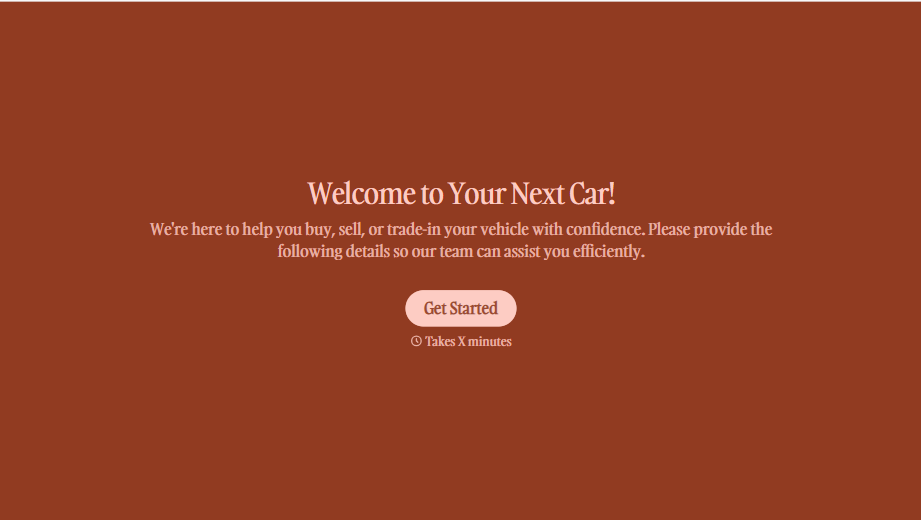
A price agreed to with a handshake in the parking lot doesn't leave anything documenting the mileage on the odometer the day the buyer actually drove off. Collect what your dealership actually needs, buyer and vehicle information, sale terms, and a signed disclosure, before the keys change hands.
View template

Concert Ticket Order Form
A ticket order collected through a Venmo request and a group text isn't a record, it's a promise to remember who paid and who still owes. Take the order, the payment, and the confirmation in the same form, so nobody's showing up at the door as a name someone half-remembers.
View template



With Typeform, you can customize everything
Change text, colors, and even logos to match the look and feel of your brand. Then embed forms smoothly onto web and email.
Make forms feel effortless to fill out. Pace questions, call people by their name, and adapt the flow based on the data they share.
Stay efficient by connecting forms to your workflow. Typeform integrates with 300+ tools including Slack, Zapier, and HubSpot.


