Business Registration Form Template
Getting new businesses formally registered involves a lot of information. A structured intake form makes the process faster for applicants and easier to manage on your end.


Business registration processes — whether you're a government agency, a chamber of commerce, or a business licensing office — involve collecting a significant amount of structured data from diverse applicants. When that process happens through paper forms or inconsistent email submissions, you spend more time chasing incomplete information than actually processing registrations.
A digital registration form standardizes the intake. Typeform's business registration template collects business name, structure, ownership details, contact information, and industry classification in one organized flow. Conditional logic adjusts based on business structure — a sole proprietorship needs different details than an LLC or corporation. Responses are exportable and can feed directly into your registry or database via integrations.
Customize the form to match your jurisdiction's or organization's requirements, publish it on your website or portal, and process registrations with consistent, complete data.
A business registration form collects the identifying information, ownership details, and operating specifics needed to formally register a business with a government body, industry association, or commercial directory.
Inconsistent intake — some businesses submitting complete information, others leaving critical fields blank — creates delays and follow-up work. A form with required fields and logical structure ensures every submission includes what you need to process it.
Requirements vary by jurisdiction, but most registration forms need:
- Legal business name and any trade names
- Business structure (sole proprietorship, LLC, corporation, partnership)
- Principal place of business and mailing address
- Owner(s) name, contact, and identification details
- Industry or business type classification
- Date of incorporation or formation
- Contact information for the primary registrant
- Tax identification or EIN (where applicable)
Typeform doesn't have a native save-and-return feature for respondents. For long forms, consider breaking the intake into multiple shorter forms connected by a clear sequence, or communicating to applicants upfront how long it will take so they can set aside time to complete it in one session.
Set up a personalized thank you message that includes their submission reference (using Typeform's hidden fields or piping functionality to surface the response). For formal registration numbers, your backend process can generate and send these via an automated email triggered through your connected system.
Get inspired by relevant templates and categories
3200+ Templates, 300+ Integrations
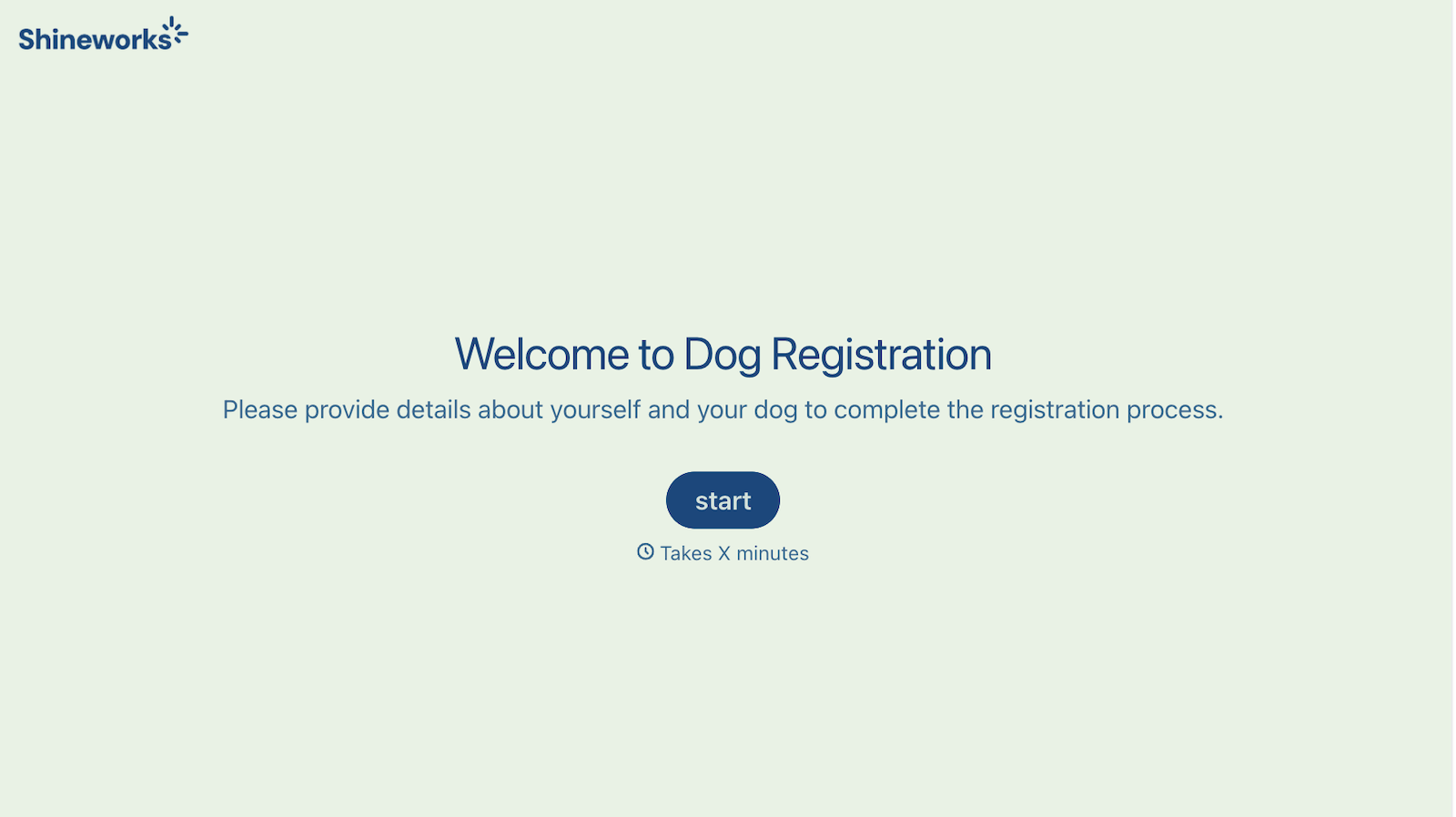
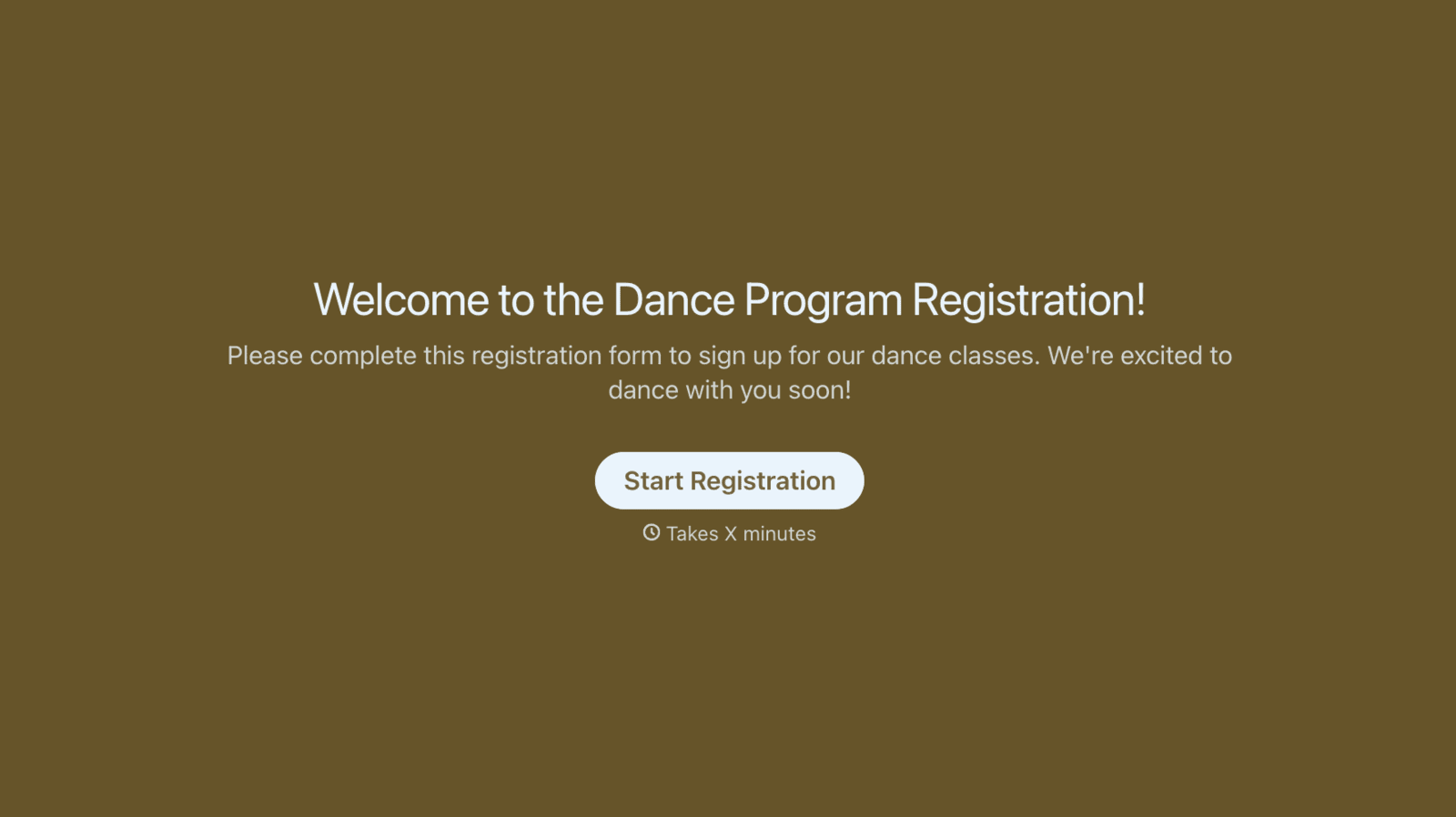
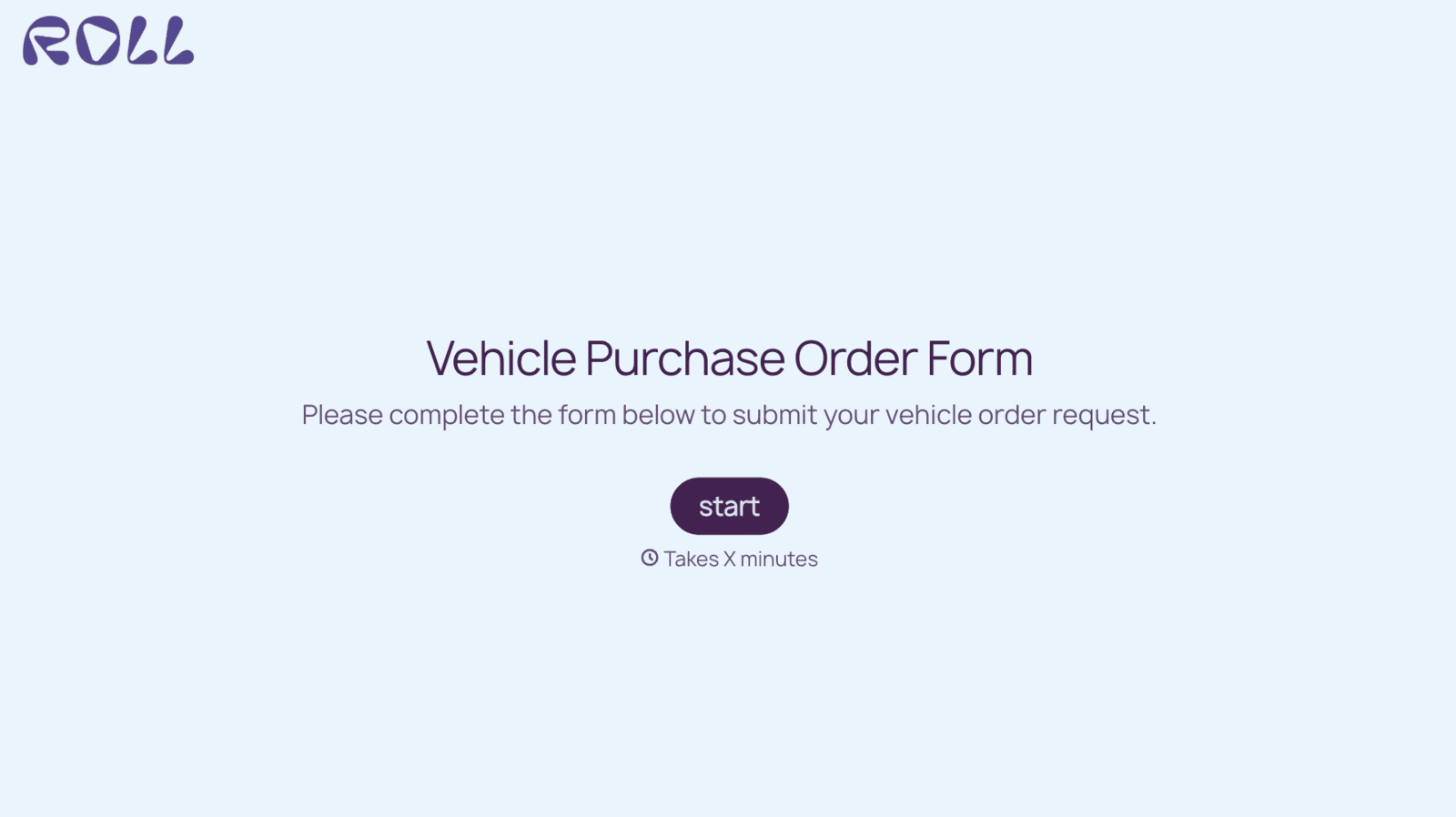

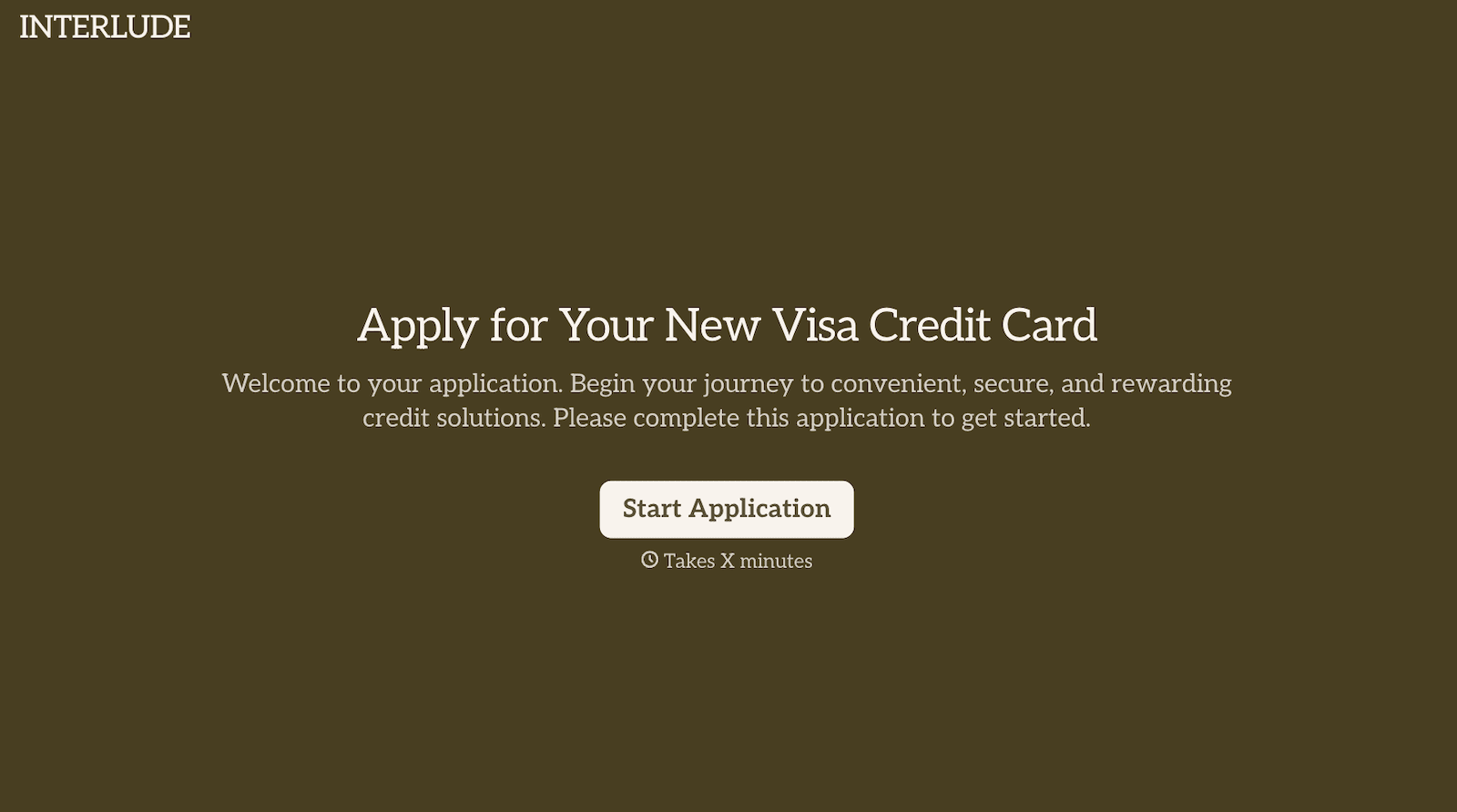

With Typeform, you can customize everything
Change text, colors, and even logos to match the look and feel of your brand. Then embed forms smoothly onto web and email.
Make forms feel effortless to fill out. Pace questions, call people by their name, and adapt the flow based on the data they share.
Stay efficient by connecting forms to your workflow. Typeform integrates with 300+ tools including Slack, Zapier, and HubSpot.


