Church Membership Form Template
Welcome new members into your community with a form that feels as warm as your congregation.



Joining a church is a significant personal decision. The membership process should honor that, not undermine it with a clipboard form that feels like signing up for a library card. But many churches still rely on paper registration cards, handwritten records, and manual database updates. Important pastoral care details fall through the cracks, new members don't get connected to ministries that match their interests, and follow-up depends on whether someone remembers to add them to the mailing list.
This church membership form template creates a welcoming onboarding experience. New members share their personal information, family details, spiritual background, ministry interests, and preferred ways to get involved, all through a gentle, conversational flow. Conditional logic adapts the experience: someone transferring from another church sees different questions than a first-time believer. Families can indicate ages and interests of children for youth ministry matching.
Responses flow into Google Sheets, your church management platform, or a CRM via Zapier. Ministry leaders receive notifications when someone expresses interest in their area. Follow-up becomes automatic and personal, and your membership database stays current without anyone manually entering data from a pile of registration cards.
A church membership form is a registration document that captures information from individuals or families who wish to formally join a congregation. It collects personal contact details, family composition, spiritual background, ministry interests, and communication preferences. Beyond administrative record-keeping, it's an important pastoral tool that helps church leadership understand and connect with new members.
Paper cards are easy to lose, hard to search, and impossible to analyze for patterns. A digital form ensures every new member's information is captured completely, stored securely, and accessible to authorized leaders. It also enables automatic follow-up. A new member who expresses interest in the music ministry can be connected with the worship leader the same day, instead of waiting until someone checks the card pile.
- Full name, email, phone, and mailing address
- Family members' names and ages (spouse, children)
- How they found the church (referral, online, event, drive-by)
- Previous church affiliation or spiritual background
- Ministry areas of interest (worship, children's, outreach, small groups)
- Preferred communication method (email, text, phone call)
Set up Zapier automations triggered by ministry interest selections. When someone checks "youth ministry," a notification goes to the youth pastor. When they select "community outreach," the missions coordinator gets an alert. Each ministry leader receives a warm introduction with the member's name and contact information, enabling personal outreach within days of joining. This proactive connection is what turns a registration into a real relationship.
Church membership data is deeply personal. Limit access to the response spreadsheet to pastoral staff and authorized administrators. Don't share the full membership database with volunteer ministry leaders. Give them only the contact information for people who expressed interest in their specific area. Be transparent in the form about how data will be used and who can access it. Some members may not want their information in a public directory — offer an opt-out for that.
Get inspired by relevant templates and categories
3200+ Templates, 300+ Integrations
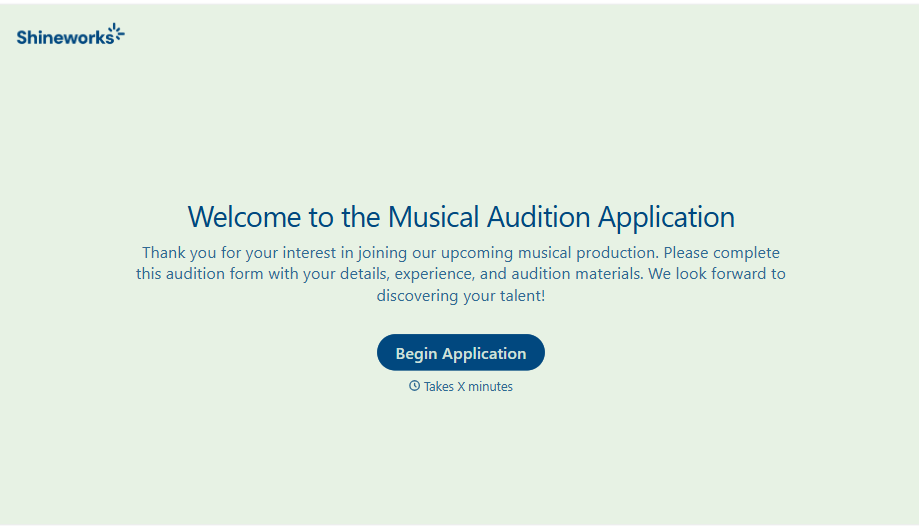
Musical Audition Form
A name scrawled on a sign-up sheet taped near the rehearsal room doesn't tell a director what role someone's after, or whether they can actually make callbacks next Tuesday. Collect what your production actually needs, contact information, role interest, and availability, before audition day arrives.
View template
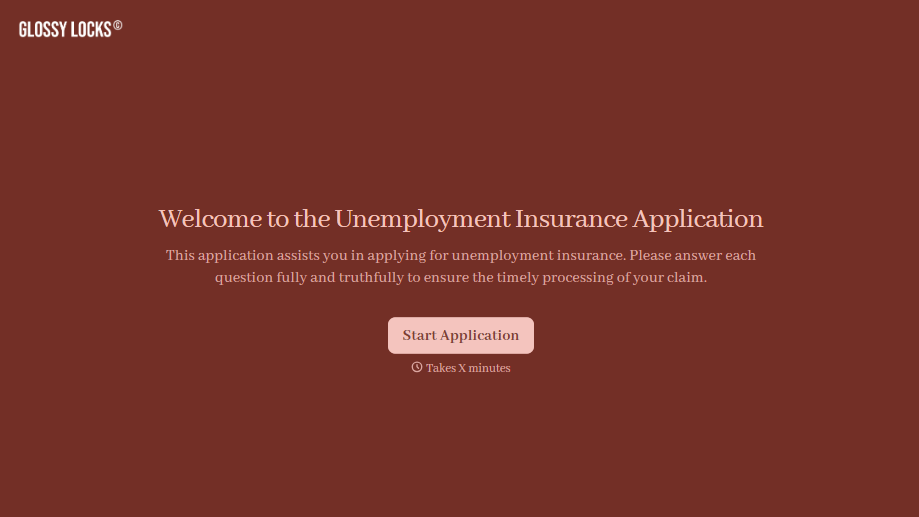
Unemployment Insurance Application Form
A stack of pay stubs gathered the morning of a filing deadline isn't the kind of preparation that gets a claim processed without delay. Collect employment history, separation details, and supporting documents before you sit down at your state's unemployment portal, so a claim doesn't stall over a missing detail.
View template
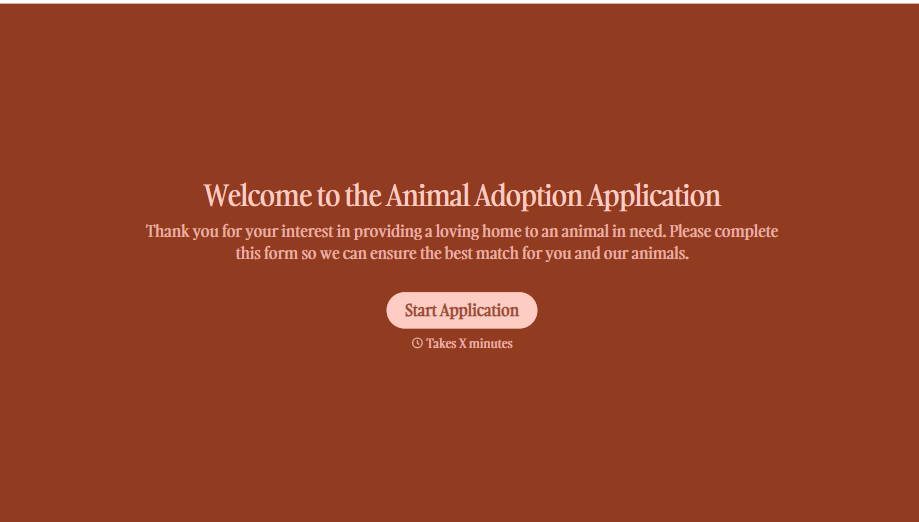
Animal Adoption Application Form
A paper application filled out at the counter while a dog's watching through the window isn't enough information to place an animal in a home that'll actually work. Collect household information, pet experience, and references before adoption day, so your staff aren't approving a placement on a rushed form.
View template
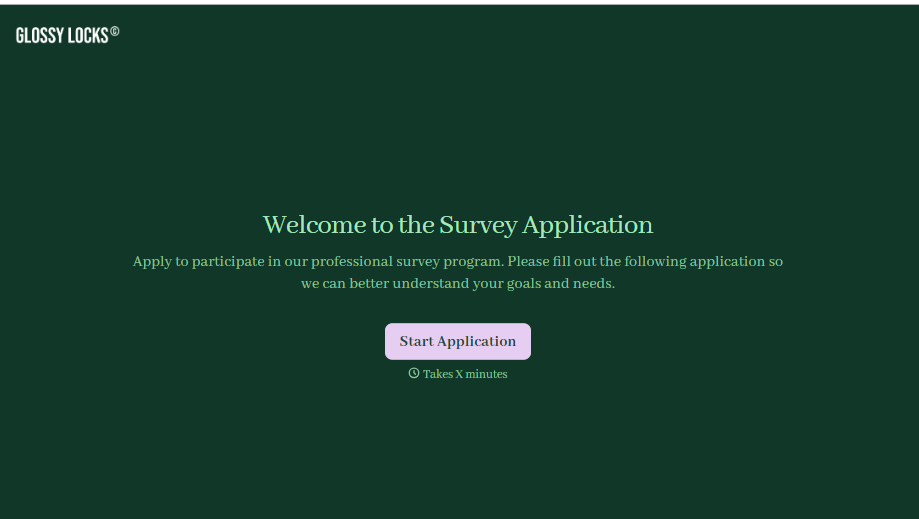
Survey Application Form
A screener that makes someone answer 20 questions before finding out they don't qualify isn't good research design, it's a wasted respondent and a wasted budget. Collect qualifying details upfront, route ineligible applicants out quickly, and send the full survey only to people who actually fit, so your research budget isn't spent on data you can't use.
View template
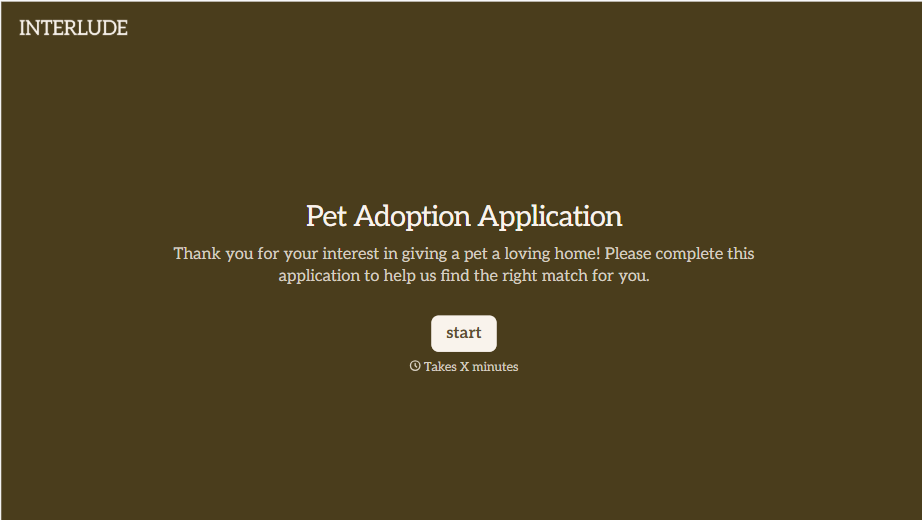
Pet Adoption Application Form
An adoption approved after a quick conversation at the shelter doesn't tell anyone whether the applicant's landlord actually allows pets, and that's usually the detail that sends an animal back a few weeks later. Collect what your shelter actually needs, applicant information, living situation, and experience with pets, before the adoption gets approved.
View template
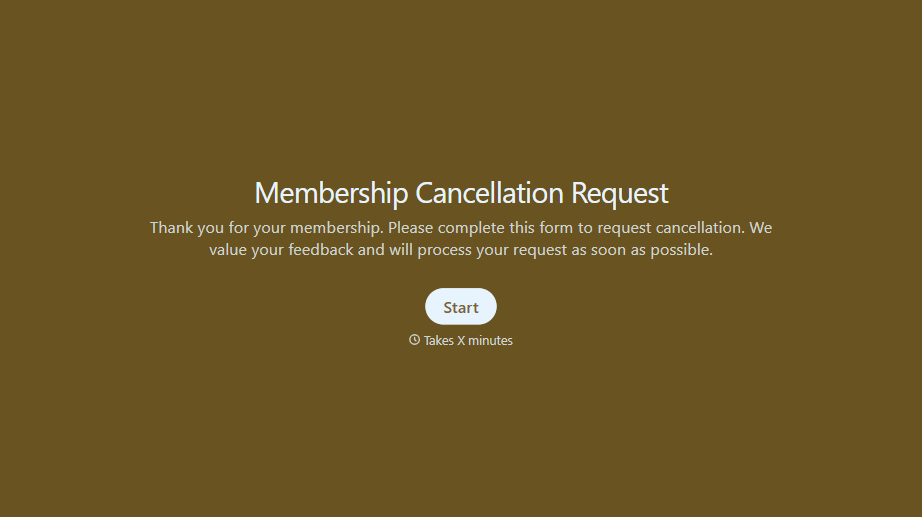
Membership Cancellation Request Form
A cancellation buried behind a phone number you can only call during business hours, or a support ticket that takes three emails to get an actual confirmation, isn't retention, it's friction people remember on the way out the door. Make canceling straightforward, and use the moment to actually find out why.
View template
With Typeform, you can customize everything
Change text, colors, and even logos to match the look and feel of your brand. Then embed forms smoothly onto web and email.
Make forms feel effortless to fill out. Pace questions, call people by their name, and adapt the flow based on the data they share.
Stay efficient by connecting forms to your workflow. Typeform integrates with 300+ tools including Slack, Zapier, and HubSpot.


