Membership Cancellation Form Template
Give members a clear, friction-free way to cancel so you can capture feedback and act on it.



When members want to cancel, how you handle that moment matters. A confusing cancellation process damages your brand and wastes a chance to understand why people are leaving. Worse, it generates chargebacks and support tickets that cost more than the membership was worth.
A cancellation form gives members a simple path out while giving you the data you need to improve. Ask for the reason they're cancelling, whether anything could change their mind, and whether they'd consider pausing instead. That feedback, collected consistently, tells you more about your churn drivers than any analytics tool.
Typeform's conversational format keeps the experience respectful — one question at a time, not a wall of text. Connect to your billing or CRM system to trigger the cancellation workflow automatically.
A membership cancellation form is a structured online form that members complete to request the cancellation of their subscription or membership. It captures their contact details, account information, and optionally their reason for leaving.
A form creates a consistent, documented process for every cancellation. It reduces support burden, gives you feedback on churn drivers, and creates a record that your team can reference if billing questions arise later.
A well-designed cancellation form balances ease for the member with useful data for you:
- Member name and email address
- Membership or account ID
- Reason for cancelling (with options and an open text field)
- Whether they'd consider pausing instead of cancelling
- Feedback on what could have made the experience better
- Preferred cancellation date
Review cancellation reasons in aggregate every month. Patterns in the data — pricing complaints, feature gaps, competing services — point directly to what needs to change. Sharing that data with your product or marketing teams creates a feedback loop that can meaningfully reduce churn over time.
Including a pause option in your form is worth testing. Some members who want to cancel are actually dealing with a temporary situation — a pause gives them an easy alternative, and many return once their circumstances change.
Get inspired by relevant templates and categories
3200+ Templates, 300+ Integrations
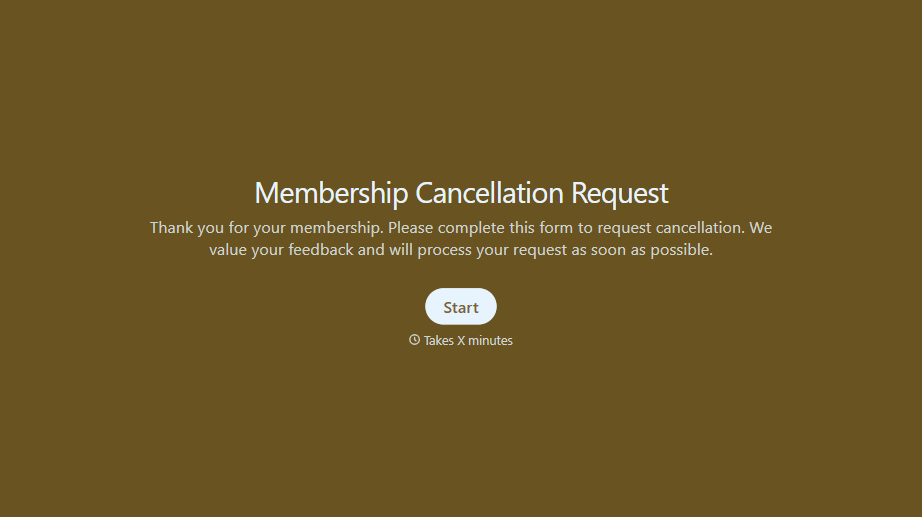
Membership Cancellation Request Form
A cancellation buried behind a phone number you can only call during business hours, or a support ticket that takes three emails to get an actual confirmation, isn't retention, it's friction people remember on the way out the door. Make canceling straightforward, and use the moment to actually find out why.
View template
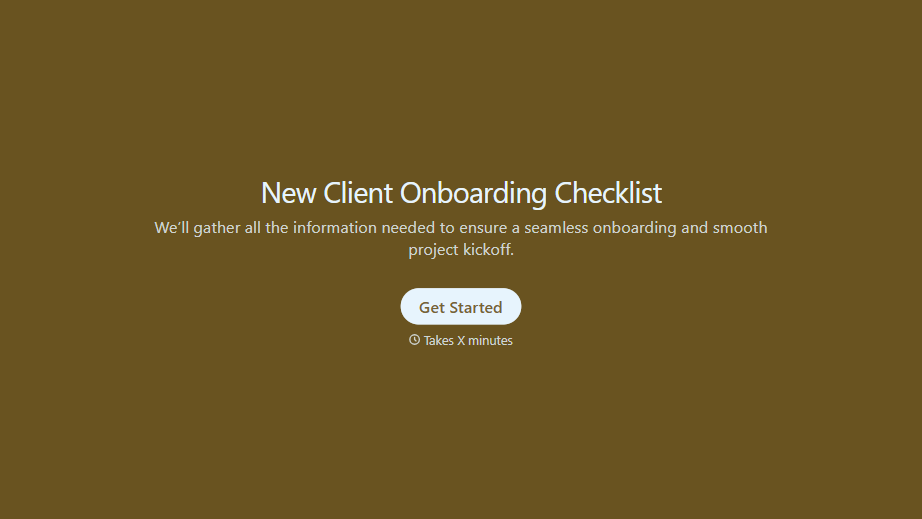
New Client Onboarding Checklist Form
A new client who's signed the engagement letter but never confirmed their billing entity, who's actually authorized to approve work, or where the invoice should go isn't onboarded, they've just signed something. Collect what your firm actually needs, contact and billing details, scope confirmation, a signed agreement, before the first invoice goes out.
View template
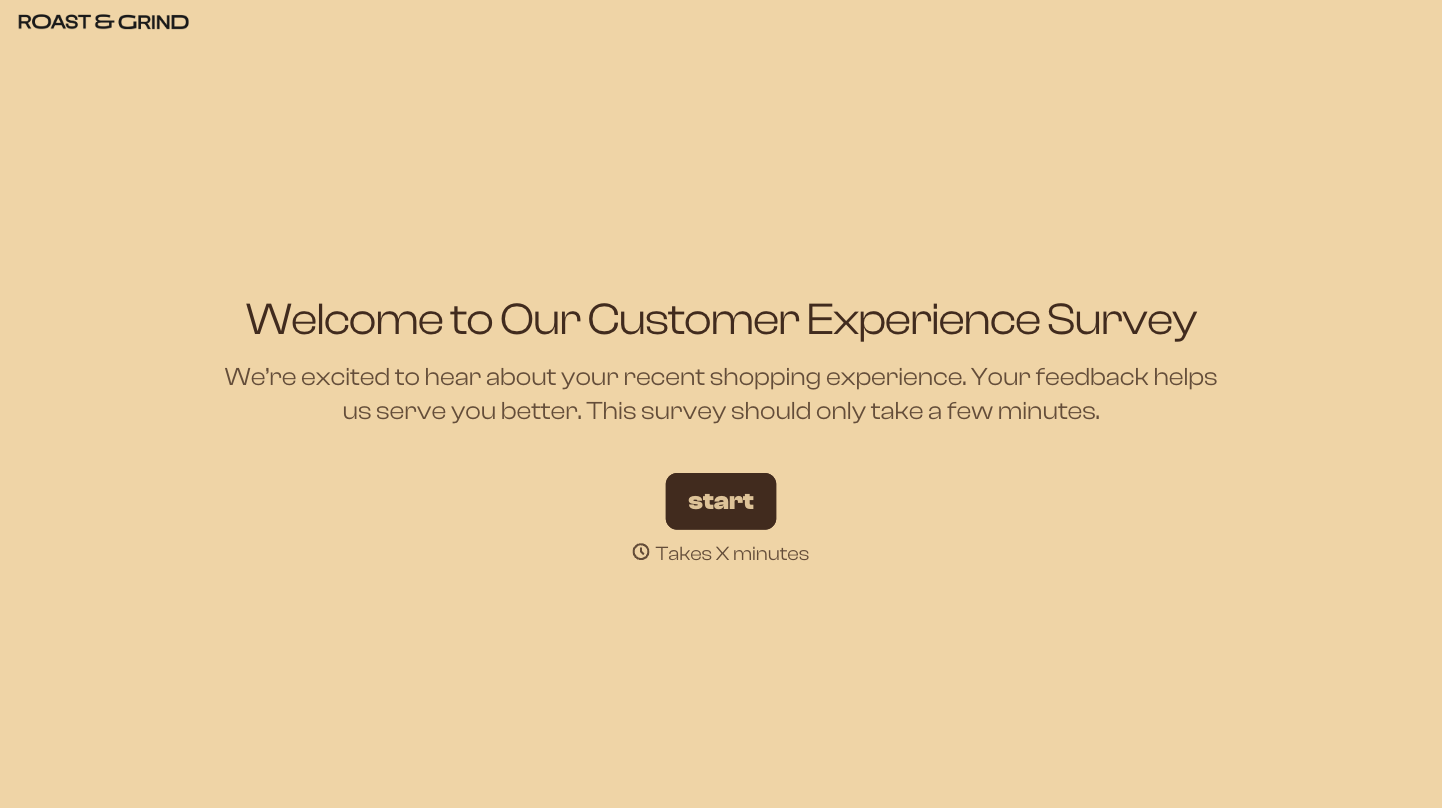
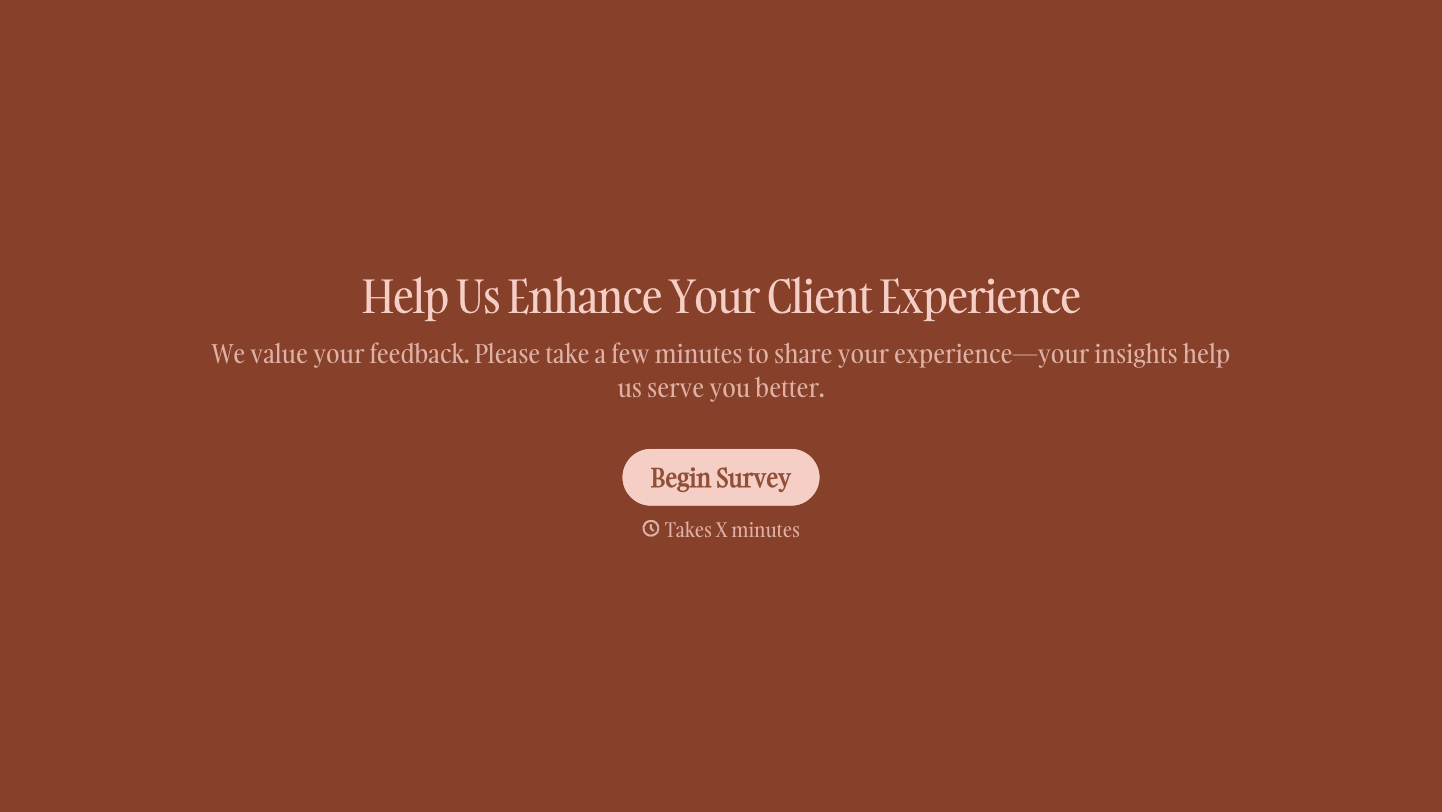

With Typeform, you can customize everything
Change text, colors, and even logos to match the look and feel of your brand. Then embed forms smoothly onto web and email.
Make forms feel effortless to fill out. Pace questions, call people by their name, and adapt the flow based on the data they share.
Stay efficient by connecting forms to your workflow. Typeform integrates with 300+ tools including Slack, Zapier, and HubSpot.


