Rotary Membership Form Template
Collecting membership applications for your Rotary club shouldn't require chasing down paperwork or re-entering data by hand.



Running a Rotary club means your energy should go toward service projects, not sorting through half-filled paper applications or following up with prospects who never completed an online form. When the intake process is clunky, you lose good candidates before they ever attend a meeting.
Typeform walks applicants through the form one question at a time, which keeps them focused and reduces drop-off. Use conditional logic to show different follow-up questions based on someone's professional background or area of interest, so every response you receive is actually useful. Connect to your CRM or email tool to automatically add new members to your contact list the moment they submit.
Customize the form to match your club's branding, add or remove fields to fit your chapter's specific needs, and share it via a link in minutes.
A Rotary membership form collects the information your club needs to process new member applications. It typically covers personal and professional details, availability, and areas of interest for service involvement.
A structured form means you capture the same information from every applicant, making it easier to review applications consistently. It also removes the back-and-forth of tracking down missing details after the fact.
A solid Rotary membership form covers the essentials. Consider including:
- Full name and contact information
- Professional background and employer
- Areas of interest (e.g., youth programs, community development, international service)
- Availability for meetings and events
- Why they want to join
- Any prior Rotary or civic organization experience
You can duplicate and adapt the template for annual renewals, adding a field to confirm current membership status or capture any changes to contact details. Connecting to a spreadsheet or CRM keeps your records current automatically.
The form can capture payment preference or initiate a dues collection workflow, but you'll want to connect it to a payment processor for actual transactions. Typeform integrates with tools like Stripe to handle that seamlessly.
Get inspired by relevant templates and categories
3200+ Templates, 300+ Integrations
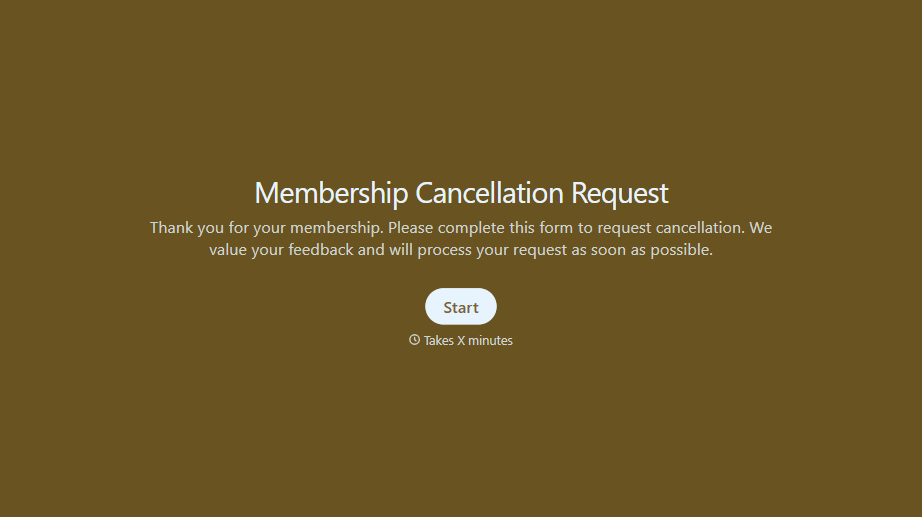
Membership Cancellation Request Form
A cancellation buried behind a phone number you can only call during business hours, or a support ticket that takes three emails to get an actual confirmation, isn't retention, it's friction people remember on the way out the door. Make canceling straightforward, and use the moment to actually find out why.
View template
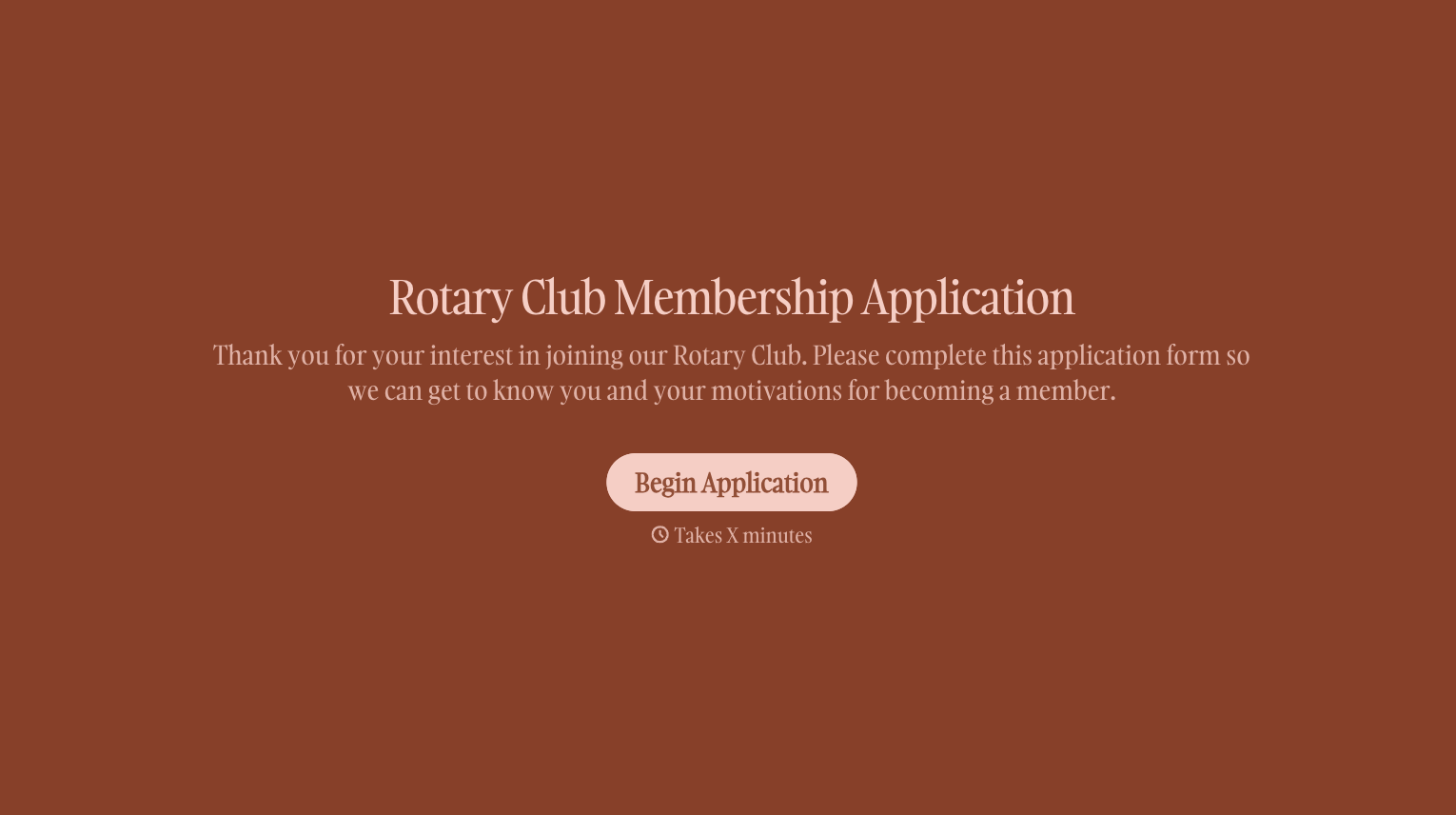
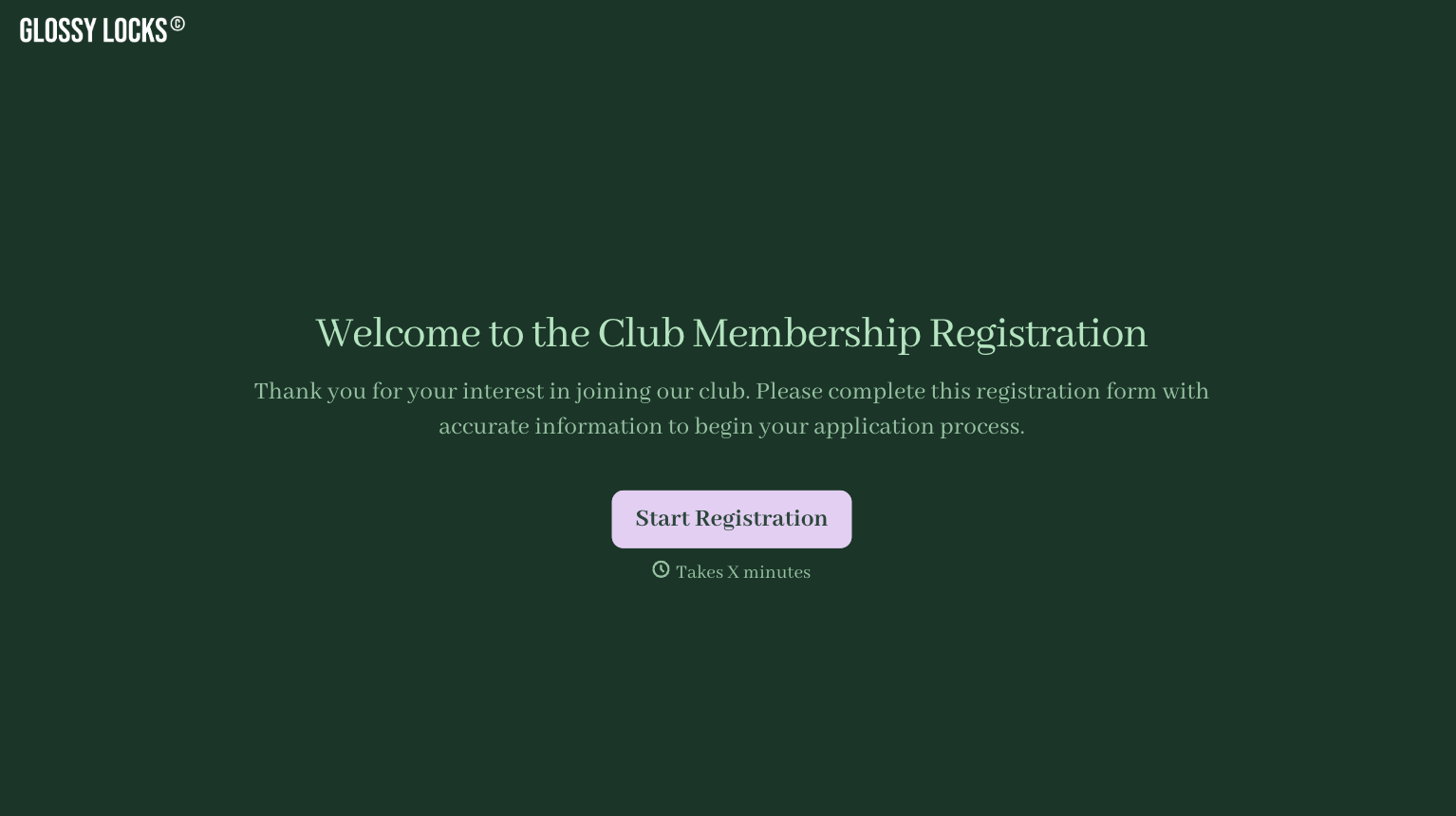
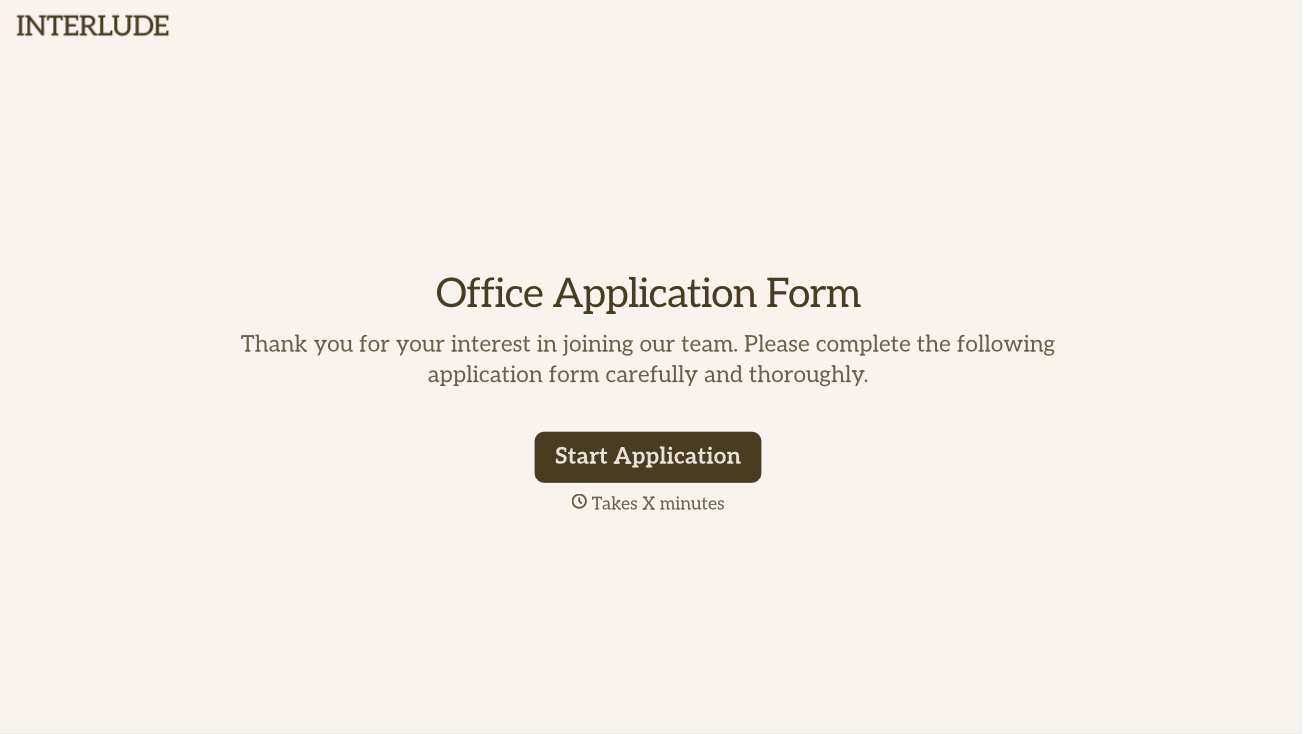
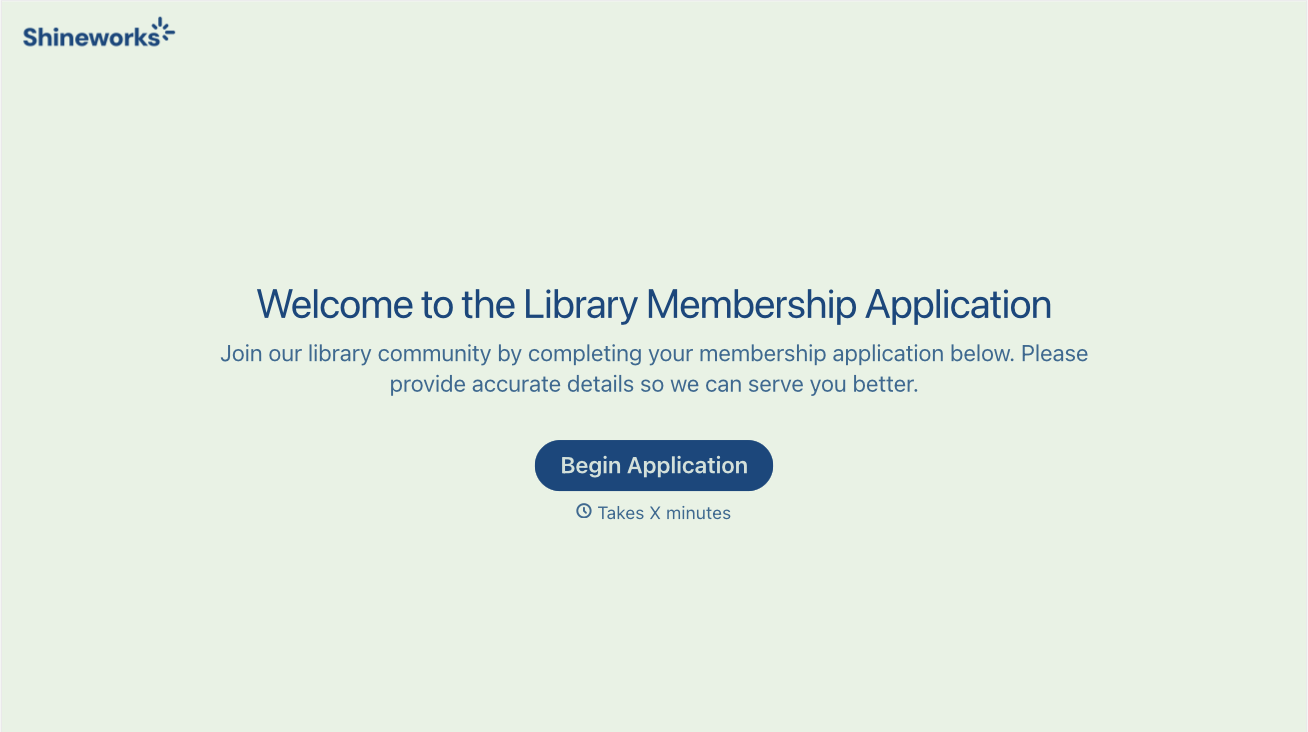
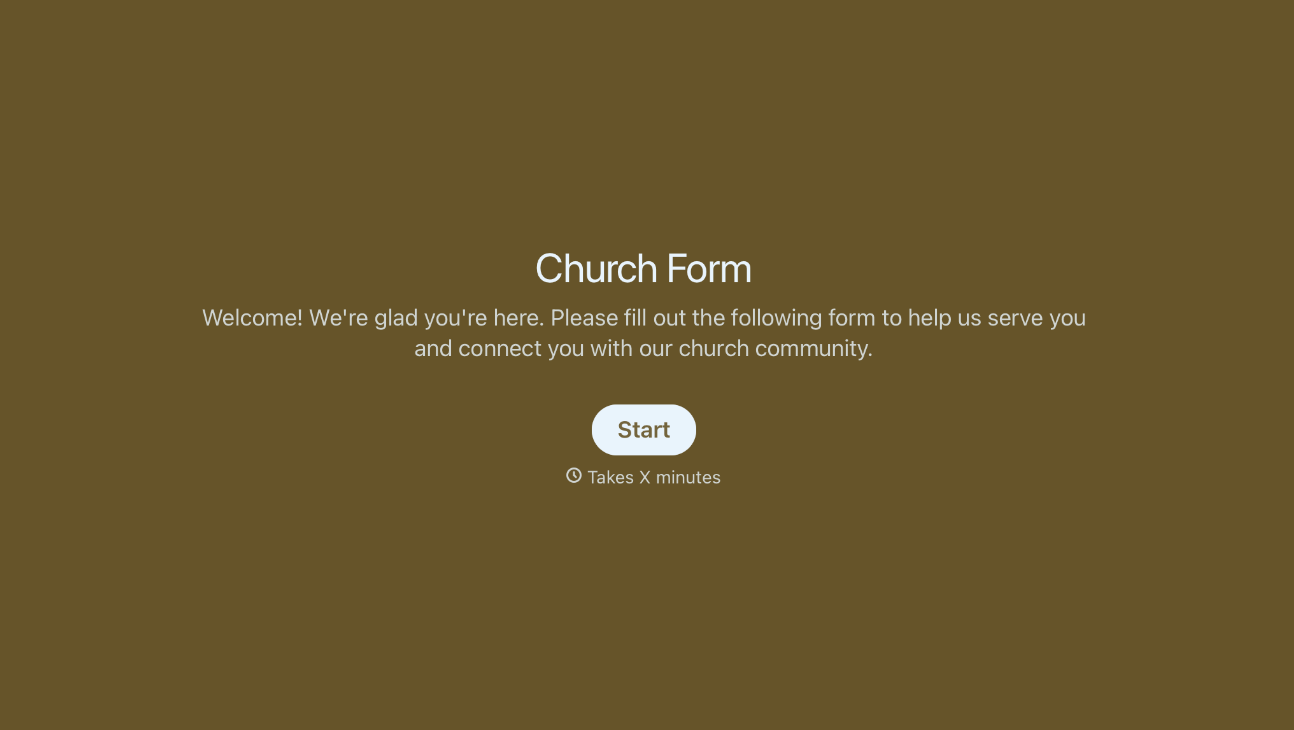
With Typeform, you can customize everything
Change text, colors, and even logos to match the look and feel of your brand. Then embed forms smoothly onto web and email.
Make forms feel effortless to fill out. Pace questions, call people by their name, and adapt the flow based on the data they share.
Stay efficient by connecting forms to your workflow. Typeform integrates with 300+ tools including Slack, Zapier, and HubSpot.


