Customer Inquiry Form Template
Give customers a simple way to get in touch — and make sure every inquiry reaches the right team.


When customers can't easily find how to get in touch, they either leave without asking or send a message to the wrong channel — which means delayed responses, frustrated customers, and internal confusion about which team should handle it. A generic email address creates the same problem — everything lands in one inbox and someone has to manually sort and route it.
A Typeform customer inquiry form routes questions to the right team from the start. Conditional logic automatically routes each inquiry — sales, support, billing, or general feedback — to the right team for follow-up. Customers get a clear confirmation that their message was received, and your team gets organized, actionable submissions, instead of a pile of unstructured emails.
Customize the inquiry categories to match your business, embed the form on your contact page, and connect it to your helpdesk or CRM so every inquiry is captured and tracked.
A customer inquiry form is a web form that allows customers to send questions, requests, or feedback to a business. It collects enough information to route the inquiry to the right team and prepare a relevant response.
A well-structured form reduces the volume of unresolvable or misdirected messages your team receives. It also gives customers a faster path to the answer they need, and sets clear expectations about response times.
Keep it efficient while collecting what's needed to respond:
- Name and email address
- Inquiry type (sales, support, billing, feedback)
- Order or account reference (if applicable)
- Description of the question or issue
- Preferred contact method
- Urgency level (optional)
Use a reason-for-contact dropdown and set up email notifications that trigger based on the selected option. Sales inquiries go to sales, support issues go to your helpdesk, and billing questions go to finance — all routed automatically.
Response time expectations depend on your industry and inquiry type. Include a clear expected response time in the form's confirmation message so customers know what to expect and don't follow up prematurely.
Get inspired by relevant templates and categories
3200+ Templates, 300+ Integrations
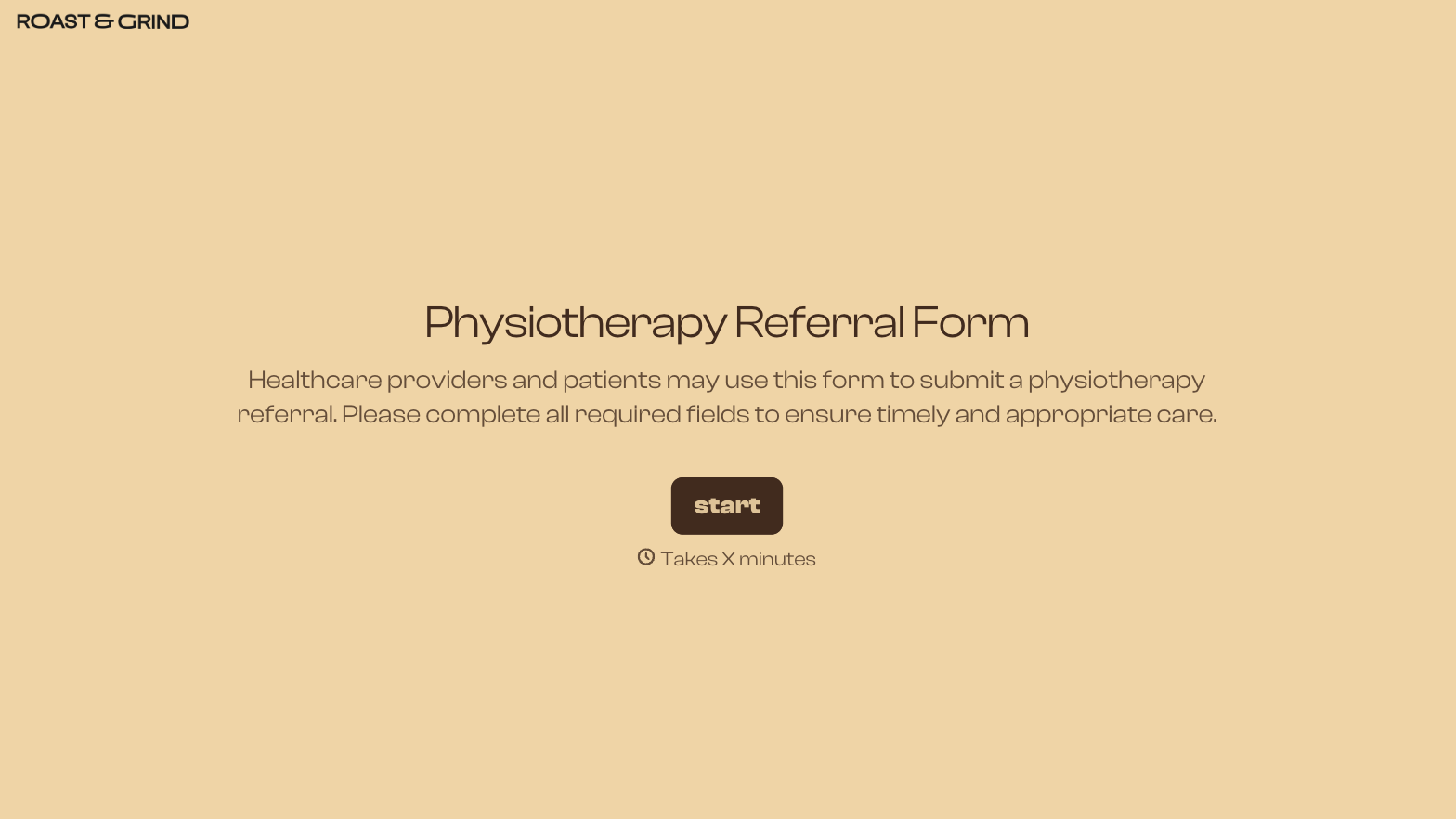
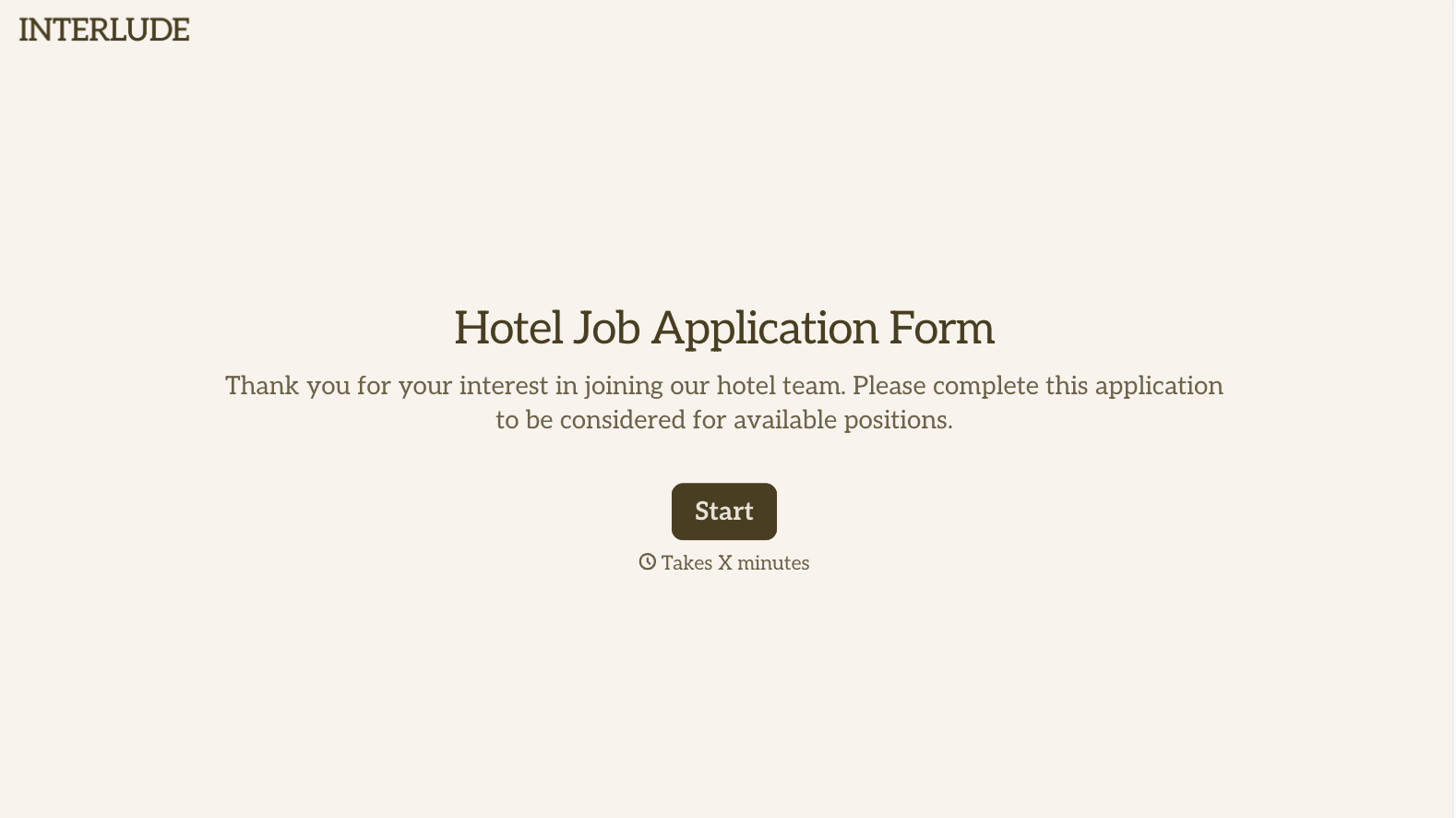
With Typeform, you can customize everything
Change text, colors, and even logos to match the look and feel of your brand. Then embed forms smoothly onto web and email.
Make forms feel effortless to fill out. Pace questions, call people by their name, and adapt the flow based on the data they share.
Stay efficient by connecting forms to your workflow. Typeform integrates with 300+ tools including Slack, Zapier, and HubSpot.


