Demo Feedback Form Template
Find out what prospects actually thought of your demo before the conversation goes cold.


Most demos end with a "we'll be in touch" and a lot of unanswered questions on both sides. You don't know what resonated, what didn't land, where they're in the buying process, or what objections they didn't voice out loud. By the time your next call happens, the momentum has faded.
A post-demo feedback form captures that insight while it's still fresh. Typeform's template asks prospects what they found most useful, where they have questions, how the product compares to what they're currently using, and what their next step looks like — without it feeling like an interrogation. The one-question-at-a-time format makes it easy to complete on mobile right after the demo ends. Responses can feed directly into your CRM to update the lead record and trigger the right follow-up sequence.
Set it up once, send it automatically after every demo, and start building a clearer picture of what's actually driving — or stalling — your deals.
A demo feedback form is a short survey sent to prospects after a product demonstration. It captures their impressions of what they saw, any remaining questions or concerns, their current evaluation stage, and their likely next steps — giving sales teams the context they need to follow up effectively.
Because what prospects say in the demo and what they actually think are often different. A structured follow-up form gives them space to be more candid than they might be in the room, and it surfaces objections or uncertainties that your team can address before they become reasons to walk away.
A demo feedback form typically covers:
- Which part of the demo was most relevant to your needs?
- What questions or concerns came up that we didn't address?
- How does this compare to your current solution?
- How likely are you to move forward with an evaluation?
- What would need to be true for you to move forward?
- What's your timeline for making a decision?
Aggregate the responses over time to identify patterns — which features get mentioned most, where confusion consistently shows up, what objections recur. Use those patterns to sharpen your demo flow, address common objections proactively, and cut sections that prospects consistently rate as less relevant.
Within an hour of the demo ending gives you the best response rates. Many teams configure their CRM to trigger the form automatically when a deal stage is updated to "demo completed," so it goes out without any manual work from the rep.
Get inspired by relevant templates and categories
3200+ Templates, 300+ Integrations
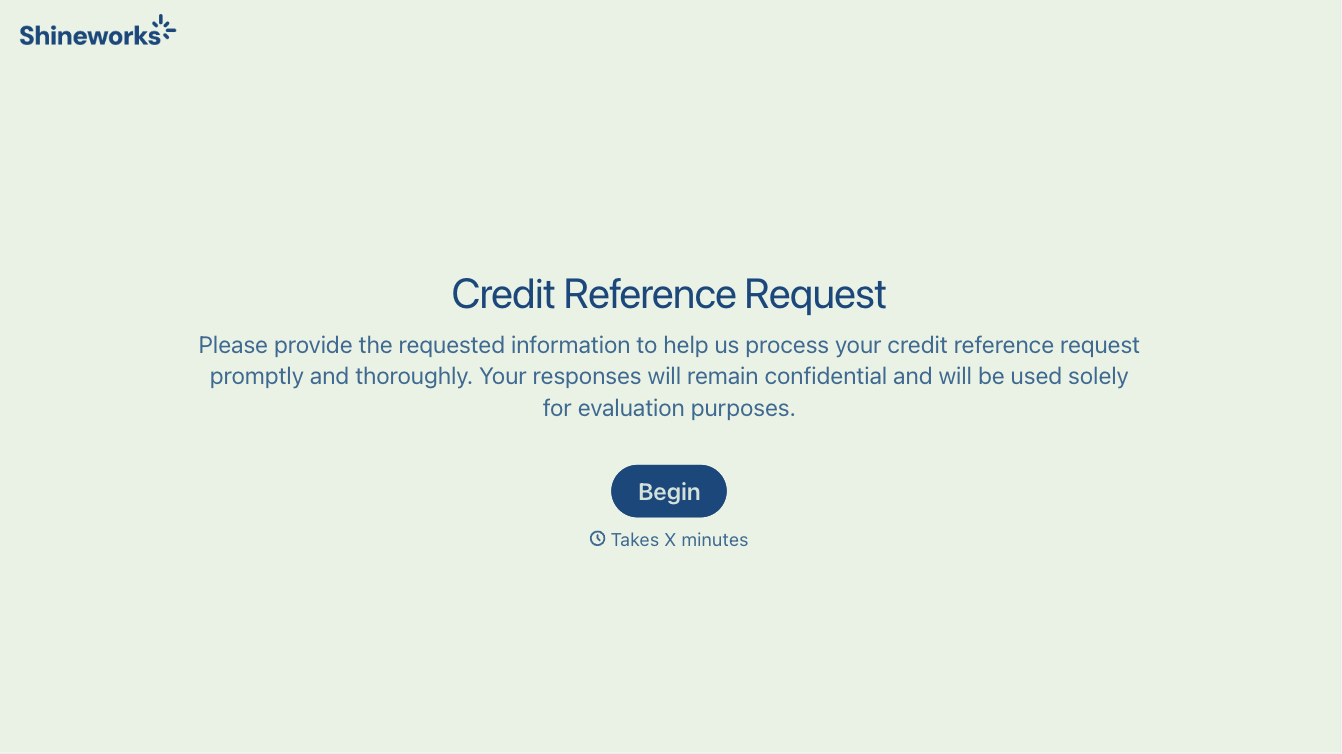
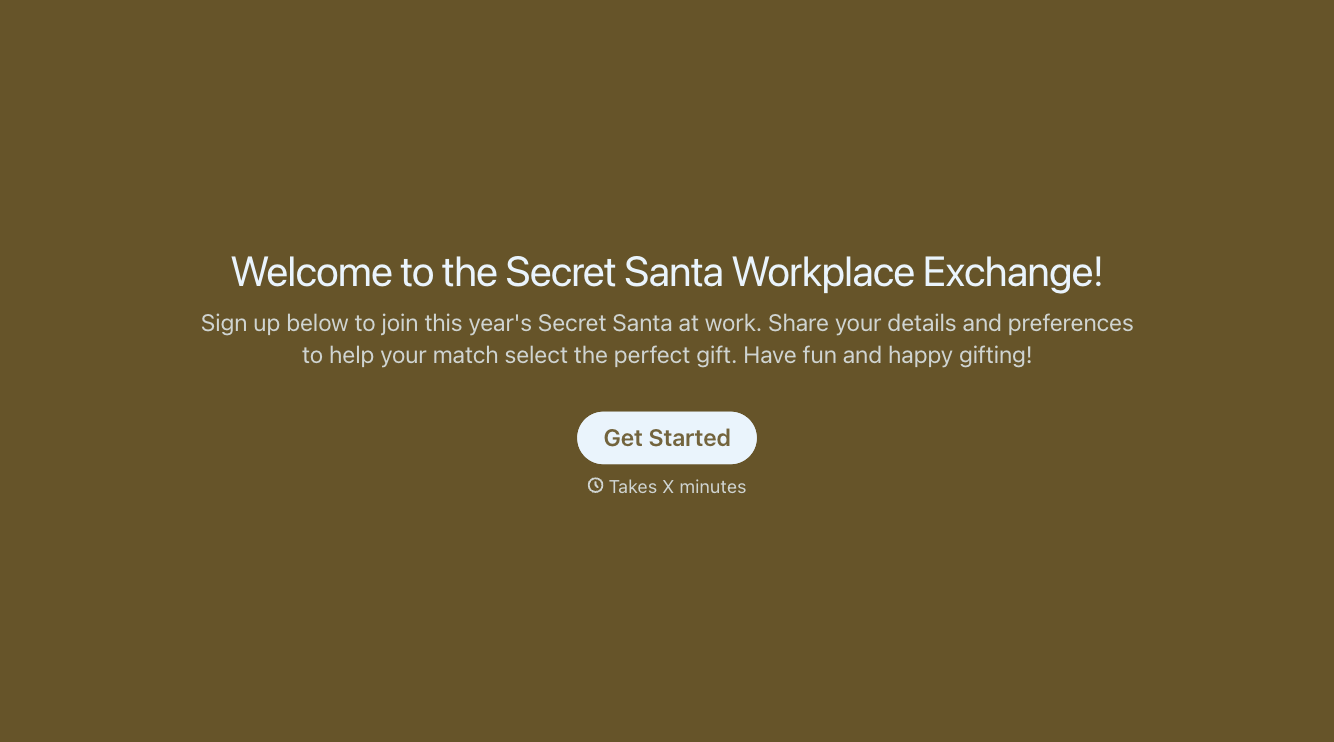
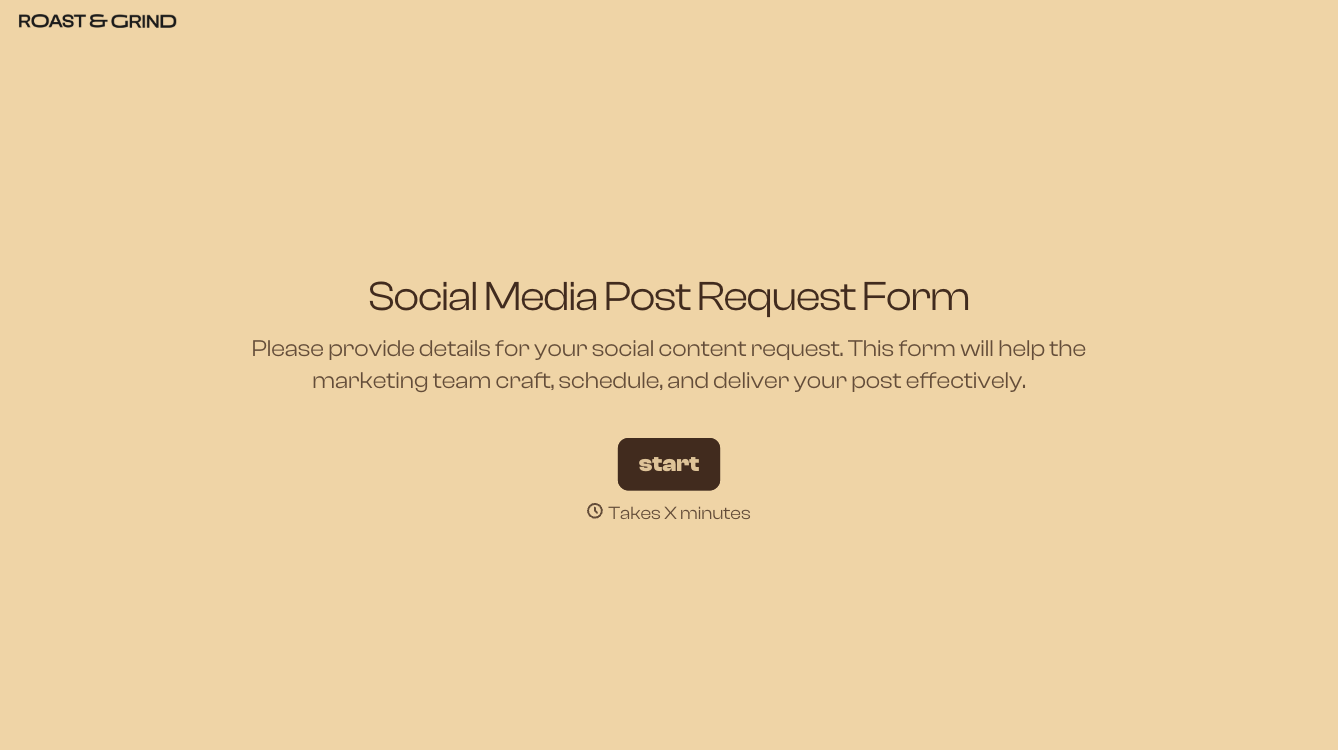
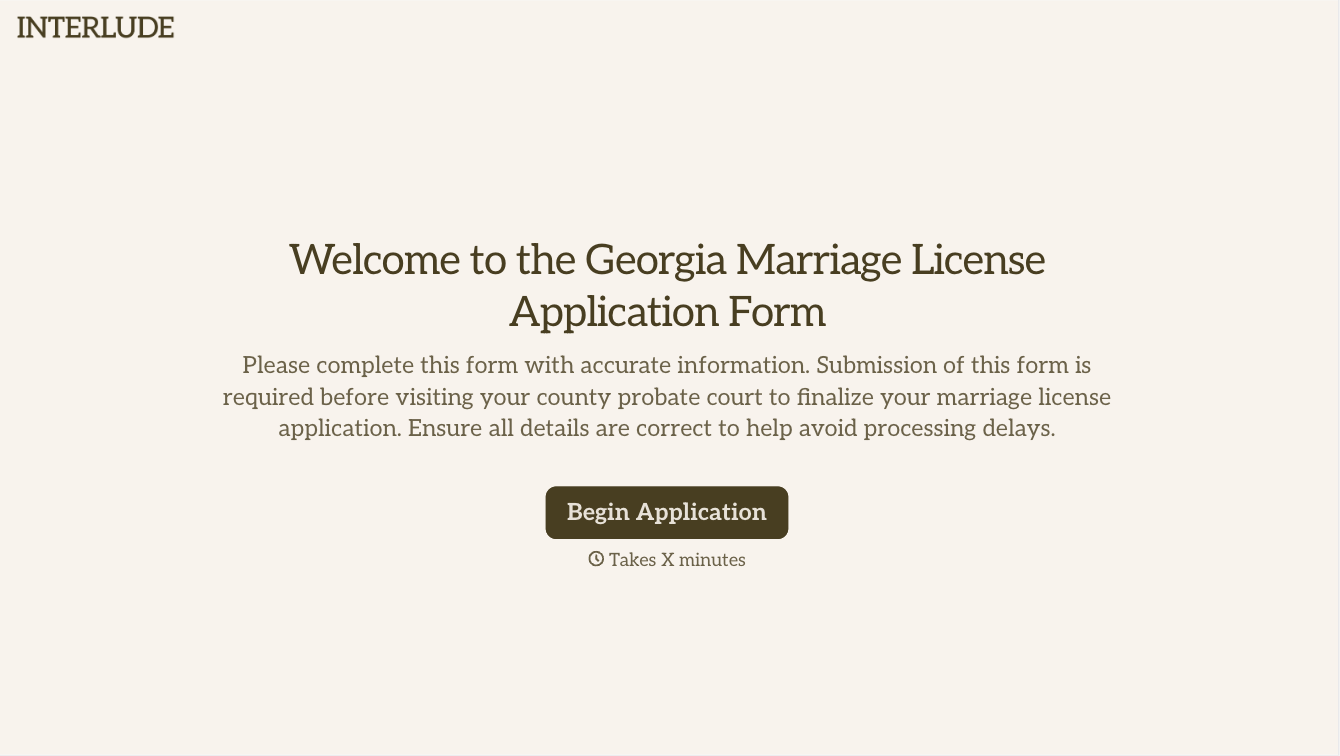
With Typeform, you can customize everything
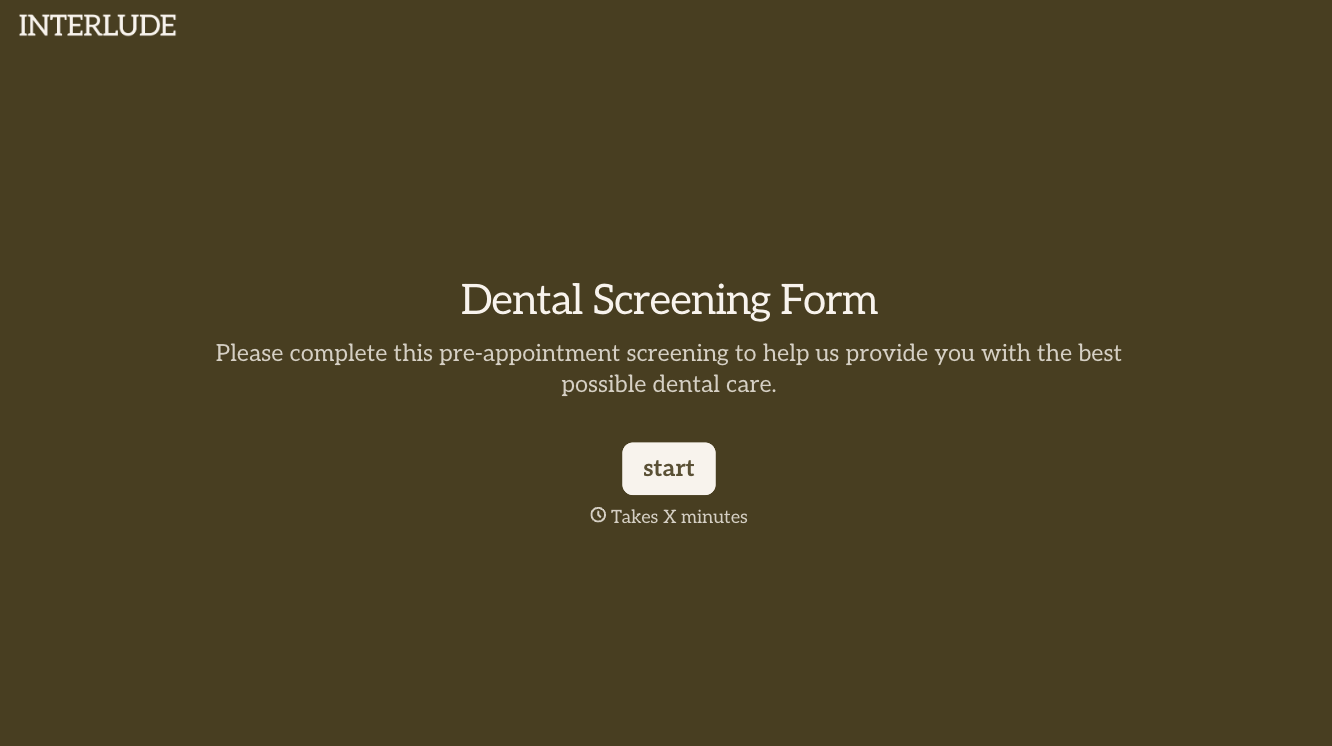
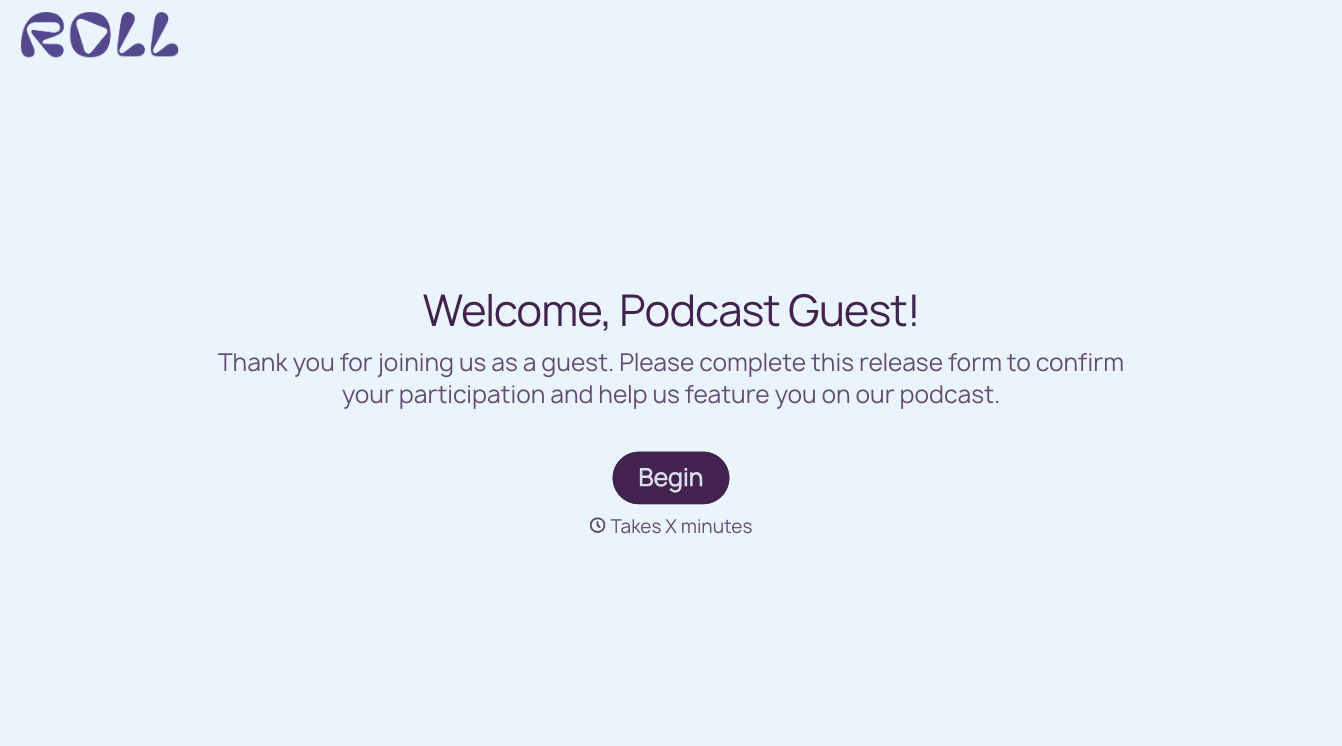
Change text, colors, and even logos to match the look and feel of your brand. Then embed forms smoothly onto web and email.
Make forms feel effortless to fill out. Pace questions, call people by their name, and adapt the flow based on the data they share.
Stay efficient by connecting forms to your workflow. Typeform integrates with 300+ tools including Slack, Zapier, and HubSpot.


