Lead Capture Form Template
Turn anonymous visitors into real conversations with a form that doesn't feel like a trap.



Your website gets traffic; people visit, browse, and leave, and you have no idea who they were or what they wanted. Traditional lead capture forms try to solve this with long, front-loaded forms — demanding a visitor's name, email, phone, company, and job title — all before they can download a white paper. Unsurprisingly, most visitors bounce.
This lead capture form template finds the balance between data collection and user experience. It asks only what you need at this stage and uses conditional logic to adapt based on the visitor's interest level. Someone downloading a guide might give you a name and email, whereas someone requesting a demo might happily provide company size and budget. The one-question-at-a-time format feels conversational, not transactional, which drives higher completion rates.
Connect it to your CRM and email marketing platform so new leads are automatically segmented, scored, and nurtured. Every submission kicks off the right follow-up sequence without your sales team lifting a finger.
A lead capture form is a web form designed to collect contact information from potential customers, typically in exchange for something valuable, like a resource, demo, consultation, or newsletter subscription. It's the entry point to your sales and marketing flow, turning anonymous website visitors into identifiable, contactable leads.
Dramatically. The number of fields, the design of the form, and where it appears on your site can mean the difference between a 2% and a 20% conversion rate. Studies consistently show that reducing form fields increases submissions. But it's not about fewer fields — it's about the right fields at the right moment. A well-designed lead capture form balances data collection with user experience.
- Name and email address (the essentials)
- Company name and job title (for B2B qualification)
- What they're interested in (product, service, resource)
- How they found you (attribution tracking)
- Optional: phone number or preferred contact method
- A compelling CTA: not "Submit" but "Get the guide" or "Book my demo"
Start with fewer fields — three to five is ideal for top-of-funnel captures. Use the one-question-at-a-time format to reduce visual overwhelm. Place the form above the fold or at a natural decision point on the page. Make the value exchange clear — tell people exactly what they'll get in return for their information. And never, ever use "Submit" as your button text.
The thank-you page — not the form — is your first impression as a brand. Redirect respondents to a confirmation page that delivers what you promised — download link, booking calendar, next steps, etc. Trigger an automated email that reinforces the value and introduces the next step in your flow. Push the lead data to your CRM so sales can follow up at the right time with the right context.
Get inspired by relevant templates and categories
3200+ Templates, 300+ Integrations
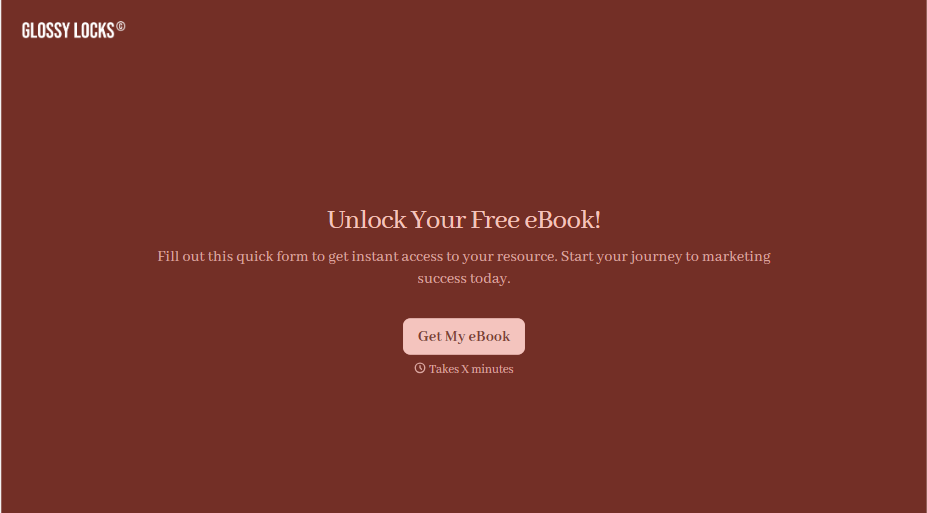
Ebook Download Form
A download form asking for name, email, phone, company, and job title before anyone's read a single page isn't gating valuable content, it's asking for a phone number in exchange for a PDF. Ask for what you'll actually use, and deliver the ebook the second someone hits submit.
View template

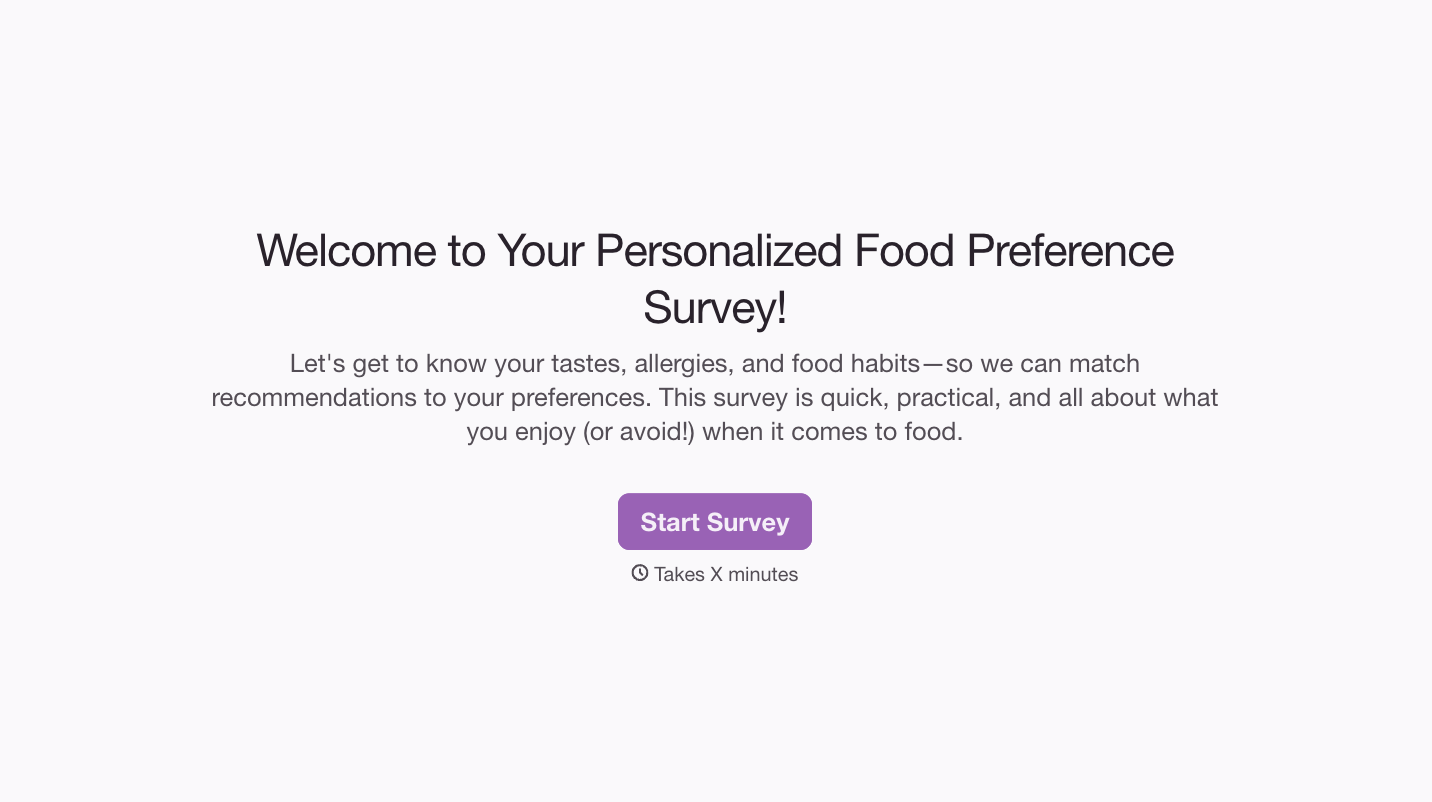
With Typeform, you can customize everything
Change text, colors, and even logos to match the look and feel of your brand. Then embed forms smoothly onto web and email.
Make forms feel effortless to fill out. Pace questions, call people by their name, and adapt the flow based on the data they share.
Stay efficient by connecting forms to your workflow. Typeform integrates with 300+ tools including Slack, Zapier, and HubSpot.


