Mobile App Survey Template
Understand how users experience your app, straight from their phone.


App store ratings tell you a number. They don't tell you why users love your app, what frustrates them, or what they'd pay more for. And the users who leave 1-star reviews? They've already given up on you. To improve your app, you need feedback from the people who are still using it, while they're still using it.
This mobile app survey template is designed to feel native to the mobile experience. The one-question-at-a-time format works perfectly on small screens, and conditional logic routes users to different questions based on their usage patterns and satisfaction levels. Heavy users get questions about advanced features; new users get asked about onboarding.
Trigger the survey in-app at the right moment — after a key action, at a usage milestone, or when engagement drops. Responses sync to your product analytics or project management tool, giving your team a direct line from user sentiment to the roadmap.
A mobile app survey is a feedback tool designed to collect user opinions about a mobile application's features, usability, performance, and overall experience. It's typically delivered within the app itself or via a mobile-optimized link. The data helps product teams prioritize improvements, fix pain points, and understand what drives user satisfaction and retention.
Because app users interact with your product differently than web users. They're on smaller screens, often on the go, and have a lower tolerance for friction. A survey designed for this context — short, tap-friendly, and contextually triggered — captures feedback you'd never get from a desktop survey or an app store review.
- How satisfied are you with the app overall? (rating scale)
- Which feature do you use most often?
- Have you experienced any bugs or crashes recently?
- How easy is the app to navigate?
- What's 1 feature you wish the app had?
- How likely are you to recommend this app to a friend?
After a positive interaction — completing a purchase, finishing a workout, or achieving a milestone. That's when users are most engaged and least likely to feel interrupted. Avoid triggering surveys during onboarding (too early), after an error (bad timing), or too frequently (survey fatigue). One survey per user every 90 days is a reasonable ceiling.
Respect their time and context. Keep it under five questions. Let users dismiss it easily without penalty. Don't show it again to someone who has already completed it or already dismissed it. Make the questions feel relevant to their experience — conditional logic helps here by skipping questions that don't apply to their usage pattern.
Get inspired by relevant templates and categories
3200+ Templates, 300+ Integrations
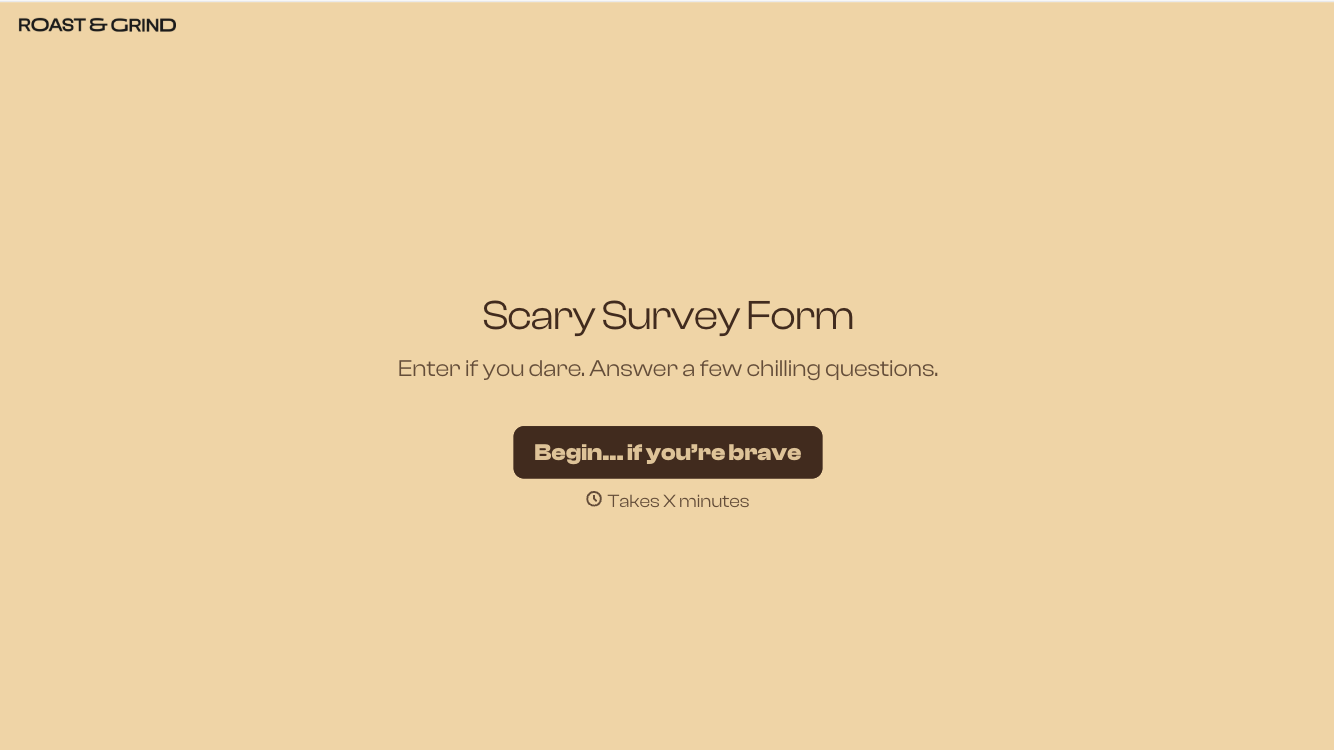
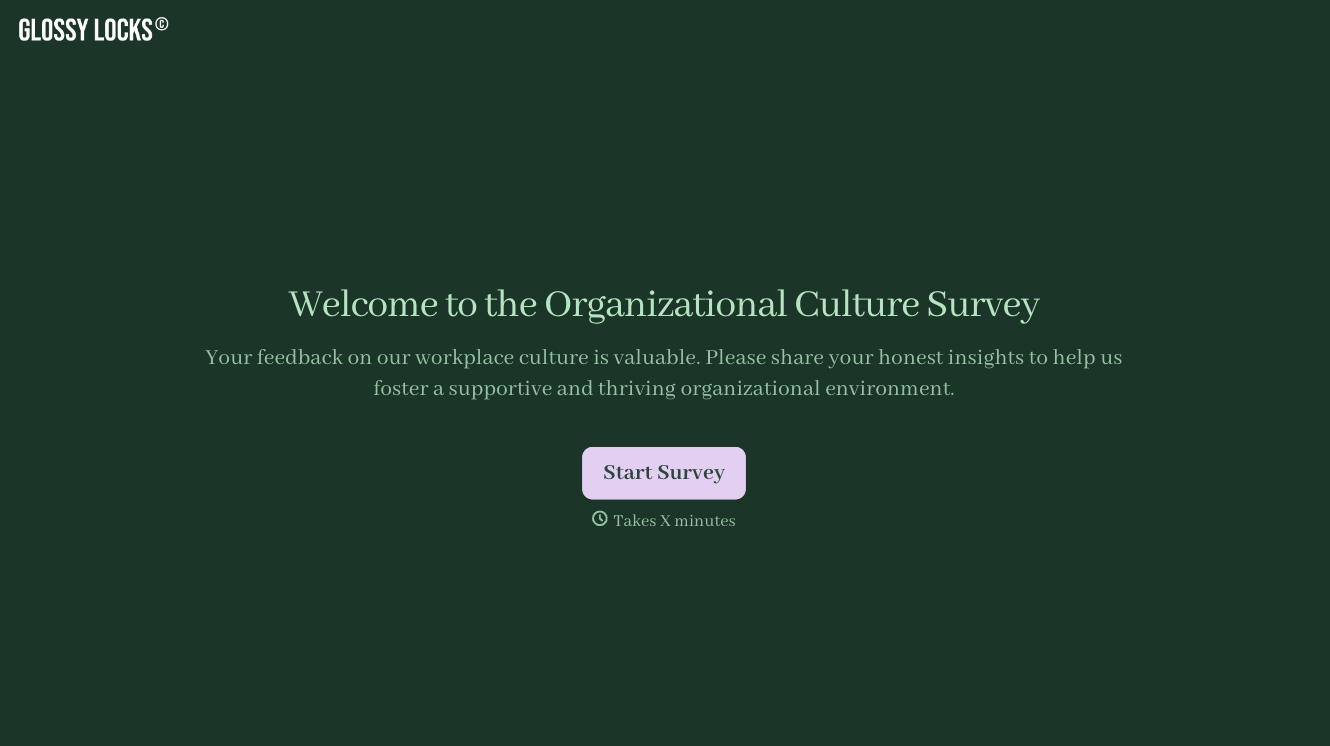
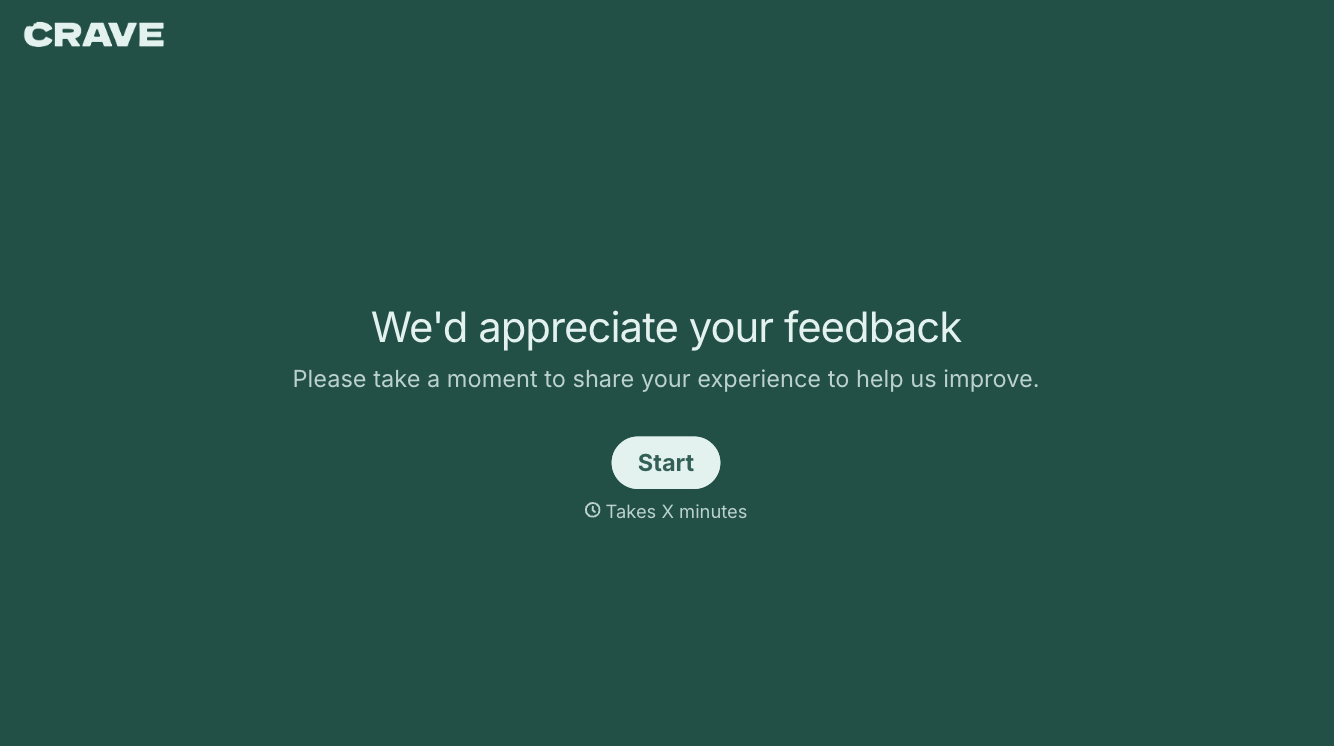
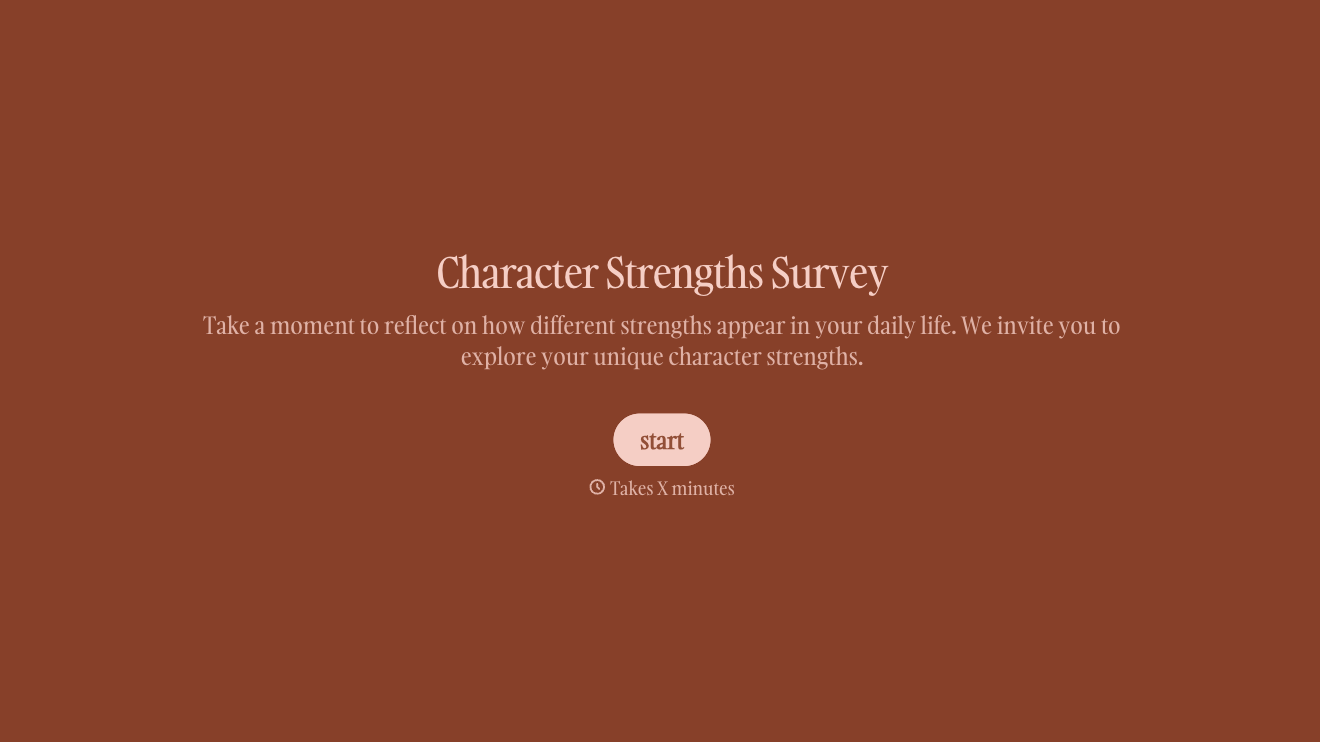
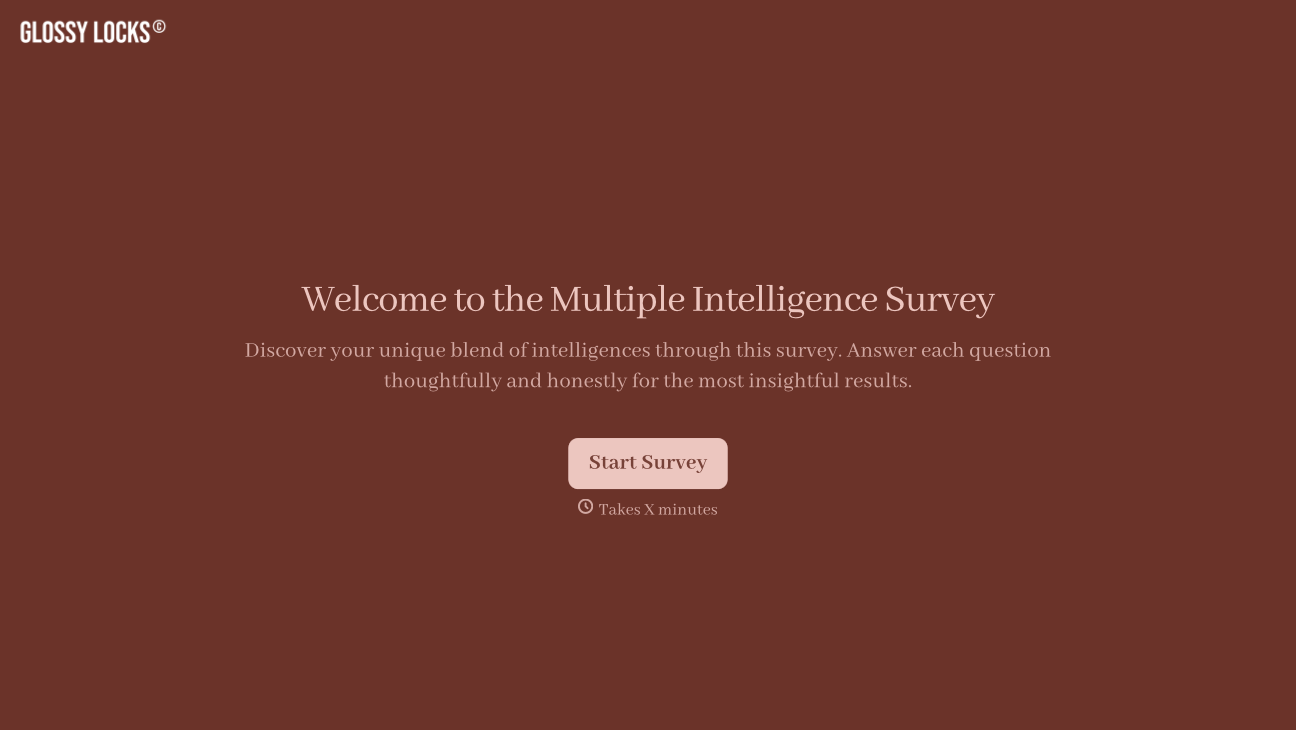
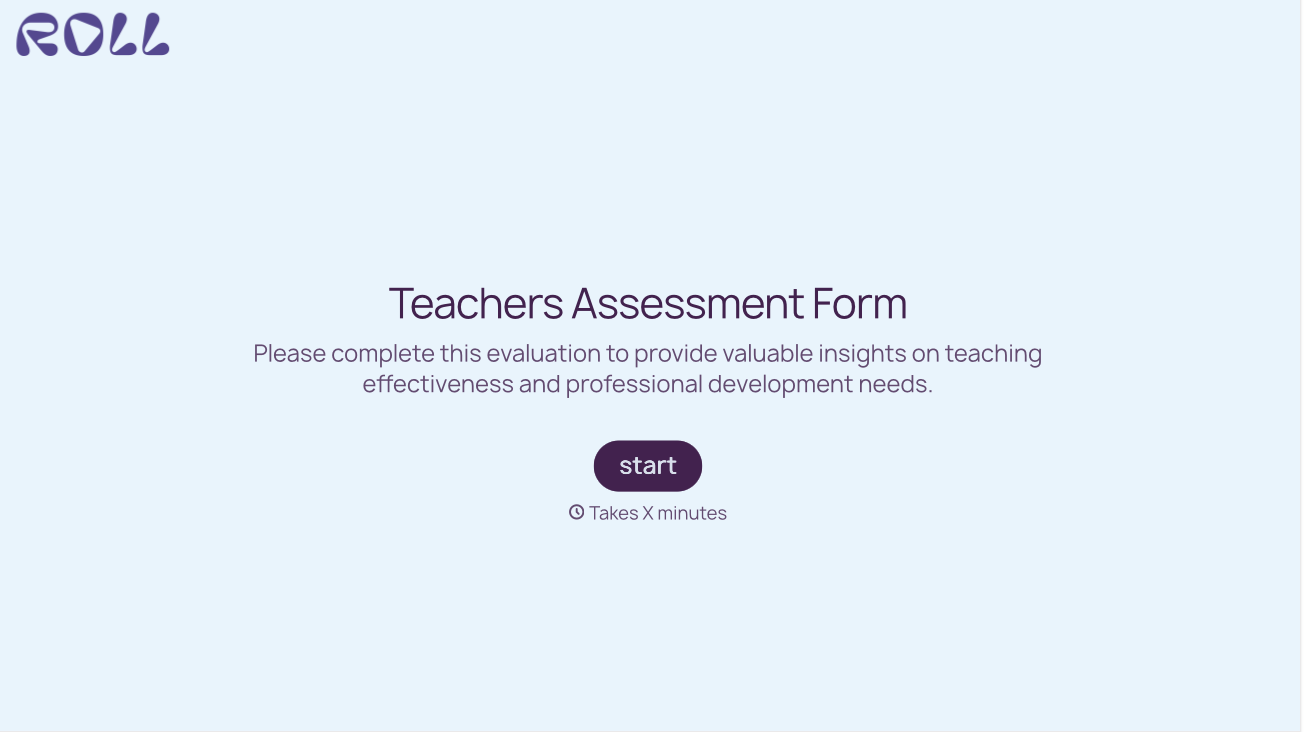
With Typeform, you can customize everything
Change text, colors, and even logos to match the look and feel of your brand. Then embed forms smoothly onto web and email.
Make forms feel effortless to fill out. Pace questions, call people by their name, and adapt the flow based on the data they share.
Stay efficient by connecting forms to your workflow. Typeform integrates with 300+ tools including Slack, Zapier, and HubSpot.


