Recruitment Application Form Template
Collect consistent candidate information from the first touchpoint. Structure your recruitment pipeline with a form that captures everything hiring managers need.


Screening candidates is faster when every application follows the same structure. A recruitment application form collects the details that matter — work history, skills, availability, salary expectations — without lengthy emails or phone tag. When all applicants submit the same information, comparing them side by side becomes straightforward.
This template covers personal details, employment history, education, role-specific questions, and consent for background checks. Add a CV upload field so candidates attach their resume in the same step. Use conditional logic to branch into technical screening questions for specialist roles while keeping the form shorter for general applications.
Recruitment agencies, in-house talent teams, and staffing firms all benefit from a consistent intake process. Connect submissions to your ATS via integrations or export responses to a spreadsheet to build your candidate pipeline. Each entry is date-stamped so you know exactly when each person applied.
A recruitment form is a structured application tool that candidates use to express interest in a job opportunity and provide their qualifications. It collects personal information, professional experience, skills, and other role-relevant details. Creating a standardized submission format that hiring teams can review and compare efficiently.
Because your application process is the candidate's first experience of your company culture. A form that's clunky, long, and impersonal tells candidates you don't value their time, before they've even started working for you. A clean, respectful, well-designed application attracts more and better candidates, reduces drop-off, and sets a positive tone for the entire hiring relationship.
The essentials every recruitment form should capture include:
- Full name, email, phone number, and location
- Position or department they're applying for
- Resume or CV upload
- Years of relevant experience and key skills
- Short answer: "Why are you interested in this role?"
- Earliest available start date and salary expectations
Only ask what’s necessary at this stage. For example, references can wait until you know they’re worth interviewing. Keep the initial application to five to eight questions. Let candidates upload a resume instead of having to manually enter every past position. Use a progress indicator so they know how close they are to finishing. Every field you remove increases completion rates.
Yes. Add a role selection field at the start, then use conditional logic to show role-specific questions for each position. An operations role might ask about process improvement experience, while a design role asks for a portfolio link. This approach lets you maintain one form, one URL, and one integration, while still capturing tailored information for every opening.
Get inspired by relevant templates and categories
3200+ Templates, 300+ Integrations

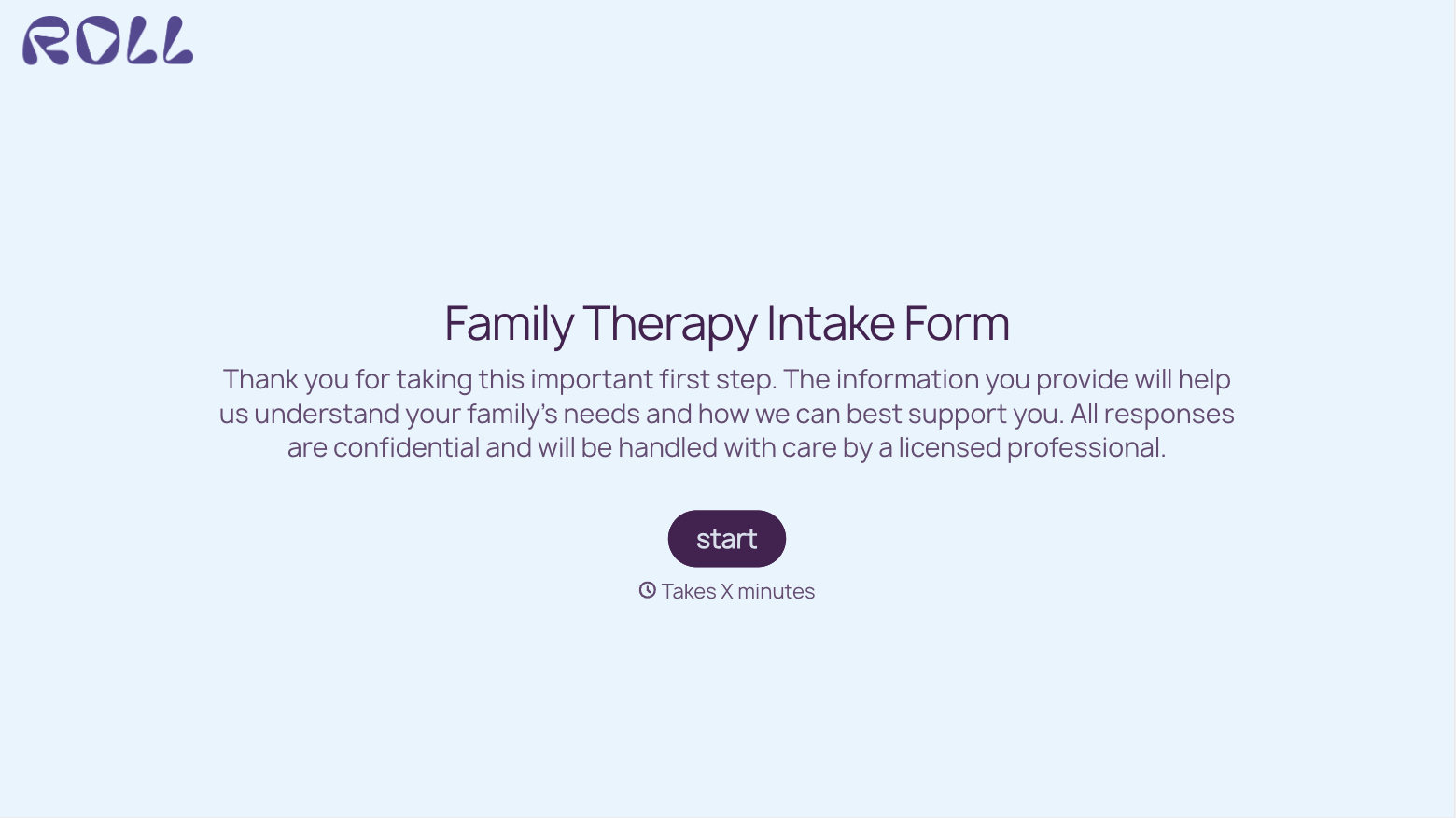
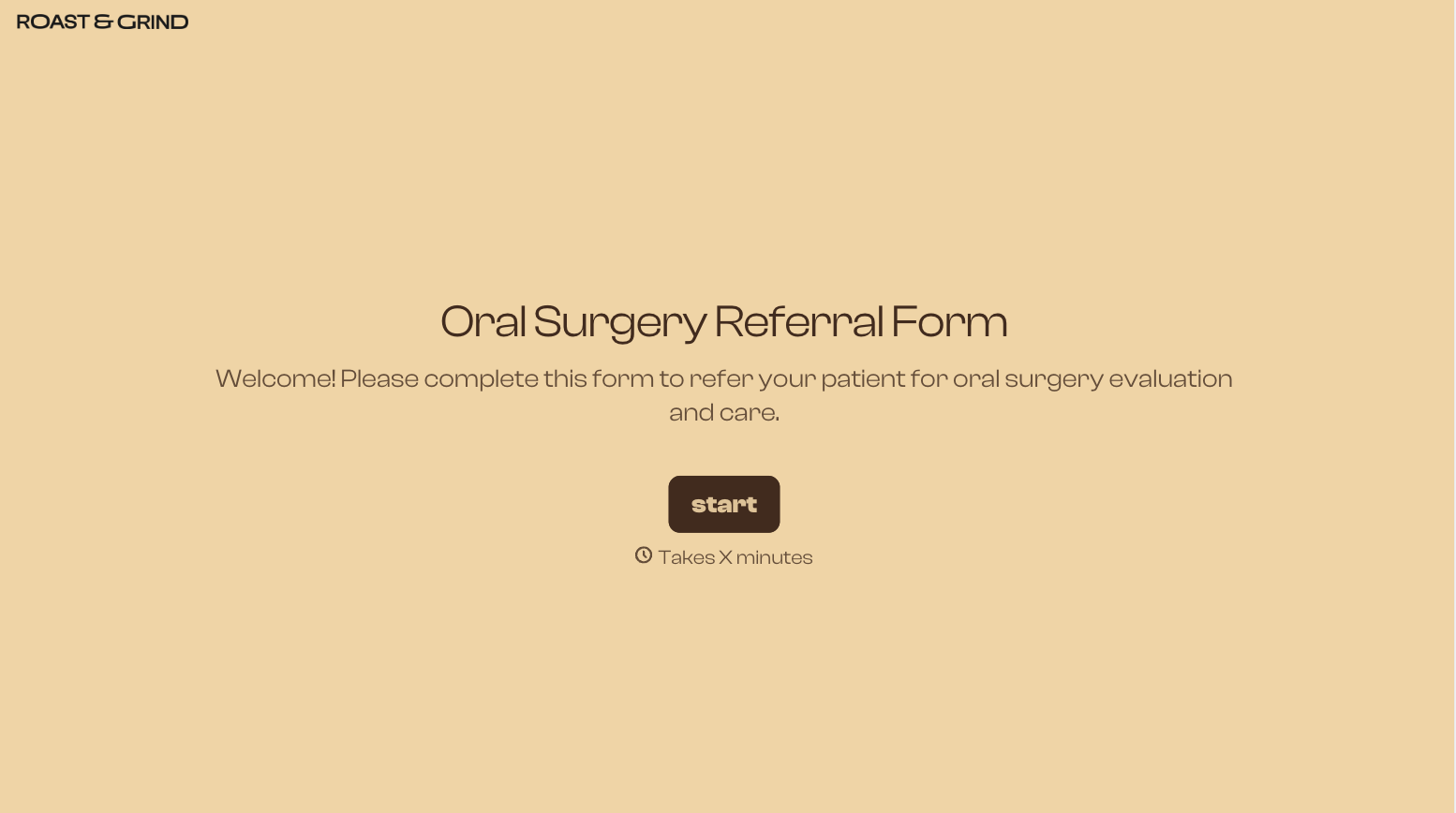
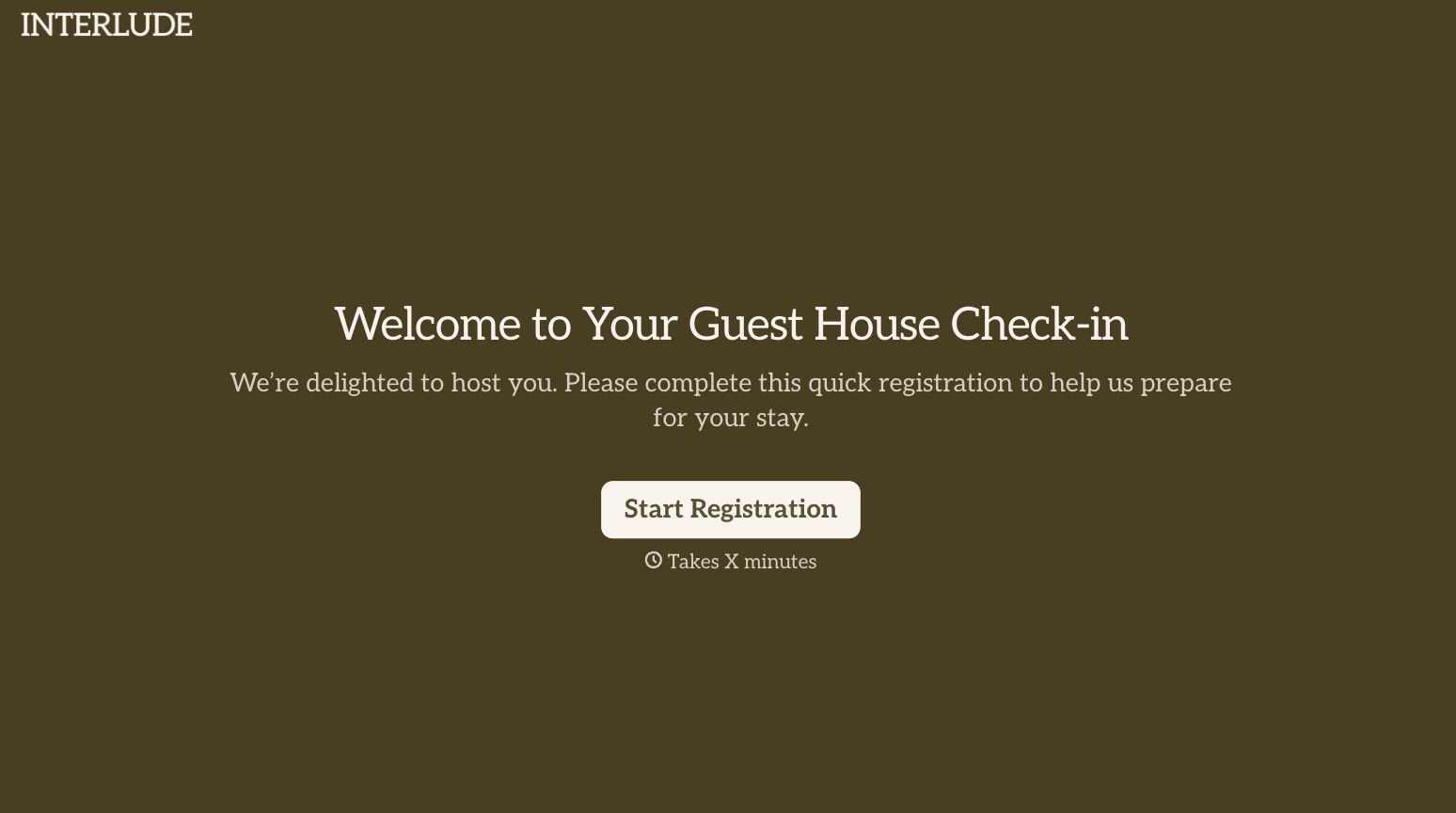
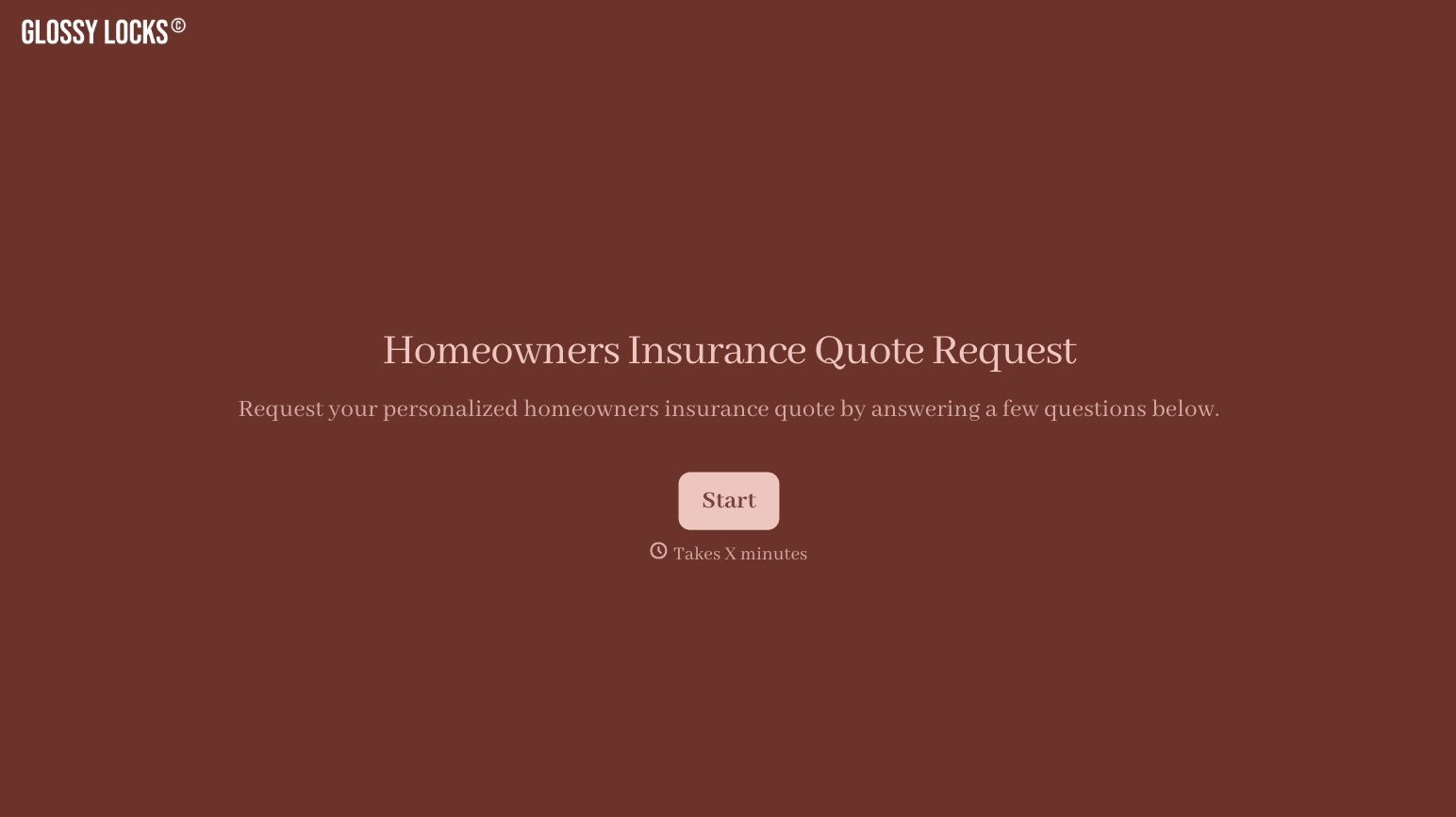
With Typeform, you can customize everything
Change text, colors, and even logos to match the look and feel of your brand. Then embed forms smoothly onto web and email.
Make forms feel effortless to fill out. Pace questions, call people by their name, and adapt the flow based on the data they share.
Stay efficient by connecting forms to your workflow. Typeform integrates with 300+ tools including Slack, Zapier, and HubSpot.


