Restaurant Pre-Order Form Template
Let guests order ahead so your kitchen is ready and your service runs smoother.


Large groups, event dinners, and busy service periods are easier to manage when you know what's coming before guests arrive. When tables of 10 try to order on the spot, service slows, the kitchen backs up, and the experience suffers. Pre-ordering solves that by moving the decision-making to before the reservation.
Typeform's restaurant pre-order form gives guests a clear, easy way to select their dishes in advance. The form adapts based on party size and dietary needs — guests with dietary restrictions see additional clarifying questions, and larger parties can specify orders for each seat. Responses arrive in your kitchen before the reservation, so prep starts earlier and service runs without the usual crunch. Connect the form to your reservation system to link pre-orders to the right table automatically.
Add your menu, set the pre-order deadline relative to reservation time, and send the link with every booking confirmation.
A restaurant pre-order form is an online form sent to guests before their reservation that lets them select their menu choices in advance. It's used to manage large parties, event dinners, set menus, and high-volume service periods where advance preparation gives the kitchen a meaningful advantage.
It improves the experience on both sides of the pass. Guests get faster, more attentive service because the kitchen is already prepared. Your team is less stressed during service because the decisions have already been made. For events and large parties especially, pre-ordering also reduces the chance of running out of specific dishes.
A restaurant pre-order form typically covers:
- Reservation name and date
- Party size
- Menu selection for each guest or course
- Dietary restrictions or allergen requirements
- Any special requests (celebrations, seating preferences, etc.)
- Preferred arrival time
- Contact number in case of questions
For large parties and event dinners, 48 to 72 hours before the reservation gives guests time to review the menu and submit their choices before your kitchen needs to plan. For same-day reservations at high-volume venues, a 4 to 6-hour window may be sufficient. Build your deadline into the form so guests know when the cutoff is.
Include a contact number or email in the confirmation so guests can reach you if plans change. For kitchen planning purposes, setting a clear cutoff time after which changes can't be guaranteed is standard practice — guests appreciate the transparency, and it protects your prep workflow.
Get inspired by relevant templates and categories
3200+ Templates, 300+ Integrations


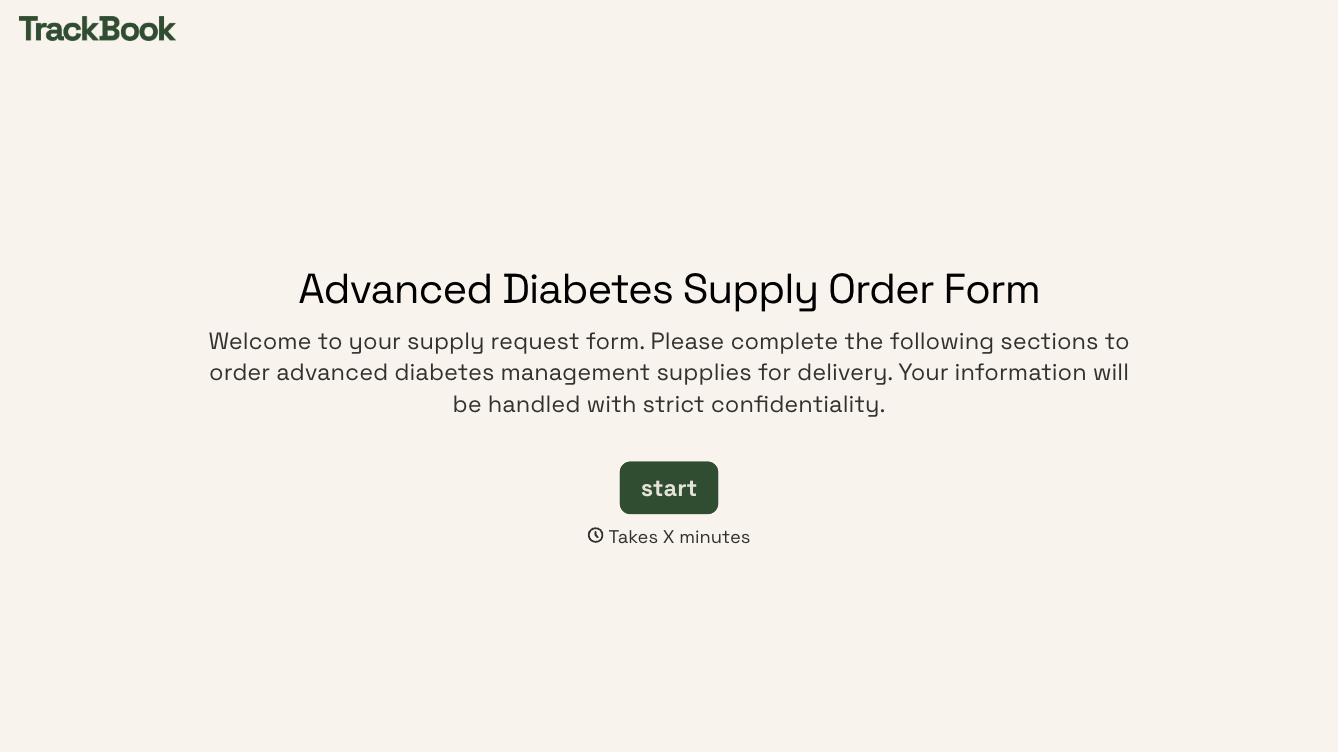
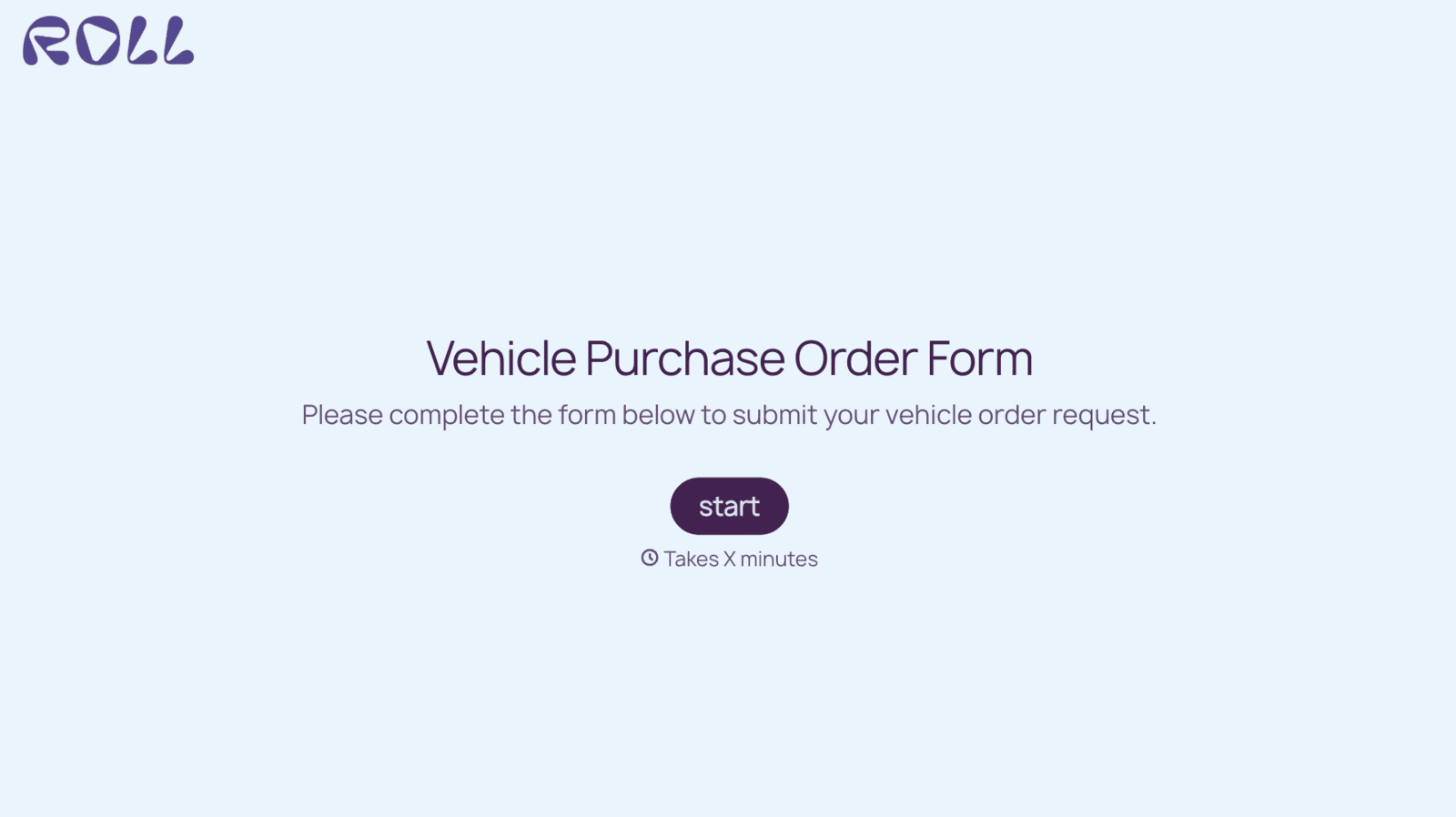
With Typeform, you can customize everything
Change text, colors, and even logos to match the look and feel of your brand. Then embed forms smoothly onto web and email.
Make forms feel effortless to fill out. Pace questions, call people by their name, and adapt the flow based on the data they share.
Stay efficient by connecting forms to your workflow. Typeform integrates with 300+ tools including Slack, Zapier, and HubSpot.


