Taxi Booking Form Template
Let customers book a taxi in advance — sharing pickup location, destination, and timing upfront — so there’s no confusion at pickup.


Last-minute taxi bookings over the phone work for some situations, but advance bookings are where details get lost. The pickup address sounds clear but isn't, the flight number wasn't written down, and the passenger who needed a car with space for five didn't mention it until the vehicle arrived — the result is a scramble on both ends.
A Typeform taxi booking form collects everything your dispatch team needs before the journey — pickup location, destination, date and time, number of passengers, vehicle preference, and any special requirements. Conditional logic can surface flight details for airport pickups, or ask about accessibility needs only when relevant. When the booking comes in, your team has a complete, accurate job sheet.
Embed the form on your booking page, share it through your app or social media, and set up email notifications so dispatchers are alerted to new bookings immediately.
A taxi booking form is an online form that allows customers to pre-book a taxi or private hire vehicle by providing journey details, preferences, and contact information. It replaces — or supplements — phone booking for advance reservations.
Phone bookings put the pressure on your team to capture details accurately, in the moment. A digital form lets customers enter their own information — so the details are right from the start, and your dispatch team has a clear record to work from.
Collect the details that define the journey:
- Customer name and contact number
- Pickup address
- Destination address
- Date and time of pickup
- Number of passengers
- Vehicle type preference (standard, estate, minibus, etc.)
- Flight or train number (for airport or station pickups)
- Accessibility requirements
- Any special instructions for the driver
Include a flight number field that appears conditionally when the customer selects an airport as their destination or pickup. Flight tracking integrations can help your dispatch team monitor arrival times, but having the flight number on the booking, at minimum, allows for manual checks
Yes. Add a field for a business account reference or company name, and use conditional logic to show relevant fields for account customers (like cost center codes) that don't appear for personal bookings. This keeps the form relevant for both customer types without adding unnecessary friction.
Get inspired by relevant templates and categories
3200+ Templates, 300+ Integrations
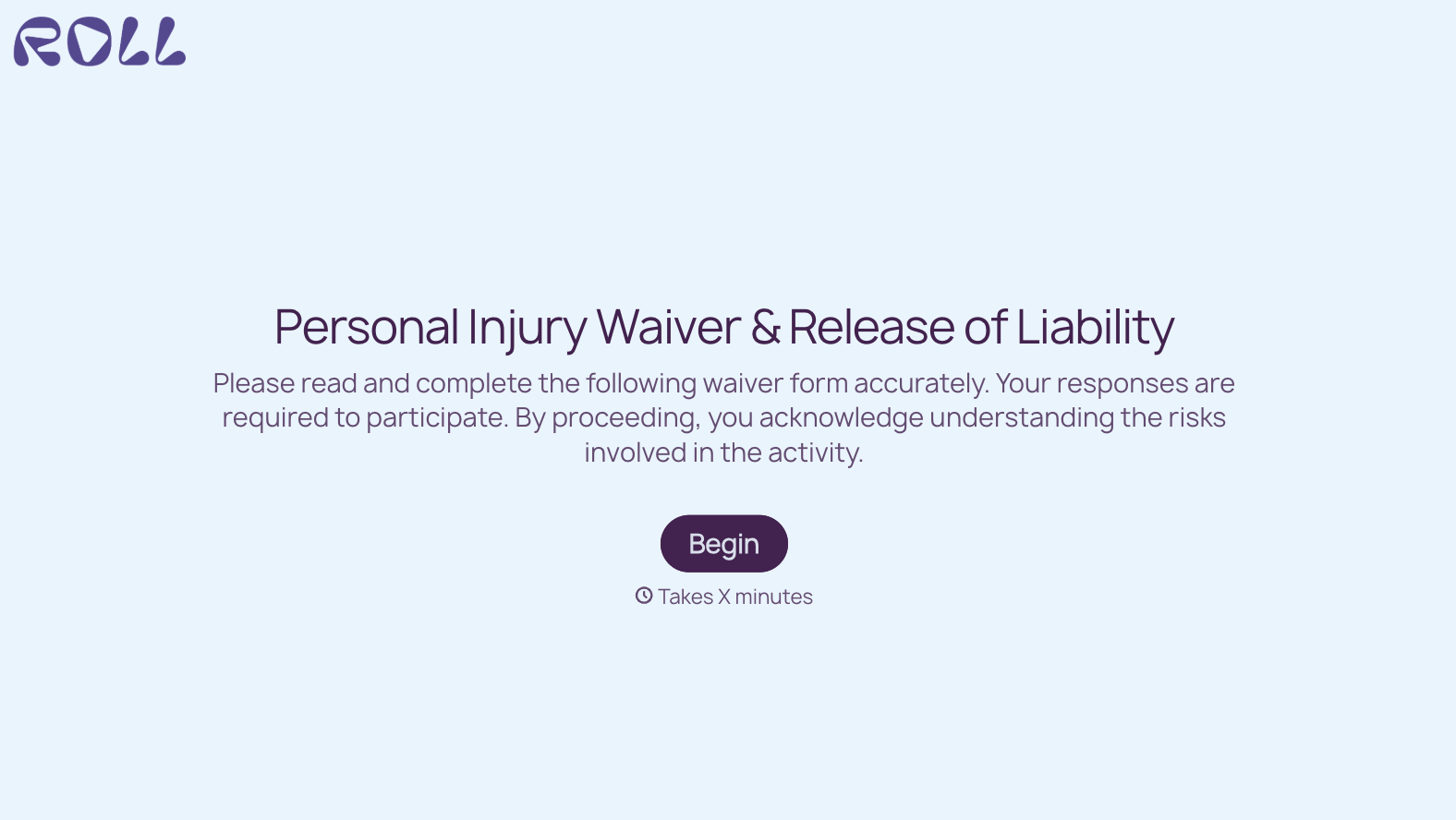
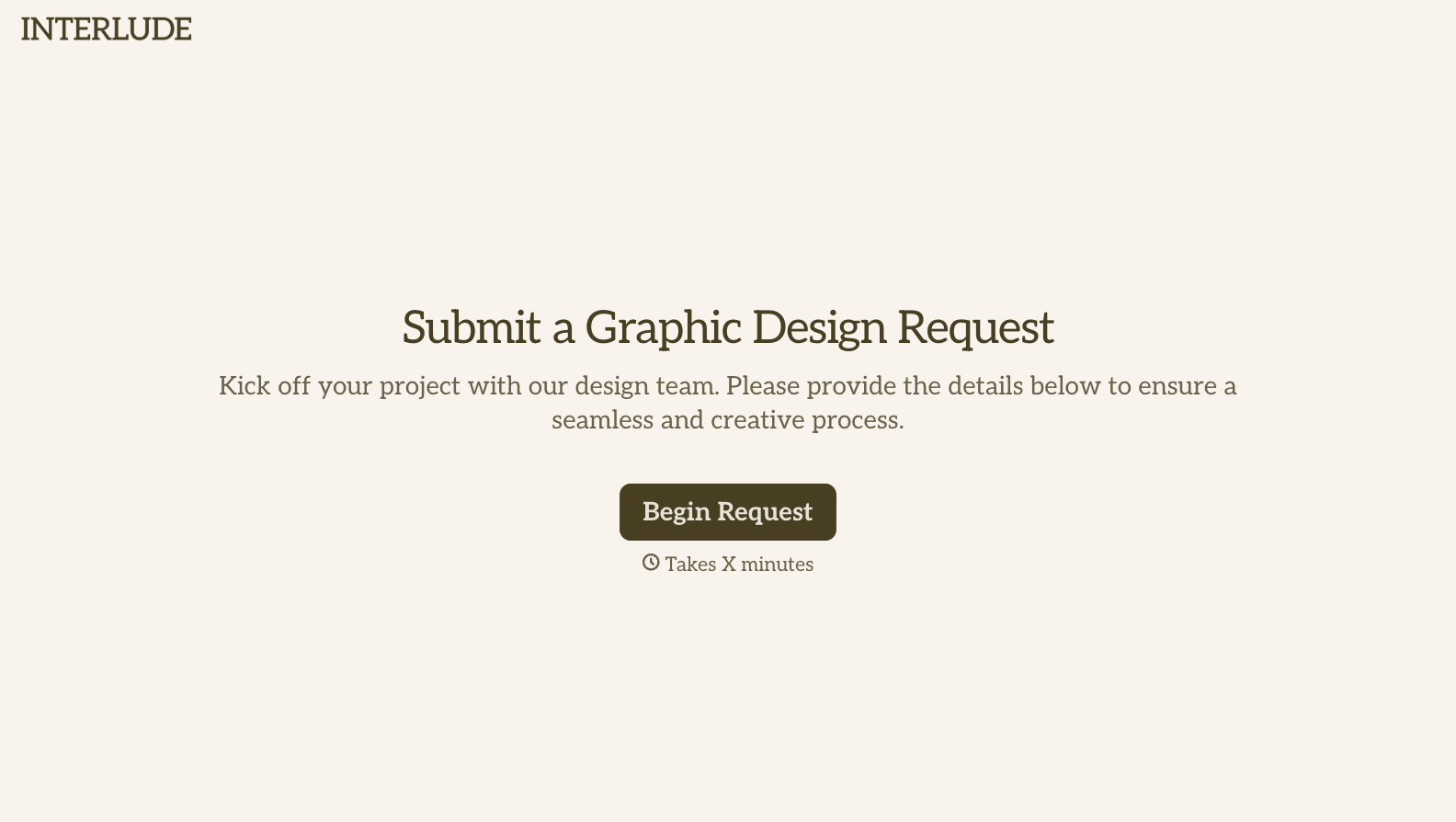
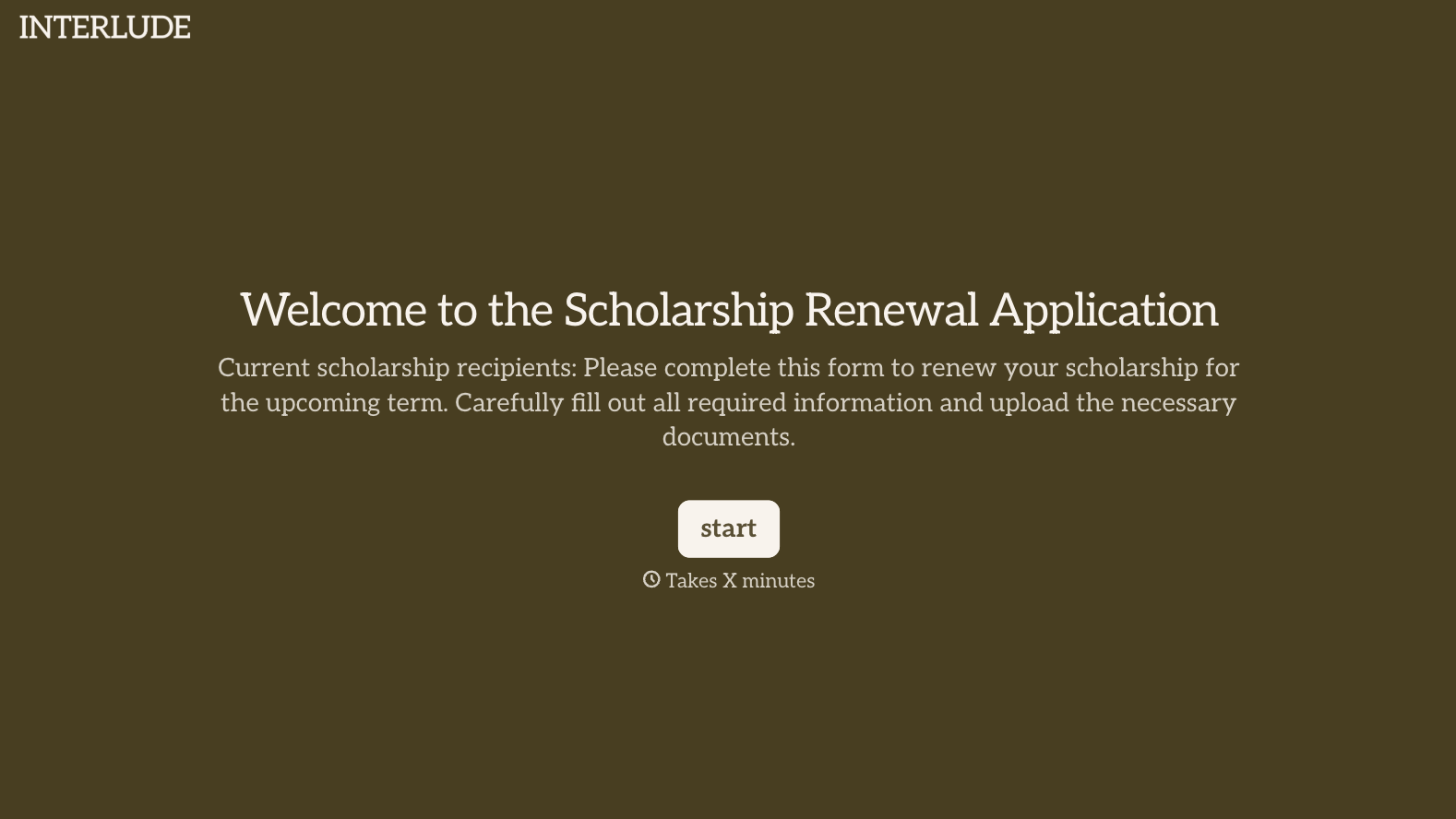
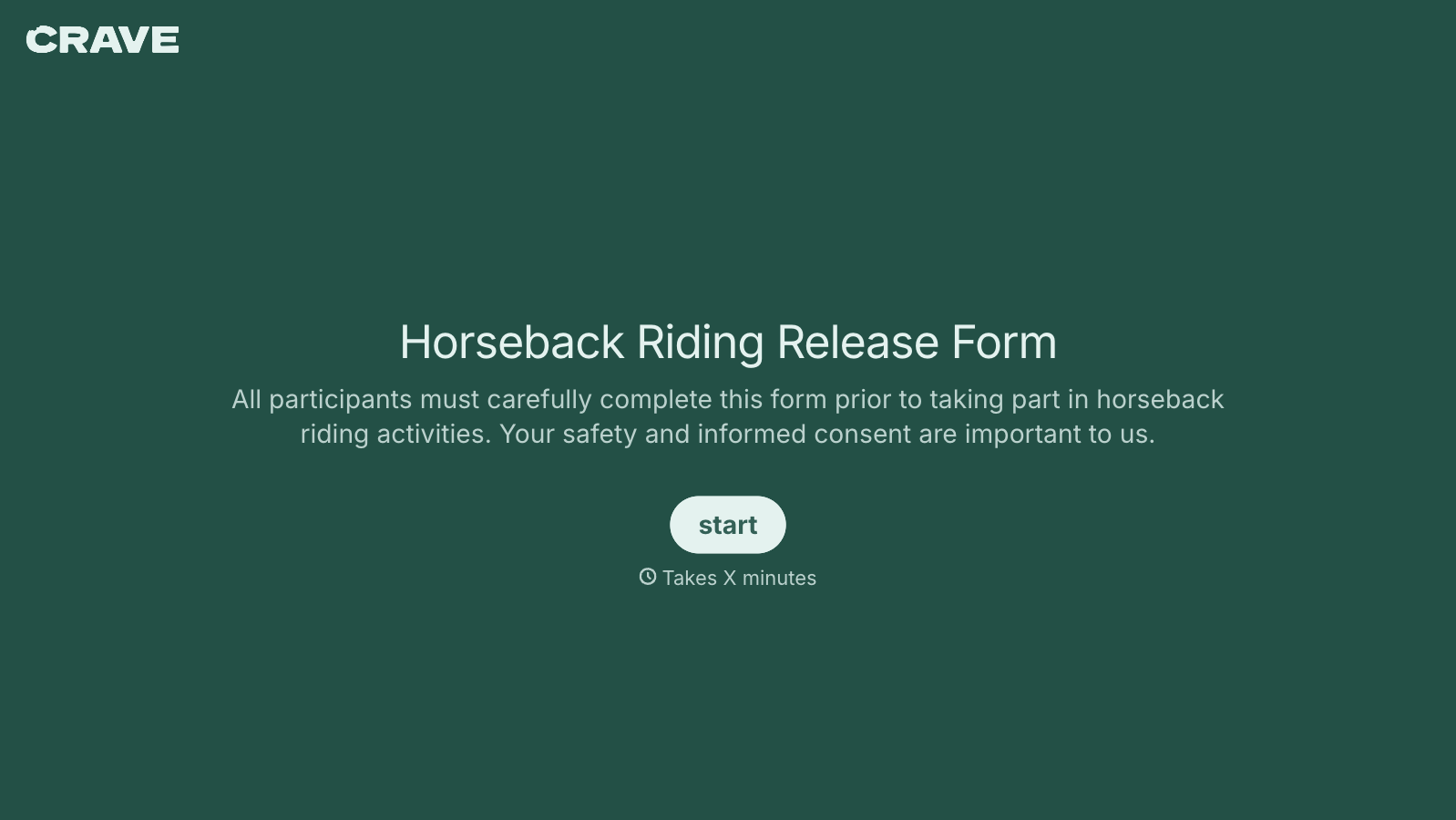

With Typeform, you can customize everything
Change text, colors, and even logos to match the look and feel of your brand. Then embed forms smoothly onto web and email.
Make forms feel effortless to fill out. Pace questions, call people by their name, and adapt the flow based on the data they share.
Stay efficient by connecting forms to your workflow. Typeform integrates with 300+ tools including Slack, Zapier, and HubSpot.


