Training Feedback Form Template
Find out whether your training actually landed before you run the same session 50 more times.


You invested time and budget into a training session. The facilitator felt good about it. But did participants actually learn something? Did the content match their needs? Without structured feedback, you're guessing. And guessing leads to repeating the same mistakes or cutting programs that were quietly doing great work.
This training feedback form template captures participant reactions while the experience is still fresh. The one-question-at-a-time format keeps people engaged instead of rushing through a wall of checkboxes. Rating scales measure satisfaction across key dimensions (content relevance, instructor effectiveness, materials quality), while open-ended questions surface the specific insights you can't get from a 1-5 scale.
Share the form link right after the session ends, or embed it in your follow-up email. Responses flow into Google Sheets or your LMS via integrations, giving you a dashboard of feedback you can act on. Customize questions for different training types, add your branding, and start collecting responses that actually improve your next session.
A training feedback form is a post-session survey that captures participants' assessments of a training program. It typically measures content quality, instructor performance, relevance to job responsibilities, and overall satisfaction. The data helps L&D teams iterate on training design and justify program investments to leadership.
Feedback reveals the gap between what you designed and what participants experienced. Maybe the content was too basic for senior team members. Maybe the pacing was too fast. Maybe the case studies felt irrelevant. Without this data, you're planning your next session in the dark. With it, you can make targeted adjustments that measurably improve outcomes.
- Child's full name, date of birth, and gender
- Parent or guardian contact information (phone, email, address)
- Emergency contacts (at least 2 beyond the primary guardian)
- Medical conditions, allergies, and current medications
- Authorized pickup persons with photo ID requirements
- Immunization records and pediatrician contact details
Keep it short: 5 to 8 minutes maximum. The one-question-at-a-time format already helps by reducing the visual overwhelm of traditional surveys. Set expectations upfront ("this takes 3 minutes"), and explain how feedback directly shapes future sessions. If appropriate, build 5 minutes of form-completion time into the end of the training itself.
Get inspired by relevant templates and categories
3200+ Templates, 300+ Integrations
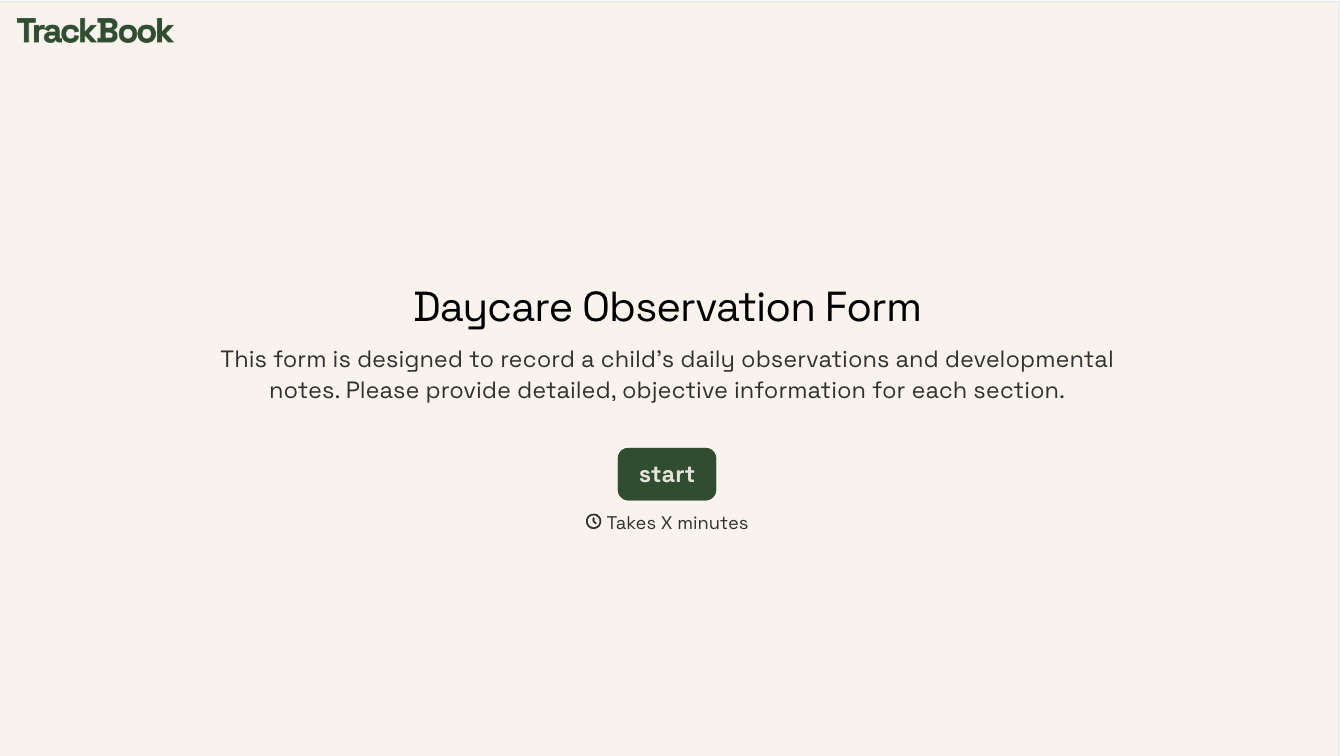

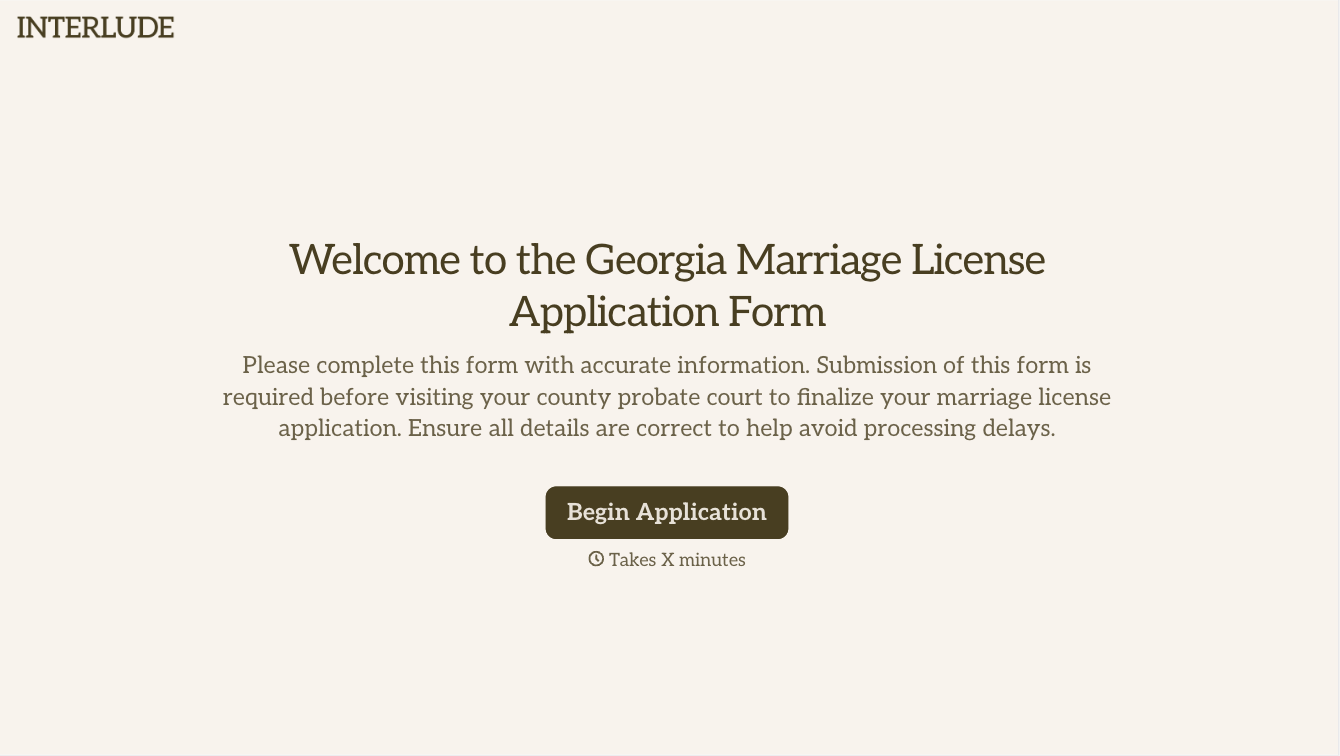
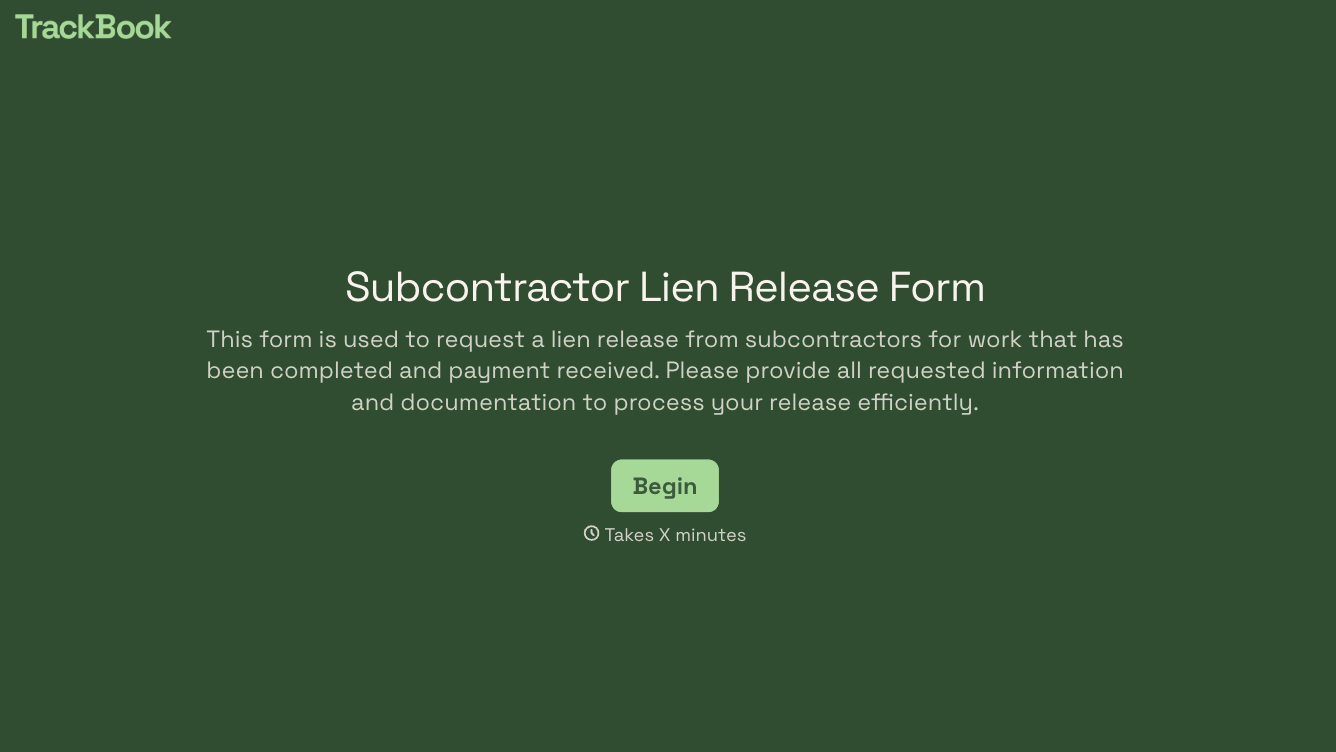
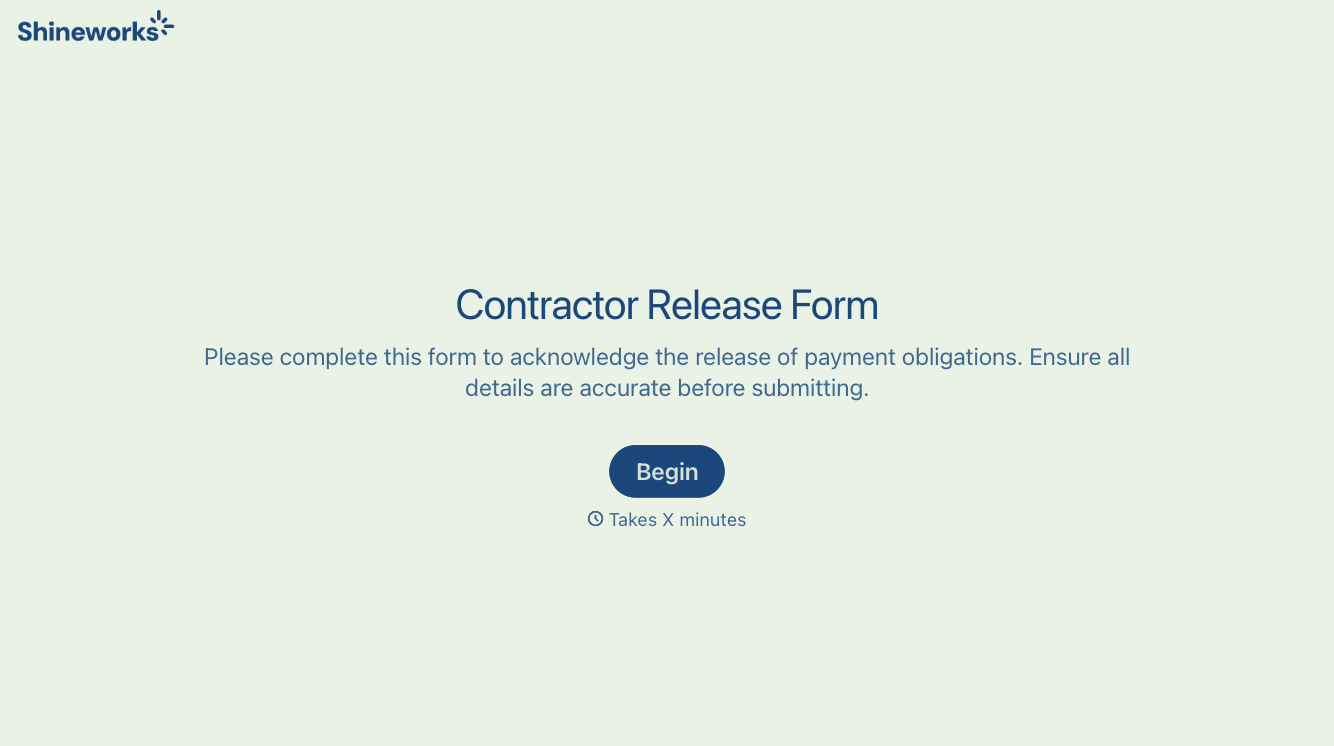
With Typeform, you can customize everything
Change text, colors, and even logos to match the look and feel of your brand. Then embed forms smoothly onto web and email.
Make forms feel effortless to fill out. Pace questions, call people by their name, and adapt the flow based on the data they share.
Stay efficient by connecting forms to your workflow. Typeform integrates with 300+ tools including Slack, Zapier, and HubSpot.


