PREGUNTAS EN VÍDEO
Pasa de la pregunta a la conversación
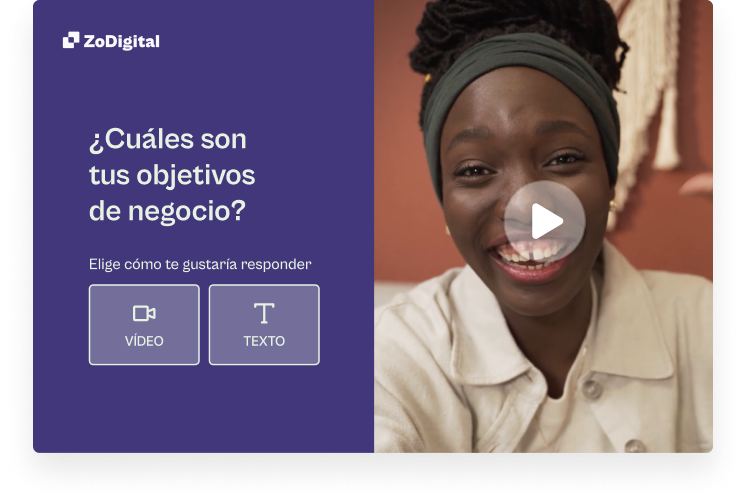
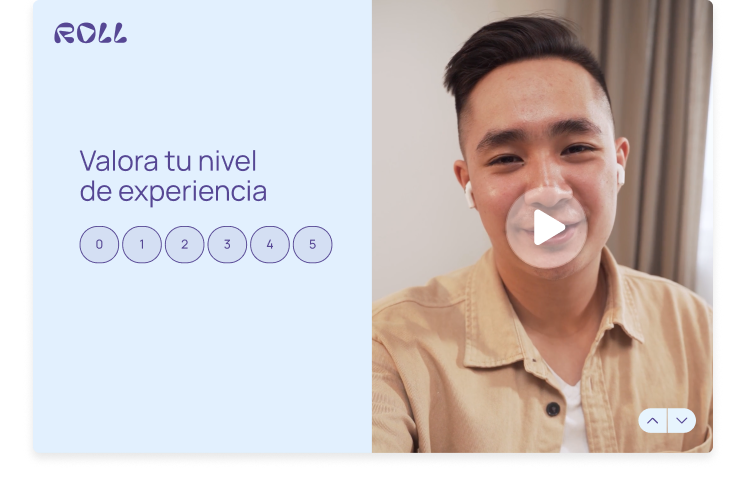
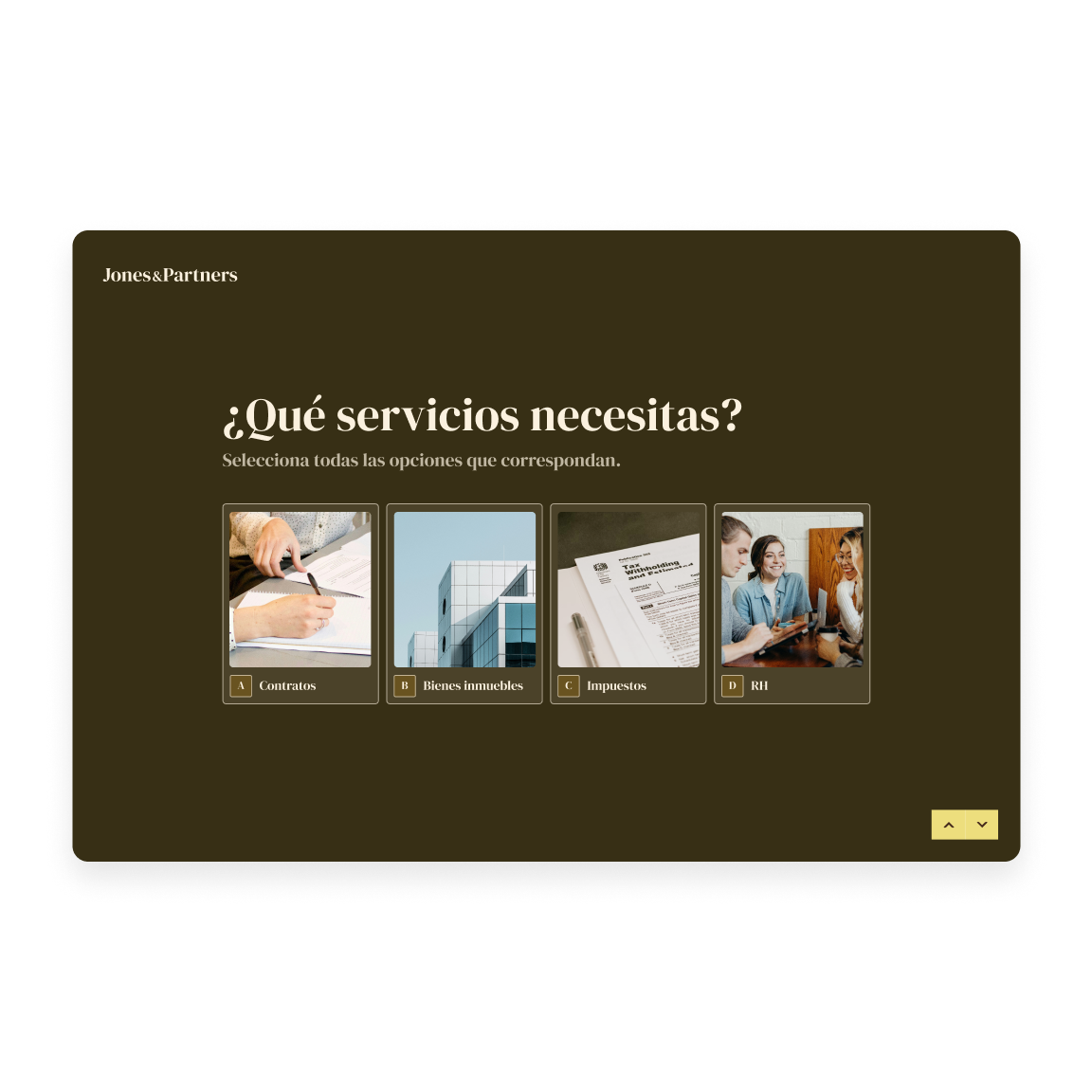
Deja que la gente vea la cara detrás del formulario. Reemplaza el texto estático con preguntas en vídeo para captar la atención, inspirar respuestas más completas y generar confianza.
INTERACCIÓN CON VÍDEOS
El vídeo aporta un toque humano a las preguntas y fomenta respuestas más abiertas y sinceras. Esto hace que sea más fácil entender lo que la gente necesita, para que puedas ofrecerles rápidamente lo que quieren.

Marketing y comunidad
Conecta con los clientes potenciales a través de vídeos de una manera personal y real.

RR. HH. y gestión de talento
Genera confianza y cultura desde el primer punto de contacto con el vídeo.

UX e investigación
Captura la emoción y el contexto que los números por sí solos no pueden darte.

PREGUNTAS EN VÍDEO
Deja que la gente vea la cara detrás del formulario. Reemplaza el texto estático con preguntas en vídeo para captar la atención, inspirar respuestas más completas y generar confianza.

RESPUESTAS EN VÍDEO
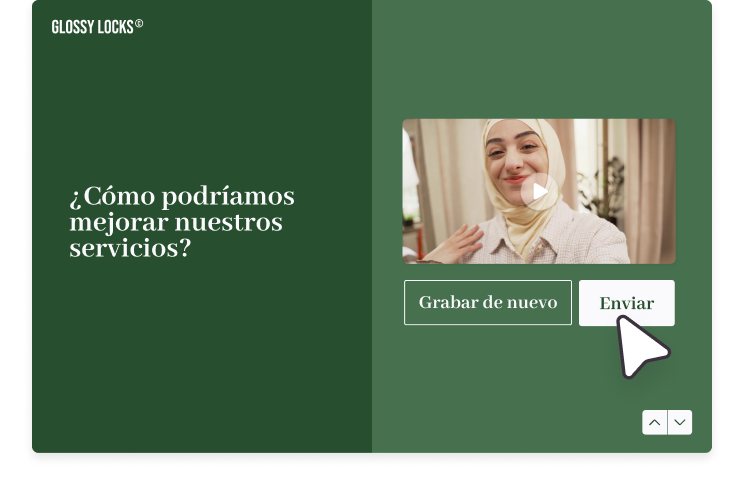
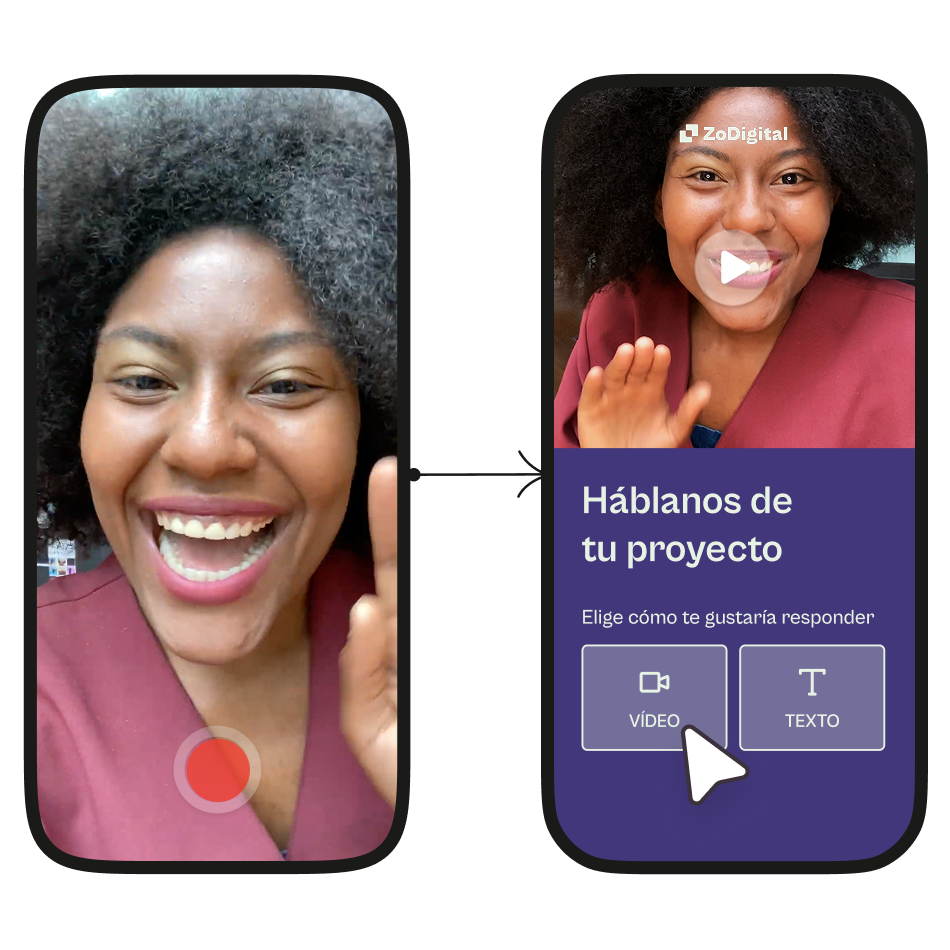
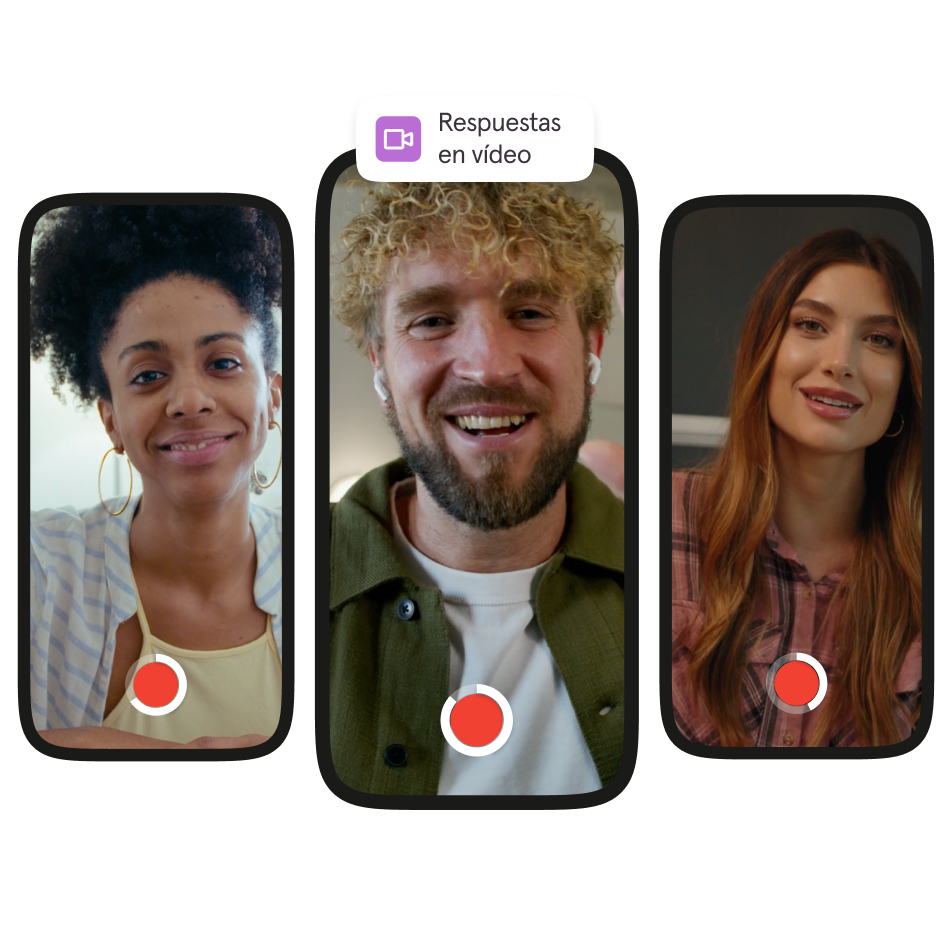
Dale a tu audiencia la opción de responder con un vídeo para que sepas lo que realmente quieren. El tono, las expresiones faciales y las pausas revelan lo que el texto no puede.

Perspectivas y análisis
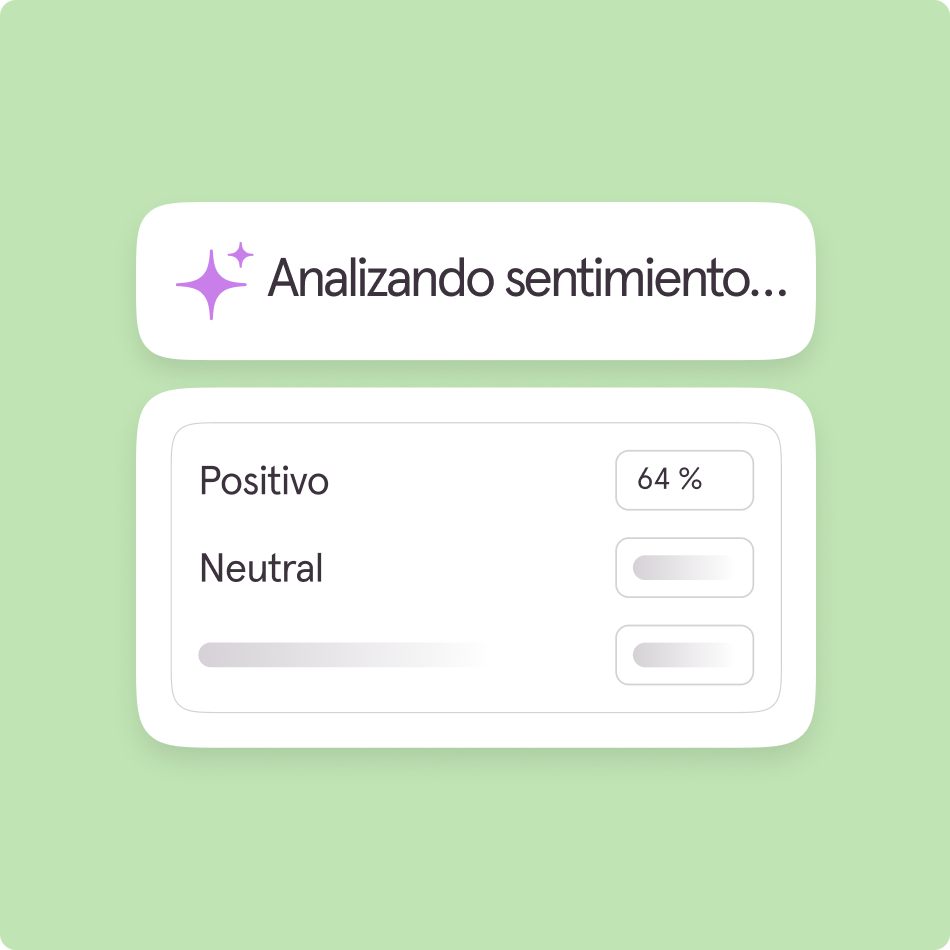
Revela rápidamente información procesable de grandes volúmenes de datos de respuestas en vídeo con análisis de sentimientos. Identifica los temas clave y descubre lo que importa sin mirar cada respuesta.

marketing y promoción
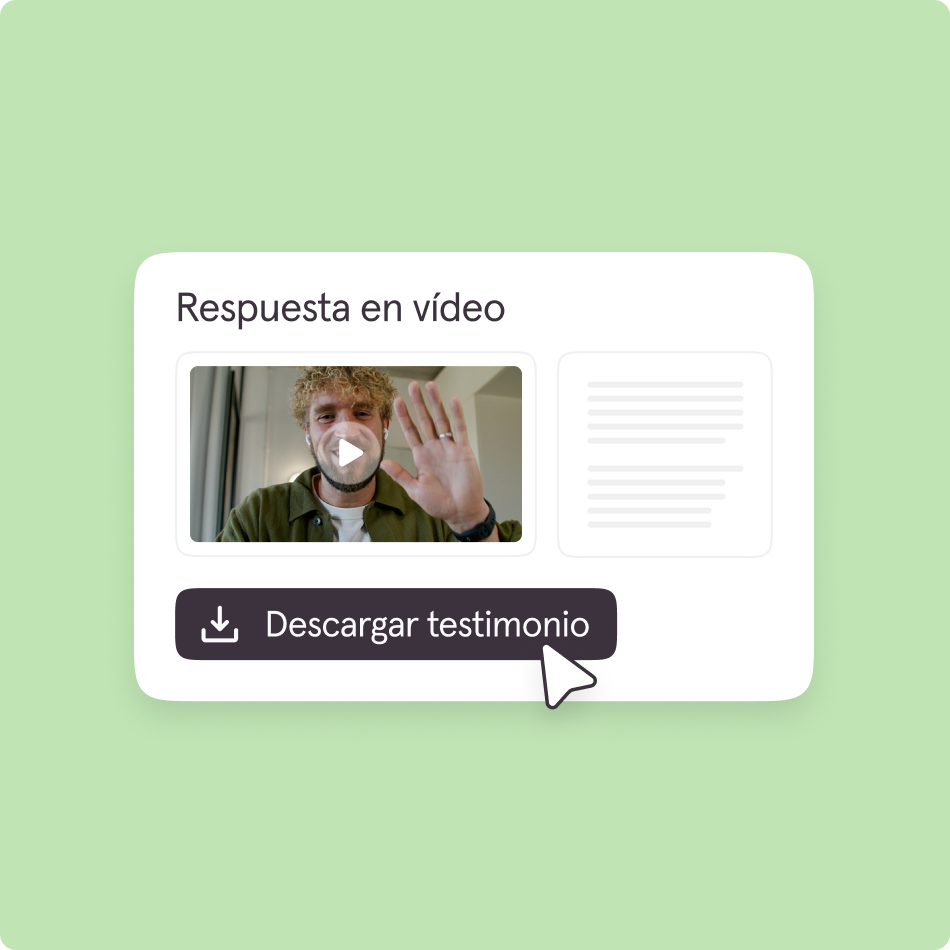
Descarga tus respuestas en vídeo y transcripciones para convertir las historias reales de los clientes en poderosos testimonios, contenido social y materiales de marketing.
Darnell Brown
Polímata creativo y gestor de comunidades en Forge
Descubre plantillas y herramientas para mejorar tus formularios, tanto si eres nuevo por aquí como si buscas optimizar la forma en que has estado trabajando.


A Typeform video form lets you ask questions and collect responses using video instead of only text. You can record video questions and invite people to respond with video, making it easier to capture rich stories, testimonials, or nuanced feedback that’s hard to get from written answers.
Video questions and video answers turn a standard form into an asynchronous, conversational experience. A video question lets you record or upload a clip that respondents watch before answering, with options like delaying input until the video is viewed. A video answer allows respondents to reply by recording themselves directly in the form using their camera and microphone. Together, they simulate a back-and-forth interaction—where you “ask” via video and users “respond” via video—without requiring a live call, making them especially useful for more personal, qualitative interactions like hiring, onboarding, or feedback collection.
Video forms tap into higher engagement: people tend to respond more thoughtfully when they can see and hear a human asking the question, and they can express more nuance in their own video responses. This is particularly valuable for testimonials, qualitative research, and storytelling‑driven campaigns.
Video responses are easy to turn into reusable assets that can add real value across your workflows. You can download individual videos from responses and repurpose them in presentations, marketing materials, internal reviews, or case studies. Each response also has a shareable link, making it simple to circulate videos with teammates or stakeholders for quick, async collaboration. With integrations like Zapier, Make, or APIs, you can automatically send videos to tools like Google Drive, Slack, Notion, or Airtable, helping you organize and build a searchable repository over time. Once stored, these recordings can be edited into testimonials, highlight reels, or insights-driven content—especially powerful when building customer stories or recruiting pipelines. Overall, video responses become a flexible, reusable content source that can be continuously leveraged beyond the original form.
No. Building a video form in Typeform doesn’t require technical skills. You can add video questions or enable video answers using built-in options in the form builder, with no coding needed. It mainly involves selecting the video block and uploading or recording content.
If you want to automate storage or workflows (e.g., saving videos to Drive or Slack), then basic no-code tools like Zapier can help, but they’re optional.
Video forms are especially impactful for video testimonials, detailed customer stories, and in‑depth feedback where tone and emotion matter. Marketing and customer teams often use them for case study sourcing, social proof generation, and qualitative research that benefits from seeing respondents on camera.