Testimonial Form Template
Make it easy for happy customers to say great things, in their own words.



You know your customers love what you do. The problem is getting them to actually say it somewhere useful. Asking for testimonials in person feels awkward. Sending a blank email with "can you write something nice?" gets ignored. And chasing people for quotes is nobody's favorite task.
This testimonial form template removes the friction. It walks respondents through a few focused questions: what problem they had, how your product or service helped, and what they'd tell someone considering it. The one-question-at-a-time format keeps it conversational, so responses feel natural instead of forced.
Drop in your logo, tweak the questions to match your brand, and share it via email or embed it on your site. Responses flow straight into your inbox or connect to Google Sheets, Notion, or your CMS, so you've got a growing library of social proof without lifting a finger.
A testimonial form is a structured way to collect customer feedback specifically intended for marketing use. Unlike a general survey, it's designed to draw out stories: the before, the after, and the emotional takeaway. The result is authentic, quotable content you can use on your website, in emails, or across social media.
People trust other people more than they trust brands. A strong testimonial does what no amount of ad copy can: it shows a real person vouching for your work. Testimonials reduce hesitation for potential buyers and give your marketing team ready-made language that resonates because it came from an actual customer.
- What challenge or problem were you facing before using our product/service?
- How has our product/service helped you?
- What specific results or outcomes have you experienced?
- Would you recommend us to others, and why?
- Can we use your response (and name) in our marketing materials?
- Any additional comments you'd like to share?
Timing matters more than incentives. Send the form shortly after a positive interaction, like a successful project, a glowing support ticket, or a milestone moment. Keep the form short (5-7 questions max), and let people know it'll take under 3 minutes. A personal note explaining why their feedback matters goes a long way too.
Yes. You can add a file upload question that accepts video files, or include a link to a video recording tool. Some teams prefer to use the written responses as a screening step: identify your strongest advocates first, then follow up with a video request. That way you're not asking everyone for a big commitment upfront.
Get inspired by relevant templates and categories
3200+ Templates, 300+ Integrations
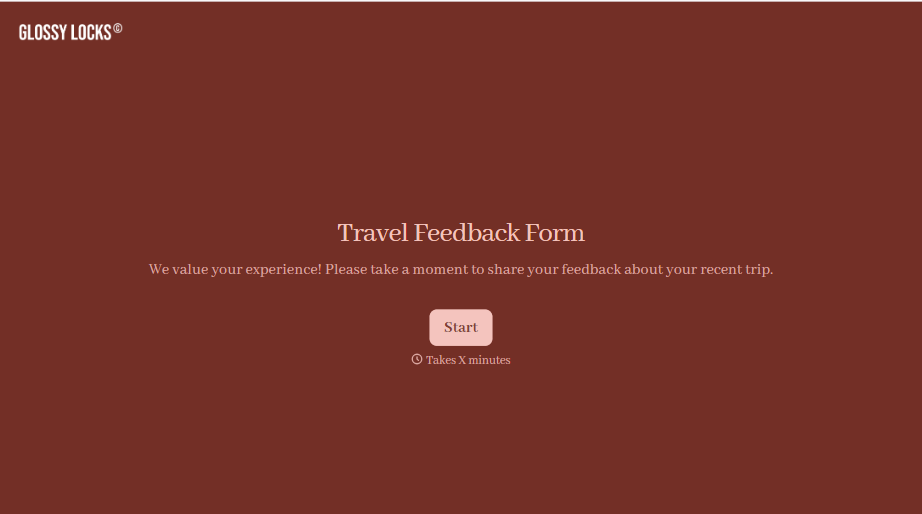
Travel Feedback Form
A quick "so, how was the trip?" when someone's back in the office doesn't tell your travel team which hotel to stop booking or which flight change actually caused the headache. Collect what your team actually needs, trip details, what worked, and what didn't, once the traveler's had a minute to think about it.
View template
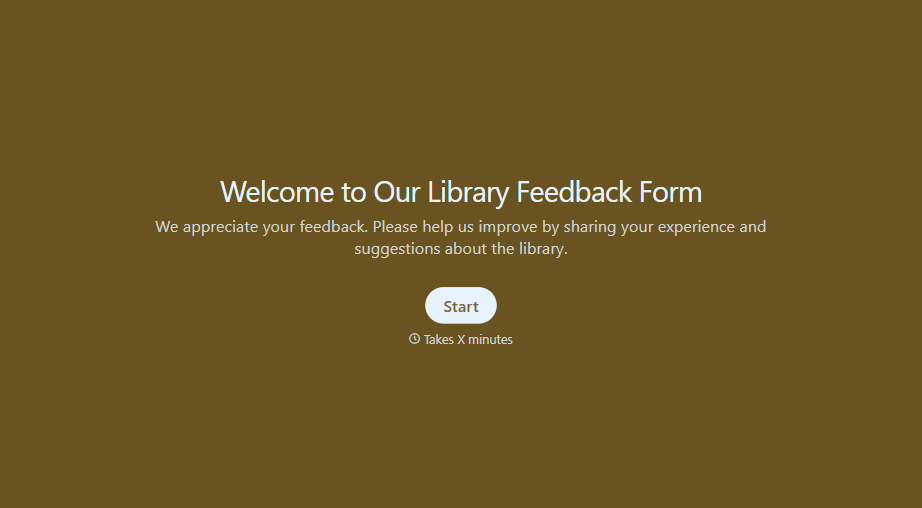
Library Feedback Form
A comment card dropped in a suggestion box isn't a channel your staff can act on quickly, especially when nobody can tell if it's about a broken chair or a request for more audiobooks. Collect the specific feedback, which branch and department it concerns, and a way to follow up before the card gets buried under next week's stack.
View template
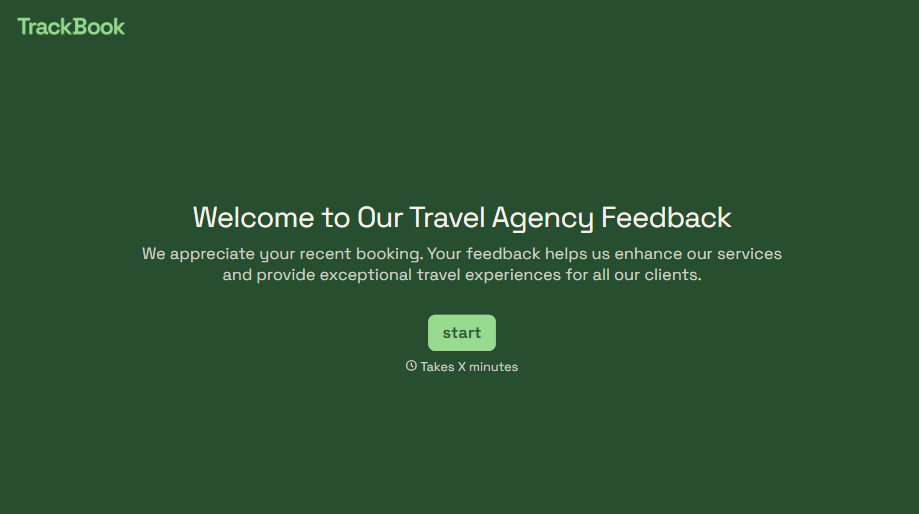
Travel Agency Feedback Form
A generic satisfaction survey emailed three weeks after a trip isn't the kind of feedback an agency can act on, especially once the specifics of a rough hotel transfer have faded. Collect feedback on the specific parts of a trip while it's still fresh, so a complaint that needs immediate follow-up doesn't sit behind a stack of routine responses.
View template
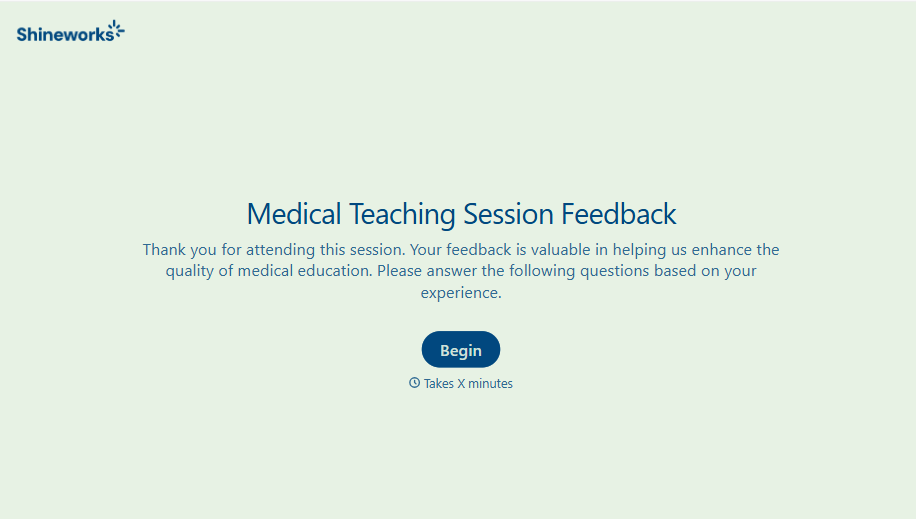
Medical Teaching Feedback Form
An evaluation handed out on the last day of a rotation, filled out in the hallway before everyone scatters, isn't the kind of feedback that helps a program improve teaching quality. Collect specific, timely feedback on teaching encounters before it fades into a generic "good rotation" comment.
View template
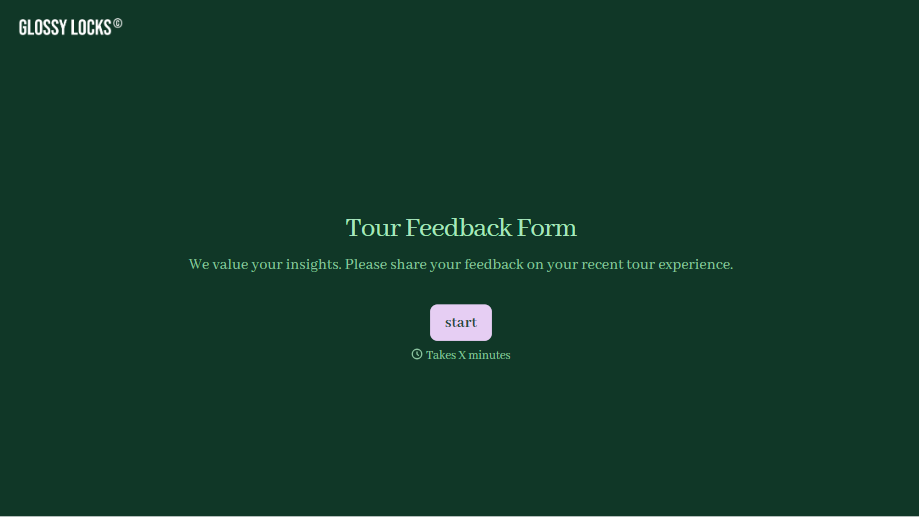
Tour Feedback Form
"How was it?" asked by the guide standing right there at the end of the tour gets a polite "great, thanks" whether the tour actually was great or not. Collect what your team actually needs, which tour and guide, and honest feedback, after the group's already walked away.
View template
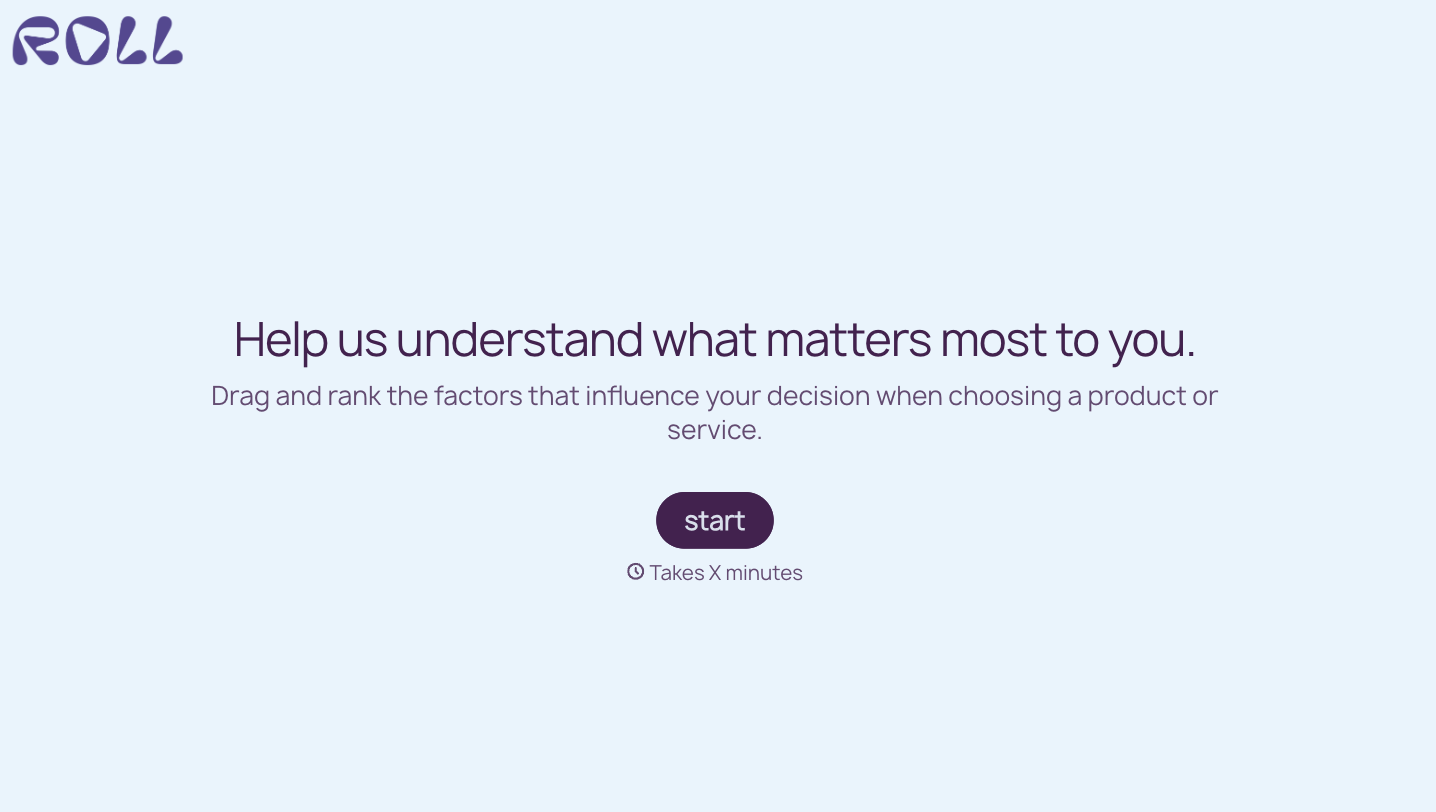
With Typeform, you can customize everything
Change text, colors, and even logos to match the look and feel of your brand. Then embed forms smoothly onto web and email.
Make forms feel effortless to fill out. Pace questions, call people by their name, and adapt the flow based on the data they share.
Stay efficient by connecting forms to your workflow. Typeform integrates with 300+ tools including Slack, Zapier, and HubSpot.


